Best Software for Construction Sequence Planning in 2026: 6 Tools Compared
Best software for construction sequence planning, compared. 6 tools with published prices, free plans and limits. Verdicts stay brief and factual. Easy to scan.

- Editor's choice
 Procore
Connecting site and office
Starts atPricing on requestVisit procore.comFull review - Great alternativeNavisworks
3D model review and coordination
Starts atPricing on requestVisit autodesk.comFull review - Also consider
 Oracle Primavera P6
Large-scale enterprise scheduling
Starts atPricing on requestVisit oracle.comFull review
Direct answer
Procore comes first here, mainly for connecting site and office. Look at Navisworks for 3D model review and coordination, and at Oracle Primavera P6 for large-scale enterprise scheduling. Details and limits for the rest of the 6 tools are below. None of these vendors publish plan prices, so pricing is on request for every option.
TL;DR:
- Procore is the opening pick, best for connecting site and office.
- The main caution on Microsoft Project: limited 4D BIM integration.
- A permanent free plan is missing from all 6 tools, Procore and Autodesk Construction Cloud included; plan for a trial or a premium start.
- Pricing across the list, from Procore to Autodesk Construction Cloud, is by quote only.
Last checked November 2026. Pricing on request: vendors did not publish plan prices when this guide was last checked (November 2026), so ask each vendor for a written quote.
Quick comparison
| Tool | Best for | Starts at | Free plan? | |
|---|---|---|---|---|
| Procore | Connecting site and office | Pricing on request | Not stated | Visit |
| Navisworks | 3D model review and coordination | Pricing on request | Not stated | Visit |
| Oracle Primavera P6 | Large-scale enterprise scheduling | Pricing on request | Not stated | Visit |
 Microsoft Project | Familiar project tracking and resources | Pricing on request | Not stated | Visit |
| Synchro | Virtual construction and model-based workflows | Pricing on request | Not stated | Visit |
 Autodesk Construction Cloud | Collaborative project delivery | Pricing on request | Not stated | Visit |
6 options for software for construction sequence planning in detail
LinkVetted put together this guide to software for construction sequence planning for readers who want a clear shortlist without reading every vendor page. It compares 6 tools on starting price, free plans, who each one suits and where each one falls short.
Procore targets connecting site and office. Procore is a construction management system that links the site and the office, providing live visibility to deliver quality projects on time.
What to check first: Needs buy-in across teams.
Its scheduling depth may not match dedicated tools like Oracle Primavera P6 for complex sequence planning. More specifically, if detailed CPM scheduling is the priority, pair Procore with a specialized scheduler. No starting price is listed for Procore here; confirm pricing on the vendor site. Trial and free access: Not stated.
- Site and office connection
- Wide construction management
- Scheduling may be less in-depth than dedicated tools
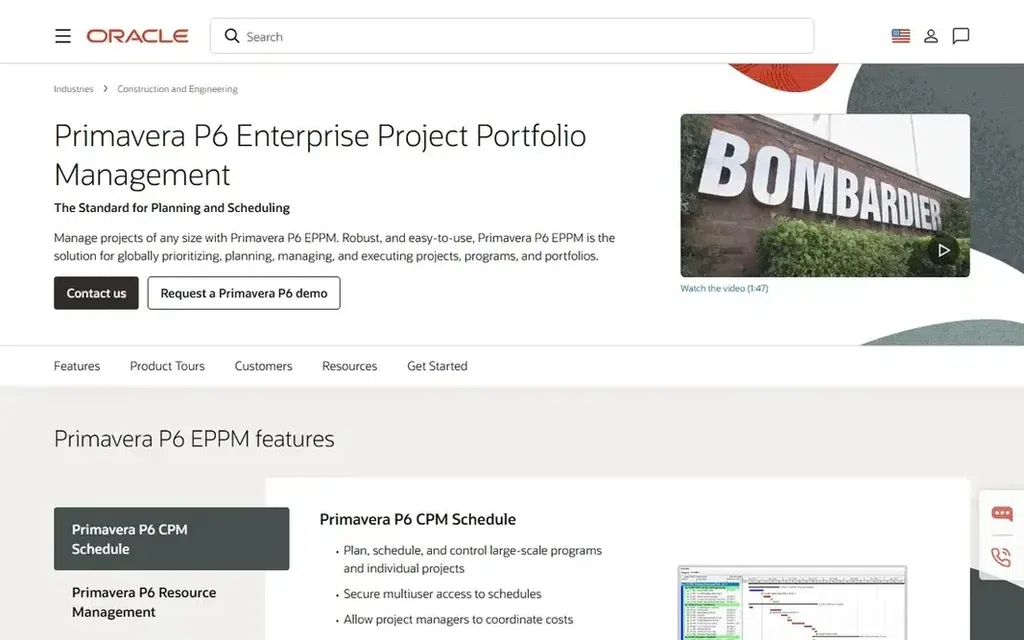
Oracle Primavera P6 is designed for large-scale enterprise scheduling. Oracle Primavera P6 is enterprise project portfolio management software built for construction projects of any size.
It supports in-depth scheduling, resource management, and portfolio oversight, making it a fit for large organizations that require rigorous sequence planning across several projects. No starting price is listed for Oracle Primavera P6 here; confirm pricing on the vendor site. Free options: Not stated.
The main drawbacks: Steep ramp-up time.
- Capable portfolio management
- Widely used in construction
- Complex setup for small teams
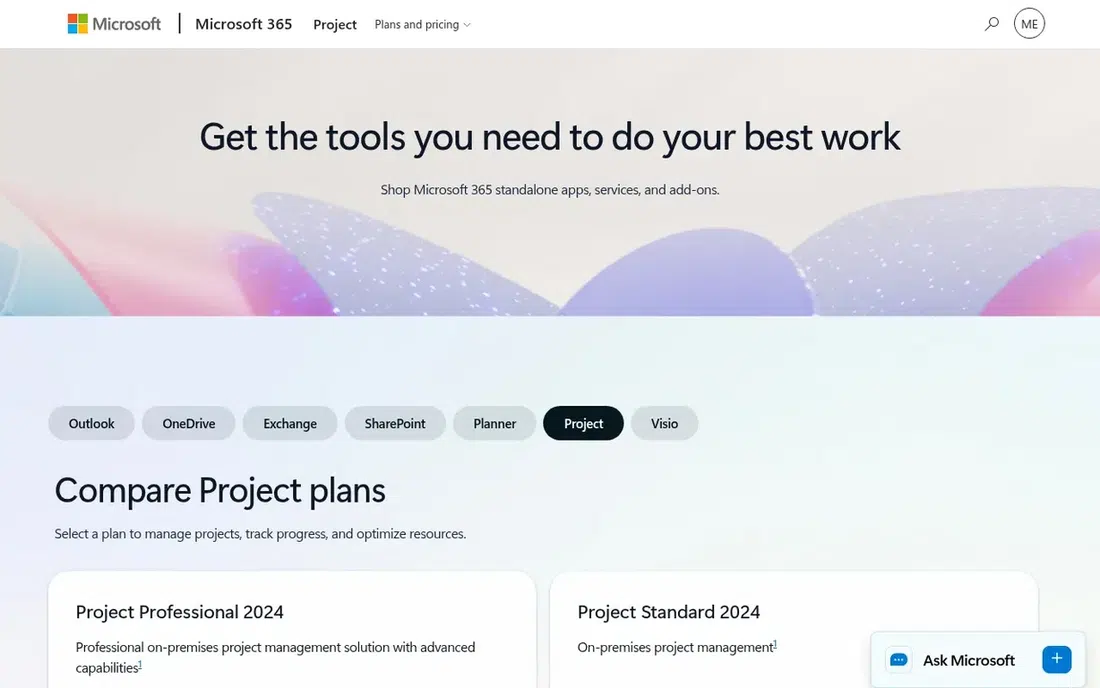
Microsoft Project is designed for familiar project tracking and resources. Microsoft Project is project management software for tracking tasks, resources, and deliverables.
It suits teams already using Microsoft 365 that want a familiar interface for construction sequence planning, with tools to handle schedules and resources across projects. Microsoft Project shows no starting price here, so confirm the cost on the vendor site. Free options: Not stated.
Where it is weaker: Restricted 4D BIM integration.
- Wide user familiarity
- Resource management tools
- May need extras for construction-specific needs
Synchro
Best for: Virtual construction and model-based workflows
Synchro works best for virtual construction and model-based workflows. SYNCHRO is digital construction delivery software with virtual construction, planning, and model-based workflows to boost project efficiency.
Synchro shows no starting price here, so confirm the cost on the vendor site. As for free access: Not stated.
Where it is weaker: less on full project management.
- Boosts project efficiency
- Model-based planning
- Needs model coordination
Autodesk Construction Cloud
Best for: Collaborative project delivery
Autodesk Construction Cloud makes the most sense for collaborative project delivery. Autodesk Construction Cloud (including Autodesk Forma) helps project teams collaborate securely and rapidly to deliver projects on time and on budget.
Limits to weigh: Wide product, not scheduling-first.
It suits organizations that want a connected data environment for design and construction coordination. Check the vendor site for Autodesk Construction Cloud pricing; none is listed in this comparison. On free options: Not stated.
- Secure collaboration
- Supports on-time delivery
- May need Autodesk ecosystem
How these tools were picked
LinkVetted used vendor pricing pages and product documentation as the base, then compared plans, free access and documented limits for 6 tools. Figures are shown as the vendors publish them. Billing terms, seat minimums and add-ons can change the real cost. Tools are placed by general fit for software for construction sequence planning, with price clarity and free access as tie-breakers. A different team can reasonably rank them differently.
Questions to settle before buying
- Ask each vendor, from Procore to Autodesk Construction Cloud, for a written quote; none of them publishes a starting price.
- Before choosing Procore, weigh its main limit: scheduling may be less in-depth than dedicated tools.
- Make sure Microsoft Project lets you export your data in a format another tool can read.
- Ask Synchro which support channels and response times come with the plan you would buy.
- Find out whether the entry plan of Procore covers your must-haves or only a trimmed-down version.
FAQ
Do these tools publish their prices?
No. None of the tools, from Procore to Autodesk Construction Cloud, shows a fixed starting price here, so budget time for quotes.
How are the tools for software for construction sequence planning ordered?
The order follows typical fit for software for construction sequence planning, with Procore first and Autodesk Construction Cloud last, then price clarity and free access. It is editorial judgement, not a score, so another team could rank the tools differently.
What is construction sequence planning software?
It is software that helps teams plan the order and timing of construction activities, commonly using schedules, 4D models, and coordination tools.
Is Procore the right pick for everyone comparing software for construction sequence planning?
No single tool suits every team. Procore comes first because it fits connecting site and office, while Navisworks suits 3D model review and coordination and Oracle Primavera P6 suits large-scale enterprise scheduling. Match the tool to your own size, budget and workflow before deciding.
Does any tool for software for construction sequence planning here have a free plan?
A permanent free plan is not offered by Procore, Autodesk Construction Cloud or the other tools here. Plan a short evaluation period instead.
How does Procore support sequence planning?
Procore links site and office data for live visibility, which helps track progress against schedules. It is not a dedicated scheduling tool, so it is frequently used alongside specialized software.
Sources
- https://www.procore.com
- https://www.autodesk.com/products/navisworks/overview
- https://www.oracle.com/construction-engineering/primavera-p6
- https://www.microsoft.com/en-us/microsoft-365/project/project-management-software
- https://www.bentley.com/software/synchro
- https://construction.autodesk.com