Best Construction Project Software in 2026: Prices, Free Plans and 6 Picks
Shortlisting the best construction project software? 6 products compared on cost, free access and ideal buyer. Short verdicts, no fluff. Budget notes included.
- Editor's choiceeSUB
Subcontractor-focused project management
Starts atPricing on requestVisit esub.comFull review - Great alternative
 Oracle Primavera P6
Complicated project scheduling and portfolio management
Starts atPricing on requestVisit oracle.comFull review - Also consider
 Procore
Full field-to-office connectivity
Starts atPricing on requestVisit procore.comFull review
Direct answer
Start with eSUB if you need subcontractor-focused project management. If your case is different, Oracle Primavera P6 suits complicated project scheduling and portfolio management and Procore suits thorough field-to-office connectivity. The other 3 tools in the list cover narrower or pricier cases. None of these vendors publish plan prices, so pricing is on request for every option.
TL;DR:
- Number one here is eSUB, a fit for subcontractor-focused project management.
- None of the 6 tools, from eSUB to Trimble Viewpoint, has a free plan, so budget for a subscription or use a trial.
- Every tool from eSUB to Trimble Viewpoint works by quote, with no list price shown.
- Trimble Viewpoint is the one to check for Construction ERP and job costing.
Last checked November 2026. Pricing on request: vendors did not publish plan prices when this guide was last checked (November 2026), so ask each vendor for a written quote.
Quick comparison
| Tool | Best for | Starts at | Free plan? | |
|---|---|---|---|---|
| eSUB | Subcontractor-focused project management | Pricing on request | Not stated | Visit |
| Oracle Primavera P6 | Complicated project scheduling and portfolio management | Pricing on request | Not stated | Visit |
| Procore | Full field-to-office connectivity | Pricing on request | Not stated | Visit |
 CoConstruct | Home builders and remodelers | Pricing on request | Not stated | Visit |
 Autodesk Construction Cloud | Design-integrated construction collaboration | Pricing on request | Not stated | Visit |
| Trimble Viewpoint | Construction ERP and job costing | Pricing on request | Not stated | Visit |
Every option for construction project software explained
Short on time? The summary and table above give the quick view of 6 tools for construction project software, and the profiles that follow give the detail behind each entry.
eSUB
Best for: Subcontractor-focused project management
eSUB is designed for subcontractor-focused project management. eSUB is construction management software designed specifically for subcontractors. Its cloud-based system helps subcontractors handle projects, track labor and materials, and simplify communication with general contractors.
Watch-outs: May not manage complicated scheduling.
It is a strong match for specialty trade contractors who require a straightforward, focused option. In daily use, for subcontractors, that said, eSUB supplies a targeted approach. eSUB does not show a starting price in this comparison, so check the vendor site for current pricing. Free plan details: Not stated.
- Tailored for subcontractors
- Cloud-based accessibility
- Restricted features for general contractors
Oracle Primavera P6
Best for: Complicated project scheduling and portfolio management
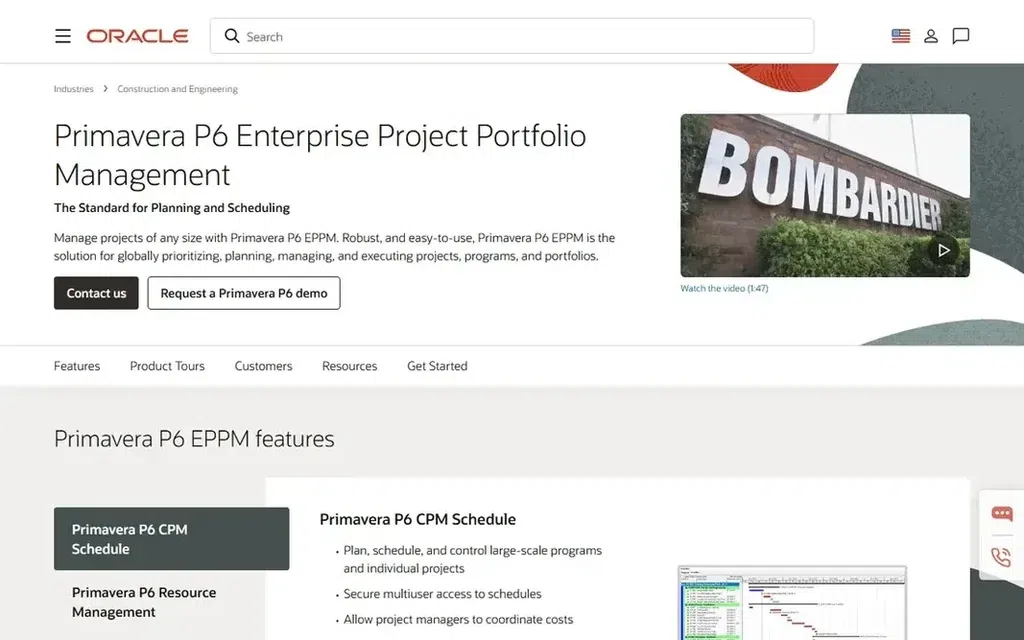
Oracle Primavera P6 is designed for complicated project scheduling and portfolio management. Primavera P6 is recognised for its steep learning curve and may be too complicated for smaller projects or teams without dedicated planners. It also needs significant training to use effectively.
Watch-outs: Overkill for small projects.
From a buyer's view, Oracle Primavera P6 is an enterprise project portfolio management option meant to handle construction projects of any size. It is especially suited for large, complicated projects that require in-depth scheduling, resource allocation, and risk analysis. The software is widely used in industries like engineering and construction where precise planning is critical. Worth adding: for more straightforward scheduling needs, consider Procore or eSUB, which offer more approachable interfaces. This comparison lists no price for Oracle Primavera P6; ask the vendor. As for free access: Not stated.
- Enterprise-level portfolio management
- Complicated projects
- Steep ramp-up time
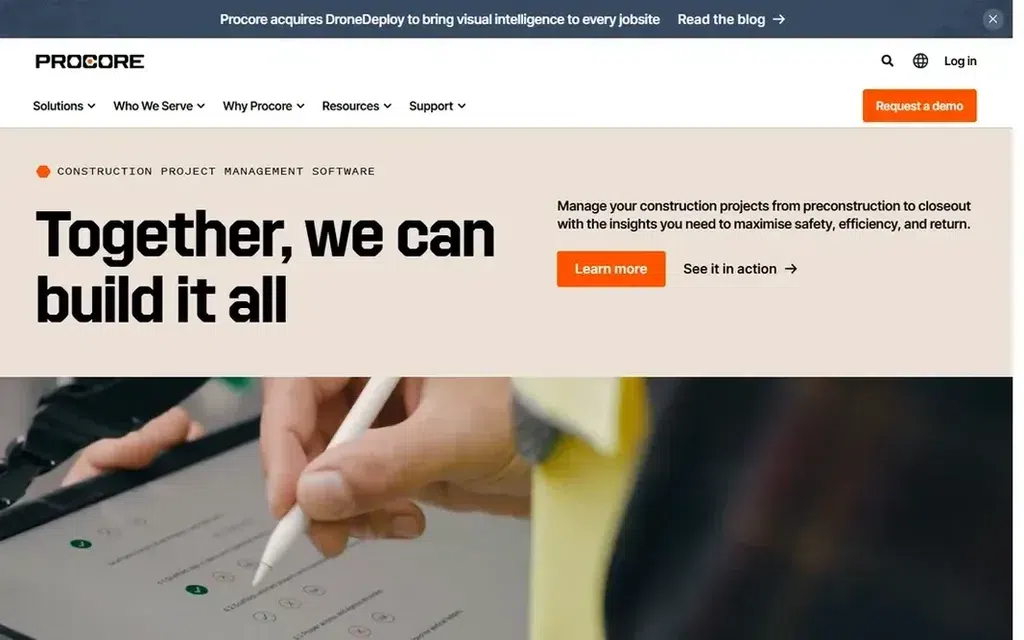
Choose Procore for full field-to-office connectivity. Procore is a construction management product that links the site and the office, supplying live visibility to help deliver quality projects on time. It is aimed at general contractors, owners, and subcontractors who require a centralized system for project management, quality control, and financials.
Trade-offs to know: May be complicated for small teams.
Procore's deep features can be overwhelming for smaller teams or those new to construction software. It may need significant setup and training. If you need a more straightforward option or have restricted resources, consider a more specialized tool like CoConstruct for residential projects or eSUB for subcontractors. Check the vendor site for Procore pricing; none is listed in this comparison. Free plan details: Not stated.
- Wide feature set for construction management
- Links site and office teams
- Needs training to completely utilize
Think of CoConstruct for home builders and remodelers. The product concentrates on client communication, selections, and change orders, making it well suited to residential contractors who require to keep homeowners informed. CoConstruct is construction management software tailored for home builders and remodelers.
Limits to weigh: Restricted to residential construction.
What CoConstruct does well: Client communication tools.
Now unified with Buildertrend, it offers a smooth experience for managing custom building and remodeling projects. Also, for subcontractors, eSUB might be a better fit. CoConstruct is primarily aimed at residential projects and may not have the depth needed for large commercial construction. No starting price is listed for CoConstruct here; confirm pricing on the vendor site. Free options: Not stated.
- Integrated project and financial management
- Unified product for custom builders
- May lack advanced features for large commercial projects
Autodesk Construction Cloud
Best for: Design-integrated construction collaboration
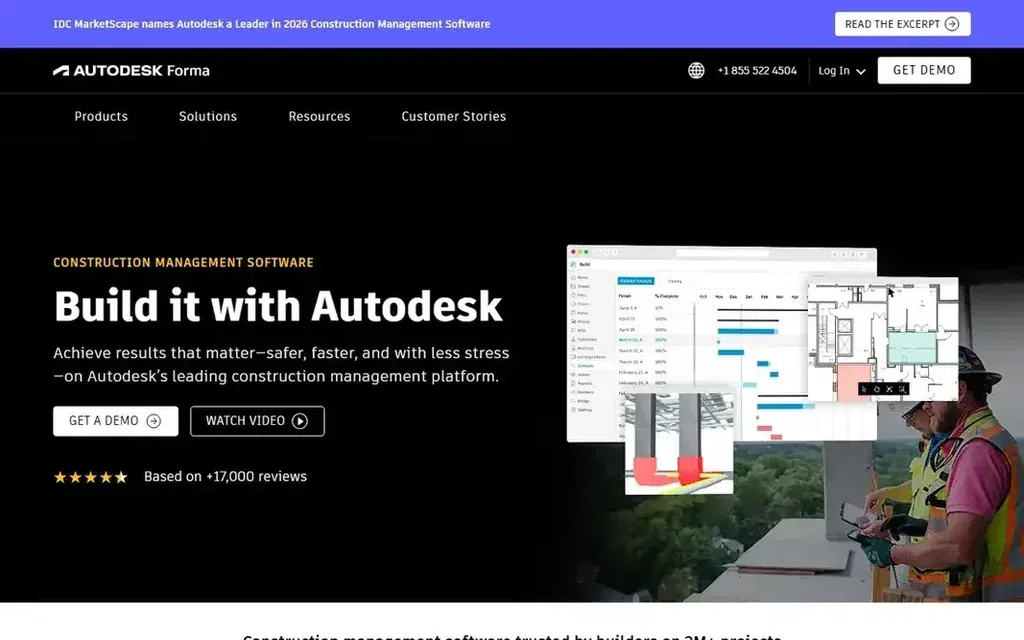
Pick Autodesk Construction Cloud if this describes you: design-integrated construction collaboration. It is ideal for teams already using Autodesk design products like Revit or AutoCAD, as it integrates design and construction data in one environment.
Trade-offs to know: May need familiarity with Autodesk ecosystem.
It also involves a ramp-up time and investment that might not suit very small contractors. Check the vendor site for Autodesk Construction Cloud pricing; none is listed in this comparison. As for free access: Not stated.
- Smooth integration with Autodesk design tools
- Supports on-time and on-budget delivery
- Can be expensive for small businesses
Trimble Viewpoint
Best for: Construction ERP and job costing
Trimble Viewpoint works best for Construction ERP and job costing. For more straightforward needs, consider eSUB or CoConstruct. Even so, for those needing deep financial integration, Viewpoint is a capable contender.
Downsides: Can be costly for small contractors.
In practice, the platform is right for medium to large contractors looking to integrate accounting and project management. For everyday use, Trimble Viewpoint offers construction ERP and project management software aimed at contractors to simplify job costing, workflows, and reporting. Trimble Viewpoint does not show a starting price in this comparison, so check the vendor site for current pricing. As for free access: Not stated.
- Integrated ERP and project management
- Solid job costing and reporting
- May need significant implementation time
How these tools were picked
For each of the 6 tools we noted price, free plan or trial, fit for construction project software and the main limit, using vendor pages and documentation. Plan names, prices and limits change often. Treat the figures here as a starting point and verify them with the vendor. We ordered the tools by general fit, then by how clearly pricing is shown, then by free access. A buyer with unusual needs may reorder them.
Before you commit
- Confirm the entry price with every vendor: no tool from eSUB to Trimble Viewpoint shows a fixed starting price.
- Read the limits listed for eSUB first: restricted features for general contractors.
- Before rolling out Procore, verify the integrations your workflow depends on.
- A short pilot of CoConstruct with your real workflow tells you more than a feature table.
- Make sure Oracle Primavera P6 lets you export your data in a format another tool can read.
FAQ
Can I try these options before paying?
Not by default. None of the tools, from eSUB to Trimble Viewpoint, lists a free plan or a free trial here, so ask each vendor for a demo before committing.
How does Autodesk Construction Cloud differ from Procore?
Autodesk Construction Cloud integrates tightly with Autodesk design tools like Revit, making it well suited to design-build businesses. Procore centres on connecting field and office teams with live visibility, and is more standalone in its approach.
How are the tools for construction project software ordered?
The order follows typical fit for construction project software, with eSUB first and Trimble Viewpoint last, then price clarity and free access. It is editorial judgement, not a score, so another team could rank the tools differently.
Is eSUB the right pick for everyone comparing construction project software?
No single tool suits every team. eSUB comes first because it fits subcontractor-focused project management, while Oracle Primavera P6 suits complex project scheduling and portfolio management and Procore suits comprehensive field-to-office connectivity. Match the tool to your own size, budget and workflow before deciding.
Can I use Procore for residential construction?
Yes, Procore can be used for residential projects, but it is more often adopted for commercial construction. For residential-specific needs, CoConstruct may be a better fit because of its client communication and selections tools.
Do these tools publish their prices?
No. None of the tools, from eSUB to Trimble Viewpoint, shows a fixed starting price here, so budget time for quotes.
Sources
- https://esub.com
- https://www.oracle.com/construction-engineering/primavera-p6
- https://www.procore.com
- https://www.coConstruct.com
- https://construction.autodesk.com
- https://www.viewpoint.com