Choosing Construction Estimating Software for General Contractors in 2026: 6 Options Compared
6 best construction estimating software for general contractors, compared on pricing, free plans and best-fit use. Verdicts stay brief and factual. No filler.
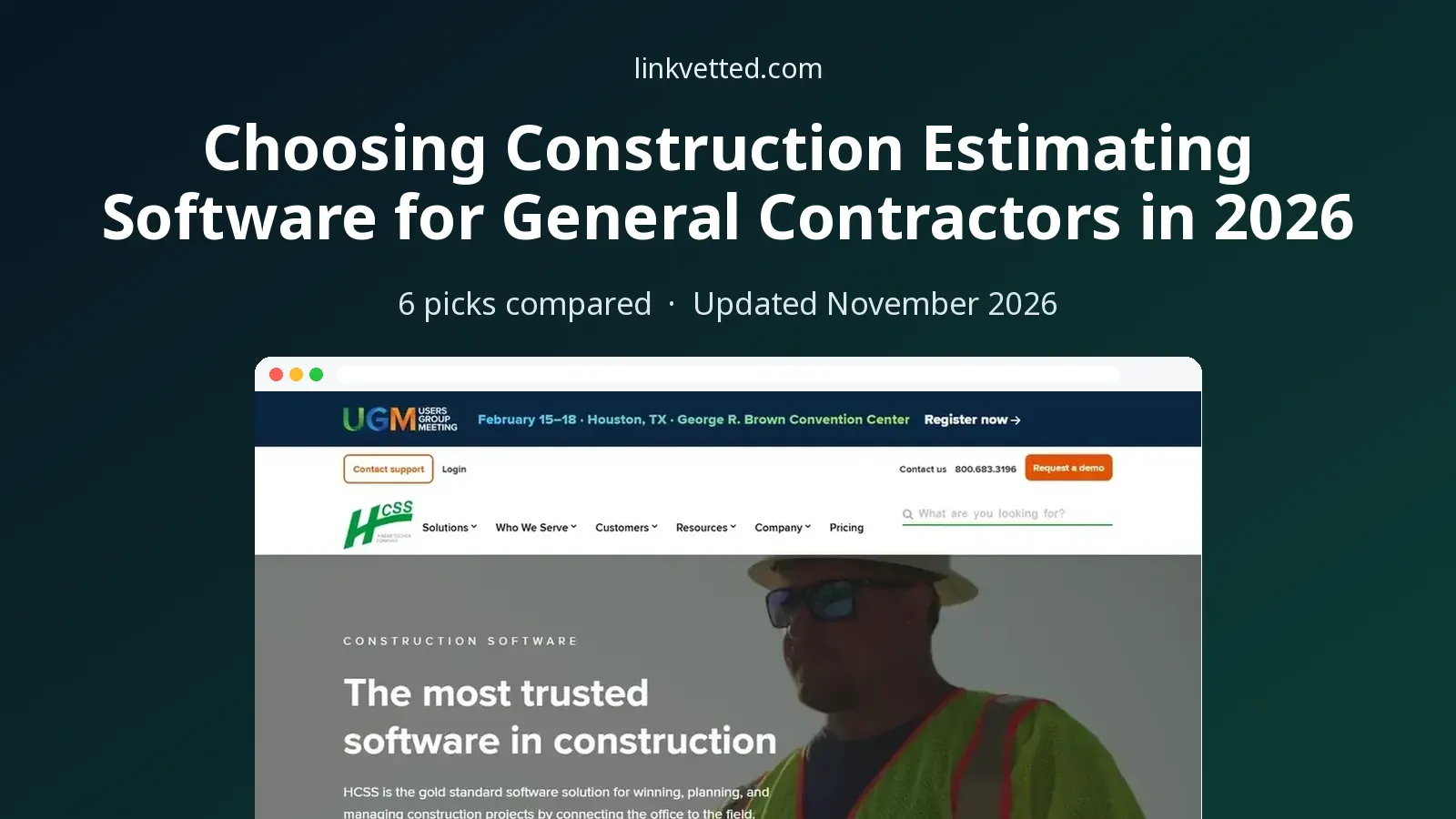
- Editor's choiceBeck Technology DESTINI Estimator
Preconstruction teams wanting AI-assisted estimating
Starts atSee websiteVisit beck-technology.comFull review - Great alternative
 HCSS HeavyBid
Heavy civil and infrastructure bidding
Starts atSee websiteVisit hcss.comFull review - Also consider
 Sage Estimating
Established contractors with structured cost databases
Starts atSee websiteVisit sage.comFull review
Direct answer
Beck Technology DESTINI Estimator comes first here, mainly for Preconstruction teams wanting AI-assisted estimating. Listed starting prices: STACK from $49 per user a month. If your case is different, HCSS HeavyBid suits heavy civil and infrastructure bidding and Sage Estimating suits established contractors with structured cost databases. Details, prices and limits for the rest of the 6 tools are below.
TL;DR:
- The list opens with Beck Technology DESTINI Estimator, aimed at Preconstruction teams wanting AI-assisted estimating.
- The lowest published monthly entry price here is $49 per user per month, from STACK.
- Neither Beck Technology DESTINI Estimator nor Bluebeam Takeoff, nor any of the other 4 tools, has a permanent free plan; trials and quotes are the norm.
- For PDF-based takeoff within Bluebeam workflows, Bluebeam Takeoff is worth a look.
Last checked November 2026. Prices and plan details were read from the vendors' own pages in November 2026; vendors change plans often, so confirm the current price on the vendor site before you buy.
Quick comparison
| Tool | Best for | Starts at | Free plan? | |
|---|---|---|---|---|
| Beck Technology DESTINI Estimator | Preconstruction teams wanting AI-assisted estimating | See website | Not stated | Visit |
| HCSS HeavyBid | Heavy civil and infrastructure bidding | See website | Not stated | Visit |
| Sage Estimating | Established contractors with structured cost databases | See website | Not stated | Visit |
 PlanSwift | Quick, straightforward quantity takeoff | See website | Free trial | Visit |
 STACK | Cloud takeoff and estimating for expanding contractors | $49 per user a month | Free trial | Visit |
| Bluebeam Takeoff | PDF-based takeoff within Bluebeam workflows | See website | Not stated | Visit |
Every option for construction estimating software for general contractors explained
LinkVetted compared 6 construction estimating software for general contractors. The goal is a practical shortlist: published prices, free plan facts, best-fit use cases and honest limits for every entry.
Beck Technology DESTINI Estimator
Best for: Preconstruction teams wanting AI-assisted estimating
Beck Technology DESTINI Estimator makes the most sense for Preconstruction teams wanting AI-assisted estimating. The system is oriented toward preconstruction depth, which can be more than a small contractor needs for entry-level takeoff.
Trade-offs to know: Adoption needs process change.
Beck Technology DESTINI Estimator shows no starting price here, so confirm the cost on the vendor site. Free plan details: Not stated.
- AI takeoff and estimating in one product
- Analytics for defensible estimates
- Preconstruction focus may exceed straightforward takeoff needs
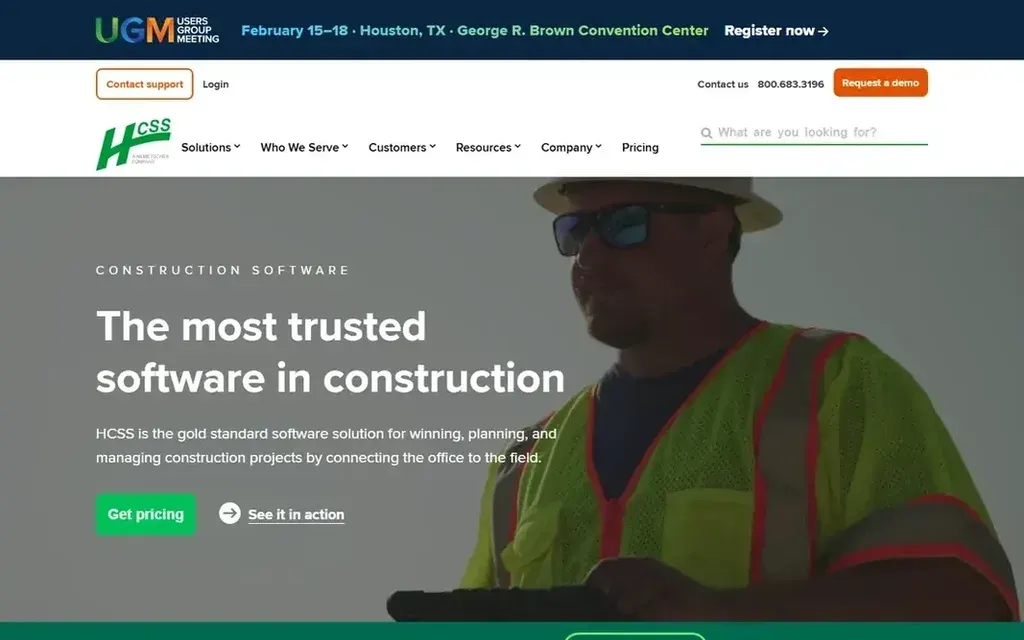
HCSS HeavyBid works best for heavy civil and infrastructure bidding. Teams wanting wide cloud takeoff and estimating should weigh STACK instead. Beyond that, HCSS HeavyBid is estimating and bid management software pitched at heavy civil and infrastructure contractors.
It organizes crews, resources and bid items in a structured way that matches how highway, utility and sitework work is priced, making it a natural fit for general contractors whose backlog leans toward public and heavy projects. Its strengths are concentrated in heavy work, so light commercial or residential builders may find it more than they need. HCSS HeavyBid shows no starting price here, so confirm the cost on the vendor site. On free options: Not stated.
Downsides: Narrower fit for light commercial work.
- Structured bid management workflow
- Scales across estimator teams
- Setup needs estimating discipline
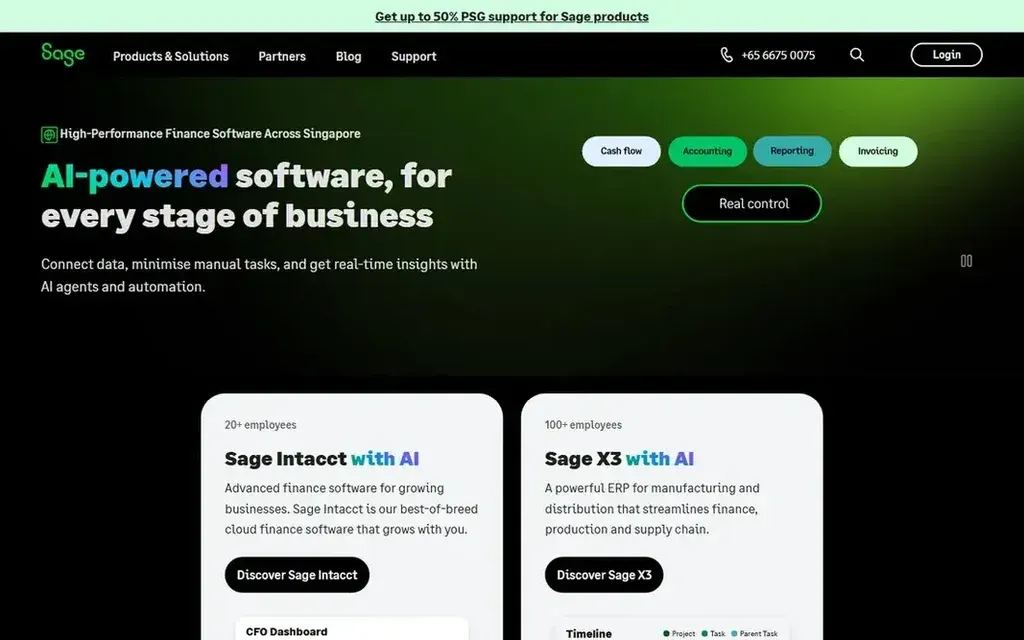
Sage Estimating is built with established contractors with structured cost databases in mind. It suits established general contractors that require rigorous cost control and consistent estimating methods across numerous projects, especially organizations already running Sage business software.
Points against: Less suited to small teams.
Teams wanting fast adoption or light takeoff should look at STACK, PlanSwift or Bluebeam Takeoff instead. Pricing for Sage Estimating is not stated here, so ask the vendor for current figures. Free options: Not stated.
- Deep estimating and cost database features
- Deals with complicated bid structures
- Steeper ramp-up time
Think of PlanSwift for quick, straightforward quantity takeoff. It suits general contractors and estimators who want a focused tool for measuring quantities rapidly without adopting a full preconstruction system.
PlanSwift does not show a starting price in this comparison, so check the vendor site for current pricing. As for free access: Free trial.
Trade-offs to know: Collaboration is more restricted.
- Straightforward estimating workflow
- Fast digital takeoff from plans
- Less depth for enterprise cost data

STACK serves cloud takeoff and estimating for expanding contractors. It fits general contractors that want one connected workspace for quantity takeoff and pricing without maintaining desktop installs, and its browser-based model helps teams work from office or site.
Contractors needing offline desktop takeoff or specialized heavy civil bid structures may prefer PlanSwift or HeavyBid. What you pay to start with STACK: $49 per user per month. Trial and free access: Free trial.
The main drawbacks: Needs dependable internet.
- Bid decision through closeout workflow
- Cloud-based takeoff and estimating
- Deep customization takes effort
Bluebeam Takeoff
Best for: PDF-based takeoff within Bluebeam workflows
Pick Bluebeam Takeoff if this describes you: PDF-based takeoff within Bluebeam workflows. Bluebeam Takeoff brings takeoff and estimation tools into Bluebeam's PDF environment, letting estimators measure and mark up drawings with familiar document tools.
The main drawbacks: Not a full bid management suite.
It is most solid as a takeoff and PDF workflow tool, so full estimating, bid leveling and cost databases may need other software. Beyond that, contractors wanting an all-in-one cloud estimating product should consider STACK. Check the vendor site for Bluebeam Takeoff pricing; none is listed in this comparison. On free options: Not stated.
- Simplifies takeoff and estimating
- Suits existing Bluebeam document workflows
- Estimating depth relies on integrations
How the list was put together
Before you commit
- Ask Beck Technology DESTINI Estimator, HCSS HeavyBid, Sage Estimating and others for a written quote, since no starting price is shown.
- Run a trial of PlanSwift and STACK with real work before paying for a year; your own workflow is the best test.
- Before choosing Beck Technology DESTINI Estimator, weigh its main limit: Preconstruction focus may exceed straightforward takeoff needs.
- Find out what support Sage Estimating includes on your plan, and whether onboarding help costs extra.
- Involve the people who will use PlanSwift daily; a short pilot beats a long feature checklist.
FAQ
Do these tools publish their prices?
Not all of them. Beck Technology DESTINI Estimator, HCSS HeavyBid, Sage Estimating and others publish no starting price, so expect a quote request for those. The rest, STACK included, show a starting price, though seats and billing terms still change the final cost.
How do heavy civil contractors differ in estimating needs?
Heavy civil work prices crews, equipment and bid items in structured ways, which is why HeavyBid is built around that model. Commercial building contractors commonly need broader takeoff and preconstruction tools instead.
Does any tool for construction estimating software for general contractors here have a free plan?
No tool in this list, Beck Technology DESTINI Estimator and Bluebeam Takeoff included, has a permanent free plan. PlanSwift, STACK offer a trial. Trials and quotes are the usual route, so plan a short evaluation period.
Is Beck Technology DESTINI Estimator the right pick for everyone comparing construction estimating software for general contractors?
No single tool suits every team. Beck Technology DESTINI Estimator comes first because it fits Preconstruction teams wanting AI-assisted estimating, while HCSS HeavyBid suits heavy civil and infrastructure bidding and Sage Estimating suits established contractors with structured cost databases. Match the tool to your own size, budget and workflow before deciding.
Can I try these tools before paying?
Often, yes. PlanSwift and STACK offer a free trial. Use your own data and a real task during the test, and check what the free tier or trial limits before you rely on it.
Sources
- https://www.beck-technology.com
- https://www.hcss.com/products/heavybid
- https://www.sage.com/en-us/products/sage-estimating
- https://www.planswift.com
- https://www.stackct.com
- https://www.bluebeam.com/solutions/takeoff