Best Estimating Software for Contractors in 2026: 9 Tools Compared
Compare the best estimating software for contractors in 2026, covering takeoffs, cost databases, proposals and integrations for residential and commercial jobs.

- Editor's choice
 Buildxact
Small residential builders
Starts at$169 per monthVisit buildxact.comFull review - Great alternative
 STACK
Cloud takeoffs for GCs and subs
Starts atFreeVisit stackct.comFull review - Also consider
 PlanSwift
Desktop takeoff power users
Starts atSee websiteVisit planswift.comFull review
TL;DR:
- Buildxact and Clear Estimates suit small residential contractors that need fast, clear quotes.
- STACK and PlanSwift lead for digital takeoffs, with STACK in the cloud and PlanSwift on desktop.
- Buildertrend and JobTread combine estimating with project management and client communication.
- ProEst and Sage Estimating suit larger commercial teams with deep cost databases and accounting links.
- A cost database that matches your region and trade matters more than a long feature list.
Quick comparison
| Tool | Best for | Starts at | Free plan? | |
|---|---|---|---|---|
| Buildxact | Small residential builders | $169 per month | Yes | Visit |
| STACK | Cloud takeoffs for GCs and subs | Free | Yes | Visit |
| PlanSwift | Desktop takeoff power users | See website | No | Visit |
 Buildertrend | Residential builders with clients | See website | No | Visit |
 Clear Estimates | Solo remodelers and quick quotes | $59 per month | No | Visit |
 JobTread | Residential and light commercial | See website | No | Visit |
 ProEst | Commercial preconstruction teams | See website | No | Visit |
 Sage Estimating | Enterprise commercial estimators | See website | No | Visit |
 Bluebeam Revu | PDF markup and measurement | See website | Free trial | Visit |
The best estimating software for contractors
Estimating software should turn plans into quantities, quantities into costs, and costs into a proposal a client can approve. We compared tools on takeoff speed, cost data, assemblies and templates, proposal quality, and links to accounting and project management. The right tool depends on your trade, job size, and whether you bid from plans or from site visits.
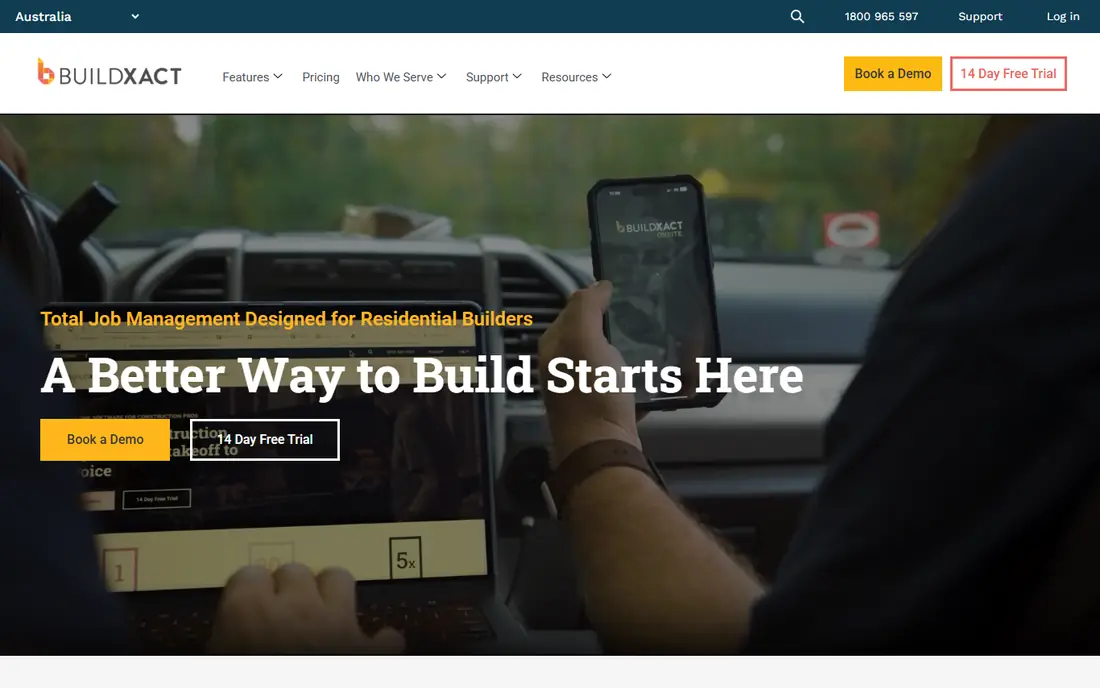
Buildxact is our pick for a small residential builder moving off spreadsheets. It combines plan takeoff, estimating, and quoting in a cloud tool that a small team can learn quickly. Live supplier pricing and simple assemblies help keep material costs current, and quotes can go to a client without rebuilding numbers in another app.
Pricing in 2026 guides puts Foundation at $169 per month billed annually, with Pro and Master tiers above it, and a free Go plan for basic use. Buildxact fits custom home builders and remodelers best. Large commercial estimators with complex CSI formats will likely need a heavier tool.
- Simple takeoff and estimating in one place
- Live supplier pricing
- Easy client quotes
- Less suited to very large commercial bids
- Higher tiers needed for full features

STACK is a cloud based takeoff and estimating tool for general contractors and specialty trades. Teams can measure plans together, share takeoffs, and build estimates from quantities without desktop software. A free basic plan lets a contractor test takeoff workflows before paying.
Paid pricing in 2026 guides is steep per user, with Pro around $2,499 per year and Takeoff and Estimate from $2,999 per year, and some guides cite $299 per user per month. That cost is easier to justify for a team bidding often. STACK fits plan based bidding where collaboration and cloud access matter.
- Cloud takeoff and estimating
- Free basic plan
- Team collaboration on plans
- Paid tiers are expensive per user
- Accounting links are limited
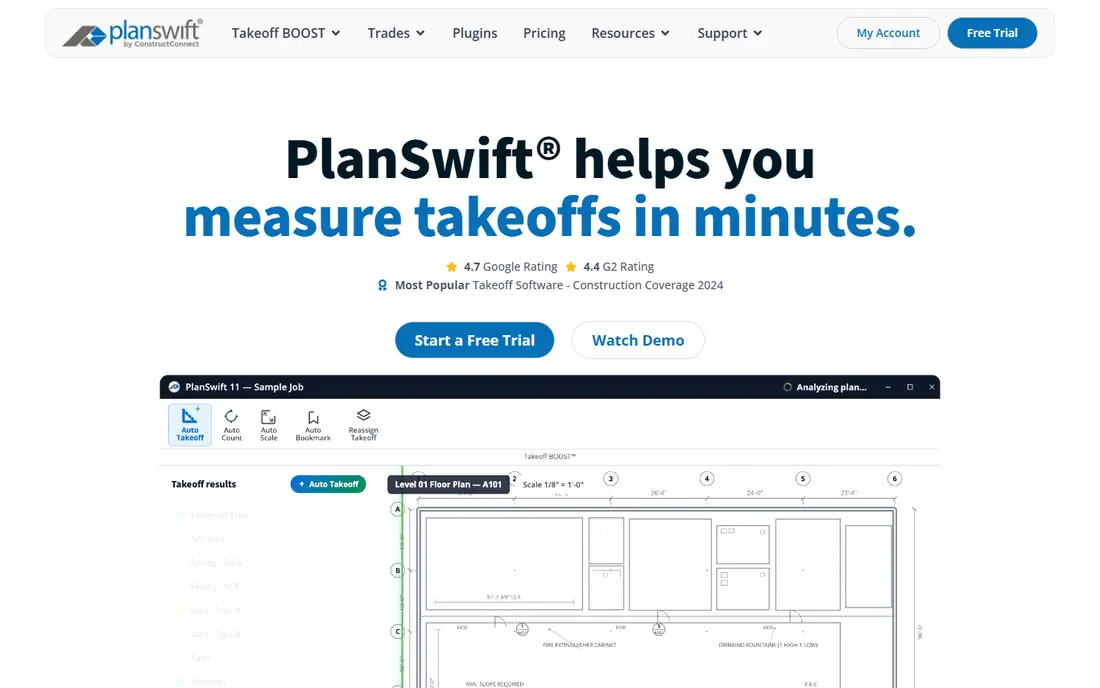
PlanSwift is the most widely used takeoff tool among general and trade contractors in North America, according to 2026 guides. Estimators measure areas, lengths, counts, and volumes directly on digital plans, and quantities feed into line item estimates. Custom assemblies and Excel integration help a team reuse proven pricing.
Pricing varies by guide, with figures around $1,749 to $2,000 per year per seat, plus subscription options in some reports, so confirm the current licence on the vendor page. PlanSwift suits estimators who bid a high volume of work and prefer a fast desktop workflow. Cloud first teams may prefer STACK.
- Fast on screen takeoff from PDFs
- Custom assemblies
- Deep Excel integration
- Windows only in most guides
- Desktop model suits some teams less than cloud tools
Buildertrend combines estimating with project management, scheduling, client communication, and selections, which suits a residential builder who wants one system from estimate to handover. Clients can approve selections and see progress, reducing the email and phone work around a job.
Pricing is by quote, with older published plans starting around $449 per month billed annually in guides. That is a significant cost if you only need estimating. Buildertrend fits a builder who will use the client portal and project tools as well as the estimate, not a contractor who only wants takeoff.
- Estimating plus project management and client portal
- Selections and approvals
- Accounting links
- Quote based pricing
- Larger feature set can feel heavy for estimating only
Clear Estimates is built for a solo residential contractor or remodeler who needs a credible quote fast. It uses preloaded cost data adjusted by ZIP code, so a contractor can build a line item estimate without assembling a cost database from scratch. Pricing is $59 per month billed annually in 2026 guides, with AI plan upload on higher tiers.
It is not a full takeoff platform, so a contractor bidding from complex plans will still need a takeoff tool. For small remodels, repairs, and straightforward residential work, Clear Estimates offers speed and simplicity at a low monthly cost.
- Preloaded cost data by ZIP code
- Fast residential quotes
- Simple interface
- Less takeoff depth than STACK or PlanSwift
- No accounting sync in some guides
JobTread covers estimating, budgeting, project management, and job costing for residential and light commercial contractors. An estimate can flow into a budget and then into job cost tracking, which helps a contractor see whether a job is staying on its numbers, not just whether the bid was won.
Pricing is not always published, so a demo and quote are needed. JobTread fits a growing residential contractor who wants estimating and project control in one system, without moving to a large commercial platform. Very large commercial teams will likely need deeper cost database tools.
- Estimating plus project management
- Budgeting and job costing
- Client friendly proposals
- Pricing is by quote in many guides
- Less commercial depth than ProEst or Sage
ProEst, now sold inside Autodesk Forma for Preconstruction in some guides, is built for mid to large commercial estimators. It supports CSI formatted estimates, detailed cost databases including RSMeans links, and cloud collaboration for preconstruction teams. BIM integration helps teams that estimate from models as well as from drawings.
Pricing is by quote, with guides citing around $5,000 per year for unlimited users on some plans and custom enterprise pricing above that. ProEst fits a commercial team that bids complex work and needs structured, auditable estimates. Small residential contractors will find it more than they need.
- Cloud estimating with CSI formats
- RSMeans cost data links
- BIM integration
- Quote based pricing
- Now sold inside Autodesk bundles in some guides
Sage Estimating is the enterprise commercial choice in this list, with a deep cost database and integration to Sage accounting systems. It suits mid size and large firms that bid complex commercial work and need consistent, detailed estimates across many estimators and projects.
Pricing is by quote, with third party guides citing around $300 per user per month and setup costs above that in some reports. Implementation and training are real costs, not just the licence. For a large commercial estimator, that depth is worth it. For a small contractor, a simpler tool will be faster and cheaper.
- Deep commercial cost database
- Strong accounting integration
- Decades of refinement
- Quote based pricing
- Setup and training take time
Bluebeam Revu is not a full estimating system, but it belongs here because so many contractors measure and mark up plans in it before pricing. It is the industry standard for PDF collaboration, with measurement tools for areas, lengths, and counts, and markup that teams can share and review.
Pricing in guides ranges around $260 to $490 per year per user depending on tier, with a free trial available. Pair Bluebeam with an estimating tool such as Buildxact, STACK, or Sage, depending on job size. For plan review and measurement alone, Bluebeam remains the default choice for many firms.
- Industry standard PDF markup
- Measurement and takeoff tools
- Strong plan collaboration
- Not a full estimating system on its own
- Needs an estimate tool for pricing
How we picked these
We compared 2026 construction estimating guides, vendor pricing pages, and trade fit, keeping tools that cover takeoff, estimating, or both for contractors. We included residential, commercial, and plan markup tools, and we marked clearly where a tool is a takeoff or markup aid rather than a full estimating system. We did not claim hands on testing, and prices should be confirmed on vendor pages, since estimating vendors change tiers often.
How to choose estimating software
Start with how you bid. If you bid from plans, takeoff speed and accuracy matter most. If you bid from site visits, a simple line item tool with regional cost data may be faster. If you bid large commercial work, CSI structure, cost databases, and audit trails matter more than a quick quote screen.
Next, test with a real past job. Rebuild one estimate you already priced, compare the result, and time how long it takes. Check whether assemblies, supplier pricing, and tax or markup rules match your trade. A tool that forces you to rebuild every line item will slow every bid, even if its demo looks fast.
Finally, check the path from estimate to job. Can the estimate become a proposal, a budget, and a job cost record without retyping numbers. Can it sync to your accounting tool. A clean handoff saves more time than a slightly faster takeoff, because errors usually enter when numbers move between systems by hand.
FAQ
What is the difference between takeoff and estimating software?
Takeoff software measures quantities from plans, such as areas, lengths, and counts. Estimating software prices those quantities using labor, materials, and markup. Many tools do both, while Bluebeam focuses on measurement and markup, and other tools focus on pricing.
How much does estimating software cost for a contractor?
Small contractor tools start around $59 per month for Clear Estimates and $169 per month for Buildxact Foundation. STACK paid tiers run into thousands per user per year, while ProEst and Sage are priced by quote for commercial teams. Always compare per user versus flat pricing.
Do I need a cost database, or can I use my own prices?
You can use your own prices, but a regional cost database saves time and helps a new estimator price unfamiliar work. Check whether the database covers your trade and region, and whether supplier pricing updates automatically or needs manual entry.
Is cloud or desktop estimating better?
Cloud tools suit teams that collaborate on plans and work from different sites. Desktop tools such as PlanSwift suit estimators who want speed and offline work on a Windows machine. The best choice depends on how your team bids, not on a general rule.
Can estimating software sync with accounting?
Some tools sync with QuickBooks, Xero, or Sage, while others export to Excel or require manual transfer. Check the exact sync for your accounting system before you buy, because a broken link creates double entry and errors.
What is the fastest way to get a quote out?
Use templates and assemblies for repeat work, preloaded regional costs where they fit, and a simple proposal format a client can approve quickly. A fast tool with good templates often beats a powerful tool that needs a custom setup for every job.