Best Communication Software for Business Calls (2026): 6 Picks Checked on Vendor Pages
Searching for the best communication software for business calls? Here are 6 options with prices and free plans. Each entry gets a plain verdict. Start here.
- Editor's choice
 Google Meet
Browser-based meetings in Google Workspace
Starts atSee websiteVisit meet.google.comFull review - Great alternative
 GoTo Meeting
Straightforward web conferencing
Starts atSee websiteVisit goto.comFull review - Also consider
 Zoom Workplace
All-in-one meetings, chat and calling
Starts atSee websiteVisit zoom.comFull review
Direct answer
For browser-based meetings in Google Workspace, Google Meet is where this list starts. Listed starting prices: RingCentral Video from $52 a month and Dialpad from $15 per user a month. If your case is different, GoTo Meeting suits straightforward web conferencing and Zoom Workplace suits all-in-one meetings, chat and calling. The full list of 6 tools follows, with prices and free plan facts.
TL;DR:
- The list opens with Google Meet, aimed at browser-based meetings in Google Workspace.
- Check the limits for GoTo Meeting before you commit: narrower scope than full collaboration suites.
- Cisco Webex stands alone as the one tool in this list with a free plan.
- Cisco Webex fits AI-assisted collaboration with devices.
Last checked November 2026. Prices and plan details were read from the vendors' own pages in November 2026; vendors change plans often, so confirm the current price on the vendor site before you buy.
Quick comparison
| Tool | Best for | Starts at | Free plan? | |
|---|---|---|---|---|
| Google Meet | Browser-based meetings in Google Workspace | See website | Not stated | Visit |
| GoTo Meeting | Straightforward web conferencing | See website | Not stated | Visit |
| Zoom Workplace | All-in-one meetings, chat and calling | See website | Not stated | Visit |
 RingCentral Video | Voice-centric business communications | $52 a month | Free trial | Visit |
 Dialpad | AI-driven customer conversation handling | $15 per user a month | Free trial | Visit |
 Cisco Webex | AI-assisted collaboration with devices | See website | Yes | Visit |
Communication Software for Business Calls compared in detail
If you are comparing communication software for business calls, this page covers 6 tools in one place: what each is best for, what it costs to start, whether it has a free plan, and the main limit to know about.
In short, Google Meet is for browser-based meetings in Google Workspace. Google Meet provides secure online web conferencing and video chat as part of Google Workspace.
Meet is centered on meetings instead of acting as a full phone system, so firms that require VoIP calling or contact center features may need extra services. Teams standardized on Microsoft or another suite may find their existing product includes calls more fully. Pricing for Google Meet is not stated here, so ask the vendor for current figures. Free options: Not stated.
What to check first: Calling features rely on Workspace setup.
- Part of Google Workspace
- Straightforward browser-based joining
- Fewer standalone extras than wide suites
Think of GoTo Meeting for straightforward web conferencing. GoTo Meeting is web conferencing software aimed at giving companies a quality virtual meeting experience with the platform features they need.
Where it is weaker: Chat and phone needs may need other tools.
It suits teams that want a dedicated meeting tool for presentations, client calls and remote sessions without adopting a sprawling collaboration suite. Pricing for GoTo Meeting is not stated here, so ask the vendor for current figures. Free access: Not stated.
- Centred on virtual meeting features
- Straightforward path for meeting-centric teams
- Narrower scope than full collaboration suites
Choose Zoom Workplace for all-in-one meetings, chat and calling. Zoom Workplace is a collaboration product built around video meetings and extended with chat, VoIP phone, webinars, whiteboard, contact center and events.
It scales from small teams to large organizations that require webinars or contact center functions alongside everyday conferencing. Check the vendor site for Zoom Workplace pricing; none is listed in this comparison. Free access: Not stated.
Limits to weigh: Best value requires consolidating tools.
- Chat and VoIP phone in one system
- Wide device and integration support
- Numerous features can mean add-on decisions
Think of RingCentral Video for voice-centric business communications. RingCentral positions itself around powering the voice of your business, with AI receptionist, virtual assistant and conversation tools alongside messaging and video meetings.
Where it falls short: Video is one part of a broader voice story.
The starting price for RingCentral Video: $52 per month. Free plan details: Free trial.
- Voice-focused product with AI features
- Messaging and video alongside calling
- Feature set may exceed straightforward meeting needs
Where Dialpad fits: AI-driven customer conversation handling. Dialpad's emphasis on customer experience means teams that primarily need internal meetings and chat may find it oriented differently than they expect.
It suits support and sales organizations that handle high volumes of customer calls and want AI assistance woven into their communication stack instead of a meetings-only tool. Dialpad cost at the entry level: $15 per user per month. As for free access: Free trial.
Limits to weigh: Customer-experience focus may not suit all teams.
- Links sales and business communications
- AI agents and contact center tools
- Internal meetings are not the core story
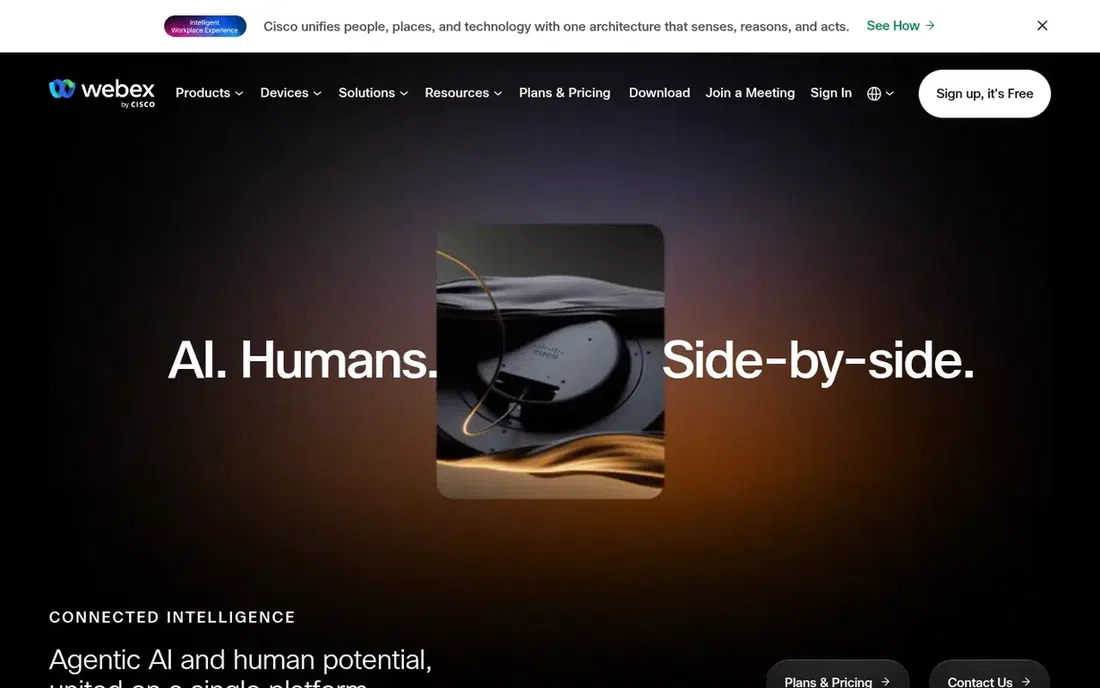
Choose Cisco Webex for AI-assisted collaboration with devices. The range of products and hardware choices can make planning more involved than with a more straightforward meeting app.
Smaller teams that primarily need entry-level video calls may prefer a more focused tool, whereas device-heavy or contact-center needs point toward Webex. Cisco Webex shows no starting price here, so confirm the cost on the vendor site. Cisco Webex includes a free tier.
Where it is weaker: May be more than small teams need.
- Enterprise-oriented system breadth
- AI-powered collaboration features
- Wide portfolio can complicate selection
Selection criteria
The comparison looks at four things: starting price, free access, how well the feature set matches communication software for business calls, and the main limit of each tool. Figures are shown as the vendors publish them. Billing terms, seat minimums and add-ons can change the real cost. The ranking is editorial: typical fit first, then clear pricing, then free access. If your needs are unusual, read the profiles rather than relying on position.
What to check before you buy
- Get a written quote from Google Meet, GoTo Meeting, Zoom Workplace and Cisco Webex; the list shows no starting price for them.
- Look at the free plan from Cisco Webex closely: its caps decide whether it is usable for real work.
- Run a trial of RingCentral Video and Dialpad with real work before paying for a year; your own workflow is the best test.
- Before choosing Google Meet, weigh its main limit: calling features rely on Workspace setup.
- Price Cisco Webex for your actual team size; headline prices rarely include add-ons or overage.
- Let daily users try Zoom Workplace on real work; their feedback beats any feature checklist.
FAQ
Which options for communication software for business calls have a free plan?
Cisco Webex is the only tool in this list with a free plan. Free plans usually cap users, projects or features, so check the limits on the vendor page. Several others offer a trial instead. Prices, free plan details and limits for all 6 tools in this communication software for business calls roundup sit on the individual cards above.
Do these tools publish their prices?
Not all of them. Google Meet, GoTo Meeting, Zoom Workplace and Cisco Webex publish no starting price, so expect a quote request for those. The rest, RingCentral Video included, show a starting price, though seats and billing terms still change the final cost.
Which tool is a good match for combining meetings and phone calls?
Google Meet comes first here and is built for browser-based meetings in Google Workspace. Buyers with other needs may prefer GoTo Meeting (for straightforward web conferencing) or Zoom Workplace (for all-in-one meetings, chat and calling). Compare costs and limits first.
Can I try these tools before paying?
Often, yes. Cisco Webex has a free plan and RingCentral Video and Dialpad offer a free trial. Use your own data and a real task during the test, and check what the free tier or trial limits before you rely on it.
Is Google Meet the right pick for everyone comparing communication software for business calls?
No single tool suits every team. Google Meet comes first because it fits browser-based meetings in Google Workspace, while GoTo Meeting suits straightforward web conferencing and Zoom Workplace suits all-in-one meetings, chat and calling. Match the tool to your own size, budget and workflow before deciding.
Sources
- https://meet.google.com
- https://www.goto.com/meeting
- https://www.zoom.com
- https://www.ringcentral.com
- https://www.dialpad.com
- https://www.webex.com