Best Collaborative Software Development Tools in 2026: 9 Tools Compared
Compare the best collaborative software development tools in 2026, with code hosting, reviews, planning, chat, and pricing for dev teams of all sizes.
- Editor's choice
 GitHub
Code hosting and collaboration
Starts atFreeVisit github.comFull review - Great alternative
 GitLab
All in one DevOps platform
Starts atFreeVisit about.gitlab.comFull review - Also consider
 Bitbucket
Teams already using Jira
Starts atFreeVisit bitbucket.orgFull review
TL;DR:
- GitHub is our pick for most teams because it combines code hosting, pull requests, actions, and the largest open source community.
- GitLab suits teams that want planning, code, CI, and security in one application, especially with self hosting.
- Linear and Jira cover planning and tracking, while Slack and VS Code Live Share cover daily communication and pair programming.
- Choose the host first, then add planning and chat tools that integrate with it, since a fragmented toolchain slows reviews.
Quick comparison
| Tool | Best for | Starts at | Free plan? | |
|---|---|---|---|---|
| GitHub | Code hosting and collaboration | Free | Yes | Visit |
| GitLab | All in one DevOps platform | Free | Yes | Visit |
| Bitbucket | Teams already using Jira | Free | Yes | Visit |
 Linear | Fast issue tracking for product teams | Free | Yes | Visit |
 Jira | Enterprise planning and tracking | See website | Yes | Visit |
 Visual Studio Code | Shared coding and pair programming | Free | Yes | Visit |
 JetBrains IDEs | Professional team development | See website | No | Visit |
 Slack | Team communication for dev teams | Free | Yes | Visit |
 Azure DevOps | Microsoft centric delivery teams | Free | Yes | Visit |
The best collaborative software development tools
Collaborative development needs code hosting, review, planning, communication, and automation working together. These tools cover those pieces, and most teams use several of them together.
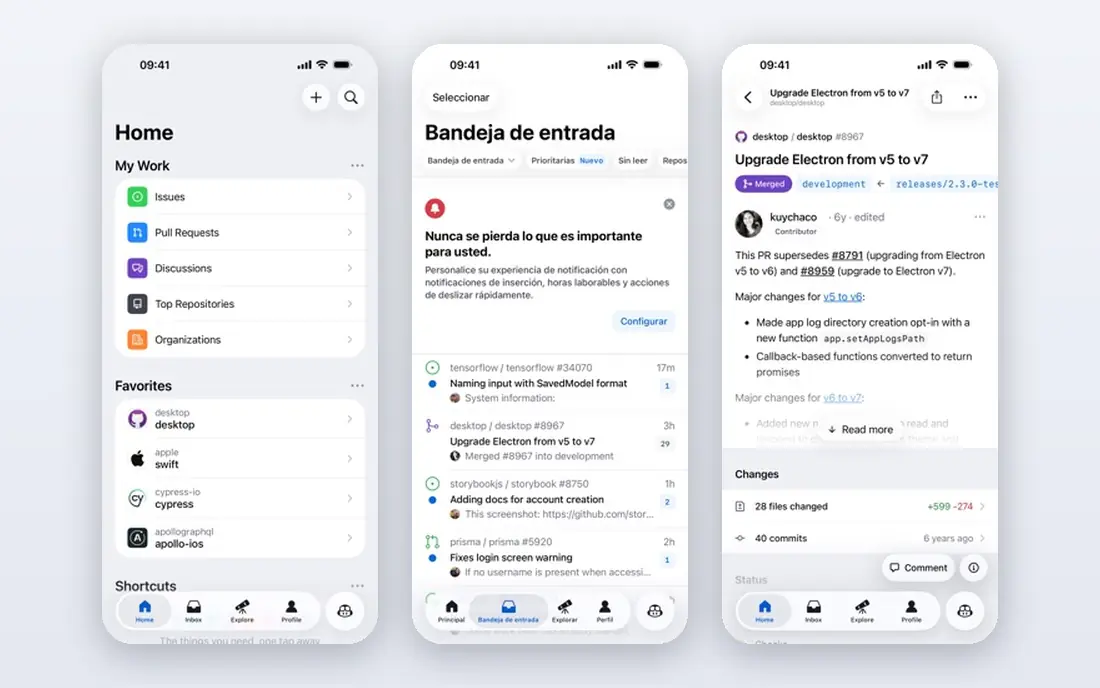
GitHub is the default code host for most teams and open source projects, with repositories, pull requests, issues, and Actions for CI in one place. Team pricing is listed at 4 dollars per user per month, with Enterprise from 21 dollars per user per month, and a free tier for unlimited public and private repositories with basic CI minutes. That low entry price and huge community make it easy to hire, onboard, and find contributors.
GitHub works best when you pair it with a planning tool and chat, since its built in project features are lighter than Jira or Linear for complex product planning. Advanced security, code scanning, and Copilot are separate or higher tier features, so budget for them if you need them. For most teams, GitHub is the safest starting host.
- Largest developer community
- Pull requests and code review
- Actions for CI and automation
- Advanced security and enterprise features cost extra
- Self hosting needs Enterprise Server

GitLab puts planning, source control, CI, registries, and security scanning in one application, which reduces the number of tools a team must integrate. Premium is listed at 29 dollars per user per month billed annually, with Ultimate at 99 dollars per user per month or by quote in recent listings, and a free tier with core features. Self hosting is available at every tier, including free, which suits regulated teams and air gapped networks.
GitLab paid tiers cost more than GitHub Team, but they replace several separate tools, so total cost can be similar for larger teams. The interface takes time to learn because it covers so much, so plan onboarding for new team members. If you want one platform rather than a patchwork, GitLab is the strongest alternative to GitHub.
- Planning, code, CI, and security in one app
- Self hosting at every tier
- Strong merge request workflow
- Paid tiers are costly
- Interface has many features to learn
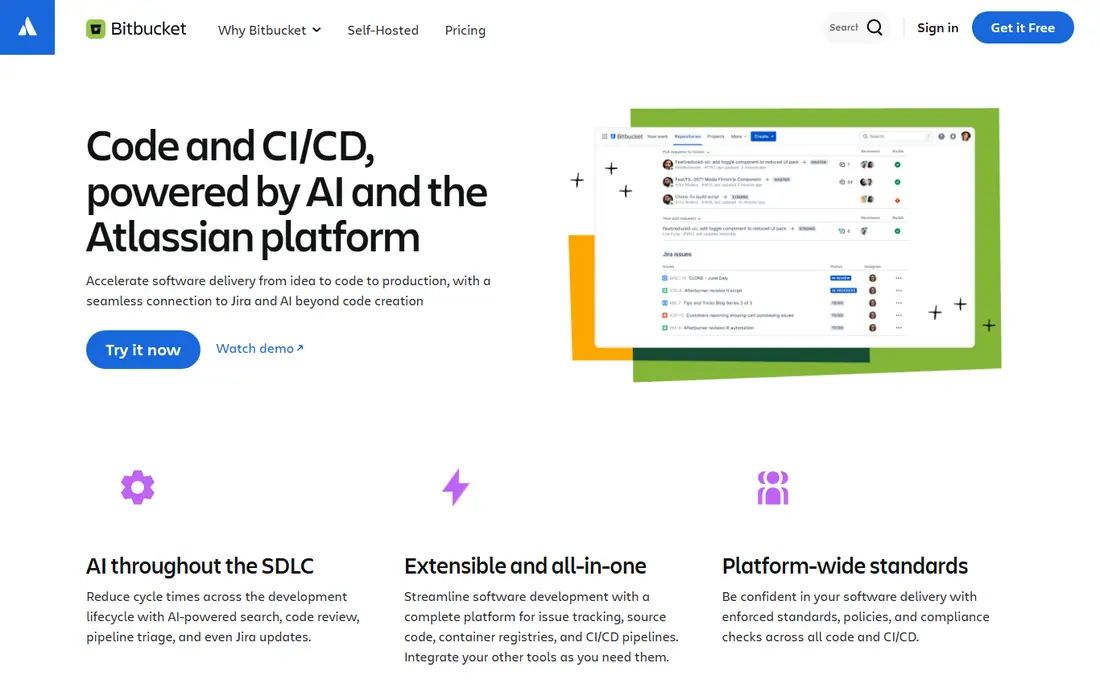
Bitbucket is Atlassian code hosting, with pull requests, branch permissions, and Pipelines for CI, plus tight integration with Jira issues and Confluence docs. Standard pricing is listed around 3.65 dollars per user per month in recent comparisons, with a free tier for small teams. For a team already running Jira, Bitbucket keeps code, issues, and docs linked without extra integration work.
Bitbucket has a smaller open source community than GitHub, so it is less ideal for public projects that need contributors. Its CI minutes and free tier limits are also lower than GitHub in some cases. If your team lives in Jira, Bitbucket is a natural fit. If you want the largest community, choose GitHub.
- Deep Jira and Trello integration
- Pull requests and pipelines
- Familiar to Atlassian shops
- Smaller community than GitHub
- Free tier limits and CI minutes are lower
Linear is a fast issue tracker built for product and engineering teams, with cycles, projects, and integrations that link issues to pull requests. It feels quicker than Jira for daily triage, planning, and status updates, and its keyboard shortcuts and clean design help small and mid sized teams stay organized without heavy admin work. A free tier covers small teams, with paid plans for larger teams and advanced features.
Linear is less suited to large enterprise programs that need deep customization, complex workflows, and extensive reporting, where Jira still leads. If your team values speed and simplicity, Linear is an excellent planning layer on top of GitHub or GitLab. If you need enterprise process control, test Jira first.
- Fast, clean issue tracking
- Good GitHub and GitLab integration
- Strong for product and engineering teams
- Less enterprise customization than Jira
- Reporting is lighter for large programs
Jira is the most widely used enterprise issue tracker, with customizable workflows, boards, roadmaps, and reporting for software teams at scale. It integrates with Bitbucket, Confluence, and a large marketplace, which makes it a hub for planning, documentation, and delivery in many large organizations. A free tier covers up to 10 users in many listings, with paid plans by user count.
Jira can feel slow and heavy for a small team that just needs a simple board, and setup takes time if you customize workflows deeply. For a startup, Linear or GitHub Projects may be faster. For a large team with complex programs, compliance needs, and many stakeholders, Jira depth is worth the admin cost.
- Deep customization and workflows
- Strong reporting
- Broad Atlassian ecosystem
- Can feel heavy for small teams
- Admin and setup take time
Visual Studio Code is a free editor that many teams use as their daily coding tool, with Live Share for real time pair programming, shared debugging, and shared terminals. That live collaboration helps with onboarding, code reviews, and debugging sessions without screen sharing workarounds. Its extension library covers almost every language, linter, and formatter a team needs.
VS Code is an editor, not a host or tracker, so you still need GitHub, GitLab, or Bitbucket for repositories and reviews. It also needs team settings for formatting and extensions to keep code consistent. As a shared coding layer, it is free, fast, and hard to beat.
- Free and widely used
- Live Share for real time collaboration
- Huge extension library
- Needs setup for team standards
- Not a code host or issue tracker on its own
JetBrains IDEs, including IntelliJ IDEA, PyCharm, and WebStorm, offer deep code intelligence, refactoring, and debugging for professional teams. Code With Me lets team members code together in real time, with shared editing and follow mode, which helps with pair programming and reviews. JetBrains tools are consistent across languages, so a team using several languages gets a familiar workflow.
JetBrains licenses are paid, with individual and organization pricing on its site, and the IDEs use more resources than VS Code. A free trial and community editions for some products help you test fit before buying. If your team values deep code assistance and refactoring, JetBrains is worth the cost.
- Strong code intelligence and refactoring
- Code With Me for collaboration
- Consistent tools across languages
- Paid licenses
- Heavier on system resources than VS Code
Slack is the daily communication layer for many dev teams, with channels for projects, incidents, and teams, plus integrations that post pull requests, CI results, and deploy alerts into chat. That keeps code activity visible without checking five dashboards, and threads help keep discussions tied to a specific issue or release. A free tier covers basic use, with paid plans for full history and advanced admin.
Slack free history is limited, so important decisions can disappear from search over time, and channel sprawl can create noise. Use a small set of well named channels, pin decisions, and move lasting docs to Confluence or a wiki. For day to day dev communication, Slack remains the most widely adopted choice.
- Channels for teams and projects
- Integrations with GitHub, Jira, and CI tools
- Searchable history on paid plans
- Free history is limited
- Notification overload needs channel discipline
Azure DevOps bundles Repos, Boards, Pipelines, Test Plans, and Artifacts in one suite, which suits teams already using Azure, Visual Studio, and Microsoft 365. It covers planning, code hosting, CI, and release management without stitching many vendors together, and a free tier covers small teams with basic CI minutes. For Microsoft centric shops, that integration saves setup time.
Azure DevOps can feel heavy and enterprise focused compared with GitHub or Linear, and its best experience is inside the Microsoft stack. If your team is not on Azure, GitHub or GitLab may feel lighter. If you are already on Azure, Azure DevOps is a coherent, low friction choice.
- Repos, boards, pipelines, and test plans in one suite
- Strong Azure integration
- Free tier for small teams
- Interface feels enterprise heavy
- Best value is inside the Microsoft ecosystem
How we picked these
We compared official pricing pages, product documentation, and team usage patterns, and we favored tools that are widely adopted, integrate with code hosts, and support real collaboration such as reviews, pair programming, or shared planning. We included hosts, trackers, editors, and chat because no single tool covers all collaborative development work.
How to build a collaborative stack without tool sprawl
Start with one code host, one tracker, one editor standard, and one chat tool, and make sure each integrates with the host. Add CI, security scanning, and docs only when a real bottleneck appears, since each new tool adds admin work and login friction.
Agree on review and branching rules early
Write down your branching model, review requirements, CI checks, and merge rules before the team grows. Clear rules make pull requests faster and fairer, and they prevent a tool choice from becoming a debate about process every week.
FAQ
What are collaborative software development tools?
They are tools that help developers work together on code, including code hosting, pull requests, issue tracking, pair programming, chat, and CI automation. Most teams use a combination, such as GitHub for code, Linear for tracking, VS Code for editing, and Slack for chat.
Is GitHub or GitLab better for a small team?
GitHub is usually better for a small team because it is cheaper, has a larger community, and is easier to learn. GitLab is better if you want planning, CI, and security in one app, or if you need self hosting at a low cost.
Do I need both Jira and GitHub?
Not always. GitHub Issues and Projects cover simple tracking, while Jira adds deep workflows and reporting for larger teams. Many teams use GitHub for code and Jira or Linear for planning, with integrations linking issues to pull requests.
What is the best free collaborative development stack?
A strong free stack is GitHub free for code, VS Code with Live Share for editing, Linear free or GitHub Projects for tracking, and Slack free for chat. That covers hosting, review, planning, and communication at no software cost for a small team.
How does pair programming work in VS Code and JetBrains?
VS Code Live Share and JetBrains Code With Me let multiple developers edit the same code in real time, share a terminal, and debug together. Both are useful for onboarding, code reviews, and fixing tricky bugs with a colleague.
Should a team self host GitLab or use GitHub cloud?
Self hosting GitLab gives you control over data, network, and compliance, but you must maintain servers, backups, and updates. GitHub cloud removes that work and gives you the largest community, at the cost of less direct control over hosting.