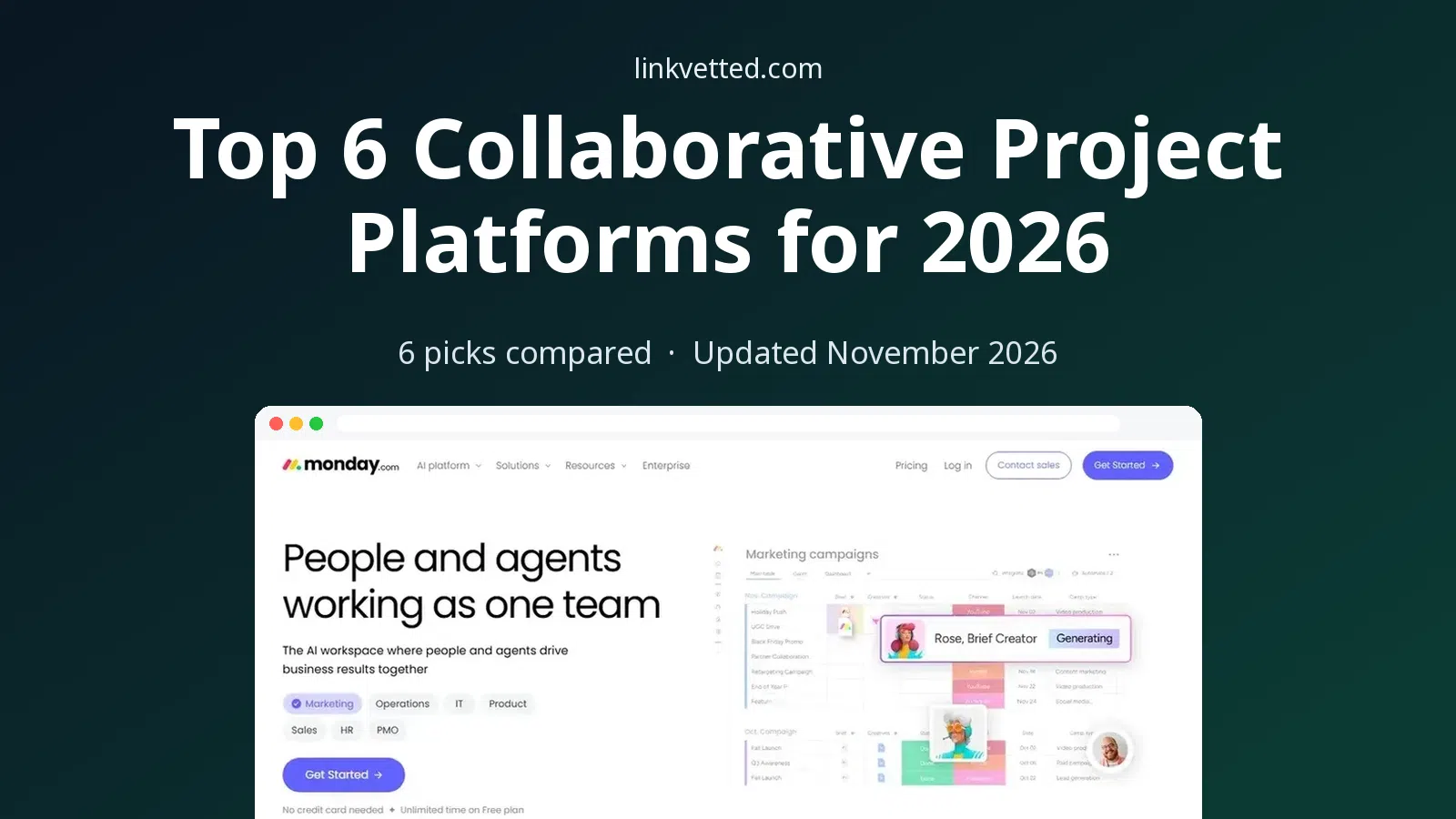
Top 6 Collaborative Project Platforms for 2026 (Prices and Free Plans)
Comparing the best collaborative project platforms? 6 contenders, each with entry cost, free tier and best-fit buyer. With pricing notes and limits. Start here.
- Editor's choice
 Monday.com
Visual teams wanting an AI workspace
Starts at$9 per seat per monthVisit monday.comFull review - Great alternative
 ClickUp
All-in-one tasks, docs, goals, chat
Starts at$9 per user a monthVisit clickup.comFull review - Also consider
 Wrike
Enterprises needing work delivery control
Starts atSee websiteVisit wrike.comFull review
Direct answer
For visual teams wanting an AI workspace, Monday.com is where this list starts. Listed starting prices: Monday.com from $9 per seat per month, ClickUp from $9 per user a month and Trello from $5 per user a month. ClickUp fits all-in-one tasks, docs, goals, chat; Wrike fits enterprises needing work delivery control. The other 3 tools in the list cover narrower or pricier cases.
TL;DR:
- This list starts with Monday.com, which is built for visual teams wanting an AI workspace.
- Monday.com, ClickUp, Trello, Asana, Notion: these are the 5 tools out of 6 that offer a free plan.
- Notion suits custom AI workspace with docs.
- Trello is the lowest-priced starter here at $5 per user per month.
- Before buying Wrike, weigh this: can be complicated for small teams.
Last checked November 2026. Prices and plan details were read from the vendors' own pages in November 2026; vendors change plans often, so confirm the current price on the vendor site before you buy.
Quick comparison
| Tool | Best for | Starts at | Free plan? | |
|---|---|---|---|---|
| Monday.com | Visual teams wanting an AI workspace | $9 per seat per month | Yes | Visit |
| ClickUp | All-in-one tasks, docs, goals, chat | $9 per user a month | Yes | Visit |
| Wrike | Enterprises needing work delivery control | See website | Not stated | Visit |
 Trello | Straightforward boards and to-do capture | $5 per user a month | Yes | Visit |
 Asana | Teams blending human and AI workflows | $10.99 per user per month | Yes | Visit |
 Notion | Custom AI workspace with docs | $10 per member a month | Yes | Visit |
6 collaborative project platforms in detail
LinkVetted compared 6 collaborative project platforms. The goal is a practical shortlist: published prices, free plan facts, best-fit use cases and honest limits for every entry.
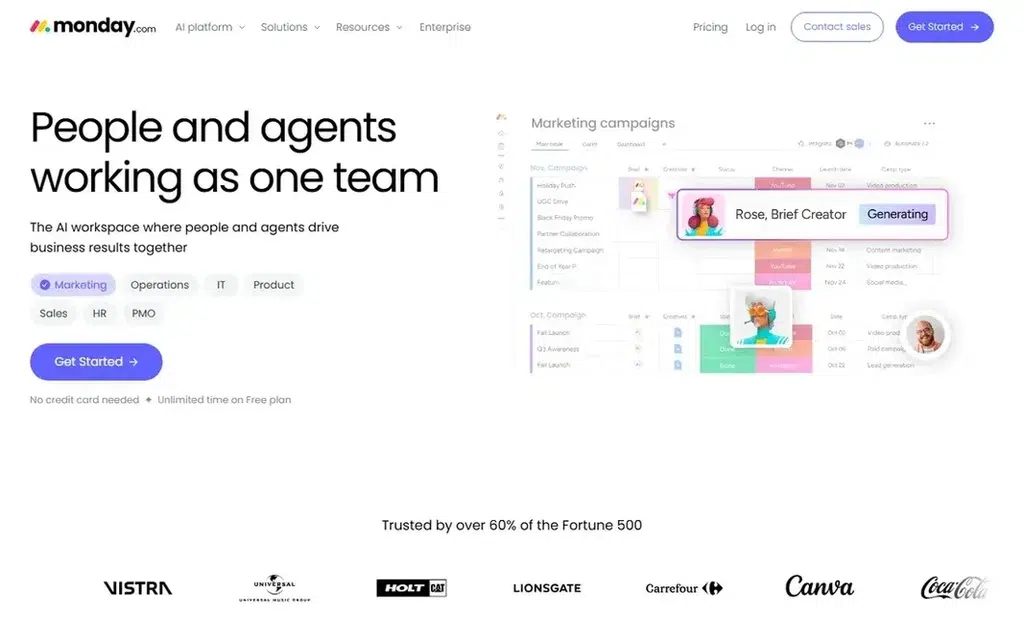
Monday.com was built for visual teams wanting an AI workspace. The product can become complicated to configure as workflows grow, and very straightforward projects may not need its breadth.
The main drawbacks: Can need setup for complicated workflows.
On cost, Monday.com starts like this: $9 per seat per month. Monday.com offers a free plan.
- One product for operations
- Visual workspace for execution and management
- May be more than straightforward task lists need
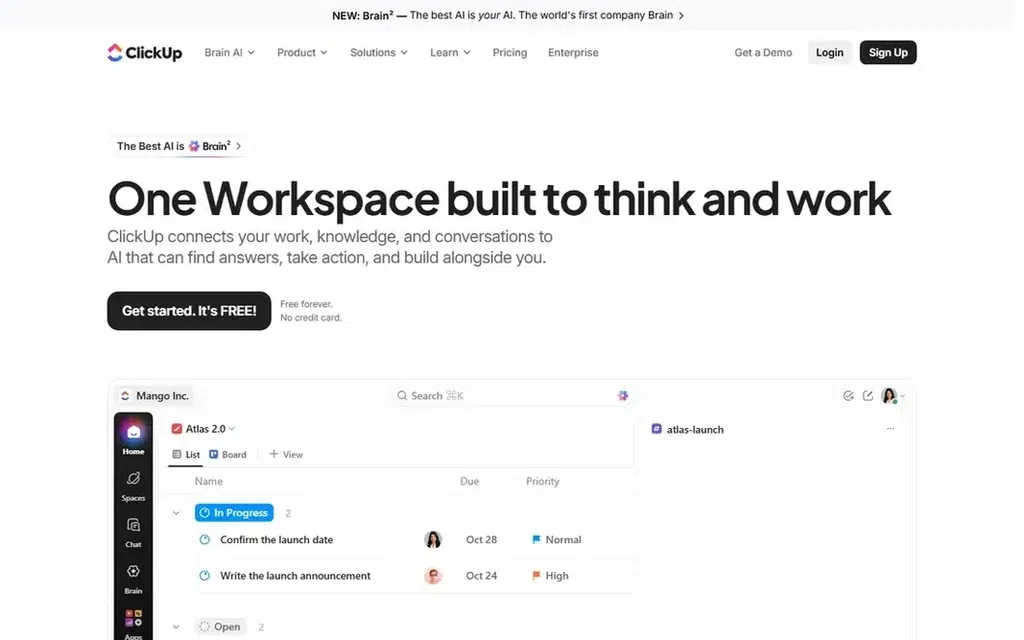
In short, ClickUp is for all-in-one tasks, docs, goals, chat. ClickUp describes itself as the everything app for work, combining tasks, docs, goals, and chat.
The breadth of features can feel overwhelming at first, and teams may need time to configure views and settings. On cost, ClickUp starts like this: $9 per user per month. ClickUp has a free plan.
The main drawbacks: Feature depth can overwhelm new users.
- Tasks, docs, goals
- Fits teams consolidating tools
- Initial setup may take time
Wrike is built with enterprises needing work delivery control in mind. Wrike's enterprise focus can mean a steeper setup for small teams or straightforward projects.
Organizations without complex workflows may not use its full depth. Pricing for Wrike is not stated here, so ask the vendor for current figures. Trial and free access: Not stated.
Downsides: Can be complicated for small teams.
- AI-powered work management
- Fits complicated enterprise workflows
- Needs configuration for best results
Trello was built for straightforward boards and to-do capture. Trello concentrates on capturing, organizing, and tackling to-dos from anywhere, with boards, inbox, and planner access even on mobile.
The main drawbacks: Fewer built-in docs and goals features.
Also, small teams and personal productivity users commonly find it approachable. If your work needs deep automation and oversight, consider a broader product. Starting cost for Trello: $5 per user per month. You can start on Trello without paying.
- Mobile access included
- Board-based organization
- Restricted for complicated enterprise workflows
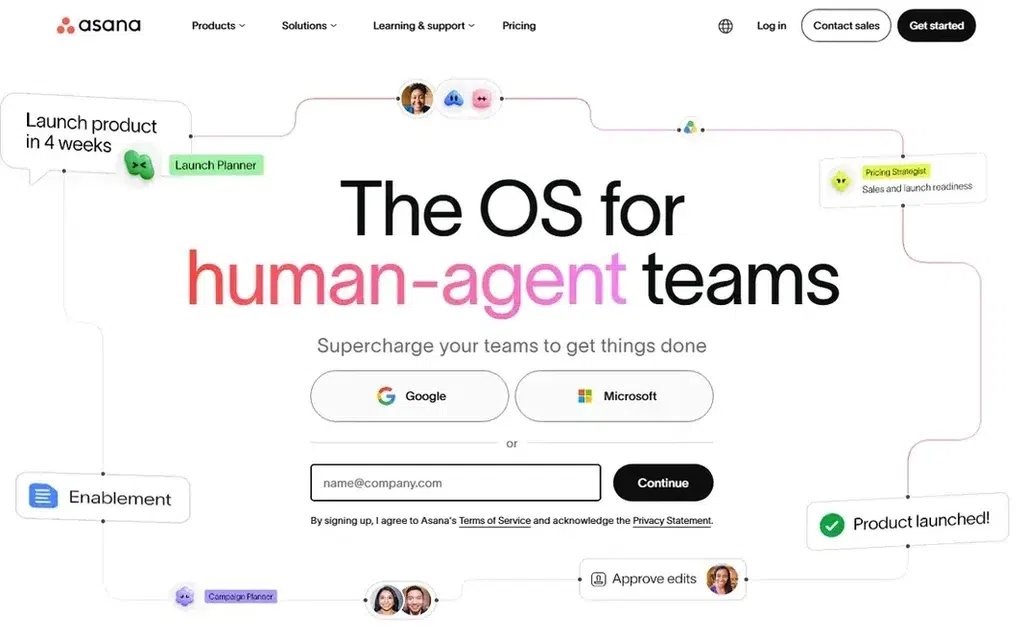
Think of Asana for teams blending human and AI workflows. Asana can feel heavy for individuals or very small teams that only need straightforward lists. For everyday use, teams that coordinate cross-functional work and want AI agents to deal with repetitive steps will find the product well aligned with that goal.
Watch-outs: May be complicated for very small teams.
Beyond that, Asana is work management software aimed at teams and AI agents to plan, automate, and execute critical workflows together. On top of that, setup and automation rules take time to configure well. As for the details, if your priority is a light board with minimal structure, a more straightforward tool may be a better fit. The starting price for Asana: $10.99 per user per month. You can start on Asana without paying.
- Automation for critical workflows
- Clear project and task organization
- Advanced features need configuration
Notion is a good fit for custom AI workspace with docs. Notion is an AI workspace where teams build custom agents, search across apps, and automate busywork.
As for the details, Notion's adaptability means teams must design their own structures, which can take effort and result in inconsistency. It may not enforce strict project governance from day one. Notion cost at the entry level: $10 per member per month. Notion includes a free tier.
What to check first: Can be open-ended for strict processes.
- Adaptable workspace for docs and projects
- Automation of busywork
- Needs building your own structure
How the list was put together
Questions to settle before buying
- Ask Wrike for a written quote, since no starting price is shown.
- Read the fine print on the free plans from Monday.com, ClickUp, Trello and others; seat, project and feature caps differ.
- Read the limits listed for Monday.com first: can need setup for complex workflows.
- Read the plan comparison for Notion carefully; key features often start on a higher tier.
- A short pilot of Wrike with your real workflow tells you more than a feature table.
FAQ
Which options for collaborative project platforms have a free plan?
On this list, Monday.com, ClickUp, Trello, Asana and Notion include a free plan. Caps on seats, usage or features are common, so test the free plan against your real workload.
How do Asana and Monday.com differ for team collaboration?
Asana emphasizes work management for teams and AI agents with automation of critical workflows. Both target collaborative execution, but their described approaches and interfaces differ.
Is Monday.com the right pick for everyone comparing collaborative project platforms?
No single tool suits every team. Monday.com comes first because it fits visual teams wanting an AI workspace, while ClickUp suits all-in-one tasks, docs, goals, chat and Wrike suits enterprises needing work delivery control. Match the tool to your own size, budget and workflow before deciding.
Can I try these options before paying?
Often, yes. Monday.com, ClickUp, Trello and others have a free plan. Use your own data and a real task during the test, and check what the free tier or trial limits before you rely on it.
Is Trello a good match for large teams?
Trello is described around capturing and organizing to-dos with boards and mobile access, which fits straightforward task tracking. Large teams with complicated workflows and governance needs may find it restricted compared to enterprise-focused systems.
Can Notion replace a dedicated project management tool?
Notion gives you an AI workspace with custom agents, search, and automation, and teams can build project structures within it. In daily use, whether it replaces a dedicated tool relies on how much structure and governance you need.
Sources
- https://monday.com
- https://clickup.com
- https://www.wrike.com
- https://trello.com
- https://asana.com
- https://www.notion.com