The 6 Best Mobile Development Platforms for Remote Teams in 2026, Ranked
Best mobile development platforms for remote teams: 6 contenders ranked by fit, with entry costs and free tiers. Concise write-ups of every option. Facts only.

- Editor's choiceMicrosoft Visual Studio App Center
Continuous build and release pipelines
Starts atSee websiteVisit appcenter.msFull review - Great alternative
 React Native
JavaScript teams writing once anywhere
Starts atSee websiteVisit reactnative.devFull review - Also consider
 Expo
Managed mobile infrastructure and delivery
Starts at$19 a monthVisit expo.devFull review
Direct answer
Start with Microsoft Visual Studio App Center if you need continuous build and release pipelines. Listed starting prices: Expo from $19 a month. React Native is the stronger choice for JavaScript teams writing once anywhere, while Expo suits managed mobile infrastructure and delivery. The full list of 6 tools follows, with prices and free plan facts.
TL;DR:
- This list starts with Microsoft Visual Studio App Center, which is built for continuous build and release pipelines.
- The main caution on Microsoft Visual Studio App Center: centred on pipeline instead of UI building.
- The cheapest monthly starting price in the list is $19 per month, offered by Expo.
- Expo is the only tool of the 6 with a free plan.
Last checked November 2026. Prices and plan details were read from the vendors' own pages in November 2026; vendors change plans often, so confirm the current price on the vendor site before you buy.
Quick comparison
| Tool | Best for | Starts at | Free plan? | |
|---|---|---|---|---|
| Microsoft Visual Studio App Center | Continuous build and release pipelines | See website | Not stated | Visit |
| React Native | JavaScript teams writing once anywhere | See website | Not stated | Visit |
| Expo | Managed mobile infrastructure and delivery | $19 a month | Yes | Visit |
 OutSystems | Enterprises modernizing legacy systems | See website | Not stated | Visit |
 Ionic | Web developers building cross-platform apps | See website | Not stated | Visit |
 Flutter | Single codebase across plenty of screens | See website | Not stated | Visit |
6 mobile development platforms for remote teams in detail
LinkVetted put together this guide to mobile development platforms for remote teams for readers who want a clear shortlist without reading every vendor page. It compares 6 tools on starting price, free plans, who each one suits and where each one falls short.
Microsoft Visual Studio App Center
Best for: Continuous build and release pipelines
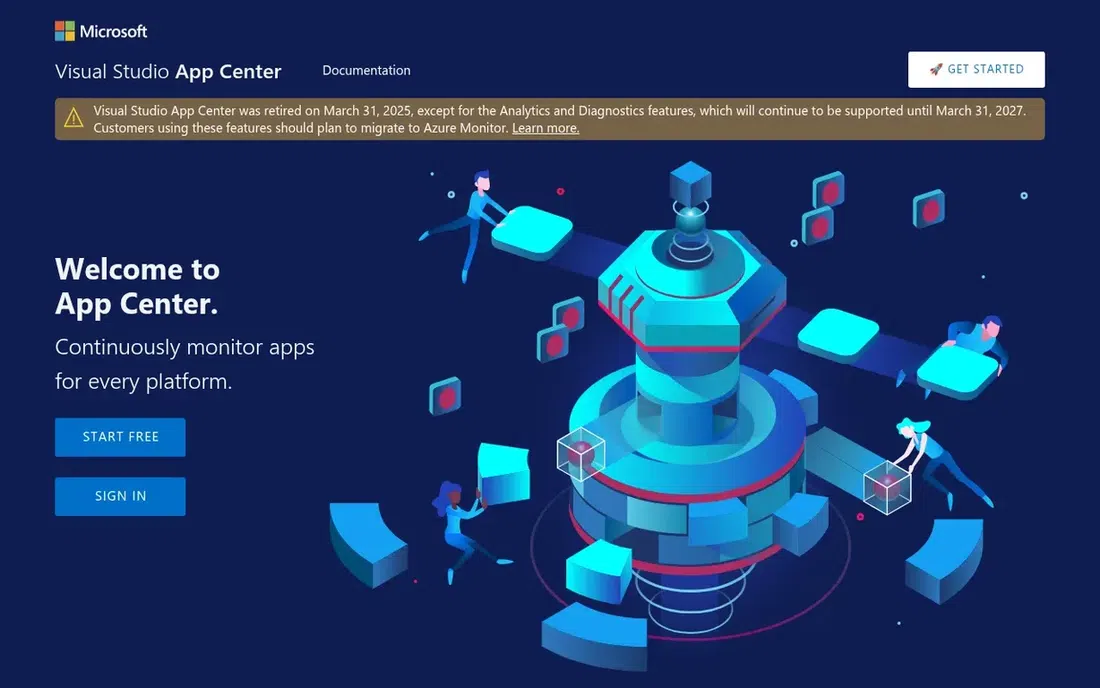
Microsoft Visual Studio App Center makes the most sense for continuous build and release pipelines. For remote teams, that means a shared pipeline where distributed developers push code and get consistent builds and release tracking without local setup.
What to check first: Teams still need a separate app framework.
App Center is not an UI framework, so it complements instead of replaces your development stack. Check the vendor site for Microsoft Visual Studio App Center pricing; none is listed in this comparison. Free options: Not stated.
What works well: Continuous build.
- Test and release flow
- Supports iOS, Android
- Focused on pipeline instead of UI building
Pick React Native if this describes you: JavaScript teams writing once anywhere. Some features still need native modules, so teams should plan for platform-specific work and testing.
React Native positions itself around a learn once, write anywhere model, which resonates with remote teams whose developers already work in JavaScript and React. No starting price is listed for React Native here; confirm pricing on the vendor site. Free access: Not stated.
Drawbacks to consider: Native modules can add integration work. What React Native does well: Wide ecosystem of community libraries.
- Suits teams already working in JavaScript
- Write anywhere approach
- Performance tuning varies by product
Expo is designed for managed mobile infrastructure and delivery. Expo presents itself as mobile infrastructure for building application software, letting teams develop, validate, deploy and monitor iOS, Android and web apps from one codebase.
For everyday use, remote teams benefit from shared build and release infrastructure that cuts per-developer setup and keeps delivery steps consistent. On cost, Expo starts like this: $19 per month. Expo includes a free tier.
Downsides: Deep native customization may need additional work.
What works well: Develop, validate.
- Deploy and monitor in one place
- Infrastructure targeted at shipping to production
- Tied to its own tooling conventions
OutSystems targets enterprises modernizing legacy systems. The enterprise orientation can feel heavy for small product teams that just want a light framework.
Honest limits: Less suited to purely hand-coded workflows.
OutSystems shows no starting price here, so confirm the cost on the vendor site. As for free access: Not stated.
- Supports custom apps and AI agents
- Targeted at enterprise app modernization
- Enterprise focus may overwhelm small teams
Ionic was built for web developers building cross-platform apps. Since it leans on web technologies, graphically intensive or highly native-feeling apps may need extra work.
Where it is weaker: Heavy graphics may need native work.
Teams needing maximum native performance should compare against a compiled framework before deciding. No starting price is listed for Ionic here; confirm pricing on the vendor site. Trial and free access: Not stated.
- Designed for web developers moving to mobile
- Includes cross-platform apps and PWAs
- Depends on web views for rendering
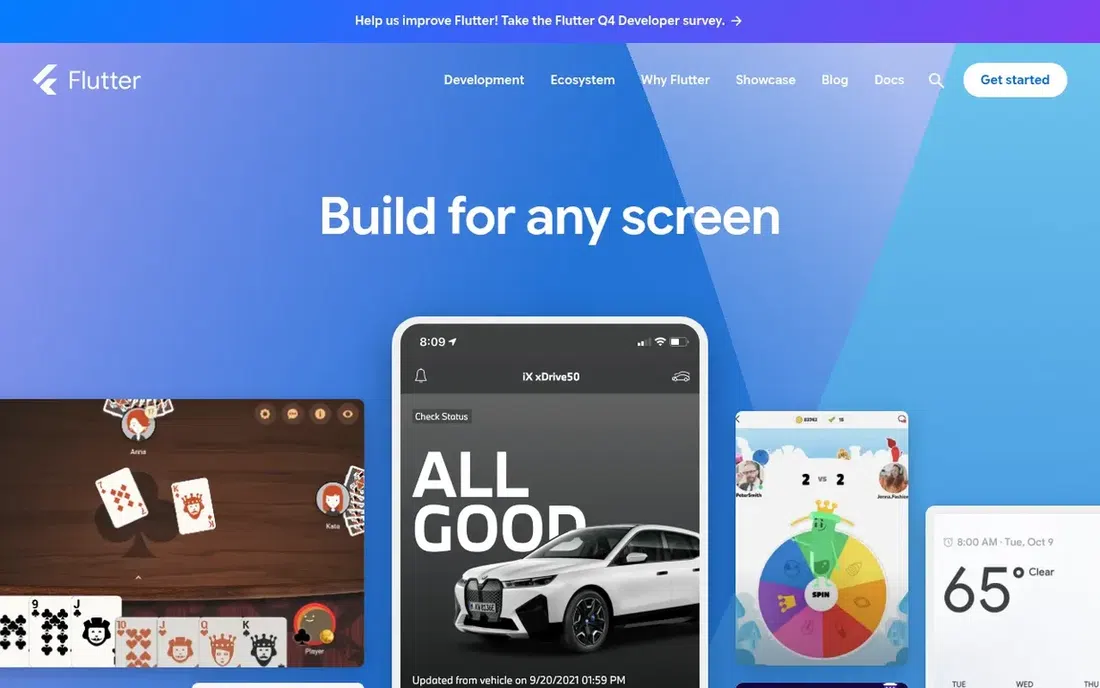
Choose Flutter for single codebase across plenty of screens. Flutter describes itself as transforming the whole app development process, letting teams build, test and deploy apps for mobile, web, desktop and embedded from a single codebase.
In practice, teams with deep existing native code or a strict platform-specific design language may prefer a framework that leans on those native skills instead. Worth adding: since Flutter uses its own language, new hires need onboarding time before they contribute. Flutter shows no starting price here, so confirm the cost on the vendor site. Free options: Not stated.
Drawbacks to consider: Desktop and embedded output may need additional tuning.
- Desktop and embedded
- Handles build
- Needs learning the Dart language
How we built this list
Pricing pages, product documentation and feature lists were the main sources, and every entry carries at least one honest drawback. Where a vendor does not publish a price, the entry says quote. Where a price depends on seats or billing term, the entry says so. Tools are placed by general fit for mobile development platforms for remote teams, with price clarity and free access as tie-breakers. A different team can reasonably rank them differently.
Pre-purchase checklist
- Get a written quote from Microsoft Visual Studio App Center, React Native, OutSystems and others; the list shows no starting price for them.
- Test the free plan from Expo against your real workload before relying on it.
- Before choosing Microsoft Visual Studio App Center, weigh its main limit: concentrated on pipeline instead of UI building.
- Look at the renewal terms for OutSystems: auto-renewal, notice periods and price changes can matter more than the first-year price.
- Ask whether Expo integrates with your current software, and whether that comes standard or as an add-on.
FAQ
How are the tools for mobile development platforms for remote teams ordered?
Microsoft Visual Studio App Center sits first and Flutter last because the order follows typical fit for mobile development platforms for remote teams, then price clarity and free access. It is a judgement call, so read each profile for fit and limits.
Can I try these tools before paying?
Often, yes. Expo has a free plan. Use your own data and a real task during the test, and check what the free tier or trial limits before you rely on it.
What is the cheapest option for mobile development platforms for remote teams in this list?
On published monthly entry prices, Expo is the lowest here at $19 per month. Entry price is only part of the cost, because seats, add-ons and billing terms can change the total. Each of the 6 options in this mobile development platforms for remote teams guide has its own card above with the price, free plan and limits.
Is Microsoft Visual Studio App Center the right pick for everyone comparing mobile development platforms for remote teams?
No single tool suits every team. Microsoft Visual Studio App Center comes first because it fits continuous build and release pipelines, while React Native suits JavaScript teams writing once anywhere and Expo suits managed mobile infrastructure and delivery. Match the tool to your own size, budget and workflow before deciding.
Sources
- https://appcenter.ms
- https://reactnative.dev
- https://expo.dev
- https://www.outsystems.com
- https://ionicframework.com
- https://flutter.dev