Best Comic Creation Software for Indie Artists for 2026: Our 6 Vetted Picks
6 products for the best comic creation software for indie artists, ranked by fit, with starting costs and free tiers. Each entry gets a plain verdict. No hype.
- Editor's choice
 Affinity Photo
Precise photo editing on a budget
Starts atPricing on requestVisit affinity.serif.comFull review - Great alternative
 Adobe Photoshop
Image editing alongside comic art
Starts atPricing on requestVisit adobe.comFull review - Also consider
 Rebelle
Realistic wet media painting
Starts atPricing on requestVisit escapemotions.comFull review
Direct answer
Our first pick is Affinity Photo, best for precise photo editing on a budget. Adobe Photoshop is the stronger choice for image editing alongside comic art, while Rebelle suits realistic wet media painting. The remaining 3 options are covered below with pricing notes and limits. None of these vendors publish plan prices, so pricing is on request for every option.
TL;DR:
- The list opens with Affinity Photo, aimed at precise photo editing on a budget.
- Every tool from Affinity Photo to ArtRage works by quote, with no list price shown.
- What to know about Clip Studio Paint first: interface can feel dense at first.
- Neither Affinity Photo nor ArtRage, nor any of the other 4 tools, has a permanent free plan; trials and quotes are the norm.
Last checked November 2026. Pricing on request: vendors did not publish plan prices when this guide was last checked (November 2026), so ask each vendor for a written quote.
Quick comparison
| Tool | Best for | Starts at | Free plan? | |
|---|---|---|---|---|
| Affinity Photo | Precise photo editing on a budget | Pricing on request | Not stated | Visit |
| Adobe Photoshop | Image editing alongside comic art | Pricing on request | Not stated | Visit |
| Rebelle | Realistic wet media painting | Pricing on request | Not stated | Visit |
 Clip Studio Paint | Comic and manga page production | Pricing on request | Not stated | Visit |
 Procreate | IPad-first drawing and animation | Pricing on request | Not stated | Visit |
| ArtRage | Natural paint feel for illustrations | Pricing on request | Not stated | Visit |
6 comic creation software for indie artists in detail
Short on time? The summary and table above give the quick view of 6 comic creation software for indie artists, and the profiles that follow give the detail behind each entry.
In short, Affinity Photo is for precise photo editing on a budget. Indie comic artists can use it to clean up scans, adjust tones, composite includes and prepare pages for print or digital release.
It is an image editor instead of a comic creation environment, so sketching, inking and lettering are better handled elsewhere. Beyond that, Affinity Photo is a professional photo editor focused on precision, speed and creative freedom. Affinity Photo does not show a starting price in this comparison, so check the vendor site for current pricing. Free plan details: Not stated.
Reasons to shortlist it: quick editing workflow. Honest limits: Smaller ecosystem of comic templates.
- Professional-level editing controls
- Solid choice for file preparation
- Not a dedicated comic drawing app
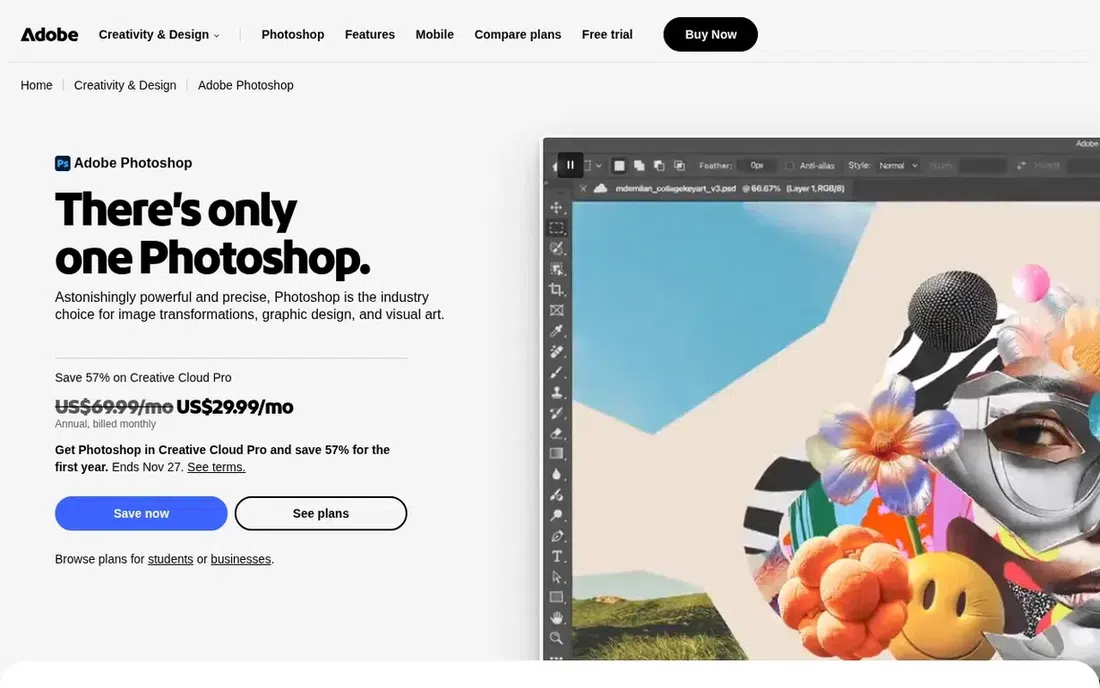
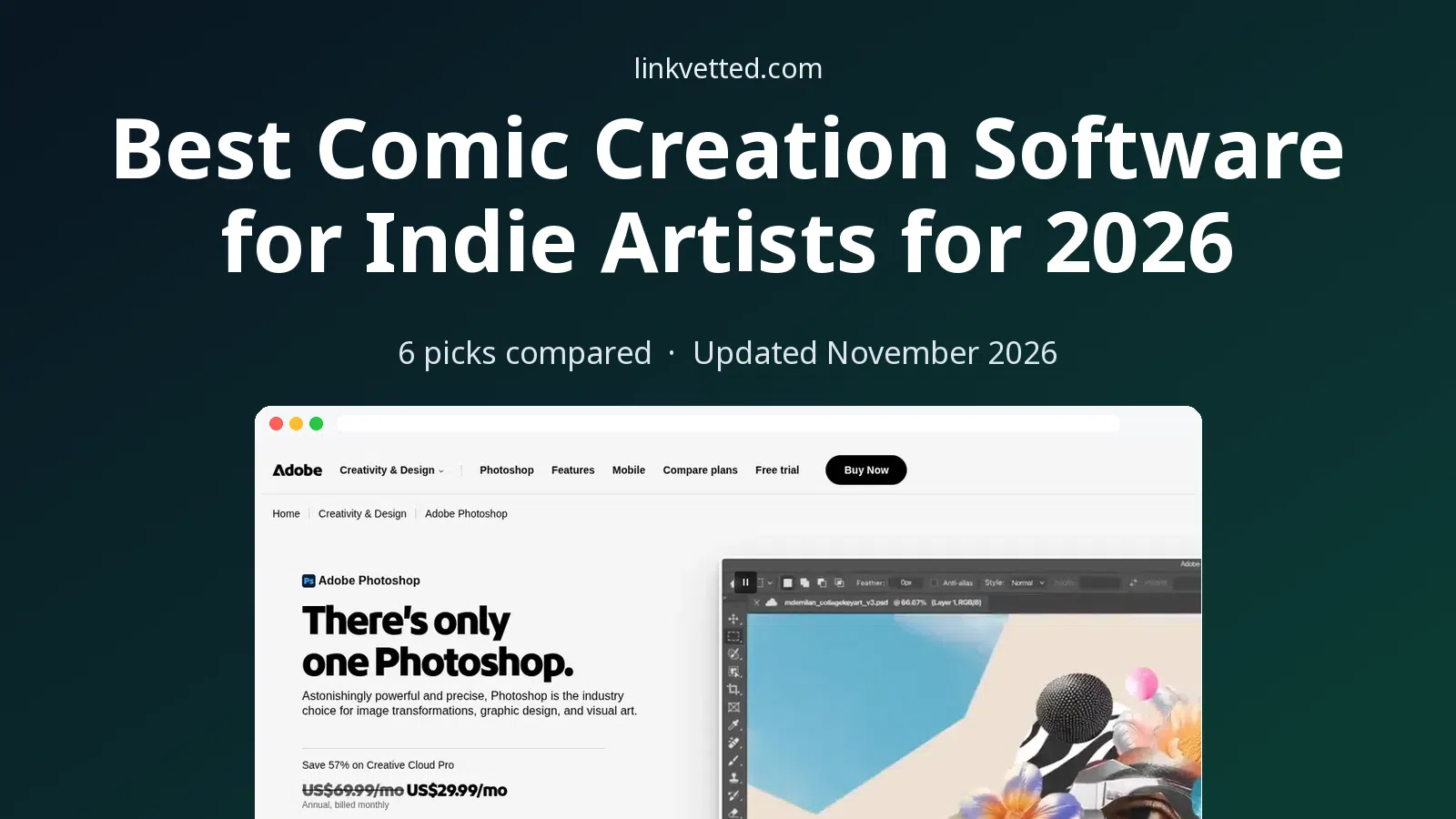
Where Adobe Photoshop fits: image editing alongside comic art. Adobe Photoshop is a photo and design application for editing images, combining scenes and making complicated adjustments, available online and through its mobile app. For everyday use, Photoshop is a general image editor rather than a comic production tool, so panel layout and lettering frequently need additional steps or plug-ins.
What to check first: Not designed specifically for comics.
Worth adding: for indie comic artists it performs well as a companion tool for touching up scanned pages, building textures or preparing files for print and web. Also, choose it when editing and compositing matter as much as drawing, and pair it with a dedicated drawing app. This comparison lists no price for Adobe Photoshop; ask the vendor. Free options: Not stated.
- Familiar to plenty of digital artists
- Deep image editing and compositing tools
- Subscription model may not suit everyone
Pick Rebelle if this describes you: realistic wet media painting. Indie comic artists who want watercolor washes, painterly includes or textured backgrounds will find it a distinctive choice, and it suits illustrators who value a traditional media feel over flat digital color.
Choose Rebelle when painterly, natural-looking media is central to your comic's look. Check the vendor site for Rebelle pricing; none is listed in this comparison. Free plan details: Not stated.
Points against: Desktop only, no tablet version.
- Available for Mac and Windows
- Simulates real-world color mixing
- Natural media focus over comic layout
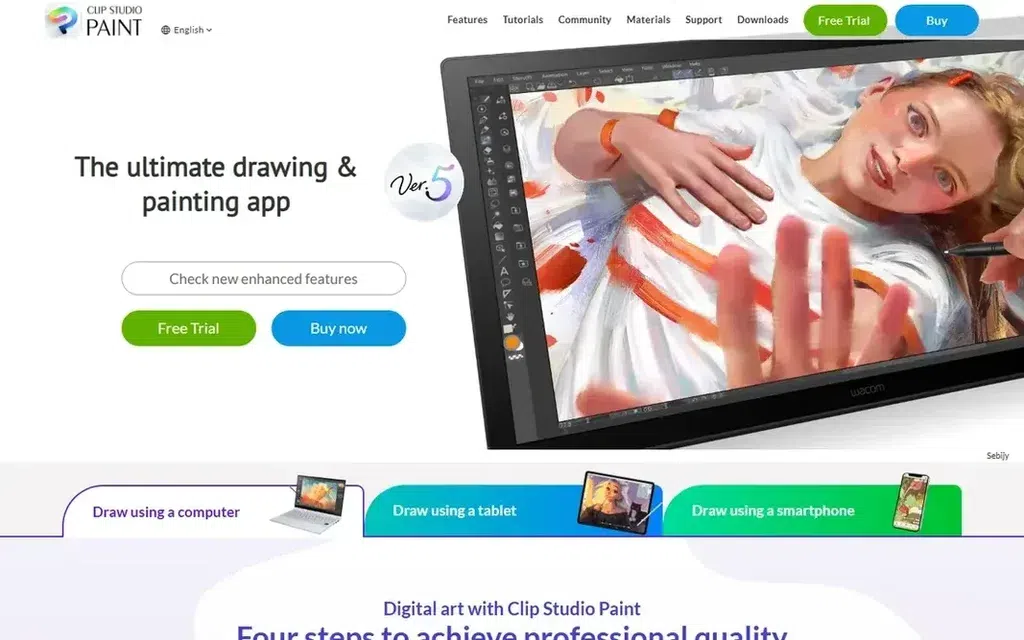
Clip Studio Paint is designed for comic and manga page production. Clip Studio Paint is a paint application made for digital illustration, comics and animation, with a large set of brushes and convenience features geared toward artists.
It runs on PC, tablet and smartphone, so an indie artist can move between devices. For everyday use, the breadth of features means a ramp-up time, and beginners may find the interface busy compared to more straightforward sketch apps. Clip Studio Paint does not show a starting price in this comparison, so check the vendor site for current pricing. Free plan details: Not stated.
Best features of Clip Studio Paint: manga and animation. What to check first: Interface can feel dense at first.
- Brushes tuned for illustration and comics
- Supports illustration
- Full comic workflow needs time to learn
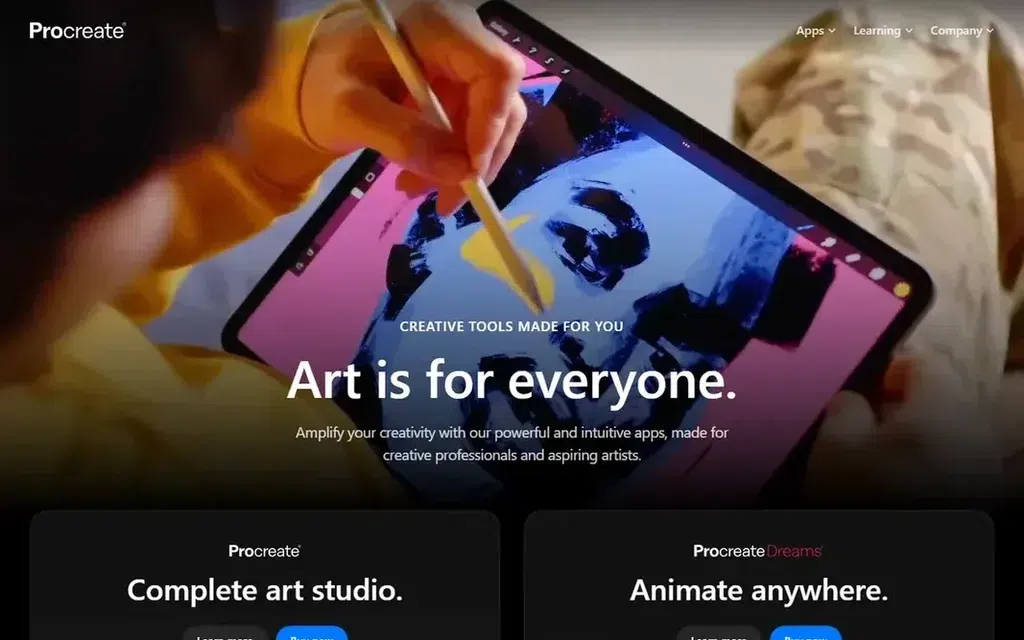
Pick Procreate if this describes you: iPad-first drawing and animation. Procreate makes creative apps for iPad pitched at both professionals and aspiring artists, including drawing and animation. It is a good fit for creators who want a focused, portable studio and prefer paying once instead of subscribing.
What to check first: Less suited to desktop page production.
As for the details, pick Procreate when your process lives on iPad and you want a clean drawing experience, and add desktop tools only if print production demands it. As for the details, since the apps are built for iPad, artists who require desktop publishing, complicated panel templates or Windows workflows may find it limiting. It is also not a full comic production suite on its own. Pricing for Procreate is not stated here, so ask the vendor for current figures. Free plan details: Not stated.
- Pay once with no subscription
- Designed specifically for iPad
- Tied to the iPad ecosystem
ArtRage
Best for: Natural paint feel for illustrations
ArtRage was built for natural paint feel for illustrations. Pick ArtRage for illustration and painted elements, and combine it with a comic-focused tool for layout and lettering.
Limits to weigh: Feature set varies by product.
From a buyer's view, ArtRage is not built around comic production, so panels, balloons and page templates are better handled in a dedicated app. Beyond that, the available features can differ between products, so check what your device supports. Check the vendor site for ArtRage pricing; none is listed in this comparison. Free plan details: Not stated.
- Well known for natural media tools
- Approachable for traditional artists
- Not centred on comic page layout
How the list was put together
What to check before you buy
- Request quotes from Affinity Photo, ArtRage and the others; the list shows no fixed prices.
- Before choosing Affinity Photo, weigh its main limit: not a dedicated comic drawing app.
- Confirm minimum seats and billing terms with Procreate before you commit to an annual plan.
- Confirm that Affinity Photo connects to the apps your team already uses, on the plan you would actually buy.
- Work out what Rebelle costs with your real seat count, add-ons and usage, not just the entry price.
FAQ
Can I try these tools before paying?
Not by default. None of the tools, from Affinity Photo to ArtRage, lists a free plan or a free trial here, so ask each vendor for a demo before committing.
Is Affinity Photo the right pick for everyone comparing comic creation software for indie artists?
No single tool suits every team. Affinity Photo comes first because it fits precise photo editing on a budget, while Adobe Photoshop suits image editing alongside comic art and Rebelle suits realistic wet media painting. Match the tool to your own size, budget and workflow before deciding.
Does any tool for comic creation software for indie artists here have a free plan?
A permanent free plan is not offered by Affinity Photo, ArtRage or the other tools here. Plan a short evaluation period instead.
Do these tools publish their prices?
No. None of the tools, from Affinity Photo to ArtRage, shows a fixed starting price here, so budget time for quotes.
Which comic software is best for a beginner indie artist?
The first pick on this list is Affinity Photo, because it suits precise photo editing on a budget. Adobe Photoshop is better for image editing alongside comic art, and Rebelle for realistic wet media painting. Check price and limits against your own needs before choosing.
Sources
- https://affinity.serif.com/en-us/photo
- https://www.adobe.com/products/photoshop.html
- https://www.escapemotions.com/products/rebelle
- https://www.clipstudio.net
- https://procreate.com
- https://www.artrage.com