Best Webtoon Creation Software for Comic Artists in 2026: Prices, Free Plans and 6 Picks
Searching for the best webtoon creation software for comic artists? Here are 6 options with prices and free plans. Every tool lists pros and cons. Start here.
- Editor's choice
 Procreate
IPad artists seeking natural drawing
Starts atPricing on requestVisit procreate.comFull review - Great alternative
 Adobe Photoshop
Advanced image editing and compositing
Starts atPricing on requestVisit adobe.comFull review - Also consider
 MediBang Paint
Light and accessible comic creation
Starts atPricing on requestVisit medibangpaint.comFull review
Direct answer
For iPad artists seeking natural drawing, Procreate is where this list starts. Adobe Photoshop fits advanced image editing and compositing; MediBang Paint fits light and accessible comic creation. All 6 tools are compared below on fit, free plan and limits. None of these vendors publish plan prices, so pricing is on request for every option.
TL;DR:
- This list starts with Procreate, which is built for iPad artists seeking natural drawing.
- Pricing across the list, from Procreate to Affinity Photo, is by quote only.
- For professional photo editing with precision, Affinity Photo is worth a look.
- Before buying MediBang Paint, weigh this: less advanced features than premium tools.
- A permanent free plan is missing from all 6 tools, Procreate and Affinity Photo included; plan for a trial or a premium start.
Last checked November 2026. Pricing on request: vendors did not publish plan prices when this guide was last checked (November 2026), so ask each vendor for a written quote.
Quick comparison
| Tool | Best for | Starts at | Free plan? | |
|---|---|---|---|---|
| Procreate | IPad artists seeking natural drawing | Pricing on request | Not stated | Visit |
| Adobe Photoshop | Advanced image editing and compositing | Pricing on request | Not stated | Visit |
| MediBang Paint | Light and accessible comic creation | Pricing on request | Not stated | Visit |
 Rebelle | Realistic media simulation for digital painting | Pricing on request | Not stated | Visit |
 Clip Studio Paint | Dedicated webtoon and comic creation | Pricing on request | Not stated | Visit |
 Affinity Photo | Professional photo editing with precision | Pricing on request | Not stated | Visit |
Tool-by-tool breakdown
LinkVetted compared 6 webtoon creation software for comic artists. The goal is a practical shortlist: published prices, free plan facts, best-fit use cases and honest limits for every entry.
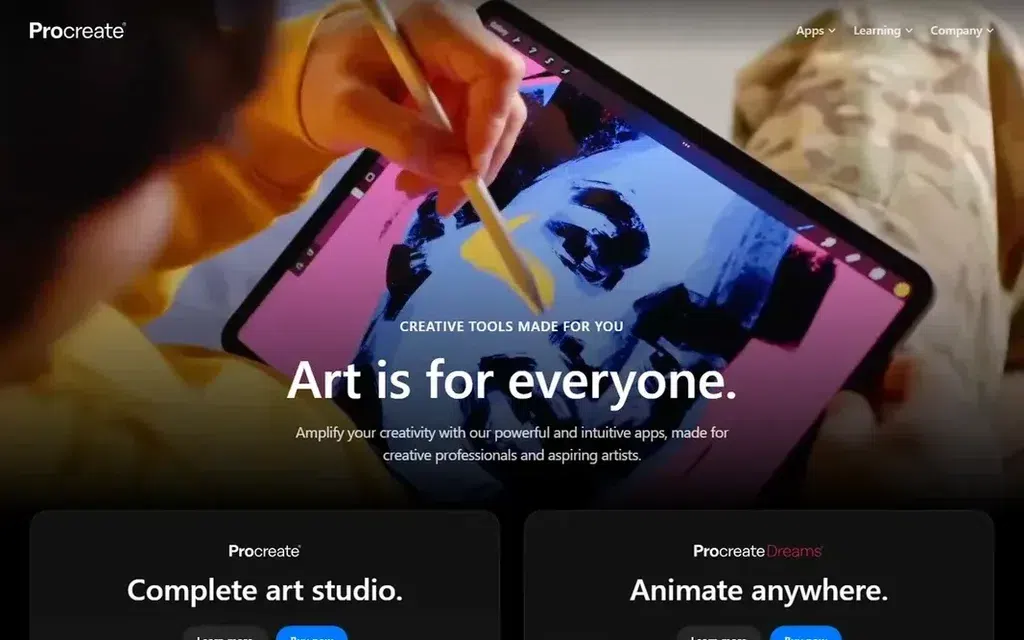
Procreate is designed for iPad artists seeking natural drawing. It is recognised for its smooth, lag-free performance and natural brush feel, making it a favorite among digital artists.
For everyday use, if you need thorough comic features, Clip Studio Paint or MediBang Paint may be more suitable. Pricing for Procreate is not stated here, so ask the vendor for current figures. Free plan details: Not stated.
Honest limits: Restricted comic-specific features.
- Optimized for iPad and Apple Pencil
- One-time purchase with no subscription
- Only available on iPad
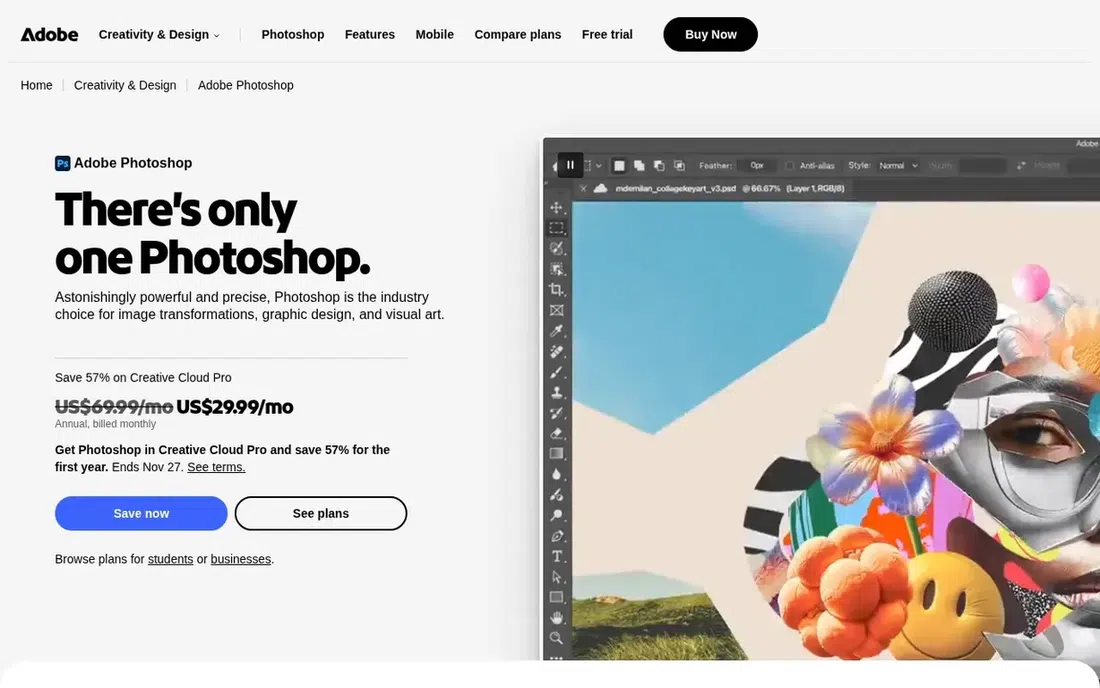
Where Adobe Photoshop fits: advanced image editing and compositing. Adobe Photoshop is a feature-rich raster graphics editor widely used in digital art and photography. It is a strong match for those who require to combine drawing with heavy image editing or who already use Adobe's ecosystem.
Points against: Not specifically built for comics.
In practice, the software is available on desktop and mobile. Photoshop lacks dedicated comic and webtoon features like panel templates, so artists must set up their own workflows. From a buyer's view, for a more comic-focused tool, Clip Studio Paint is a better fit. Pricing for Adobe Photoshop is not stated here, so ask the vendor for current figures. As for free access: Not stated.
- Deep brush engine and customization
- Integration with other Adobe apps
- Subscription-based model
MediBang Paint is a good fit for light and accessible comic creation. It is available on iPad and other devices, making it accessible for artists on the go. For more solid comic tools, consider Clip Studio Paint.
From a buyer's view, the app contains comic-focused features like panel cutting and speech bubbles, though it may not be as thorough as dedicated comic software. In practice, while free, MediBang Paint may not satisfy professionals needing advanced features like 3D references or complex perspective tools. Check the vendor site for MediBang Paint pricing; none is listed in this comparison. As for free access: Not stated.
Trade-offs to know: May lack some specialized webtoon tools.
- Free to use with no watermarks
- Configurable brushes and easy-to-learn interface
- Less advanced features than premium tools
Where Rebelle fits: realistic media simulation for digital painting. Rebelle is a real media paint software that simulates traditional painting techniques, including watercolor, oil, and acrylic.
No starting price is listed for Rebelle here; confirm pricing on the vendor site. Free options: Not stated.
Drawbacks to consider: Restricted comic-specific tools.
- Available for Mac and Windows
- Advanced simulation of watercolor and wet media
- Not available on tablets or mobile
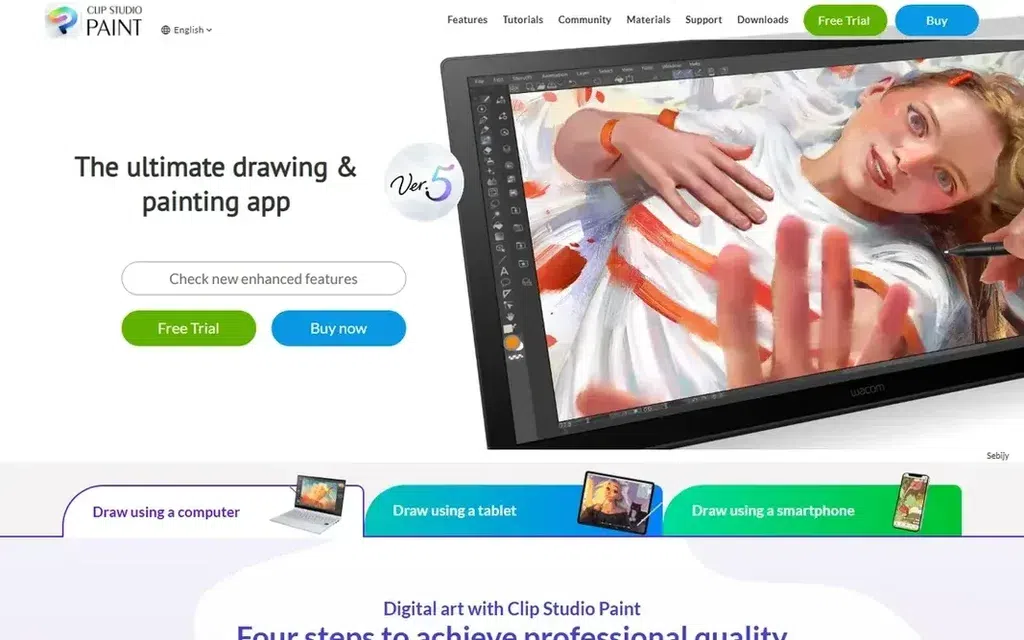
For dedicated webtoon and comic creation, Clip Studio Paint is a natural candidate. Clip Studio Paint is a full painting application built for digital illustrators, manga, and comic artists.
Also, whereas a free version exists, the full suite needs a purchase. Clip Studio Paint does not show a starting price in this comparison, so check the vendor site for current pricing. Trial and free access: Not stated.
Honest limits: Needs purchase for full features.
- Available on several systems
- Comic-specific tools like panel templates and speech bubbles
- Can be overwhelming for beginners
Affinity Photo is a good fit for professional photo editing with precision. Affinity Photo is a professional photo editor known for its precision and speed. It provides advanced tools for retouching, compositing, and digital painting, which can be adapted for webtoon creation.
From a buyer's view, artists who require to integrate photo elements or perform complicated edits may find it handy. For a more comic-centric experience, Clip Studio Paint is recommended. The software is available on desktop and iPad, with a focus on creative freedom. Affinity Photo does not show a starting price in this comparison, so check the vendor site for current pricing. Free options: Not stated.
Where it is weaker: Not tailored for comic creation.
- Supports unlimited layers and custom brushes
- One-time purchase model
- Steeper ramp-up time
How the list was put together
The comparison looks at four things: starting price, free access, how well the feature set matches webtoon creation software for comic artists, and the main limit of each tool. Where a vendor does not publish a price, the entry says quote. Where a price depends on seats or billing term, the entry says so. We ordered the tools by general fit, then by how clearly pricing is shown, then by free access. A buyer with unusual needs may reorder them.
What to check before you buy
- Request quotes from Procreate, Affinity Photo and the others; the list shows no fixed prices.
- Before choosing Procreate, weigh its main limit: only available on iPad.
- The entry price of Affinity Photo is only the starting point; model the full cost with seats and extras.
- Look at the help docs and support options for MediBang Paint before you commit.
- Before rolling out Adobe Photoshop, verify the integrations your workflow depends on.
FAQ
What is the best webtoon creation software for beginners?
Start with Procreate if you need iPad artists seeking natural drawing. Adobe Photoshop is the better match for advanced image editing and compositing, and MediBang Paint for light and accessible comic creation. The best choice depends on budget, team size and workflow.
Can I try these tools before paying?
Not by default. None of the tools, from Procreate to Affinity Photo, lists a free plan or a free trial here, so ask each vendor for a demo before committing.
How are the tools for webtoon creation software for comic artists ordered?
The order follows typical fit for webtoon creation software for comic artists, with Procreate first and Affinity Photo last, then price clarity and free access. It is editorial judgement, not a score, so another team could rank the tools differently.
Do these tools publish their prices?
No. None of the tools, from Procreate to Affinity Photo, shows a fixed starting price here, so budget time for quotes.
Does any tool for webtoon creation software for comic artists here have a free plan?
No tool in this list, Procreate and Affinity Photo included, has a permanent free plan. Trials and quotes are the usual route, so plan a short evaluation period.
Sources
- https://procreate.com
- https://www.adobe.com/products/photoshop.html
- https://medibangpaint.com
- https://www.escapemotions.com/products/rebelle
- https://www.clipstudio.net
- https://affinity.serif.com/en-us/photo