5 Video Compositing Software for VFX Artists Worth Shortlisting in 2026
Best video compositing software for VFX artists in 2026: 5 tools with starting prices, free plans and limits. Honest caveats for every entry. Plain facts.
- Editor's choice
 DaVinci Resolve Fusion
Compositing inside an editing suite
Starts atPricing on requestVisit blackmagicdesign.comFull review - Great alternative
 Houdini
Procedural effects and iteration
Starts atPricing on requestVisit sidefx.comFull review - Also consider
 Adobe After Effects
Wide compositing and motion graphics
Starts atPricing on requestVisit adobe.comFull review
Direct answer
DaVinci Resolve Fusion is the first pick on this list for compositing inside an editing suite. Houdini is better for procedural effects and iteration, and Adobe After Effects is better for wide compositing and motion graphics. Free plan facts and limits for all 5 tools follow. None of these vendors publish plan prices, so pricing is on request for every option.
TL;DR:
- DaVinci Resolve Fusion sits first on this list: compositing inside an editing suite.
- Pricing across the list, from DaVinci Resolve Fusion to Mocha Pro, is by quote only.
- Check the limits for DaVinci Resolve Fusion before you commit: interface handles numerous disciplines at once.
- For Planar tracking and VFX, Mocha Pro is worth a look.
Last checked November 2026. Pricing on request: vendors did not publish plan prices when this guide was last checked (November 2026), so ask each vendor for a written quote.
Quick comparison
| Tool | Best for | Starts at | Free plan? | |
|---|---|---|---|---|
| DaVinci Resolve Fusion | Compositing inside an editing suite | Pricing on request | Not stated | Visit |
| Houdini | Procedural effects and iteration | Pricing on request | Not stated | Visit |
| Adobe After Effects | Wide compositing and motion graphics | Pricing on request | Not stated | Visit |
| Nuke | Node-based film and TV compositing | Pricing on request | Not stated | Visit |
| Mocha Pro | Planar tracking and VFX | Pricing on request | Not stated | Visit |
Our 5 video compositing software for VFX artists
Short on time? The summary and table above give the quick view of 5 video compositing software for VFX artists, and the profiles that follow give the detail behind each entry.
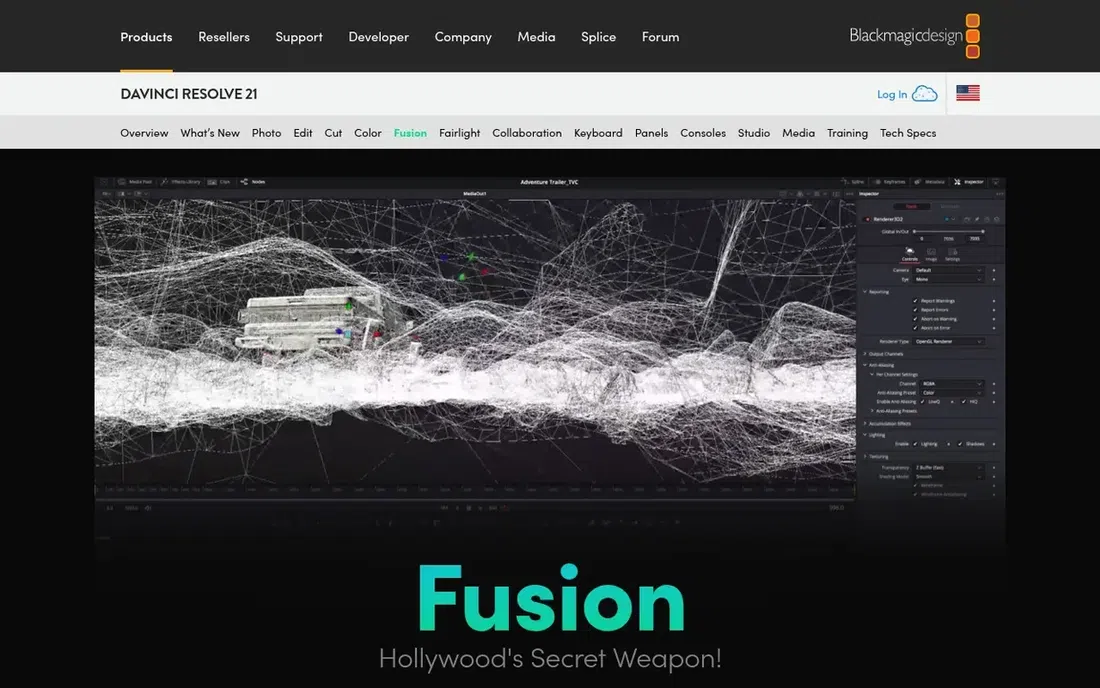
For compositing inside an editing suite, DaVinci Resolve Fusion is a natural candidate. Since it spans multiple disciplines, the compositing feature set is one part of a bigger package instead of a standalone film compositor.
Artists needing deep node-based compositing may prefer Nuke, whereas graphics-focused work may suit After Effects. More specifically, DaVinci Resolve Fusion from Blackmagic Design merges professional editing, color correction, visual effects and audio post production in a single application. DaVinci Resolve Fusion does not show a starting price in this comparison, so check the vendor site for current pricing. Free access: Not stated.
What to check first: Compositing is one part of a broader tool.
- Node-based visual effects environment
- Editing and color in one application
- Interface handles many disciplines at once
Houdini is designed for procedural effects and iteration. Houdini from SideFX is built as a procedural system that lets artists work freely, build several iterations and share workflows with colleagues, serving film, TV and game development.
Its procedural model is feature-rich but demands time to learn, and it is not a general editing application. Artists wanting straightforward layer-based compositing may prefer After Effects, whereas film compositors may lean on Nuke. Houdini shows no starting price here, so confirm the cost on the vendor site. As for free access: Not stated.
Points against: Not a general-purpose editor.
Where Houdini stands out: TV and game development.
- Supports sharing workflows with colleagues
- Used across film
- Procedural approach needs learning
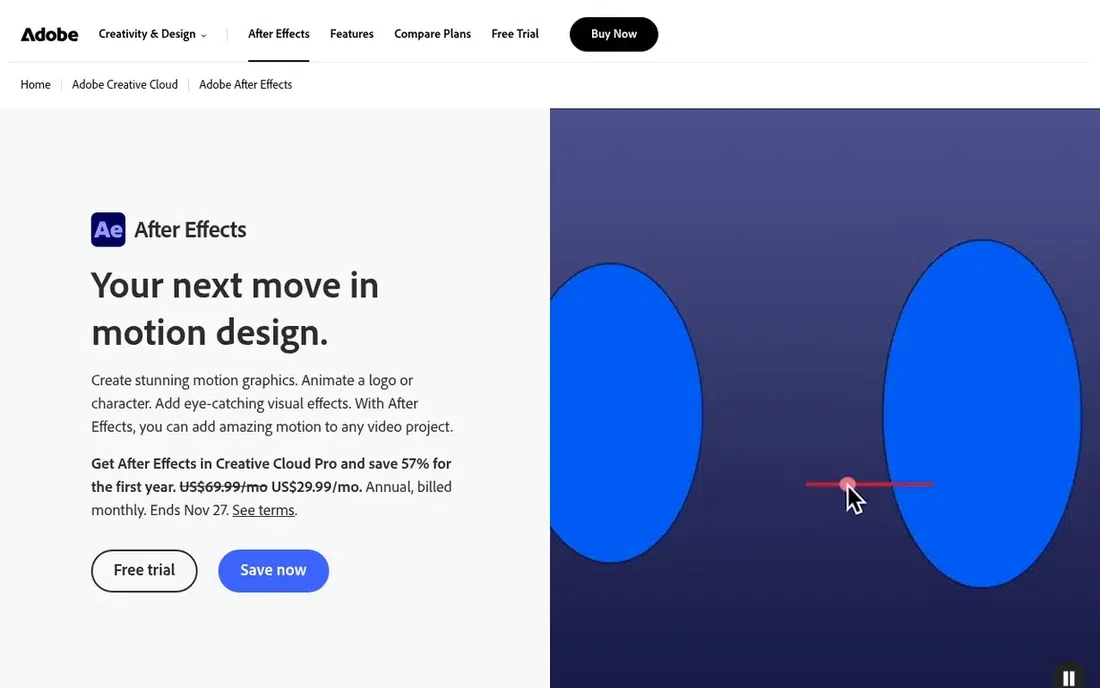
Adobe After Effects works best for broad compositing and motion graphics. It suits VFX artists who require compositing alongside titling, animation and graphics work, and who value a single environment for mixed deliverables.
The main drawbacks: Complicated projects can become heavy to run.
In practice, artists working primarily on large node graphs may prefer Nuke or Houdini, whereas those needing integrated editing and color may look at Fusion. Adobe After Effects shows no starting price here, so confirm the cost on the vendor site. Free access: Not stated.
- Broad compositing and animation toolset
- Capable motion graphics focus
- Layer-based workflow differs from node compositing
Nuke
Best for: Node-based film and TV compositing
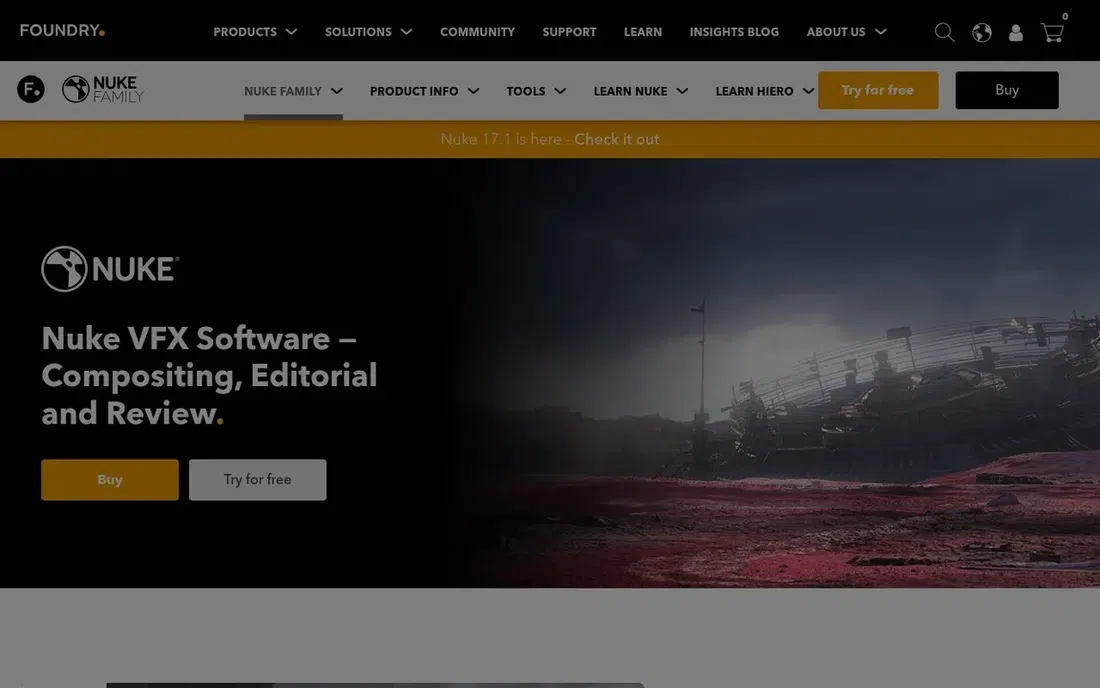
Nuke works best for node-based film and TV compositing. After Effects is a better fit for graphics-heavy work, and Fusion fits those wanting compositing inside an editing application.
Where it is weaker: Centred on compositing instead of general editing.
In daily use, Nuke from Foundry is presented as VFX and film editing software centered on compositing, editorial and film editing for pixel-perfect results. In practice, Nuke is specialized, so artists who primarily need motion graphics or a combined editing and color suite may find it less direct. No starting price is listed for Nuke here; confirm pricing on the vendor site. As for free access: Not stated.
- Editorial and film editing features
- Node-based compositing workflow
- Steeper ramp-up time for newcomers
Mocha Pro
Best for: Planar tracking and VFX
Mocha Pro is built with Planar tracking and VFX in mind. Mocha Pro is specialized, so it complements instead of replaces a full compositor.
Beyond that, Mocha Pro from Boris FX is presented as planar tracking and VFX software. Mocha Pro does not show a starting price in this comparison, so check the vendor site for current pricing. On free options: Not stated.
The main drawbacks: Not a full editing environment.
- Recognized VFX toolset
- Planar tracking focus
- Specialized instead of all-in-one
How we chose
We compared the tools on published pricing, free plan or trial availability, feature coverage for video compositing software for VFX artists, and the limits each vendor documents. Plan names, prices and limits change often. Treat the figures here as a starting point and verify them with the vendor. We ordered the tools by general fit, then by how clearly pricing is shown, then by free access. A buyer with unusual needs may reorder them.
What to check before you buy
- Ask each vendor, from DaVinci Resolve Fusion to Mocha Pro, for a written quote; none of them publishes a starting price.
- Before choosing DaVinci Resolve Fusion, weigh its main limit: interface spans numerous disciplines at once.
- Confirm that Mocha Pro connects to the apps your team already uses, on the plan you would actually buy.
- Before you load data into Houdini, check what an export looks like and who can run it.
- Total up the real monthly cost of Nuke, including add-ons, extra users and usage-based fees.
FAQ
Is DaVinci Resolve Fusion the right pick for everyone comparing video compositing software for VFX artists?
No single tool suits every team. DaVinci Resolve Fusion comes first because it fits compositing inside an editing suite, while Houdini suits procedural effects and iteration and Adobe After Effects suits broad compositing and motion graphics. Match the tool to your own size, budget and workflow before deciding.
Do these tools publish their prices?
No. None of the tools, from DaVinci Resolve Fusion to Mocha Pro, shows a fixed starting price here, so budget time for quotes.
How are the tools for video compositing software for VFX artists ordered?
The order follows typical fit for video compositing software for VFX artists, with DaVinci Resolve Fusion first and Mocha Pro last, then price clarity and free access. It is editorial judgement, not a score, so another team could rank the tools differently.
Does any tool for video compositing software for VFX artists here have a free plan?
No tool in this list, DaVinci Resolve Fusion and Mocha Pro included, has a permanent free plan. Trials and quotes are the usual route, so plan a short evaluation period.
Which compositing tool should a VFX artist start with?
Adobe After Effects is a typical starting point since it merges compositing with motion graphics and is used across film, TV and web.
Sources
- https://www.blackmagicdesign.com/products/davinciresolve/fusion
- https://www.sidefx.com/products/houdini
- https://www.adobe.com/products/aftereffects.html
- https://www.foundry.com/products/nuke-family/nuke
- https://borisfx.com/products/mocha-pro