Choosing CMS for Website in 2026: 6 Options Compared
Compare 6 picks for the best CMS for website, with prices, free plans and who each fits. Each profile ends with a plain caveat. Budget notes included.
- Editor's choice
 Sanity
Headless content operations
Starts at$15 per seat per monthVisit sanity.ioFull review - Great alternative
 Wix
Beginner-friendly hosted building
Starts atSee websiteVisit wix.comFull review - Also consider
 Squarespace
All-in-one hosted websites
Starts at$12 per monthVisit squarespace.comFull review
Direct answer
If you need headless content operations, Sanity is the first tool to look at here. Listed starting prices: Sanity from $15 per seat per month, Squarespace from $12 per month and Webflow from $15 a month. If your case is different, Wix suits beginner-friendly hosted building and Squarespace suits all-in-one hosted websites. All 6 tools are compared below on price, free plan and limits.
TL;DR:
- This list starts with Sanity, which is built for headless content operations.
- What to know about Wix first: product lock-in for hosting.
- The cheapest monthly starting price in the list is $12 per month, offered by Squarespace.
- 2 of 6 tools offer a free plan: Sanity, Webflow.
- Webflow suits design-led visual site building.
Last checked November 2026. Prices and plan details were read from the vendors' own pages in November 2026; vendors change plans often, so confirm the current price on the vendor site before you buy.
Quick comparison
| Tool | Best for | Starts at | Free plan? | |
|---|---|---|---|---|
| Sanity | Headless content operations | $15 per seat per month | Yes | Visit |
| Wix | Beginner-friendly hosted building | See website | Not stated | Visit |
| Squarespace | All-in-one hosted websites | $12 per month | Free trial | Visit |
 Joomla | Open source mid-range sites | See website | Not stated | Visit |
 WordPress | Adaptable open source publishing | See website | Not stated | Visit |
 Webflow | Design-led visual site building | $15 a month | Yes | Visit |
CMS for Website, one by one
Short on time? The summary and table above give the quick view of 6 tools for CMS for website, and the profiles that follow give the detail behind each entry.
In short, Sanity is for headless content operations. It is a headless-style choice for development teams that want to model content once and deliver it to several front ends.
It suits organizations building custom digital experiences where content structure and integration adaptability matter. Entry price for Sanity: $15 per seat per month. Free access exists with Sanity.
The main drawbacks: Needs development work.
- Structured content system
- Powers sites and content apps
- Not a turnkey site builder
Wix is built with beginner-friendly hosted building in mind. Wix is a hosted product for building a business website, with hosting, business tools, domains and marketing features built in.
Downsides: Advanced customization can be restricted.
It fits best for straightforward sites where speed and simplicity outweigh full control. Wix does not show a starting price in this comparison, so check the vendor site for current pricing. Free access: Not stated.
- Domains and marketing included
- Drag-and-drop editing
- Product lock-in for hosting
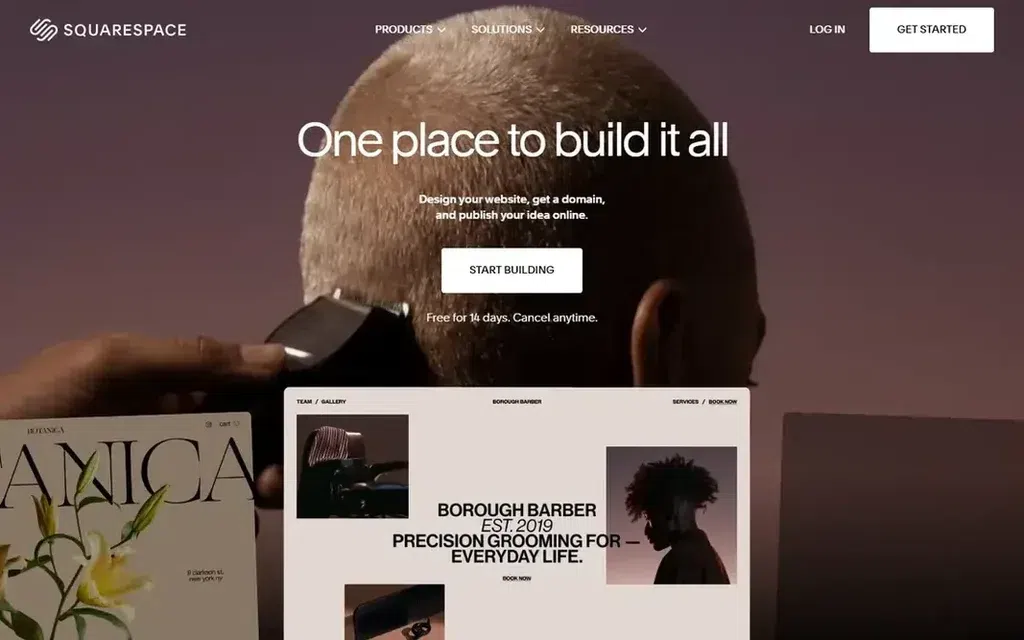
Squarespace was built for all-in-one hosted websites. It suits individuals, creatives and small firms that want an attractive site without technical setup.
Honest limits: Less adaptable for deep customization.
Choose it when simplicity and cohesive design templates are the priority. What you pay to start with Squarespace: $12 per month. Free plan details: Free trial.
- AI website builder tools
- Configurable templates
- Restricted control over hosting
Joomla serves open source mid-range sites. Joomla is a free and open source content management system described as mobile-ready and approachable, with plenty of features and designs available. Complicated extensions may need developer help.
Downsides: Interface can feel dated.
Where Joomla stands out: Free and open source.
It is a reasonable middle path for open source sites, though teams wanting maximum plugin choice may look elsewhere. On top of that, community sites, small companies and organizations often use it for content-driven websites. More specifically, Joomla's ecosystem and template variety are smaller than WordPress, and its administration can feel less easy-to-learn to newcomers. No starting price is listed for Joomla here; confirm pricing on the vendor site. Free access: Not stated.
- Thousands of features and designs
- Mobile-ready design choices
- Smaller ecosystem than WordPress
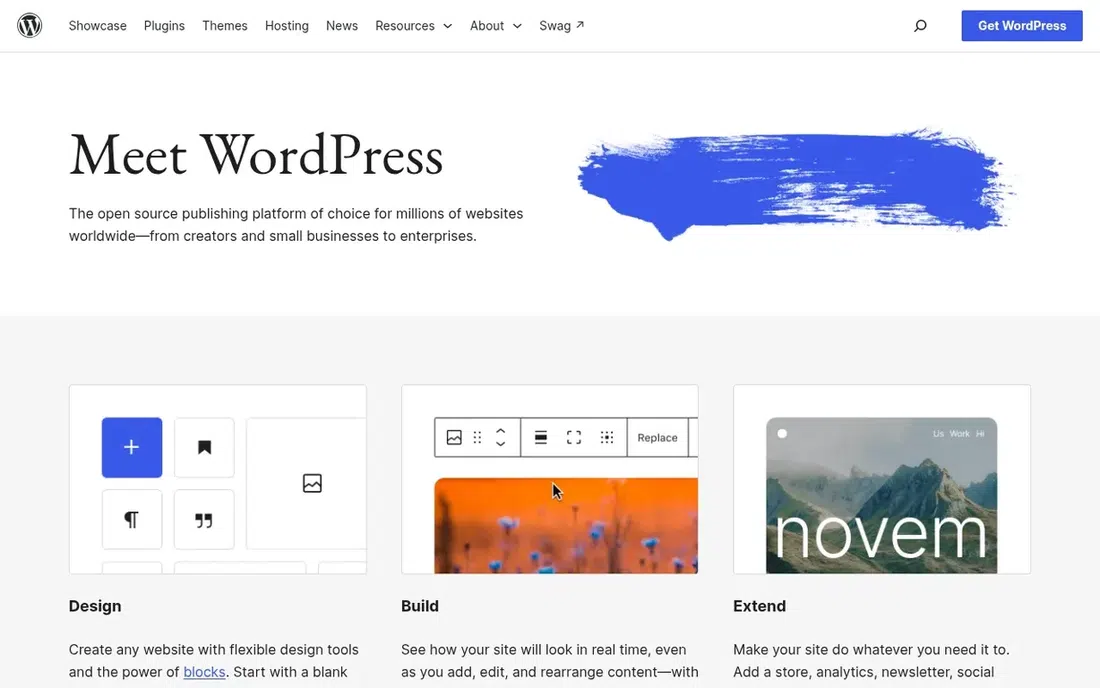
WordPress makes the most sense for adaptable open source publishing. WordPress is open source software for creating a website, blog or app, and it is the most familiar starting point for plenty of site owners.
This comparison lists no price for WordPress; ask the vendor. On free options: Not stated.
Trade-offs to know: Plugin quality varies widely.
What WordPress does well: Large theme and plugin ecosystem.
- Open source and widely extensible
- Fits blogs
- Self-hosting brings maintenance work
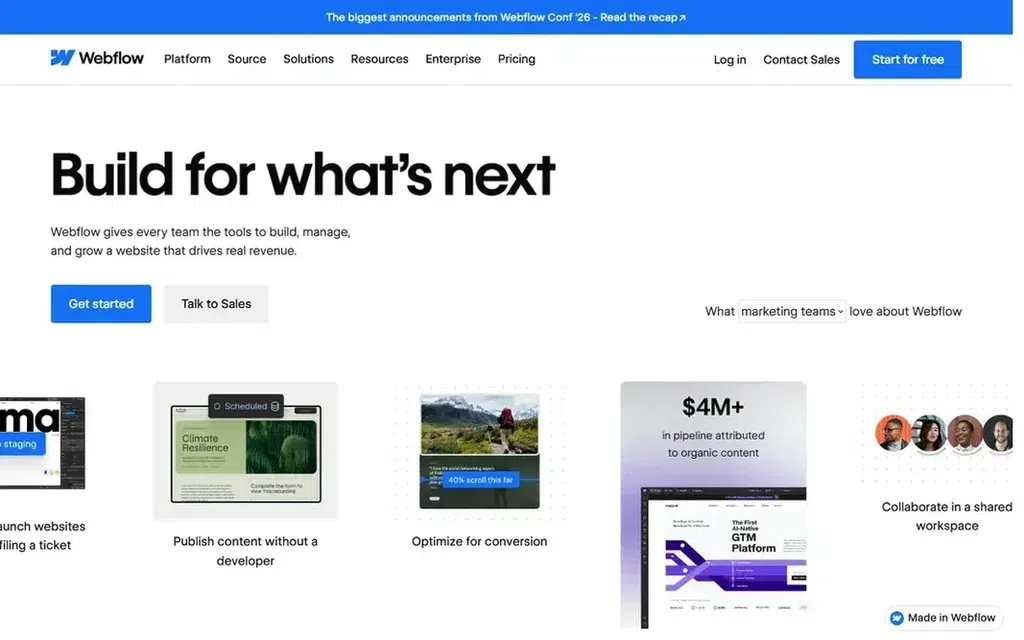
Webflow is a good fit for design-led visual site building. It suits designers and marketing teams who want pixel-level visual control without managing servers.
The product targets modern companies that need a refined site plus content management and performance tooling in one place. Webflow starts at: $15 per month. Webflow has a free plan.
Where it is weaker: Less suited to heavy custom code work.
- Visual design with CMS and hosting
- Enterprise-grade security choices
- Ramp-up time for advanced features
How we chose
For each of the 6 tools we noted price, free plan or trial, fit for CMS for website and the main limit, using vendor pages and documentation. Where a price is missing, the vendor does not list one publicly or ties it to a quote. Always confirm before budgeting. The sequence is a judgement call: typical use case first, then pricing transparency, then free access. Use the profiles to check fit.
Things to verify first
- Confirm the entry price on the vendor page. For Wix, Joomla and WordPress that means a quote rather than a fixed price.
- Look at free plan limits closely: Sanity and Webflow have one, and the caps decide whether it is usable for real work.
- Take the trial from Squarespace and push a live task through it before you pay.
- Before choosing Sanity, weigh its main limit: requires development work.
- Ask the daily users to test Sanity on a live task before you roll it out to everyone.
- Before rolling out Squarespace, verify the integrations your workflow depends on.
FAQ
Is Sanity the right pick for everyone comparing CMS for website?
No single tool suits every team. Sanity comes first because it fits headless content operations, while Wix suits beginner-friendly hosted building and Squarespace suits all-in-one hosted websites. Match the tool to your own size, budget and workflow before deciding.
Do these tools publish their prices?
Not all of them. Wix, Joomla and WordPress publish no starting price, so expect a quote request for those. The rest, Sanity included, show a starting price, though seats and billing terms still change the final cost.
How do I compare CMS systems fairly?
Start with your content structure, budget for maintenance and technical skills, then check documented features on each vendor site. Confirm current capabilities straight before committing, since products change over time.
When should I choose a headless CMS like Sanity?
A headless system for example Sanity fits teams that require structured content delivered to several front ends and have development resources available. It is less suitable if you want a ready-made site builder with no coding.
Can I try these tools before paying?
Often, yes. Sanity and Webflow have a free plan and Squarespace offers a free trial. Use your own data and a real task during the test, and check what the free tier or trial limits before you rely on it.
What is the cheapest option for CMS for website in this list?
On published monthly entry prices, Squarespace is the lowest here at $12 per month. Entry price is only part of the cost, because seats, add-ons and billing terms can change the total. All 6 picks in this CMS for website comparison list a starting price, free plan details and the main limits on their cards above.
Sources
- https://www.sanity.io
- https://www.wix.com
- https://www.squarespace.com
- https://www.joomla.org
- https://wordpress.org
- https://webflow.com