Best Cloud Insights Software for 2026: Our 5 Vetted Picks
Need the best cloud insights software? We compare 5 tools on cost, free access and who each suits. Each profile ends with a plain caveat. Pick by budget.
- Editor's choice
 Vantage
Self-service multicloud cost analysis
Starts atPricing on requestVisit vantage.shFull review - Great alternativeGoogle Cloud Billing
Google Cloud cost visibility and billing
Starts atPricing on requestVisit cloud.google.comFull review - Also considerAWS Cost Explorer
Native AWS cost visibility and reporting
Starts atPricing on requestVisit aws.amazon.comFull review
Direct answer
If you need self-service multicloud cost analysis, Vantage is the first tool to look at here. Google Cloud Billing fits Google Cloud cost visibility and billing; AWS Cost Explorer fits native AWS cost visibility and reporting. Details and limits for the rest of the 5 tools are below. None of these vendors publish plan prices, so pricing is on request for every option.
TL;DR:
- Vantage is the opening pick, best for self-service multicloud cost analysis.
- For Cloud financial management and governance, Cloudability is worth a look.
- Before buying Vantage, weigh this: requires cloud account connections.
- Vantage, Cloudability and the 3 others all sell by quote; expect sales conversations before you see a price.
- Free plans exist at 2 of 5 tools (Vantage, AWS Cost Explorer).
Last checked November 2026. Pricing on request: vendors did not publish plan prices when this guide was last checked (November 2026), so ask each vendor for a written quote.
Quick comparison
| Tool | Best for | Starts at | Free plan? | |
|---|---|---|---|---|
| Vantage | Self-service multicloud cost analysis | Pricing on request | Yes | Visit |
| Google Cloud Billing | Google Cloud cost visibility and billing | Pricing on request | Not stated | Visit |
| AWS Cost Explorer | Native AWS cost visibility and reporting | Pricing on request | Yes | Visit |
| Azure Cost Management | Microsoft-centric cloud cost control | Pricing on request | Free trial | Visit |
| Cloudability | Cloud financial management and governance | Pricing on request | Not stated | Visit |
5 options for cloud insights software in detail
Choosing cloud insights software usually comes down to price, fit and limits. This LinkVetted guide sets 5 tools side by side on those three points, with the facts kept short and checkable.
Vantage serves self-service multicloud cost analysis. Getting value relies on connecting cloud accounts and configuring reports, and very small estates may not need a separate system.
Pick Vantage when developer-driven multicloud cost management is the goal; otherwise native provider tools can cover entry-level needs. Vantage does not show a starting price in this comparison, so check the vendor site for current pricing. Free access exists with Vantage.
Where it falls short: Needs cloud account connections.
- Optimization tools for developers
- Self-service cost analysis and reporting
- May need setup for custom reporting
Google Cloud Billing
Best for: Google Cloud cost visibility and billing

For Google Cloud cost visibility and billing, Google Cloud Billing is a natural candidate. It is a natural starting point for teams running workloads on Google Cloud that need to track and understand their spend within the product they already use.
Also, the tool is centered on Google Cloud, so organizations with AWS or Azure spend will need extra reporting for a complete picture. No starting price is listed for Google Cloud Billing here; confirm pricing on the vendor site. Free options: Not stated.
Honest limits: Restricted for other cloud providers.
- Integrated with Google Cloud accounts
- Native to Google Cloud billing
- Concentrated on Google Cloud spend
AWS Cost Explorer
Best for: Native AWS cost visibility and reporting
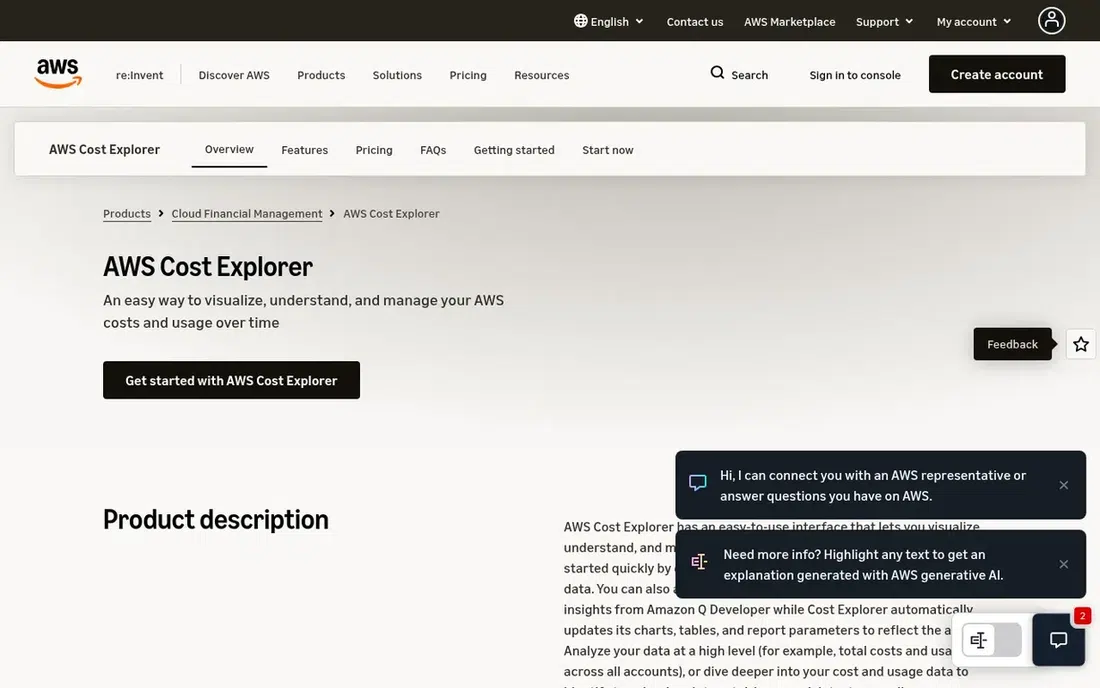
AWS Cost Explorer is built with native AWS cost visibility and reporting in mind. AWS Cost Explorer is a native AWS tool for visualizing, understanding, and managing cloud costs and usage over time. Its interface is built for straightforward cost reporting, making it a natural fit for teams already running workloads on AWS and looking for built-in visibility without adding an external product.
Points against: Restricted for non-AWS cloud estates.
The tool is centered on AWS, so organizations with significant Azure or Google Cloud spend may need extra reporting. It is best when AWS is the primary cloud and native cost data is the priority. Consider a multicloud system if you need unified views across providers. AWS Cost Explorer shows no starting price here, so confirm the cost on the vendor site. AWS Cost Explorer offers a free plan.
- Visualizes AWS costs and usage over time
- Built into AWS cost management
- Concentrated on AWS environments
Azure Cost Management
Best for: Microsoft-centric cloud cost control
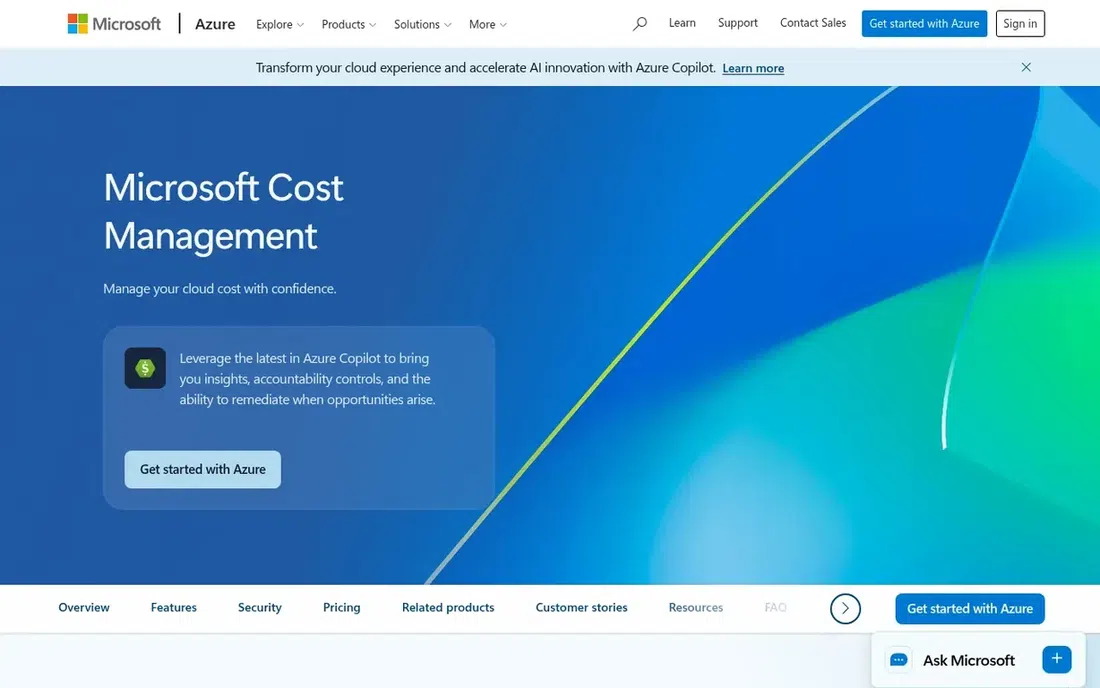
Azure Cost Management targets Microsoft-centric cloud cost control. It suits organizations that run primarily on Microsoft Azure and want cost tools integrated with their cloud environment.
Azure Cost Management does not show a starting price in this comparison, so check the vendor site for current pricing. On free options: Free trial.
Trade-offs to know: Primarily Azure-focused.
- Cost analysis and optimization features
- Supports detailed cost management
- Less suited to non-Microsoft clouds
Cloudability
Best for: Cloud financial management and governance
Pick Cloudability if this describes you: Cloud financial management and governance. Cloudability is a cloud financial management product that boosts visibility, optimization, and governance across cloud environments.
Watch-outs: May be more than small teams need.
For everyday use, as a dedicated system, it involves onboarding and configuration effort, and smaller teams may find native provider tools sufficient. Also, pick Cloudability when governance and optimization across complicated cloud estates are priorities; otherwise start with built-in cloud cost tools. Cloudability does not show a starting price in this comparison, so check the vendor site for current pricing. On free options: Not stated.
- Supports optimization and governance
- Boosts visibility across cloud environments
- Needs setup and configuration
Selection criteria
Before you commit
- Request quotes from Vantage, Cloudability and the others; the list shows no fixed prices.
- Check what the free option really includes: Vantage and AWS Cost Explorer offer a free plan, and usage caps differ.
- Run a trial of Azure Cost Management with real work before paying for a year; your own workflow is the best test.
- Before choosing Vantage, weigh its main limit: needs cloud account connections.
- Test the integrations you rely on with Google Cloud Billing before committing; some connectors sit on upper tiers.
- Ask Cloudability about contract length, onboarding fees and user minimums before you sign.
FAQ
How are the tools for cloud insights software ordered?
Vantage sits first and Cloudability last because the order follows typical fit for cloud insights software, then price clarity and free access. It is a judgement call, so read each profile for fit and limits.
Is Vantage the right pick for everyone comparing cloud insights software?
No single tool suits every team. Vantage comes first because it fits self-service multicloud cost analysis, while Google Cloud Billing suits Google Cloud cost visibility and billing and AWS Cost Explorer suits native AWS cost visibility and reporting. Match the tool to your own size, budget and workflow before deciding.
Can I try these options before paying?
Often, yes. Vantage and AWS Cost Explorer have a free plan and Azure Cost Management offers a free trial. Use your own data and a real task during the test, and check what the free tier or trial limits before you rely on it.
Which options for cloud insights software have a free plan?
On this list, Vantage and AWS Cost Explorer include a free plan. Caps on seats, usage or features are common, so test the free plan against your real workload. One other tool offers a trial instead.
Sources
- https://www.vantage.sh
- https://cloud.google.com/billing
- https://aws.amazon.com/aws-cost-management/aws-cost-explorer
- https://azure.microsoft.com/en-us/products/cost-management
- https://www.apptio.com/products/cloudability