Best Cloud Hosting for SaaS Startups in 2026: Prices, Free Plans and 6 Picks
Best cloud hosting for SaaS startups, compared. 6 tools with published prices, free plans and limits. Concise write-ups of every option. Updated for 2026.
- Editor's choice
 DigitalOcean
Straightforward, developer-friendly cloud infrastructure
Starts at$4 a monthVisit digitalocean.comFull review - Great alternative
 Heroku
Completely managed app hosting
Starts at$5 per monthVisit heroku.comFull review - Also consider
 Microsoft Azure
Microsoft-aligned SaaS teams
Starts atSee websiteVisit azure.microsoft.comFull review
Direct answer
DigitalOcean is the first pick on this list for straightforward, developer-friendly cloud infrastructure. Listed starting prices: DigitalOcean from $4 a month, Heroku from $5 per month and Render from $25 a month. For a different need, Heroku covers completely managed app hosting and Microsoft Azure covers Microsoft-aligned SaaS teams. The other 3 tools in the list cover narrower or pricier cases.
TL;DR:
- DigitalOcean sits first on this list: straightforward, developer-friendly cloud infrastructure.
- A fair warning about Google Cloud Platform: product naming can confuse newcomers.
- Amazon Web Services is the one to check for wide infrastructure at scale.
- DigitalOcean, Render, Amazon Web Services: these are the 3 tools out of 6 that offer a free plan.
- The lowest published monthly entry price here is $4 per month, from DigitalOcean.
Last checked November 2026. Prices and plan details were read from the vendors' own pages in November 2026; vendors change plans often, so confirm the current price on the vendor site before you buy.
Quick comparison
| Tool | Best for | Starts at | Free plan? | |
|---|---|---|---|---|
| DigitalOcean | Straightforward, developer-friendly cloud infrastructure | $4 a month | Yes | Visit |
| Heroku | Completely managed app hosting | $5 per month | No | Visit |
| Microsoft Azure | Microsoft-aligned SaaS teams | See website | Free trial | Visit |
| Google Cloud Platform | AI and data-driven SaaS | See website | Not stated | Visit |
 Render | Modern web apps and agents | $25 a month | Yes | Visit |
 Amazon Web Services | Wide infrastructure at scale | See website | Yes | Visit |
Cloud Hosting for SaaS Startups, one by one
If you are comparing cloud hosting for SaaS startups, this page covers 6 tools in one place: what each is best for, what it costs to start, whether it has a free plan, and the main limit to know about.
DigitalOcean
Best for: Straightforward, developer-friendly cloud infrastructure
DigitalOcean is designed for simple, developer-friendly cloud infrastructure. DigitalOcean describes itself as an AI-native cloud with a unified stack for agents, inference and cloud, made for control, performance and economics at scale.
More specifically, compared to AWS, Azure or Google Cloud, DigitalOcean gives you a narrower set of advanced services, which can matter as products grow complicated. As for the details, teams needing deep managed data or AI products may prefer a bigger provider, whereas those wanting managed app hosting may look at Render. Starting cost for DigitalOcean: $4 per month. DigitalOcean includes a free tier.
Downsides: Advanced networking is restricted.
- Focus on control and performance
- Unified stack for cloud work
- Fewer enterprise-grade extras
Heroku is designed for completely managed app hosting. SaaS startups that want to focus on product code instead of servers commonly pick it since deployment workflows are straightforward and operational tasks are mostly handled for them.
As for the details, startups wanting more configurability at the server level frequently compare Render or DigitalOcean, whereas those planning heavy customization may prefer a hyperscaler. Price to start with Heroku: $5 per month. Heroku has no free tier.
Where it falls short: Less control over infrastructure.
- Quick build and deploy flow
- Battle-tested application system
- Add-on costs can accumulate
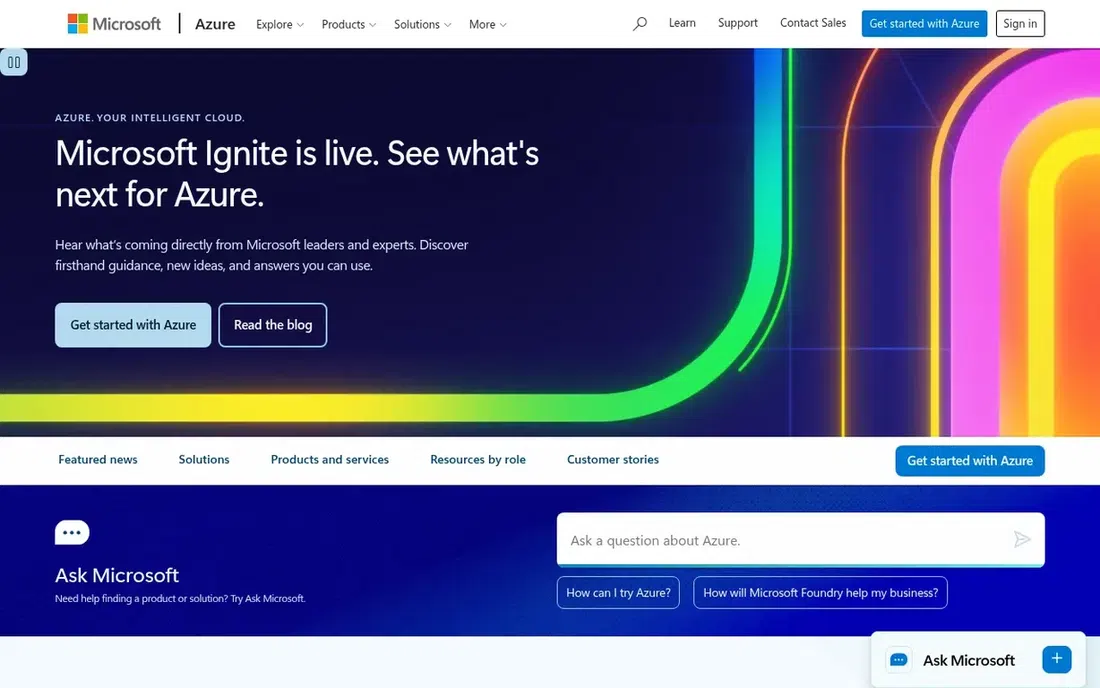
Think of Microsoft Azure for Microsoft-aligned SaaS teams. Microsoft Azure is an open and flexible cloud product that emphasizes cost savings and organizational efficiency.
Drawbacks to consider: Numerous services to learn.
Startups that want minimal operational overhead might compare completely managed products like Heroku before committing to a general-purpose cloud. Azure's depth means a ramp-up time and careful cost oversight, notably for teams without dedicated cloud staff. Microsoft Azure shows no starting price here, so confirm the cost on the vendor site. Free options: Free trial.
- Open and adaptable product
- Cost-saving choices highlighted
- Configuration can get intricate
Google Cloud Platform
Best for: AI and data-driven SaaS
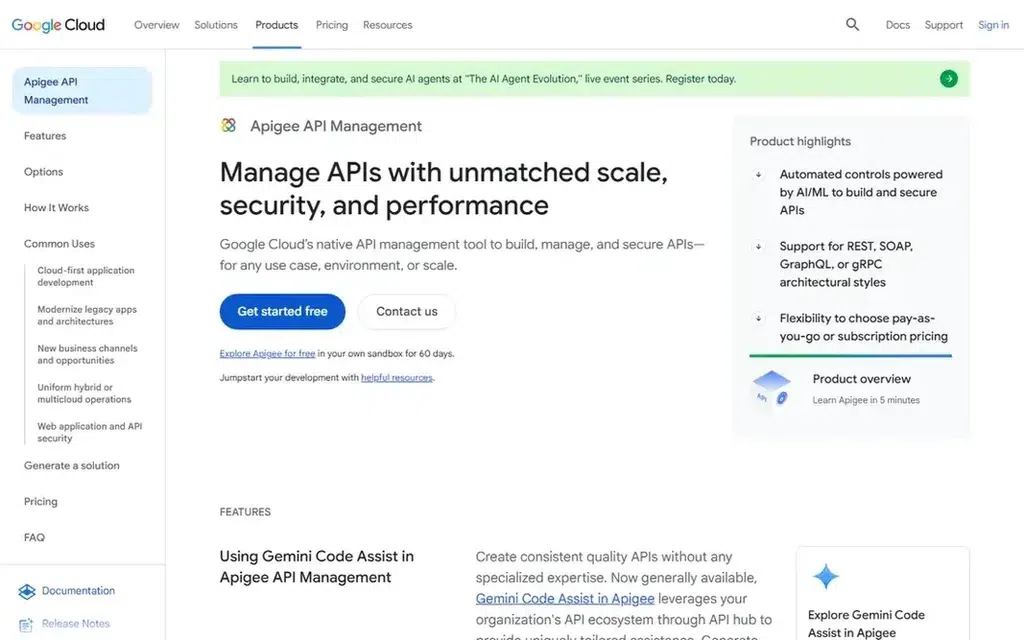
Google Cloud Platform was built for AI and data-driven SaaS. The product includes numerous products, so teams new to cloud can find the catalog and pricing model hard to navigate without guidance.
Drawbacks to consider: Product naming can confuse newcomers.
Google Cloud Platform presents AI and cloud computing services pitched at business challenges, including security, data management and hybrid or multi-cloud setups. Google Cloud Platform shows no starting price here, so confirm the cost on the vendor site. Free options: Not stated.
- AI and data management services
- Hybrid and multi-cloud support
- Cost management needs attention
Render works best for modern web apps and agents. Render bills itself as the cloud for builders, letting teams deploy and scale any app or agent from early users onward on easy-to-learn infrastructure for the modern web.
Worth adding: SaaS startups that value a clean developer experience and fast setup commonly find it a decent match for web services and background work. What you pay to start with Render: $25 per month. Render has a free plan.
What to check first: Fewer niche managed services.
- Easy-to-learn cloud infrastructure
- Scales from first user upward
- Younger ecosystem than hyperscalers
Amazon Web Services is built with broad infrastructure at scale in mind. Amazon Web Services is a wide cloud computing system offering steady, scalable and low-priced services on a pay-as-you-use basis.
The breadth that makes AWS capable also makes it complicated, and small teams can spend significant time learning and governing services. Check the vendor site for Amazon Web Services pricing; none is listed in this comparison. Free access exists with Amazon Web Services.
Watch-outs: Needs cloud expertise to handle.
- Very broad service catalog
- Pay only for what you use
- Service breadth layers on complexity
How we chose
Selection started from tools commonly considered for cloud hosting for SaaS startups, then narrowed to 6 that have clear pricing information or a clear quote process. Treat prices as a snapshot: vendors change plans often, so check the vendor site for the figure that applies today. The order reflects how well each tool fits the most common buying scenario for cloud hosting for SaaS startups, then price clarity, then free plan access. It is a starting point, not a verdict.
Questions to settle before buying
- Confirm the entry price on the vendor page. For Microsoft Azure, Google Cloud Platform and Amazon Web Services that means a quote rather than a fixed price.
- Check what the free option really includes: DigitalOcean, Render and Amazon Web Services offer a free plan, and usage caps differ.
- Use real work to test the free trial from Microsoft Azure, rather than a demo project.
- Before choosing DigitalOcean, weigh its main limit: fewer enterprise-grade extras.
- Work out what Microsoft Azure costs with your real seat count, add-ons and usage, not just the entry price.
- Ask the daily users to test Render on a live task before you roll it out to everyone.
FAQ
When should a SaaS startup choose AWS, Azure or Google Cloud?
These general-purpose clouds make sense when you expect wide scale, need numerous managed services, or already rely on a vendor's ecosystem. They reward teams with some cloud expertise, since their catalogs and pricing models are more complicated.
Is DigitalOcean the right pick for everyone comparing cloud hosting for SaaS startups?
No single tool suits every team. DigitalOcean comes first because it fits simple, developer-friendly cloud infrastructure, while Heroku suits fully managed app hosting and Microsoft Azure suits Microsoft-aligned SaaS teams. Match the tool to your own size, budget and workflow before deciding.
Which options for cloud hosting for SaaS startups have a free plan?
DigitalOcean, Render and Amazon Web Services offer a free plan in this list. Free plans usually cap users, projects or features, so check the limits on the vendor page. One other tool offers a trial instead.
Can a startup move hosts later?
Migration is possible but simpler when the app relies on standard containers, databases and storage instead of provider-specific services. Choosing managed products early can speed launch, though deeper cloud services may be worth adopting as needs grow.
Can I try these tools before paying?
Often, yes. DigitalOcean, Render and Amazon Web Services have a free plan and Microsoft Azure offers a free trial. Use your own data and a real task during the test, and check what the free tier or trial limits before you rely on it.
What is the cheapest option for cloud hosting for SaaS startups in this list?
On published monthly entry prices, DigitalOcean is the lowest here at $4 per month. Entry price is only part of the cost, because seats, add-ons and billing terms can change the total. Each of the 6 options in this cloud hosting for SaaS startups guide has its own card above with the price, free plan and limits.
Sources
- https://www.digitalocean.com
- https://www.heroku.com
- https://azure.microsoft.com
- https://cloud.google.com
- https://render.com
- https://aws.amazon.com