Best Client Reporting Platform in 2026: 5 Tools Compared
Shortlisting the best client reporting platform? 5 products compared on cost, free access and ideal buyer. Read the caveats before you buy. Updated for 2026.
- Editor's choice
 Databox
Teams wanting AI-driven performance analytics
Starts at$79 a monthVisit databox.comFull review - Great alternative
 Supermetrics
Marketing intelligence and campaign management
Starts at$44 a monthVisit supermetrics.comFull review - Also consider
 Tableau
Advanced business intelligence and analytics
Starts at$15 per user a monthVisit tableau.comFull review
Direct answer
For teams wanting AI-driven performance analytics, Databox is where this list starts. Listed starting prices: Databox from $79 a month, Supermetrics from $44 a month and Tableau from $15 per user a month. Alternatives: Supermetrics for marketing intelligence and campaign management, and Tableau for advanced business intelligence and analytics. The full list of 5 tools follows, with prices and free plan facts.
TL;DR:
- Databox is the opening pick, best for teams wanting AI-driven performance analytics.
- Whatagraph is the one to check for cross-channel marketing intelligence and reporting.
- Starting prices begin at $15 per user per month with Tableau.
- A fair warning about Supermetrics: may need technical setup.
Last checked November 2026. Prices and plan details were read from the vendors' own pages in November 2026; vendors change plans often, so confirm the current price on the vendor site before you buy.
Quick comparison
| Tool | Best for | Starts at | Free plan? | |
|---|---|---|---|---|
| Databox | Teams wanting AI-driven performance analytics | $79 a month | Free trial | Visit |
| Supermetrics | Marketing intelligence and campaign management | $44 a month | Free trial | Visit |
| Tableau | Advanced business intelligence and analytics | $15 per user a month | Yes | Visit |
 AgencyAnalytics | Marketing agencies needing automatic client reporting | $20 per client a month | Free trial | Visit |
 Whatagraph | Cross-channel marketing intelligence and reporting | €699 per month | No | Visit |
The full client reporting platform list
This LinkVetted guide covers 5 options for client reporting platform. Each profile lists a starting price, free plan details, strengths and drawbacks, so you can drop poor fits quickly.
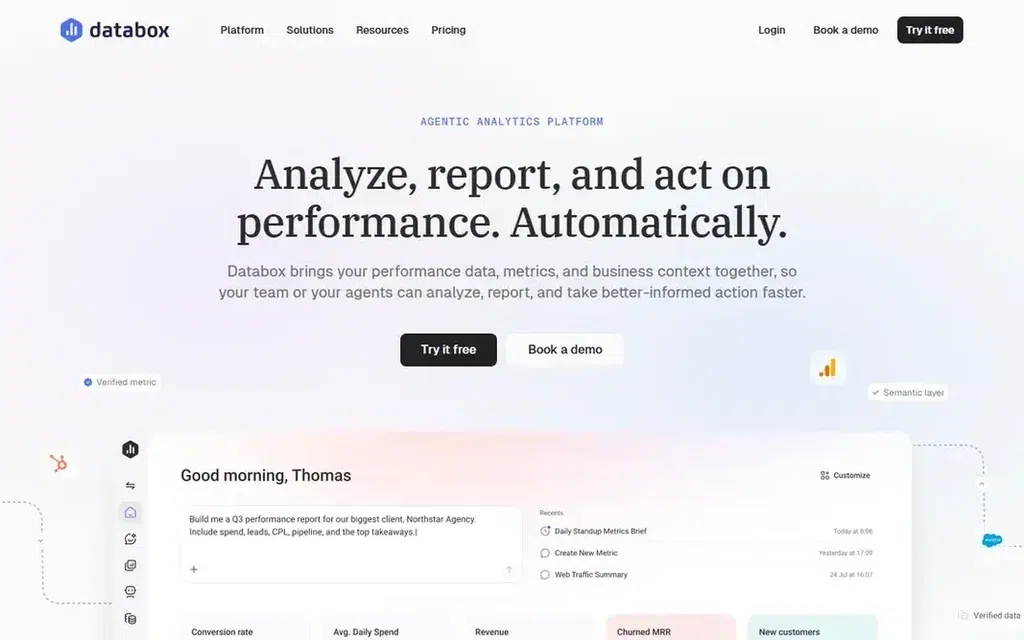
Databox serves teams wanting AI-driven performance analytics. Databox is an agentic analytics system that brings performance data, business context, and AI workflows together, enabling teams to act quicker.
It is a good match for agencies and teams that want to use AI for quicker insights and decision-making. Databox cost at the entry level: $79 per month. Trial and free access: Free trial.
- Agentic analytics system
- Merges performance data and AI workflows
- May need setup for complicated data
Supermetrics makes the most sense for marketing intelligence and campaign management. Supermetrics is a marketing intelligence product that lets you ask your marketing data what is working and then produce and handle campaigns from the same conversation. It connects with Supermetrics Studio, AI chat, or your existing reporting tool, making it right for marketers who require deep data access.
If you need turnkey client reports, consider AgencyAnalytics or Whatagraph. Supermetrics is not a dedicated client reporting system, so it may lack built-in client presentation features. Entry price for Supermetrics: $44 per month. As for free access: Free trial.
- Campaign creation and management
- Connects with existing reporting tools
- May need technical setup
Pick Tableau if this describes you: advanced business intelligence and analytics. It links to almost any database and lets drag-and-drop creation of visualizations, making it a good match for organizations needing deep analytics.
As for the details, Tableau may be overkill for straightforward client reporting and requires more technical expertise. Price to start with Tableau: $15 per user per month. Tableau offers a free plan.
Honest limits: Complicated for straightforward client reporting.
- Drag-and-drop visualizations
- Share with a click
- Higher ramp-up time
AgencyAnalytics
Best for: Marketing agencies needing automatic client reporting
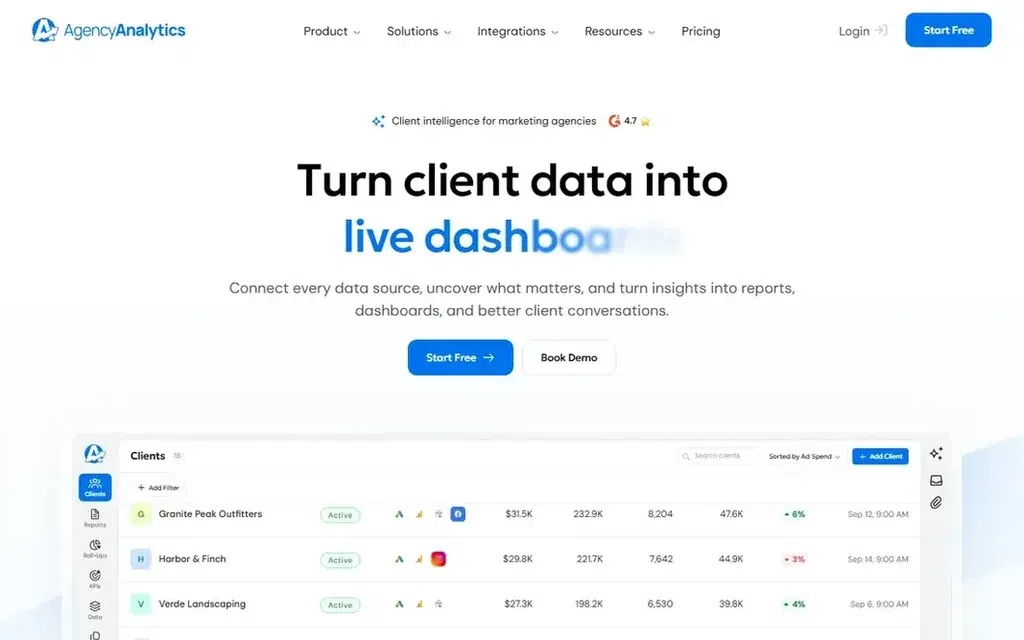
Where AgencyAnalytics fits: marketing agencies needing automatic client reporting. It runs on a steady data foundation, offering automatic reporting, performance monitoring, and client results.
Limits to weigh: Restricted customization for non-agency use.
This tool suits agencies that require to deliver consistent, professional reports to clients without manual effort. AgencyAnalytics starts at: $20 per client per month. On free options: Free trial.
- Designed for marketing agencies
- Automatic reporting and performance monitoring
- May be overkill for small teams
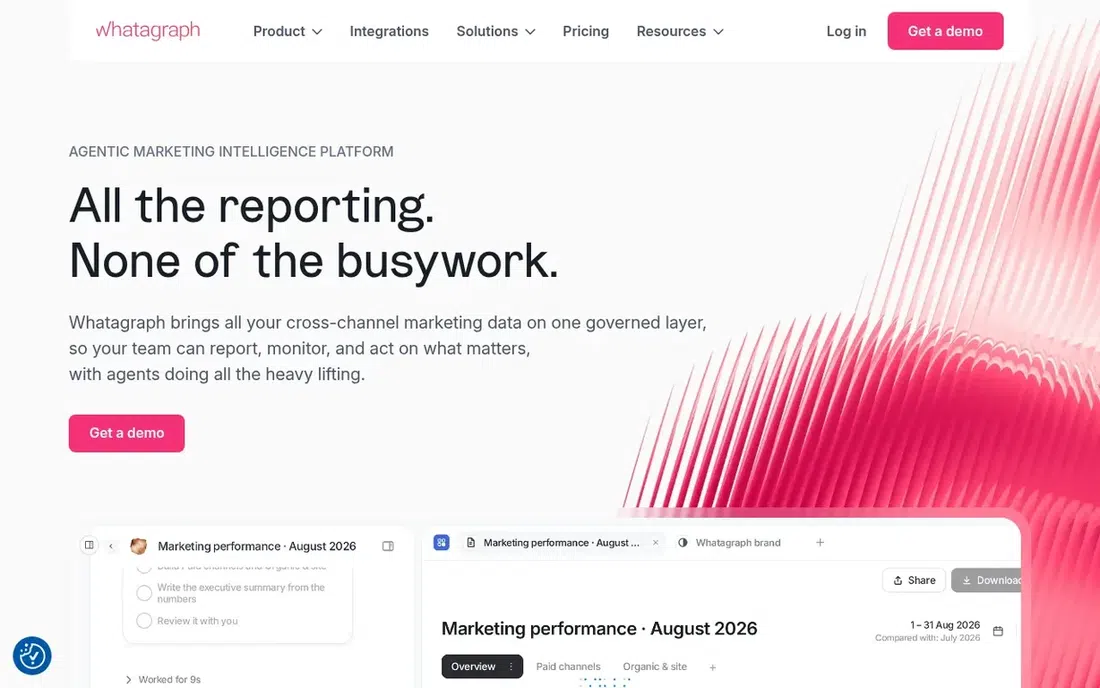
Pick Whatagraph if this describes you: cross-channel marketing intelligence and reporting. Whatagraph is an agentic marketing intelligence product that consolidates cross-channel marketing data onto one governed layer for reporting, monitoring, and analysis.
More specifically, agents handle much of the heavy lifting, making it well suited to marketing teams that require unified insights. Price to start with Whatagraph: €699 per month. There is no free plan with Whatagraph.
Where it is weaker: May be complicated for straightforward reporting.
- Governed data layer for cross-channel marketing
- Agentic reporting and analysis
- Needs data governance setup
Selection criteria
Each tool was reviewed on what its vendor publishes: price, plan limits, core features and stated drawbacks. We did not run hands-on tests. Prices and plan limits come from vendor pages and can change, so confirm them on the vendor site before you buy. Tools are placed by general fit for client reporting platform, with price clarity and free access as tie-breakers. A different team can reasonably rank them differently.
A buyer's checklist
- Check the vendor page for the current price: Tableau starts at $15 per user per month here, and seats or billing terms can move it.
- Look at the free plan from Tableau closely: its caps decide whether it is usable for real work.
- Take the trial from Databox, Supermetrics and AgencyAnalytics and push a live task through it before you pay.
- Read the limits listed for Databox first: may need setup for complicated data.
- Verify that exporting from AgencyAnalytics is possible on your plan and covers all your records.
- Ask Whatagraph which support channels and response times come with the plan you would buy.
FAQ
Which options for client reporting platform have a free plan?
Tableau is the only tool in this list with a free plan. Free plans usually cap users, projects or features, so check the limits on the vendor page. Several others offer a trial instead. For the full picture, the cards above cover all 5 entries of this client reporting platform list, including price, free plan and limits.
Do these tools publish their prices?
Yes. Every tool from Databox to Whatagraph shows a starting price, though seats, add-ons and billing terms still change the final cost.
What is the cheapest option for client reporting platform in this list?
On published monthly entry prices, Tableau is the lowest here at $15 per user per month. Entry price is only part of the cost, because seats, add-ons and billing terms can change the total. Prices, free plan details and limits for all 5 tools in this client reporting platform roundup sit on the individual cards above.
How are the tools for client reporting platform ordered?
The order follows typical fit for client reporting platform, with Databox first and Whatagraph last, then price clarity and free access. It is editorial judgement, not a score, so another team could rank the tools differently.
Sources
- https://databox.com
- https://supermetrics.com
- https://www.tableau.com
- https://agencyanalytics.com
- https://whatagraph.com