Choosing Classroom Management Software for Substitutes in 2026: 6 Options Compared
Searching for the best classroom management software for substitutes? Here are 6 options with prices and free plans. Real limits included. Straight answers.
- Editor's choiceDyknow
Teacher-led screen monitoring and resource sharing
Starts atSee websiteVisit dyknow.comFull review - Great alternativeSenso.cloud
All-in-one safeguarding and classroom tools
Starts at$1.00 per Teams user a yearVisit senso.cloudFull review - Also considerHapara
Organizing digital lessons and guiding browsing
Starts at$1,500Visit hapara.comFull review
Direct answer
For Teacher-led screen monitoring and resource sharing, Dyknow is where this list starts. Listed starting prices: Senso.cloud from $1.00 per Teams user a year and Hapara from $1,500. Senso.cloud is better for all-in-one safeguarding and classroom tools, and Hapara is better for organizing digital lessons and guiding browsing. The full list of 6 tools follows, with prices and free plan facts.
TL;DR:
- Dyknow sits first on this list: Teacher-led screen monitoring and resource sharing.
- For Dyknow, ClassDojo, Lightspeed Classroom Management and Impero Classroom, you have to request a quote because no starting price is shown.
- None of the 6 tools, from Dyknow to Impero Classroom, has a free plan, so budget for a subscription or use a trial.
- Impero Classroom suits safety monitoring with classroom controls.
Last checked November 2026. Prices and plan details were read from the vendors' own pages in November 2026; vendors change plans often, so confirm the current price on the vendor site before you buy.
Quick comparison
| Tool | Best for | Starts at | Free plan? | |
|---|---|---|---|---|
| Dyknow | Teacher-led screen monitoring and resource sharing | See website | Not stated | Visit |
| Senso.cloud | All-in-one safeguarding and classroom tools | $1.00 per Teams user a year | Not stated | Visit |
| Hapara | Organizing digital lessons and guiding browsing | $1,500 | Not stated | Visit |
 ClassDojo | Fast behavior tracking and family updates | See website | Not stated | Visit |
| Lightspeed Classroom Management | Visibility and control across school devices | See website | Not stated | Visit |
| Impero Classroom | Safety monitoring with classroom controls | See website | Not stated | Visit |
Classroom Management Software for Substitutes profiles
LinkVetted compared 6 classroom management software for substitutes. The goal is a practical shortlist: published prices, free plan facts, best-fit use cases and honest limits for every entry.
Dyknow
Best for: Teacher-led screen monitoring and resource sharing
Dyknow is a good fit for Teacher-led screen monitoring and resource sharing. Dyknow, now presented as Securly Classroom, lets teachers see student screens, push resources, and block off-task sites.
Dyknow focuses on device activity, so it does not deal with behavior points or family messaging. Dyknow does not show a starting price in this comparison, so check the vendor site for current pricing. Trial and free access: Not stated.
Points against: Concentrated on device activity only.
- Block off-task sites
- Push resources to students
- Needs school account
Senso.cloud
Best for: All-in-one safeguarding and classroom tools
Senso.cloud is aimed squarely at all-in-one safeguarding and classroom tools. For substitutes, the classroom management and filtering features can help keep students on assigned sites. In practice, access and permissions rely on how the school configures accounts.
Limits to weigh: Needs school configuration.
In daily use, the broad feature set is aimed at school IT and leadership. So a substitute may only see a portion of it. What you pay to start with Senso.cloud: $1.00 per Teams user per year. As for free access: Not stated.
- IT operations features
- Web filtering included
- Wide feature set may overwhelm
Hapara
Best for: Organizing digital lessons and guiding browsing
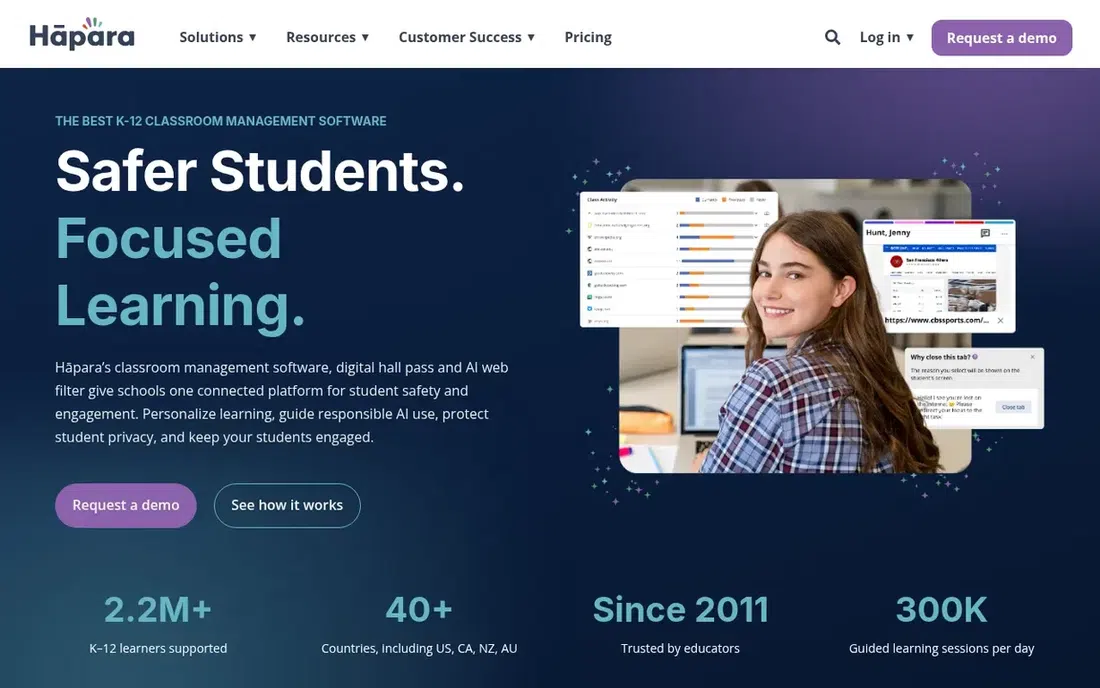
Hapara makes the most sense for organizing digital lessons and guiding browsing. For substitutes, it helps deliver assigned digital lessons and watch student browsing without needing to rebuild the class structure.
Downsides: Setup tied to school systems.
In daily use, a substitute without prior access may need help from school staff to begin. Hapara cost at the entry level: $1,500. Free access: Not stated.
- Visibility into student work
- Lesson and resource sharing
- Ramp-up time for new users
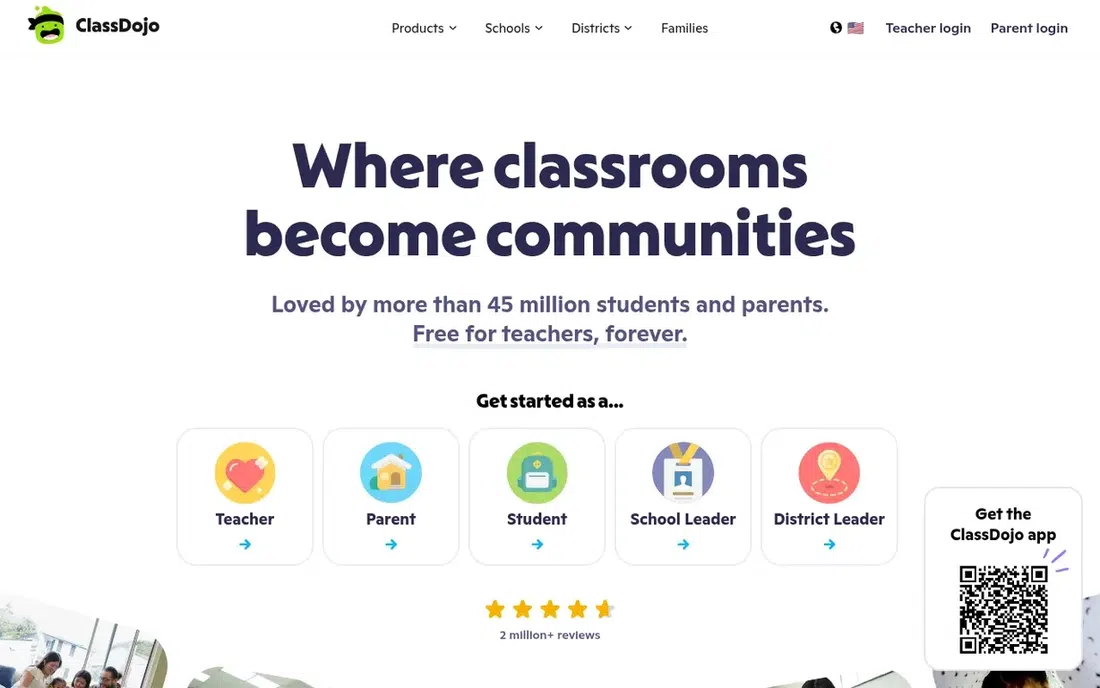
ClassDojo is aimed squarely at fast behavior tracking and family updates. For substitutes, the behavior points feature provides a fast way to recognize positive choices and redirect off-task behavior without needing deep setup.
ClassDojo does not supply screen monitoring or web filtering, so it is not a full device management option. Worth adding: substitutes who require to see student screens or block distracting sites should pair it with a monitoring tool. Pricing for ClassDojo is not stated here, so ask the vendor for current figures. Trial and free access: Not stated.
Drawbacks to consider: Needs teacher setup.
- Simple behavior points system
- Direct family communication
- Restricted device monitoring
Lightspeed Classroom Management
Best for: Visibility and control across school devices
Lightspeed Classroom Management is built with visibility and control across school devices in mind. Lightspeed supplies visibility and control to support compliance, safety, security, engagement, and management for school networks and devices.
Trade-offs to know: Wide system beyond classroom.
Worth adding: substitutes in districts that use Lightspeed can benefit from its classroom controls to keep students centred on assigned work. Lightspeed is a district-oriented system, so a substitute may not have direct access without school-issued credentials. Lightspeed Classroom Management shows no starting price here, so confirm the cost on the vendor site. On free options: Not stated.
- Engagement and safety controls
- Supports compliance needs
- Needs district-level access
Impero Classroom
Best for: Safety monitoring with classroom controls
Choose Impero Classroom for safety monitoring with classroom controls. Impero Classroom, listed under Ativion, concentrates on keeping students safe on every device with secure monitoring and engagement features. Choose it when safety monitoring is the central concern and the school already gives you access.
What to check first: Access relies on school setup.
Beyond that, the system is not aimed at fast behavior communication with families. As for the details, substitutes can use it to watch for off-task or unsafe activity whereas students work on devices. Check the vendor site for Impero Classroom pricing; none is listed in this comparison. Free options: Not stated.
- Monitoring and engagement features
- Safety-focused design
- Branding and product names vary
How these tools were picked
Selection started from tools commonly considered for classroom management software for substitutes, then narrowed to 6 that have clear pricing information or a clear quote process. Treat prices as a snapshot: vendors change plans often, so check the vendor site for the figure that applies today. Position on the page reflects fit for a typical buyer first, with price clarity and free access breaking ties. Treat it as a guide, not a ruling.
Pre-purchase checklist
- Ask Dyknow, ClassDojo, Lightspeed Classroom Management and Impero Classroom for a written quote, since no starting price is shown.
- Read the limits listed for Dyknow first: needs school account.
- Ask Lightspeed Classroom Management about contract length, onboarding fees and user minimums before you sign.
- Test the integrations you rely on with Senso.cloud before committing; some connectors sit on upper tiers.
- Price Hapara for your actual team size; headline prices rarely include add-ons or overage.
FAQ
Do these tools replace the need for a seating chart or paper lessons?
No. Classroom management software supports digital activity and communication, but substitutes still need clear lesson plans and entry-level classroom routines. Use the software as a supplement, not a replacement.
Does any tool for classroom management software for substitutes here have a free plan?
A permanent free plan is not offered by Dyknow, Impero Classroom or the other tools here. Plan a short evaluation period instead.
Which tool is a good match for keeping students on task with devices?
This list starts with Dyknow, which fits Teacher-led screen monitoring and resource sharing. For other needs, Senso.cloud is aimed at all-in-one safeguarding and classroom tools, and Hapara at organizing digital lessons and guiding browsing. Check each tool's price and main limit first.
How are the tools for classroom management software for substitutes ordered?
The order follows typical fit for classroom management software for substitutes, with Dyknow first and Impero Classroom last, then price clarity and free access. It is editorial judgement, not a score, so another team could rank the tools differently.
Is Dyknow the right pick for everyone comparing classroom management software for substitutes?
No single tool suits every team. Dyknow comes first because it fits Teacher-led screen monitoring and resource sharing, while Senso.cloud suits all-in-one safeguarding and classroom tools and Hapara suits organizing digital lessons and guiding browsing. Match the tool to your own size, budget and workflow before deciding.
Can I try these tools before paying?
Not by default. None of the tools, from Dyknow to Impero Classroom, lists a free plan or a free trial here, so ask each vendor for a demo before committing.
Sources
- https://www.dyknow.com
- https://senso.cloud
- https://hapara.com
- https://www.classdojo.com
- https://www.lightspeedsystems.com
- https://www.imperosoftware.com