Top 5 Classroom Management Software for Substitute Teachers for 2026 (Prices and Free Plans)
Best classroom management software for substitute teachers: 5 contenders ranked by fit, with entry costs and free tiers. Short verdicts, no fluff. Plain facts.
- Editor's choice
 Canvas LMS
Districts running a full LMS
Starts atSee websiteVisit instructure.comFull review - Great alternative
 Nearpod
Guided interactive lessons
Starts at$159 a yearVisit nearpod.comFull review - Also consider
 ClassDojo
Behavior tracking and family updates
Starts atSee websiteVisit classdojo.comFull review
Direct answer
This list puts Canvas LMS first for districts running a full LMS. Listed starting prices: Nearpod from $159 a year and Kahoot. from $3 a month. If your case is different, Nearpod suits guided interactive lessons and ClassDojo suits behavior tracking and family updates. Prices, free plans and limits for all 5 tools follow.
TL;DR:
- Canvas LMS is the opening pick, best for districts running a full LMS.
- Quizizz is the one to check for differentiated practice and progress.
- A free plan is available from 3 of the 5 tools: Nearpod, Kahoot., Quizizz.
- Kahoot. Has the lowest monthly starting price in this list: $3 per month.
- Before buying Kahoot., weigh this: can get noisy and competitive.
Last checked November 2026. Prices and plan details were read from the vendors' own pages in November 2026; vendors change plans often, so confirm the current price on the vendor site before you buy.
Quick comparison
| Tool | Best for | Starts at | Free plan? | |
|---|---|---|---|---|
| Canvas LMS | Districts running a full LMS | See website | Not stated | Visit |
| Nearpod | Guided interactive lessons | $159 a year | Yes | Visit |
| ClassDojo | Behavior tracking and family updates | See website | Not stated | Visit |
 Kahoot. | Quick, whole-class engagement | $3 a month | Yes | Visit |
 Quizizz | Differentiated practice and progress | See website | Yes | Visit |
5 classroom management software for substitute teachers in detail
If you are comparing classroom management software for substitute teachers, this page covers 5 tools in one place: what each is best for, what it costs to start, whether it has a free plan, and the main limit to know about.
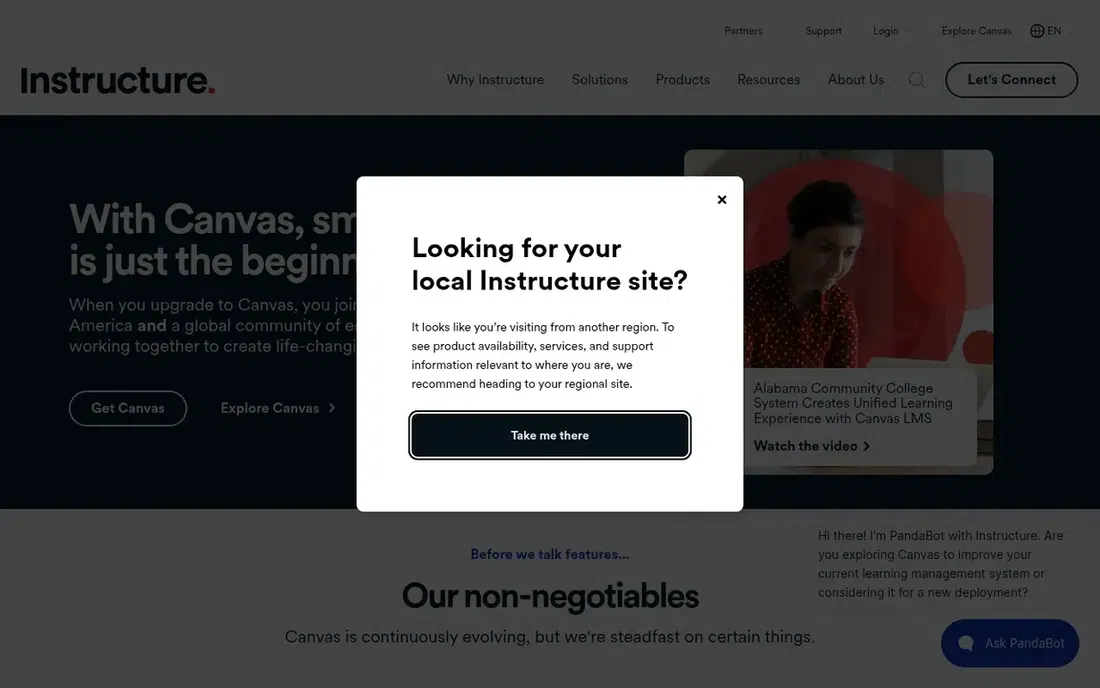
Pick Canvas LMS if this describes you: districts running a full LMS. Canvas is a full LMS, so the interface can feel heavy for someone including a single day.
Also, in districts that use it, a substitute can follow the regular teacher's modules, announcements and assignment instructions in one structured place. No starting price is listed for Canvas LMS here; confirm pricing on the vendor site. On free options: Not stated.
Downsides: Overkill for a single day.
- Structured course organization
- Clear module and assignment layout
- Steeper ramp-up time
Think of Nearpod for guided interactive lessons. Nearpod concentrates on creating active learning experiences that students engage with during a lesson. From a buyer's view, Nearpod performs best with prepared content.
So a substitute without a lesson plan may find it less handy on short notice. It also relies on dependable student devices and connectivity. As for the details, for a substitute, a ready-made interactive lesson can carry an entire period with built-in checks for understanding. Entry price for Nearpod: $159 per year. Nearpod offers a free plan.
The main drawbacks: Needs student devices.
- Keeps the entire class together
- Interactive slides and activities
- Needs prepared content
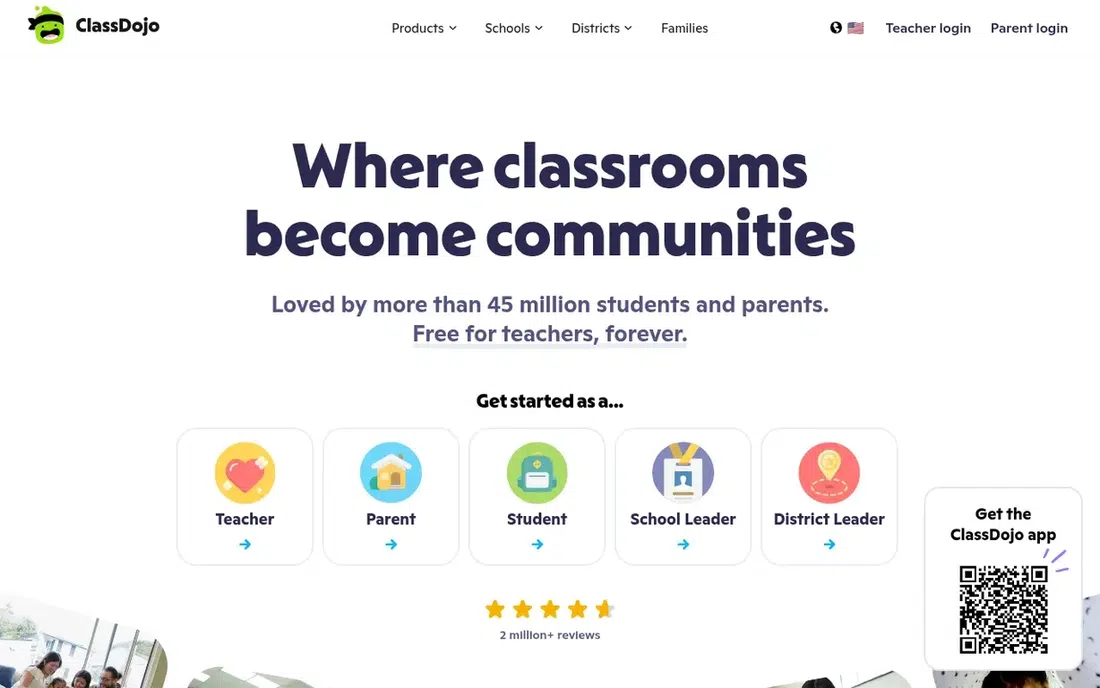
In short, ClassDojo is for behavior tracking and family updates. Younger classes respond well to the points system, but older students can find it childish.
As for the details, ClassDojo is a classroom communication and behavior system that links teachers with families and bundles student portfolios. Also, for a substitute, its value is speed: if the regular teacher already has a class set up, behavior points and announcements can be used within minutes. This comparison lists no price for ClassDojo; ask the vendor. Free plan details: Not stated.
Where it is weaker: Older students may find points juvenile.
- Built-in family messaging
- Straightforward behavior points system
- Full setup typically needs the regular teacher
Kahoot. Serves quick, whole-class engagement. Its join-by-code format makes it one of the fastest ways for a substitute to capture attention and review material with an unfamiliar class.
It performs best as one part of a lesson instead of the whole plan. Kahoot. pricing: $3 per month. Free access exists with Kahoot.
The main drawbacks: Can get noisy and competitive.
- Large library of ready games
- Highly engaging format
- Restricted management features
Quizizz is designed for differentiated practice and progress. Quizizz, now branded Wayground, gives you standards-aligned resources and AI-assisted tools that help teachers differentiate instruction and track student progress.
Beyond that, for pure live competition, Kahoot. Is the more familiar choice. The name change from Quizizz to Wayground can confuse students and staff who know the old branding. Quizizz does not show a starting price in this comparison, so check the vendor site for current pricing. A free plan is available with Quizizz.
Limits to weigh: Account setup may be required.
- Progress tracking for teachers
- Standards-aligned resource library
- Rebranded as Wayground
How the list was put together
Each tool was reviewed on what its vendor publishes: price, plan limits, core features and stated drawbacks. We did not run hands-on tests. Where a vendor does not publish a price, the entry says quote. Where a price depends on seats or billing term, the entry says so. Tools are placed by general fit for classroom management software for substitute teachers, with price clarity and free access as tie-breakers. A different team can reasonably rank them differently.
What to check before you buy
- Ask Canvas LMS, ClassDojo and Quizizz for a written quote, since no starting price is shown.
- Check what the free option really includes: Nearpod, Kahoot. And Quizizz offer a free plan, and usage caps differ.
- Read the limits listed for Canvas LMS first: steeper ramp-up time.
- Check the support hours and onboarding help Canvas LMS offers; smaller vendors vary a lot here.
- Map your must-have features to a specific Nearpod plan before you compare prices.
FAQ
Which options for classroom management software for substitute teachers have a free plan?
On this list, Nearpod, Kahoot. And Quizizz include a free plan. Caps on seats, usage or features are common, so test the free plan against your real workload.
Can I try these tools before paying?
Often, yes. Nearpod, Kahoot. And Quizizz have a free plan. Use your own data and a real task during the test, and check what the free tier or trial limits before you rely on it.
Is Canvas LMS the right pick for everyone comparing classroom management software for substitute teachers?
No single tool suits every team. Canvas LMS comes first because it fits districts running a full LMS, while Nearpod suits guided interactive lessons and ClassDojo suits behavior tracking and family updates. Match the tool to your own size, budget and workflow before deciding.
How are the tools for classroom management software for substitute teachers ordered?
The order follows typical fit for classroom management software for substitute teachers, with Canvas LMS first and Quizizz last, then price clarity and free access. It is editorial judgement, not a score, so another team could rank the tools differently.
Sources
- https://www.instructure.com/canvas
- https://nearpod.com
- https://www.classdojo.com
- https://kahoot.com
- https://quizizz.com