Best Chat APIs for Apps for 2026: Our 6 Vetted Picks
Best chat APIs for apps, compared. 6 tools with published prices, free plans and limits. For Realtime scale and reliability, begin with Ably. No filler.
- Editor's choice
 Ably
Realtime scale and reliability
Starts at$29 per monthVisit ably.comFull review - Great alternative
 Sendbird
Enterprise AI customer experience
Starts at$349 per monthVisit sendbird.comFull review - Also consider
 Stream Chat
Quick in-app chat launches
Starts at$399.00 a monthVisit getstream.ioFull review
Direct answer
If you need Realtime scale and reliability, Ably is the first tool to look at here. Listed starting prices: Ably from $29 per month, Sendbird from $349 per month and Stream Chat from $399.00 a month. Look at Sendbird for enterprise AI customer experience, and at Stream Chat for quick in-app chat launches. Prices, free plans and limits for all 6 tools follow.
TL;DR:
- The list opens with Ably, aimed at Realtime scale and reliability.
- Ably, Stream Chat, PubNub Chat, Firebase Realtime Database: these are the 4 tools out of 6 that offer a free plan.
- Firebase Realtime Database has the lowest monthly starting price in this list: $9.37 per month.
- Check the limits for Stream Chat before you commit: speed claims need your own validation.
- Firebase Realtime Database is the one to check for Realtime sync with offline support.
Last checked November 2026. Prices and plan details were read from the vendors' own pages in November 2026; vendors change plans often, so confirm the current price on the vendor site before you buy.
Quick comparison
| Tool | Best for | Starts at | Free plan? | |
|---|---|---|---|---|
| Ably | Realtime scale and reliability | $29 per month | Yes | Visit |
| Sendbird | Enterprise AI customer experience | $349 per month | Free trial | Visit |
| Stream Chat | Quick in-app chat launches | $399.00 a month | Yes | Visit |
| PubNub Chat | Scalable secure in-app live chat | $98 a month | Yes | Visit |
| Twilio Programmable Chat | Messaging APIs on a global network | See website | Free trial | Visit |
| Firebase Realtime Database | Realtime sync with offline support | $9.37 a month | Yes | Visit |
Tool-by-tool breakdown
Short on time? The summary and table above give the quick view of 6 chat APIs for apps, and the profiles that follow give the detail behind each entry.
For Realtime scale and reliability, Ably is a natural candidate. Ably describes itself as a realtime system for chat, AI and live apps at scale, aimed at reliability so experiences never drop. It appeals to teams that expect growth and want infrastructure that supports messaging plus other live features.
Where Ably stands out: Aimed at scale and reliability.
Drawbacks to consider: Chat specifics need documentation review.
Worth adding: teams with straightforward in-app messaging may not need the full realtime scope. Product groups building chat alongside collaborative or AI-driven experiences may find the product's scope handy instead of distracting. The system's breadth means you should map your chat requirements to documented capabilities carefully. From a buyer's view, compare against chat-only APIs if speed of integration matters more than product breadth, and verify limits on the vendor site. Starting cost for Ably: $29 per month. Free access exists with Ably.
- Realtime product for chat and live apps
- Also supports AI experiences
- Wide product may need more planning
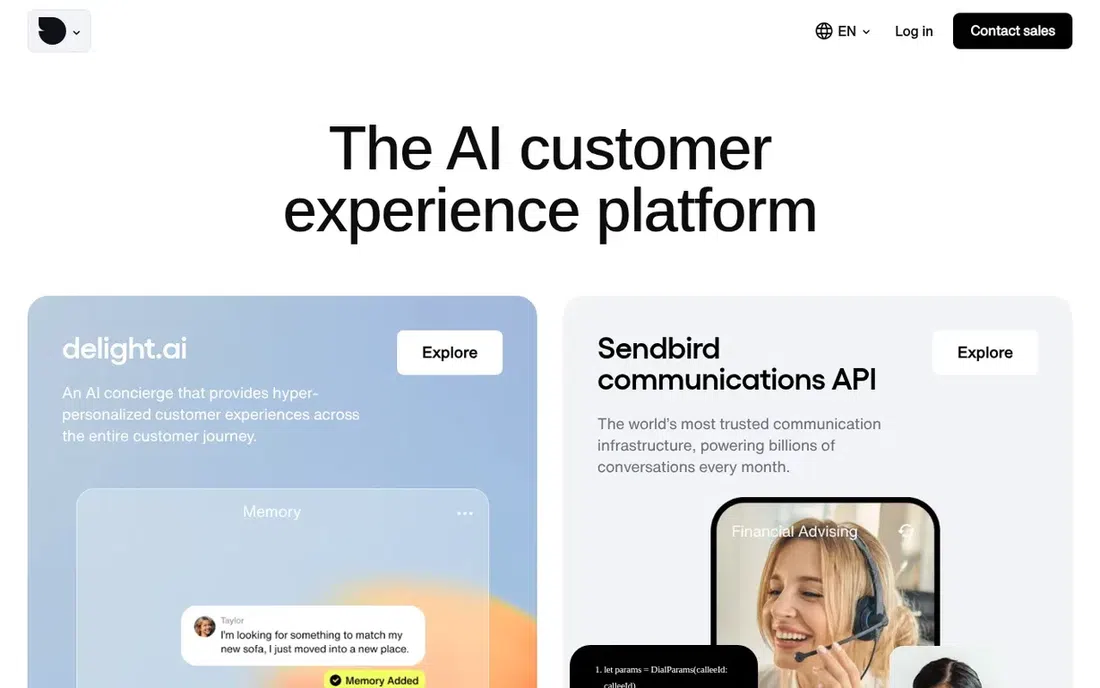
Sendbird serves enterprise AI customer experience. Sendbird describes itself as an AI customer experience product for enterprise, built to engage customers and boost loyalty. In daily use, the enterprise framing means smaller apps may pay for capability they do not need.
Where it is weaker: Enterprise positioning may overshoot small apps.
The breadth of the product can slow initial setup. Product teams planning in-app messaging alongside support and engagement workflows are the natural audience, notably where enterprise requirements shape the buying decision. As for the details, confirm which capabilities are documented for your use case. The starting price for Sendbird: $349 per month. Free plan details: Free trial.
- Engagement and loyalty features
- Geared toward enterprise deployments
- Feature depth can add setup effort
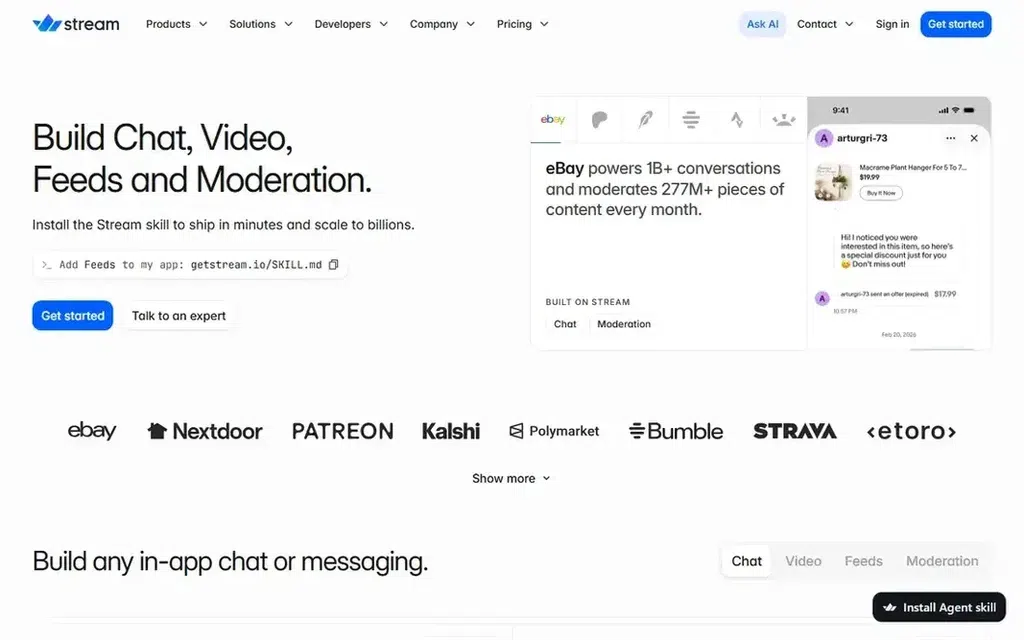
Choose Stream Chat for quick in-app chat launches. Stream Chat presents itself as a chat API and in-app messaging service, promising to launch in days instead of weeks. It targets product teams that want live chat features without building the backend themselves.
Drawbacks to consider: Speed claims need your own validation.
Check vendor documentation for the specifics that matter to you. If your priority is getting messaging into a web or mobile app rapidly, Stream's chat-focused positioning makes it a straightforward candidate to evaluate. On cost, Stream Chat starts like this: $399.00 per month. You can start on Stream Chat without paying.
- Chat API and messaging as a service
- Markets launch in days not weeks
- Less suited to non-chat realtime needs
PubNub Chat
Best for: Scalable secure in-app live chat
PubNub Chat works best for scalable secure in-app live chat. PubNub Chat is marketed as a secured in-app live chat API for building scalable, secure chat experiences without backend worries. From a buyer's view, smaller projects may find the scope heavier than needed.
Points against: Chat is part of a wider realtime offering.
As for the details, the product sits within PubNub's broader realtime system. So teams expecting to add live features later may find room to grow. Starting cost for PubNub Chat: $98 per month. PubNub Chat has a free plan.
- Secured in-app live chat API
- Aimed at scalable chat apps
- Configuration choices can multiply
Twilio Programmable Chat
Best for: Messaging APIs on a global network
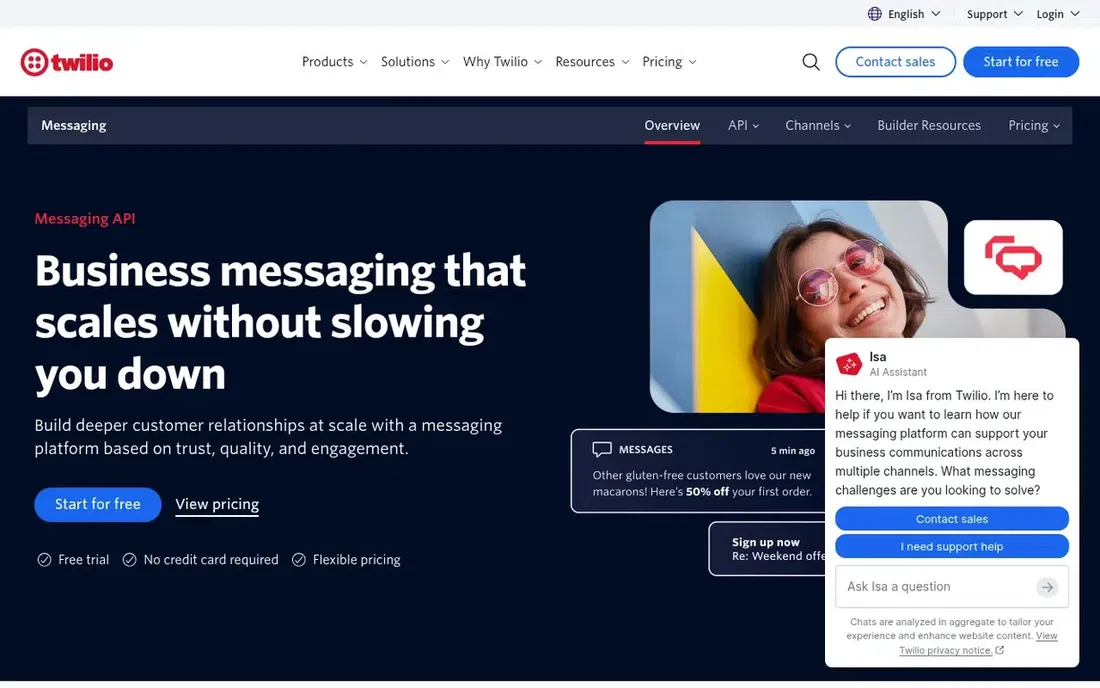
Think of Twilio Programmable Chat for messaging APIs on a global network. Teams that want to build deeper customer relationships through text and in-app messaging can use it as a foundation.
Downsides: Chat is one part of a bigger suite.
Evaluate whether you need the wider communications stack or just in-app chat, and compare against a focused chat vendor before committing. Check the vendor site for Twilio Programmable Chat pricing; none is listed in this comparison. Trial and free access: Free trial.
- Enterprise-ready messaging APIs
- Backed by a global network
- Wide system may feel complicated
Firebase Realtime Database
Best for: Realtime sync with offline support
Firebase Realtime Database is aimed squarely at Realtime sync with offline support. Teams wanting ready-made chat APIs should look at dedicated vendors instead. In practice, evaluate query patterns and offline behavior against your messaging model before choosing it.
Where it is weaker: Not a dedicated chat product.
As for the details, since it is a database, it does not supply chat features like conversation management from day one, so you own more of the build. Worth adding: Firebase Realtime Database keeps and syncs data in realtime across all clients and keeps data available when the app goes offline. Firebase Realtime Database starts at: $9.37 per month. Free access exists with Firebase Realtime Database.
- Data synced across clients in realtime
- Remains available offline
- Chat logic must be built yourself
How the list was put together
The comparison looks at four things: starting price, free access, how well the feature set matches chat APIs for apps, and the main limit of each tool. Plan names, prices and limits change often. Treat the figures here as a starting point and verify them with the vendor. The order reflects how well each tool fits the most common buying scenario for chat APIs for apps, then price clarity, then free plan access. It is a starting point, not a verdict.
Pre-purchase checklist
- Confirm the entry price on the vendor page. For Twilio Programmable Chat that means a quote rather than a fixed price.
- Look at free plan limits closely: Ably, Stream Chat, PubNub Chat and Firebase Realtime Database have one, and the caps decide whether it is usable for real work.
- Take the trial from Sendbird and Twilio Programmable Chat and push a live task through it before you pay.
- Before choosing Ably, weigh its main limit: broad product may need more planning.
- The entry price of Firebase Realtime Database is only the starting point; model the full cost with seats and extras.
- Pick one real project and run it in Stream Chat first; a small pilot shows fit faster than a checklist.
FAQ
Which options for chat APIs for apps have a free plan?
Ably, Stream Chat, PubNub Chat and Firebase Realtime Database offer a free plan in this list. Free plans usually cap users, projects or features, so check the limits on the vendor page. Several others offer a trial instead.
Can I try these options before paying?
Often, yes. Ably, Stream Chat, PubNub Chat and Firebase Realtime Database have a free plan and Sendbird and Twilio Programmable Chat offer a free trial. Use your own data and a real task during the test, and check what the free tier or trial limits before you rely on it.
Is Ably the right pick for everyone comparing chat APIs for apps?
No single tool suits every team. Ably comes first because it fits Realtime scale and reliability, while Sendbird suits enterprise AI customer experience and Stream Chat suits fast in-app chat launches. Match the tool to your own size, budget and workflow before deciding.
What is a chat API for apps?
A chat API supplies messaging building blocks that developers integrate into an app, for example realtime delivery and conversation handling. The right choice relies on how much you want to build yourself.
Can I build chat on Firebase Realtime Database?
Yes, Firebase Realtime Database syncs data across clients in realtime and stays available offline, which supports messaging use cases. Even so, it is a database, so conversation logic and chat features are yours to implement.
How do I evaluate chat API vendors before buying?
Start with documented features, realtime behavior and integration effort for your stack. In practice, confirm stated limits on the vendor site and check how each system suits your expected growth.
Sources
- https://ably.com
- https://sendbird.com
- https://getstream.io/chat
- https://www.pubnub.com/products/chat
- https://www.twilio.com/en-us/messaging
- https://firebase.google.com/products/realtime-database