Best Charting Software for Trading in 2026: 8 Tools Compared
Compare the best charting software for trading, with indicators, backtesting, scanning, and pricing, plus a plain note on trading risk for new traders.
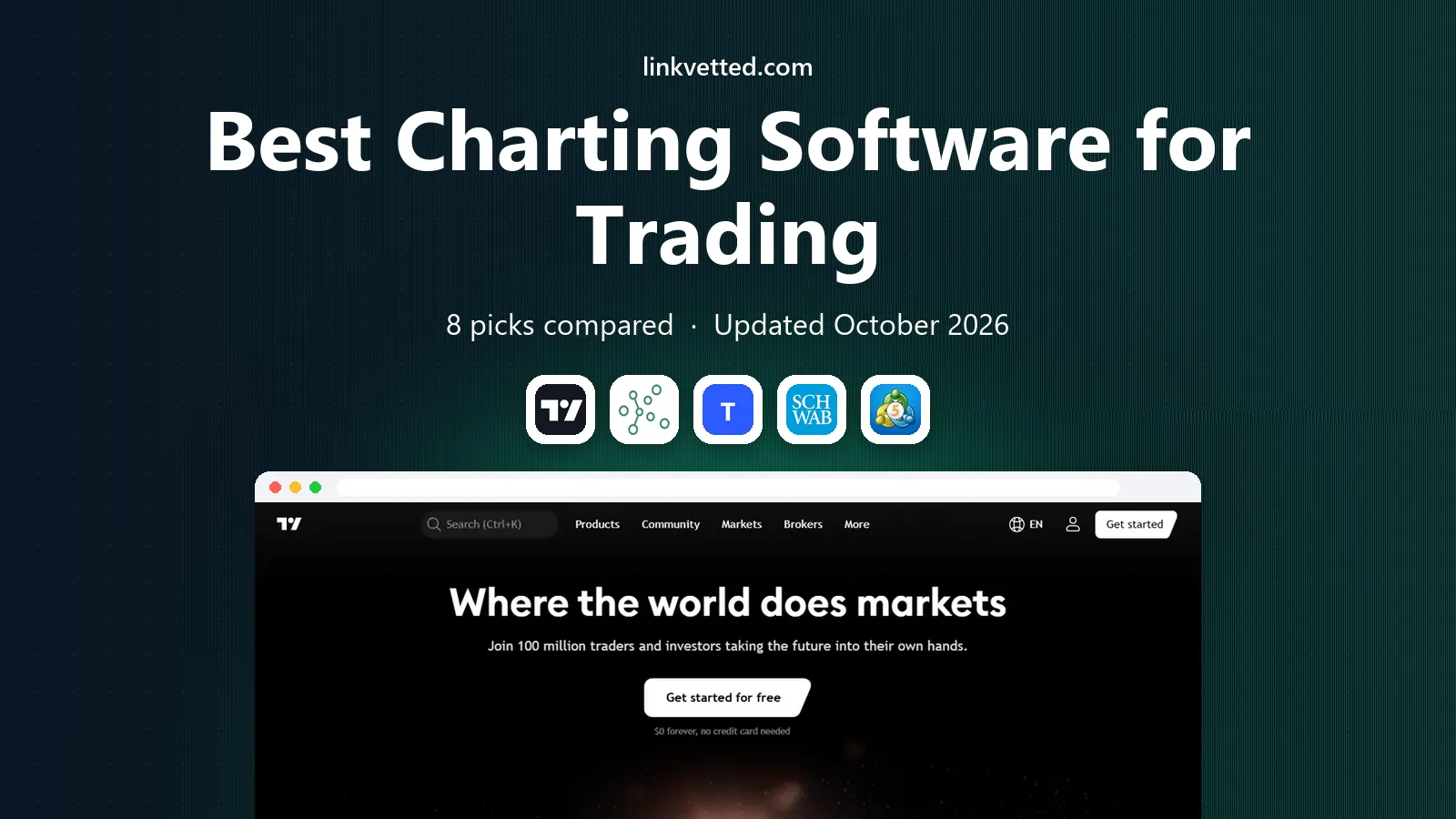
- Editor's choice
 TradingView
Global charting with a large community
Starts atFreeVisit tradingview.comFull review - Great alternative
 TrendSpider
Traders who want analysis automated
Starts atSee websiteVisit trendspider.comFull review - Also consider
 TC2000
US stock scanning plus charting value
Starts atSee websiteVisit tc2000.comFull review
TL;DR:
- TradingView is the best starting point for most traders, thanks to its free tier, global data, and large indicator library.
- TrendSpider suits systematic traders who want automated trendlines, scanning, and no-code backtesting.
- thinkorswim and MetaTrader 5 are strong free options when tied to a broker account, especially for options and forex.
- TC2000 and StockCharts suit US stock traders who value scanning and clean long-term charts over social features.
- No charting tool removes trading risk, so paper trade first and size positions for losses you can afford.
Quick comparison
| Tool | Best for | Starts at | Free plan? | |
|---|---|---|---|---|
| TradingView | Global charting with a large community | Free | Yes | Visit |
| TrendSpider | Traders who want analysis automated | See website | No | Visit |
| TC2000 | US stock scanning plus charting value | See website | Yes | Visit |
 thinkorswim | Broker charting for options and stock traders | Free | Yes | Visit |
 MetaTrader 5 | Forex and algo traders using brokers | Free | Yes | Visit |
 NinjaTrader | Futures traders who want automation and simulation | Free | Yes | Visit |
 StockCharts | Long-term swing traders who want clean charts | $14.95 per month | No | Visit |
 Finviz Elite | Fast US stock screening and market heatmaps | $39.50 per month | Yes | Visit |
The best charting software for trading
Charting software should help a trader see price action clearly, test an idea against history, and find setups without staring at hundreds of charts by hand. The eight tools below cover that work for different markets, styles, and budgets.
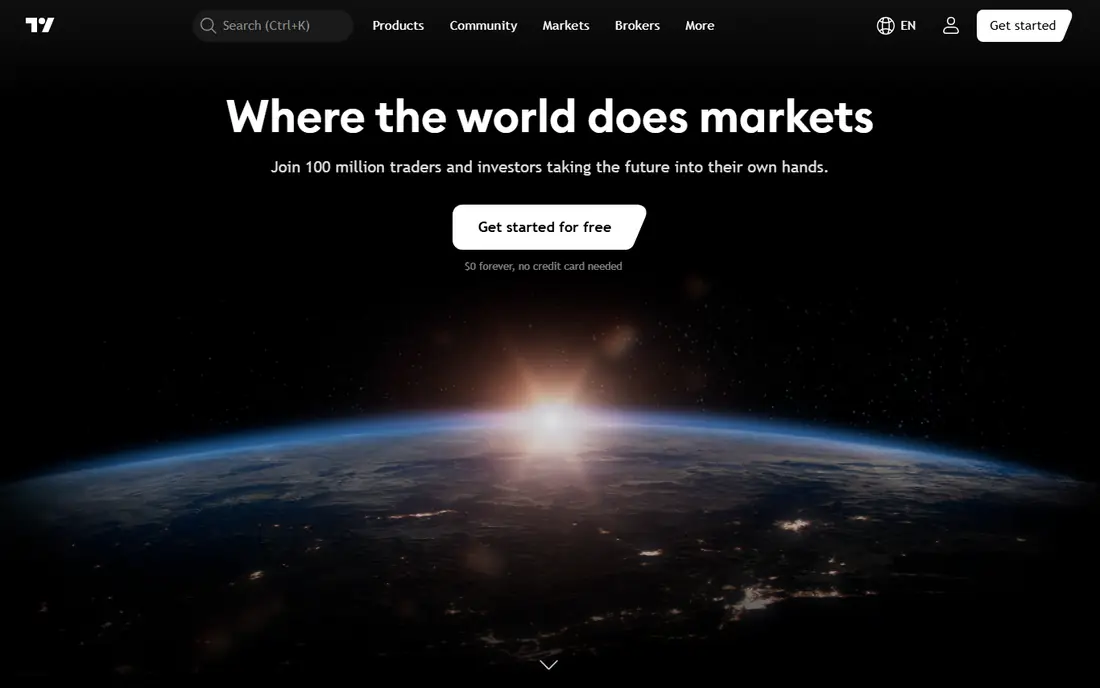
TradingView is the default charting platform for most retail traders, and the free tier is genuinely useful. Charts are clean, indicators are plentiful, and Pine Script lets a trader build custom indicators and strategies without a separate coding setup. Coverage spans stocks, ETFs, futures, forex, and crypto across many exchanges, which suits a trader who follows several markets.
The paid tiers add more alerts, layouts, and chart types, with Essential near $12.95 per month on annual billing in recent listings, Plus near $29.95, and Premium near $59.95. A trader who relies on many alerts or many layouts should price the tier they need, not the free tier. For learning, sharing ideas, and daily chart work, TradingView is hard to beat.
- Free tier with strong charting
- Pine Script and large indicator library
- Global market coverage
- Alerts and layouts are limited on lower tiers
- Real-time data fees vary by exchange
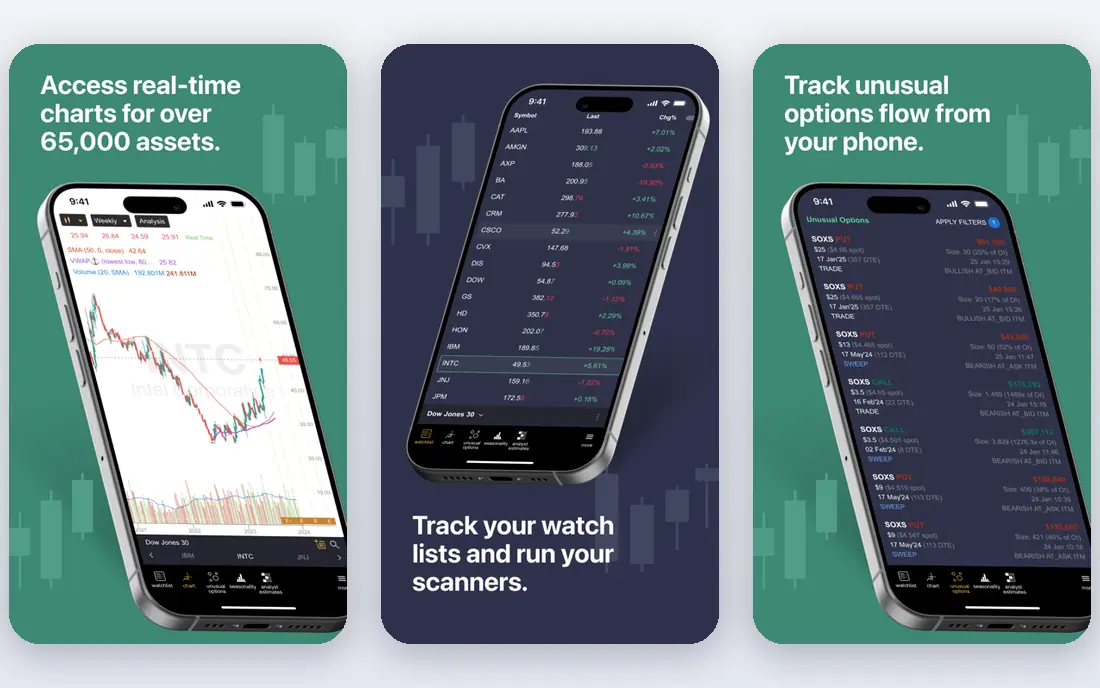
TrendSpider automates the parts of technical analysis that take the most time by hand. It draws trendlines, marks support and resistance zones, detects patterns, and runs scans across many criteria, so a trader can test an idea across a watchlist in minutes. The Strategy Tester lets a trader backtest without writing code, which suits systematic traders who want evidence before risking money.
The trade-off is complexity and price. TrendSpider's paid plans have been listed near $82 per month on annual billing for Standard in recent comparisons, with higher tiers well above that, so a trader should confirm the current price before budgeting. It fits a trader who will use automation daily, not one who only wants a clean chart.
- Automated trendlines and pattern detection
- No-code backtesting
- Real-time scanners
- Pricing is not published on this page
- Steeper learning curve than TradingView
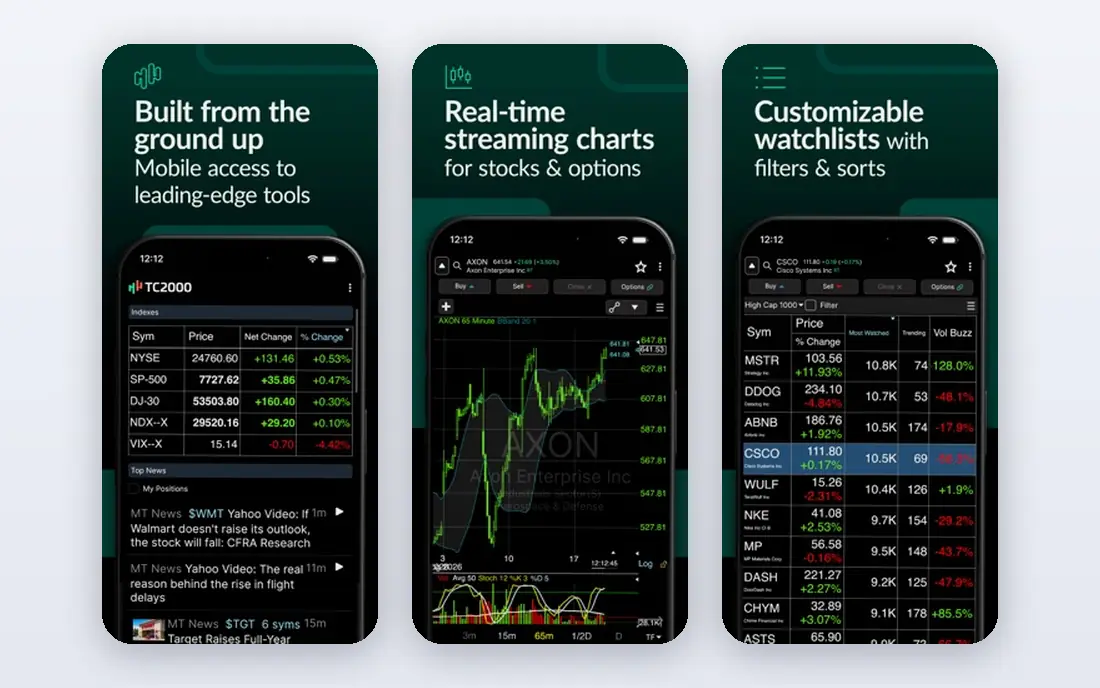
TC2000 has long been a favorite of US stock traders who care about scanning as much as charting. EasyScan and custom formula tools let a trader build precise screens, then chart the results without switching platforms. The indicator library is deep, and options tools suit traders who combine stock and options work.
The free tier covers basic charting, while paid tiers add real-time data, more indicators, and deeper scanning. TC2000's US focus is a limit for traders who follow global markets or crypto heavily. For a US stock trader who scans daily, TC2000's value is strong, especially compared with higher-priced automation tools.
- Strong scanning with custom formulas
- 240 plus indicators
- Broker integration options
- US stock focus
- Interface feels dated next to TradingView
thinkorswim, from Schwab, is a professional-grade desktop platform that costs nothing extra with a Schwab account. It offers advanced charting, options analytics, paper trading through paperMoney, and educational content, all tied to a broker account. That broker link matters, since a trader can analyze and place trades without switching tools.
The platform is heavier than a browser charting tool, and it is best suited to traders who already use or plan to use Schwab. A trader who wants a light web chart for quick checks may still keep TradingView alongside it. For serious options work and paper trading, thinkorswim is one of the best free options available.
- Free with a Schwab account
- Paper trading simulator
- Deep options analytics
- Requires a Schwab account for full use
- Desktop platform can feel heavy
MetaTrader 5 is the standard platform for forex traders and algo developers who work through brokers. It offers multi-asset charting, technical indicators, and automated trading through MQL5, with expert advisers that can run strategies without manual orders. Many brokers offer it free with an account, which keeps the cost low.
The catch is broker dependence. Data quality, spreads, and execution depend on the broker, not just the platform, so two traders on MetaTrader 5 can have very different experiences. The interface is also less polished than TradingView. For forex and algo work through a trusted broker, MetaTrader 5 remains a practical, low-cost choice.
- Free via many brokers
- Algo trading with MQL5
- Multi-asset charting
- Broker-dependent data and execution
- Interface is less polished than TradingView
NinjaTrader is built for futures traders, with professional charting, market analytics, and strategy automation in C Sharp. The free simulation lets a trader practice and backtest without risking money, which is the right way to learn a futures platform. Advanced order types and market depth tools suit active futures traders.
The futures focus is a limit for traders who mainly trade stocks or forex, since those markets are not NinjaTrader's center. Live trading features and some data feeds need a funded account or a paid license. For a futures trader who wants automation and simulation, NinjaTrader is a strong, low-cost starting point.
- Free simulation and charting
- Futures-focused tools
- Strategy automation in C Sharp
- Futures focus limits stock and forex breadth
- Live trading features need a funded account or license
StockCharts suits a trader who values a clean chart and careful annotation over automation and social features. Charts are readable, indicators are well presented, and the platform has a long track record with swing traders who hold positions for days or weeks. That focus makes it easy to build a consistent daily routine.
The price starts at $14.95 per month, with higher tiers adding more features and data. StockCharts does not match TrendSpider on automated scanning or backtesting, and it does not match TradingView on community indicators. For a swing trader who wants a calm, readable charting workspace, StockCharts is a solid pick.
- Clean, readable charts
- Strong chart annotation
- Long track record
- Fewer automation features than TrendSpider
- Real-time data costs extra on some plans
Finviz Elite is a screening tool first and a charting tool second, and that order is its strength. A trader can screen thousands of US stocks by price, volume, sector, and technical filters in seconds, then check the market heatmap for the day's leaders and laggards. Elite adds real-time data and advanced screening features over the free version.
Charting depth is thinner than TradingView or TC2000, so many traders pair Finviz with a dedicated charting platform. At $39.50 per month, Elite suits a US stock trader who scans every morning and wants speed above all else. For global or crypto charting, TradingView remains the better primary tool.
- Very fast screener
- Heatmaps and market overview
- Real-time data on Elite
- Charting depth trails TradingView
- US stock focus
How we picked these
We compared official pricing pages, feature pages, and current charting comparisons for platforms used by retail traders in the United States. We favored tools with real charting depth, a clear market focus, and a verifiable price or free tier. We included both general charting platforms and market-specific tools, since a futures trader and a US stock screener do not need the same platform.
How to choose a charting platform without overpaying
Start with the market you actually trade. A US stock trader needs different data than a forex trader or a futures trader, and paying for global data you never use is wasted money. Start free where possible, paper trade for at least a few weeks, and only upgrade when a specific limit, such as alerts or layouts, blocks your routine.
Backtesting, alerts, and data costs
Backtesting should be part of the routine, not an afterthought. A strategy that looks good on one chart may fail across a watchlist, so test across many symbols and market conditions. Check alert limits, real-time data fees, and exchange fees before budgeting, since those costs can exceed the platform fee. This is not financial advice, and trading carries risk, including the risk of losing money, so size positions for losses you can afford and never trade with money you need for essential expenses.
FAQ
What is the best free charting software?
TradingView's free tier is the best free starting point for most traders, with strong charting, many indicators, and global coverage. Finviz's free screener is also useful for fast US stock screening. Broker platforms such as thinkorswim and MetaTrader 5 are free with an account and suit options, forex, and futures traders.
Is TradingView or TrendSpider better?
It depends on style. TradingView is better for manual charting, community indicators, and global markets on a budget. TrendSpider is better for automated trendlines, scanning, and no-code backtesting. A discretionary trader will likely prefer TradingView, while a systematic trader who backtests every idea will likely prefer TrendSpider.
Do I need paid charting software to trade well?
No. Many successful traders start on free tiers or broker platforms. Paid tiers add alerts, layouts, real-time data, and automation, which help as volume and complexity grow. Start free, prove a routine works, and upgrade only when a specific limit blocks that routine.
What is backtesting?
Backtesting is running a defined trading strategy against historical price data to see how it would have performed before risking real money. A good backtest reports win rate, profit factor, and maximum drawdown across many trades. Past performance does not guarantee future results, and a backtest can overfit to history if it is tuned too closely to one period.
Can charting software predict prices?
No. Charting software shows past price action, indicators, and patterns, but it cannot predict future prices with certainty. Indicators lag price, patterns fail, and news can move markets faster than any chart signal. Use charts to manage risk and test ideas, not as a guarantee of profit.
How much does charting software cost?
Free tiers exist for TradingView, thinkorswim, MetaTrader 5, NinjaTrader simulation, and Finviz. Paid tiers range from $14.95 per month for StockCharts to $39.50 per month for Finviz Elite, with TradingView paid tiers near $12.95 to $59.95 per month on annual billing in recent listings. TrendSpider and TC2000 paid tiers should be confirmed on their pricing pages before budgeting.