Best Call Recorder App in 2026: 8 Apps Compared
Compare the best call recorder app options for 2026, with iPhone and Android recording, transcription, storage, and consent rules to check before you record.

- Editor's choice
 TapeACall Pro
iPhone users who record often
Starts atSee websiteVisit tapeacall.comFull review - Great alternative
 Rev Call Recorder
Transcription after important calls
Starts atFreeVisit rev.comFull review - Also consider
 Cube ACR
Android users who want VoIP recording
Starts atFreeVisit cubeacr.appFull review
TL;DR:
- TapeACall Pro suits iPhone users who record often and want cloud storage.
- Rev Call Recorder suits users who need accurate human transcription after a call.
- Cube ACR and Automatic Call Recorder suit Android users, with setup limits on newer phones.
- Always confirm consent rules and carrier support before relying on any recorder for important calls.
Quick comparison
| Tool | Best for | Starts at | Free plan? | |
|---|---|---|---|---|
| TapeACall Pro | iPhone users who record often | See website | Free trial (7 days) | Visit |
| Rev Call Recorder | Transcription after important calls | Free | Yes | Visit |
| Cube ACR | Android users who want VoIP recording | Free | Yes | Visit |
 Automatic Call Recorder | Simple free Android recording | Free | Yes | Visit |
 Boldbeast Call Recorder | Android users who need manual control | See website | Free trial | Visit |
 Google Voice | Free incoming call recording on a Google number | Free | Yes | Visit |
 Call Recorder iCall | iPhone recording with a simple flow | See website | Free trial | Visit |
 ACR Call Recorder | Android recording with cloud sync | Free | Yes | Visit |
The best call recorder apps
Check consent laws in your state before recording any call, since some states need all parties to agree and others need only one party to consent. The apps below record phone calls in different ways: some use three-way merging, some use built-in phone features, and some record on Android only. We compared platform support, audio quality, transcription, storage, and price, and we noted where Android restrictions limit recording.
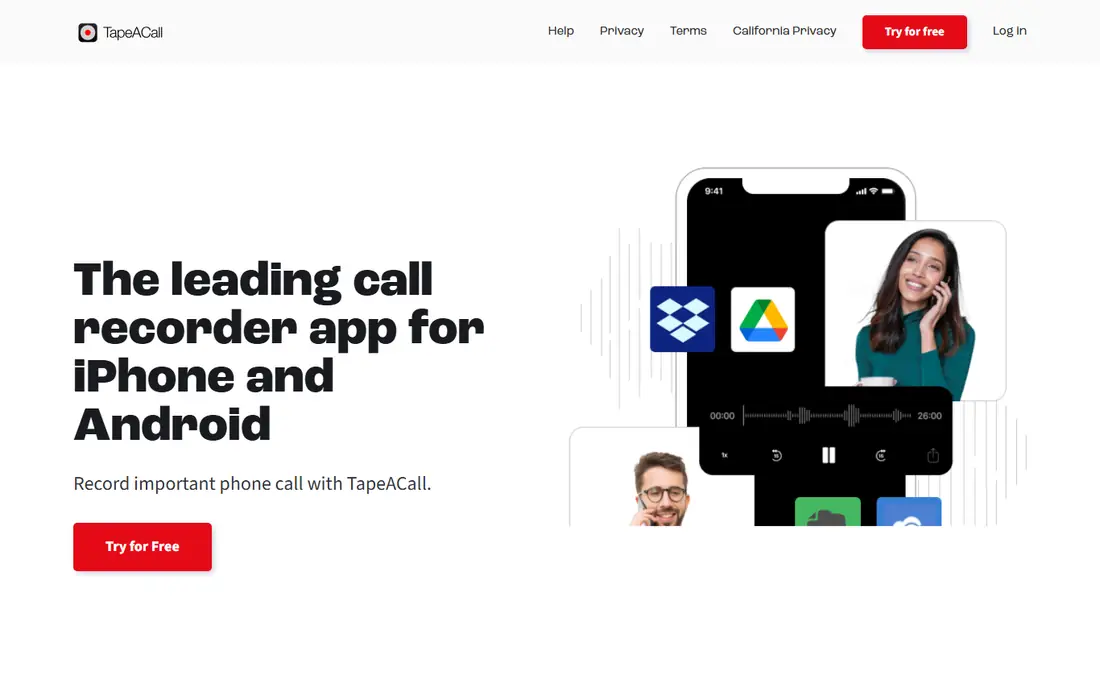
TapeACall Pro is a long running iPhone recorder that uses a three-way merge to capture both sides of a call. Paid plans offer unlimited recordings, cloud storage, and easy sharing to email or cloud drives. That suits journalists, recruiters, and business users who record often and need a reliable archive. The main limit is carrier support: if three-way calling is disabled, the merge step will not work, so confirm it with your carrier first.
The catch is worth naming plainly, and it sits in the limits below. Test the tool on one real workflow before you move a whole team or budget across, and check the current limits on the vendor page first. A short trial with your own leads, contracts, or files tells you more than any feature list.
- Unlimited recordings on paid plans
- Cloud storage and sharing
- MP3 exports
- Needs three-way calling from your carrier
- Paid after the trial
Rev Call Recorder suits users whose main need is not just audio but a usable transcript. Recording itself is free, and you can order human transcription for accuracy or cheaper AI transcription for a quick draft. That makes it a strong pick for interviews, research, and client calls where notes matter. Transcription costs add up on long calls, so budget per minute pricing before you record a full day of interviews.
Before you commit, weigh that weakness against the strength above. If the weakness touches the task you do most often, keep looking down this list. If it touches a task you do rarely, the strength may still win. Either way, start with the free plan or trial and confirm the price for your team size.
- Free call recording
- Human transcription at a per minute price
- AI transcription option
- Transcription is paid per minute
- Recording availability varies by phone and region
Cube ACR is one of the best known Android recorders, with automatic recording and support for VoIP apps such as WhatsApp and Telegram. That breadth suits Android users who take calls across several apps, not just the phone dialer. Android restrictions have made call recording harder, so setup on newer phones can be complex and results vary by device. Test it on your exact phone before you rely on it for work.
That weakness matters most at scale, so plan for it early. Ask the vendor what happens when volume grows, seats are added, or a second team joins. The answer to that question often decides the choice better than the headline feature set, and it is worth getting in writing.
- Automatic recording on Android
- VoIP app support including WhatsApp
- Cloud backup options
- Google Play limits affect Android recording
- Setup can be complex on newer phones
Automatic Call Recorder by Appliqato suits Android users who want a simple, free recorder with automatic capture and filters. You can set it to record all calls, selected contacts, or unknown numbers, and search recordings by contact or note. Auto delete helps manage storage on a busy phone. It is Android only, and recording success varies by phone model and Android version, so test a short call first.
The catch is worth naming plainly, and it sits in the limits below. Test the tool on one real workflow before you move a whole team or budget across, and check the current limits on the vendor page first. A short trial with your own leads, contracts, or files tells you more than any feature list.
- Automatic recording with filters
- Search by contact or note
- Auto delete for old files
- Android only and device dependent
- Some features need a paid upgrade
Boldbeast Call Recorder appeals to Android users who want fine control over recording mode, audio source, and file handling. Manual mode helps when you only want to record selected calls, and local storage suits users who prefer not to use cloud backup. The trade-off is setup: newer Android versions need careful configuration, and results vary by device. It is a power user tool, not a one tap install for everyone.
Before you commit, weigh that weakness against the strength above. If the weakness touches the task you do most often, keep looking down this list. If it touches a task you do rarely, the strength may still win. Either way, start with the free plan or trial and confirm the price for your team size.
- Manual and automatic modes
- Many recording settings
- Local storage options
- Setup is technical on newer Android versions
- IPhone support is limited
Google Voice suits users who can take calls on a Google Voice number and only need to record incoming calls. Recording is free, and voicemail and web access make playback easy. The limit is clear: outgoing calls are not recorded, and you need to use the Google Voice number for the call. For a side line used for interviews or support calls, it is a useful free option.
That weakness matters most at scale, so plan for it early. Ask the vendor what happens when volume grows, seats are added, or a second team joins. The answer to that question often decides the choice better than the headline feature set, and it is worth getting in writing.
- Free incoming call recording on Google Voice numbers
- Voicemail and transcription features
- Web access
- Records incoming calls only, not outgoing
- Needs a Google Voice number
Call Recorder iCall, listed as iCall, suits iPhone users who want a simple merge based recorder without a complex setup. You start a recording, merge the call, and play back or share the file after. That flow is familiar to TapeACall users and works well for occasional business calls. Carrier three-way support is still required, and regular use needs a paid plan, so check the subscription price for your usage level.
The catch is worth naming plainly, and it sits in the limits below. Test the tool on one real workflow before you move a whole team or budget across, and check the current limits on the vendor page first. A short trial with your own leads, contracts, or files tells you more than any feature list.
- Three-way merge recording for iPhone
- Playback and sharing
- Subscription for unlimited use
- Needs carrier three-way support
- Paid plan needed for regular use
ACR Call Recorder suits Android users who want free core recording plus optional cloud sync. The free version covers basic automatic recording, while a one-time upgrade adds manual recording and cloud drive links. Search and auto delete help manage a growing archive. As with other Android recorders, results depend on phone and Android version, so run a test call on your device before you trust it for an important conversation.
Before you commit, weigh that weakness against the strength above. If the weakness touches the task you do most often, keep looking down this list. If it touches a task you do rarely, the strength may still win. Either way, start with the free plan or trial and confirm the price for your team size.
- Free core recording
- Dropbox and Google Drive sync on paid upgrade
- Search and auto delete
- Paid upgrade needed for cloud sync and manual recording
- Device dependent results
How we picked these
We compared official app listings, platform support, recording methods, and pricing for each app, and we checked whether recording uses merging, native phone features, or Android accessibility paths. We favoured apps with clear storage, sharing, and transcription terms, and we noted where Android restrictions or carrier support change results. We did not claim hands-on testing on every phone, since recording success varies by device, carrier, and region.
How to choose a call recorder app
Start with your phone, your carrier, and the law. Those three facts narrow the list faster than any feature comparison.
Check consent law first
Some US states require all parties to consent to recording, while others require only one party. Tell the other party you are recording when in doubt, and do not record a call you are not part of. This guide is not legal advice, and you should check your state rules before recording.
Confirm your phone and carrier support
iPhone recorders often need three-way calling, while Android recorders face system limits on newer versions. Check your exact phone model, carrier, and region before paying. A short test call with a friend is the fastest way to confirm both sides are audible.
Decide if you need transcription
If you need notes, choose Rev for human accuracy or an AI option for speed and cost. If you only need audio for reference, a simpler recorder with good storage and search may be cheaper. Transcription per minute pricing adds up fast on long calls.
Plan storage and sharing safely
Recordings can contain sensitive personal and business details. Use a lock or private folder, back up only to a service you trust, and delete recordings you no longer need. Check whether the app stores files on its own servers or only on your phone.
FAQ
What is the best app to record phone calls?
TapeACall Pro is a strong iPhone pick for frequent recording, Rev Call Recorder is best when transcription matters, and Cube ACR suits Android users who need VoIP recording. The best app depends on your phone, carrier, and whether you need a transcript.
What is the best free app to record phone calls?
Rev Call Recorder offers free recording with paid transcription, Google Voice offers free incoming recording on a Google Voice number, and Automatic Call Recorder offers free Android recording. Free options vary by phone and region, so test one on your device first.
Is it legal to record a phone call?
It depends on your state and country. Some places need all parties to consent, while others need only one party. Always check consent laws in your state before recording, tell the other party when required, and do not record calls you are not part of.
Why do Android call recorders fail on some phones?
Google Play and Android system limits restrict call audio access on newer versions, so results vary by phone maker and Android version. Some recorders need side loading or complex setup, and even then one side of a call may be quiet. Test on your exact device.
Can I record WhatsApp and VoIP calls?
Some Android recorders such as Cube ACR support VoIP apps including WhatsApp, subject to device and app limits. iPhone merge recorders can capture a VoIP call only if it runs through a phone call merge path, so check support for the exact app you use.