Best Call Recording Software in 2026: 8 Tools Compared
Looking for the best call recording software? We compared 8 tools for meetings, phone calls, transcripts, summaries, consent, and sales teams in 2026.
- Editor's choice
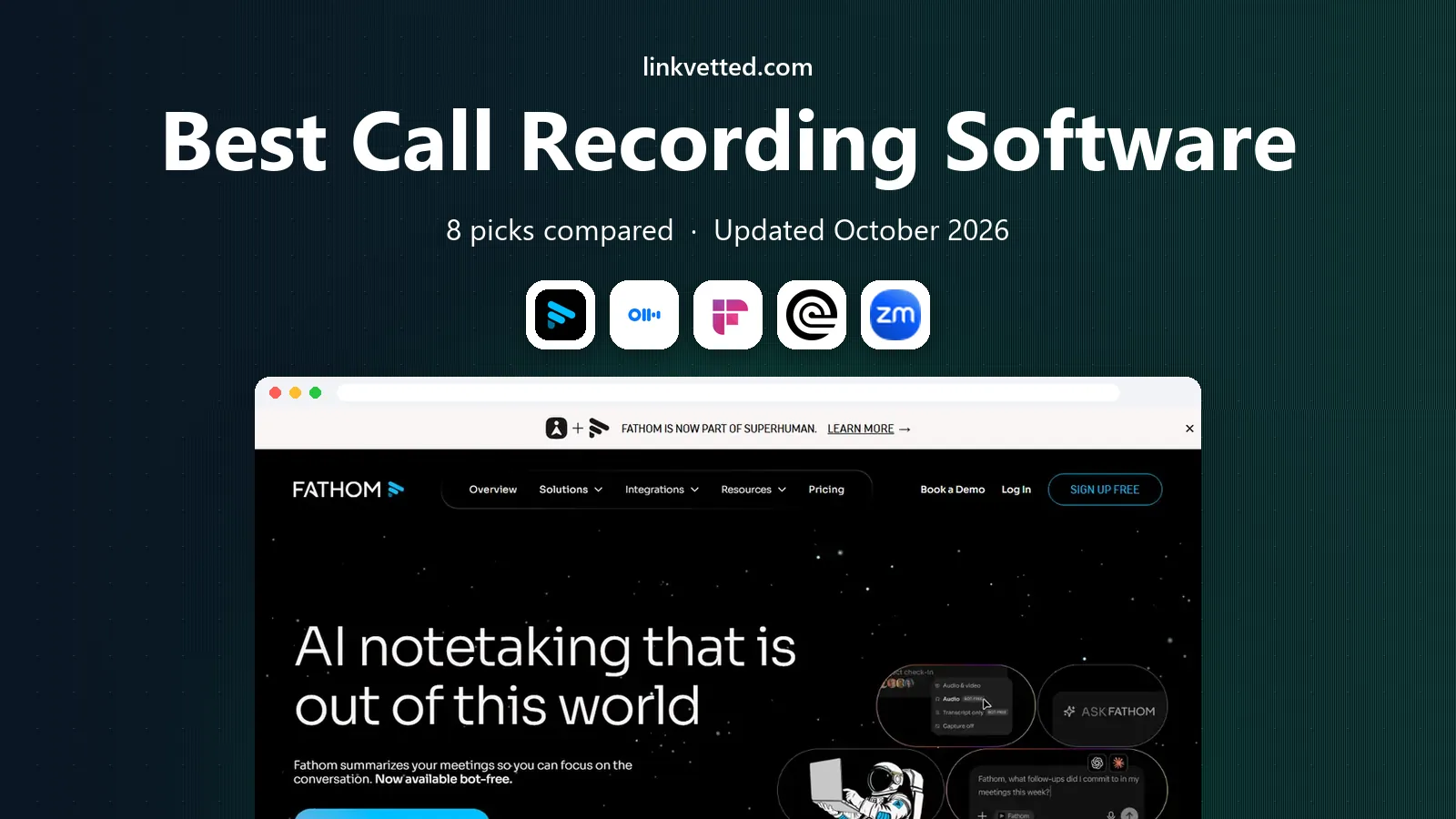
 Fathom
Free meeting recording
Starts atFreeVisit fathom.videoFull review - Great alternative
 Otter
Phone and in-person recording
Starts at$8.33 per user per monthVisit otter.aiFull review - Also consider
 Fireflies
Sales teams and CRM notes
Starts at$10 per seat per monthVisit fireflies.aiFull review
TL;DR:
- Fathom is our pick for most individuals, with unlimited recordings on its free plan and useful summaries for meetings.
- Otter is the best choice for phone and in-person recording, thanks to its mobile apps and searchable transcripts.
- Fireflies is the best fit for sales teams that need notes pushed into a CRM after every call.
- Rev is the best option when accuracy matters most, with AI transcription plus an optional human review service.
Quick comparison
| Tool | Best for | Starts at | Free plan? | |
|---|---|---|---|---|
| Fathom | Free meeting recording | Free | Yes | Visit |
| Otter | Phone and in-person recording | $8.33 per user per month | Yes | Visit |
| Fireflies | Sales teams and CRM notes | $10 per seat per month | Yes | Visit |
 Rev | Accurate transcripts | $0.25 per audio minute | No | Visit |
 Zoom AI Companion | Teams already on Zoom | See website | No | Visit |
 Gong | Enterprise sales intelligence | See website | No | Visit |
 Avoma | Sales and customer calls | $19 per seat per month | Free trial | Visit |
 tl;dv | Meeting notes and clips | See website | Yes | Visit |
The best call recording software
The best call recording software does more than save audio. It transcribes the call, summarizes decisions, and puts notes where your team can find them. These eight cover meeting bots, phone recording, and enterprise sales tools, so you can match the tool to how your calls actually happen.
Call recording consent laws vary by state and country. Some places require only one party to consent, while others require everyone on the call to agree. Always tell participants you are recording, check the law where you and the other parties are located, and follow your company policy before you press record.
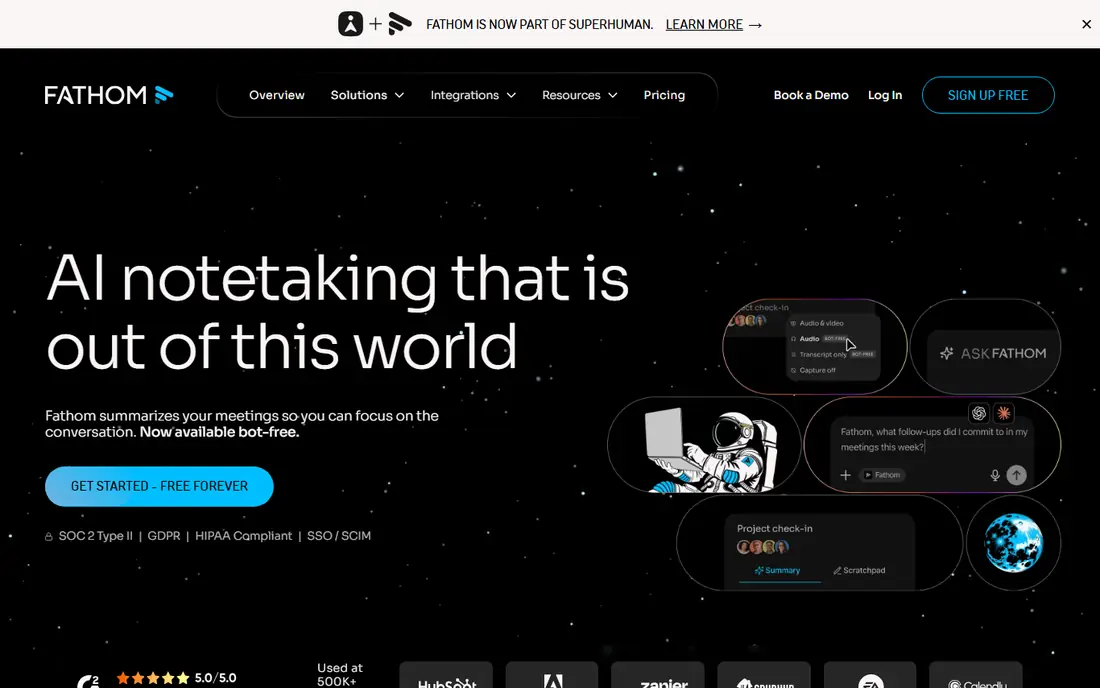
Fathom is the easiest free starting point for meeting recording. Its free plan covers unlimited recordings and transcripts for Zoom, Google Meet, and Microsoft Teams, with summaries, highlights, and action items that make it easy to share what was decided. For an individual or a small team that mainly needs reliable meeting notes, it is generous in a way few rivals match.
The limits appear when you need team workflows. CRM sync is limited on lower plans, with full sync on the Business plan at about $25 per user per month billed annually, and advanced summary features are capped on the free tier. The recording bot also joins calls visibly, which some guests dislike. For free, high-quality meeting notes, Fathom is still our first recommendation.
- Unlimited recordings and transcripts on the free plan
- Good summaries and action items
- Works with Zoom, Meet, and Teams
- Full CRM sync needs a paid Business plan
- Bot joins meetings by default
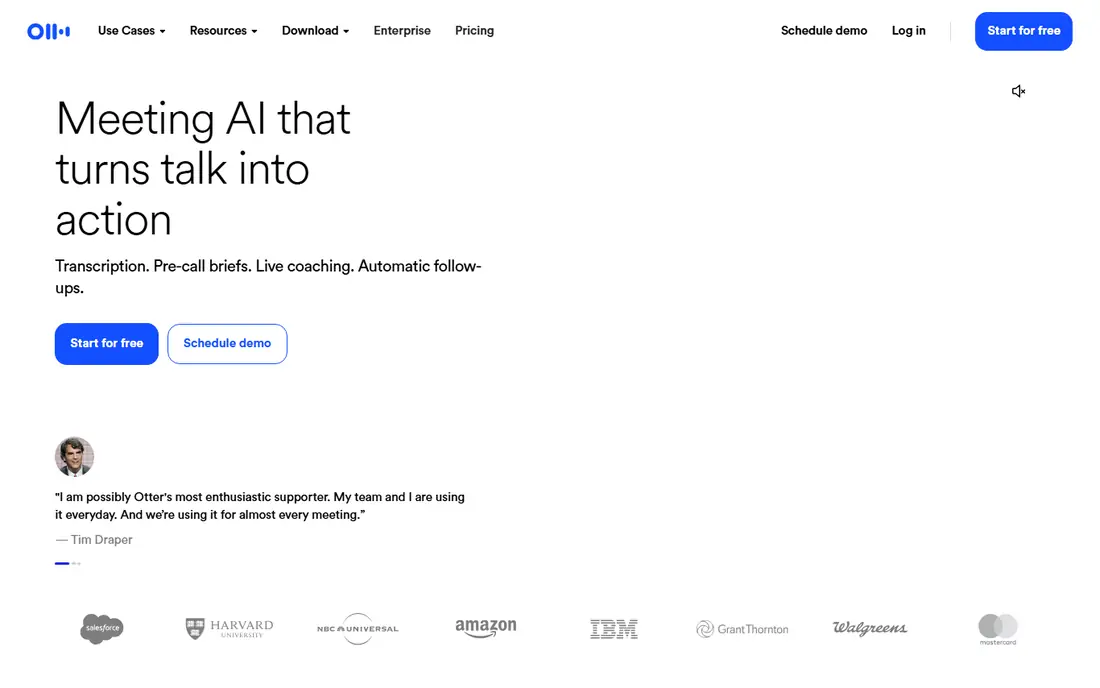
Otter is the best call recording tool when the call is not on a laptop. Its iOS and Android apps record in-person conversations, interviews, and phone calls, then produce searchable transcripts with speaker identification. For journalists, researchers, students, and field teams, that mobile capture matters more than a meeting bot.
The free Basic plan includes 300 transcription minutes per month, but only the first 30 minutes of each conversation are viewable, and only recent conversations stay accessible. Pro costs $8.33 per user per month billed annually, or $16.99 monthly, with 1,200 minutes and longer meetings. Tell everyone you are recording, since consent rules apply to in-person capture just as they do to online calls.
- Mobile apps for in-person recording
- Searchable transcripts with speaker labels
- Integrations with Zoom, Meet, and Teams
- Free plan shows only the first 30 minutes per conversation
- Bot joins online meetings by default
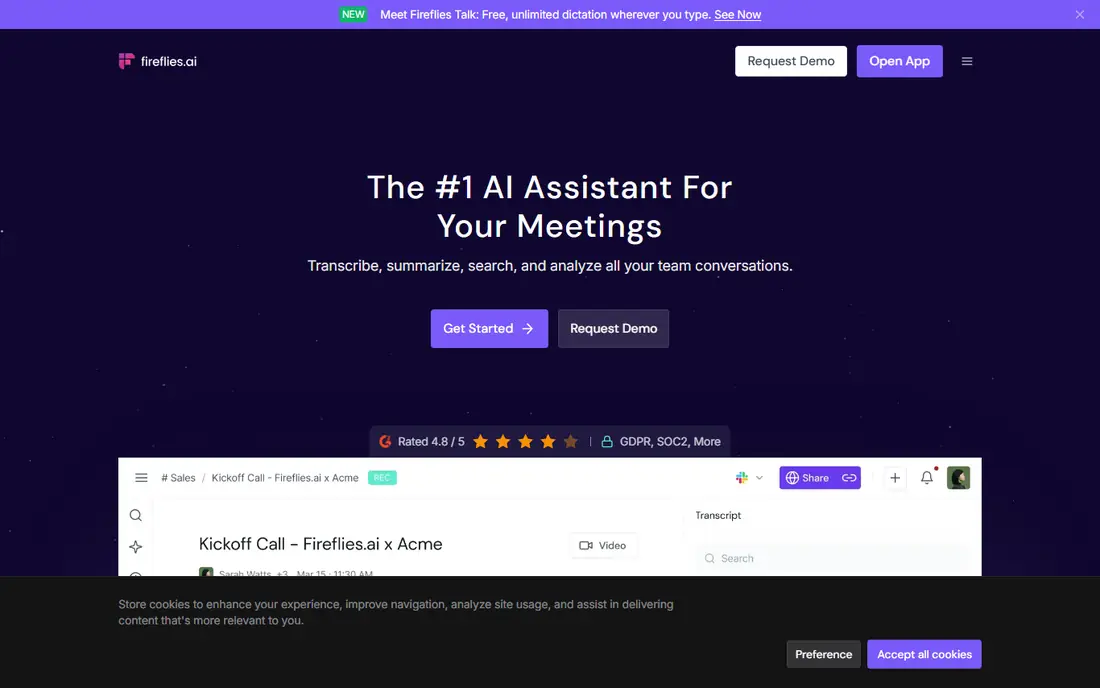
Fireflies suits sales teams that live in a CRM. Its bot joins calls, transcribes them, and sends summaries, action items, and notes into HubSpot, Salesforce, and other tools, so follow-ups do not depend on a rep writing notes after a long day of calls. The searchable library also helps managers coach calls and find what a prospect actually said.
The free plan is useful but bounded, with storage caps and limits on AI summaries and integrations, and paid Pro starts at $10 per seat per month billed annually. Teams that want full CRM workflows should budget for a paid plan. For a sales team that needs call notes in the CRM without manual work, Fireflies is a strong best call recording tool.
- Notes and summaries pushed to CRMs
- Works across Zoom, Meet, Teams, and dialers
- Searchable meeting library
- Free plan storage and AI features are limited
- Bot joins meetings by default
Rev works differently from the meeting bots on this list. You upload a recording and get a transcript, either from AI at about $0.25 per audio minute or from a human transcriptionist at a higher per-minute rate. That human option is why Rev is the pick for legal, media, and compliance work, where a single wrong word can change meaning and accuracy matters more than speed.
The trade-off is workflow and cost. There is no bot that joins your live call, so you must record separately and upload afterward, and a large backlog of audio becomes expensive at per-minute rates. For interviews, depositions, podcasts, and any recording where the transcript is the deliverable, Rev is worth the price.
- AI transcription plus optional human review
- High accuracy for legal, media, and compliance work
- Captions available
- No live meeting bot
- Pay-per-minute costs add up for heavy use
Zoom AI Companion is the simplest choice for a team that already pays for Zoom. It records and summarizes meetings inside Zoom Workplace, without adding a third-party bot to the call, and it can generate summaries, action items, and follow-up drafts from the meeting. For a company standardized on Zoom, that native fit reduces setup and support work.
It is not a standalone call recording app. You need a paid Zoom plan, and it does not cover phone calls or meetings on other platforms as neatly. If your team already uses Zoom for most calls, check what AI Companion includes in your current plan before buying a separate recording tool.
- Included with paid Zoom Workplace plans
- Meeting summaries without a third-party bot
- Works inside Zoom
- Needs a paid Zoom plan
- Less useful if your calls live on other platforms
Gong is the enterprise end of call recording. It captures sales calls and meetings, analyzes conversations for deal signals, and gives managers a library for coaching and forecasting, with insights that go far beyond a transcript. Large sales organizations use it to spot stalled deals, compare what top reps say, and keep forecasts grounded in actual customer conversations.
Pricing is quote only and includes a platform fee on top of per-user licenses, so it is priced for teams, not individuals. Setup and adoption also take real effort. If you only need a recording and a summary, a cheaper tool on this list will serve you better. For a large sales team that wants conversation intelligence, Gong is the category leader.
- Deep sales conversation analytics
- Deal and forecasting insights
- Call libraries for coaching
- Quote-only pricing
- Enterprise cost and setup
- Overkill for simple meeting notes
Avoma covers a gap many meeting tools miss: dialer calls. It records calls from RingCentral, Aircall, and other dialers in addition to Zoom, Meet, and Teams meetings, then adds transcription, summaries, and coaching insights. For a sales or customer team that splits time between meetings and phone calls, that combined capture is a real advantage.
Pricing starts at about $19 per seat per month, and some of the strictest consent and compliance controls are on higher plans, so teams in regulated industries should check plan details carefully. For a midsize team that needs both meeting and phone recording in one tool, Avoma is a strong best app for call recording.
- Records dialer calls as well as meetings
- Conversation intelligence and coaching tools
- CRM integrations
- Strictest consent controls sit on select plans
- Smaller ecosystem than Fireflies or Gong
tl;dv, pronounced t-l-d-v, is a friendly meeting recorder that focuses on finding the right moment again. It transcribes meetings, lets you mark timestamps, and turns key moments into shareable clips, which helps when a decision or a quote needs to reach someone who missed the call. Its free plan is enough to test the workflow on real meetings.
Paid plans add team-wide workflows, CRM integrations, and higher AI limits, so a growing team should expect to upgrade. For individuals and small teams who want meeting notes plus clips they can share, tl;dv is a capable and affordable alternative to the larger sales tools.
- Free plan for meeting recording
- Timestamped notes and shareable clips
- Works with Zoom, Meet, and Teams
- Team and CRM workflows need paid plans
- Some AI features are capped on free tiers
How we picked these
We compared official pricing pages, platform support, and consent features in October 2026, plus public reviews, and we favored tools that still record and transcribe reliably across current meeting and phone platforms. We included free meeting recorders, phone tools, accuracy-first transcription, and enterprise sales tools, because call recording means different things to a solo interviewer and a fifty-person sales team. Prices were taken from vendor pages where we could confirm them, and we wrote See website where pricing was quote based or bundled with another product.
Choosing a call recording tool
Start with where your calls happen. Meeting bots suit Zoom, Meet, and Teams calls, mobile apps suit in-person and phone calls, and dialer integrations suit sales teams that call from a phone system. A tool that cannot capture your actual calls, no matter how good its summaries are, is the wrong tool.
Consent, storage, and sharing
Tell participants you are recording at the start of the call, and use a tool that shows a recording notice where possible. Check how long recordings are stored, who can access them, and whether they can be deleted, especially for sensitive or regulated calls. Share transcripts only with people who need them, and avoid storing recordings in personal accounts when they belong to your employer.
Transcripts, summaries, and CRM fit
A transcript is only useful if you can search it and act on it. Check whether summaries, action items, and highlights are included on the plan you will actually buy, and whether notes flow into your CRM or task tool without manual copying. Test a real call during the trial, with background noise and multiple speakers, since clean demo audio hides many weaknesses.
FAQ
What is the best call recording app for phone calls?
Otter is the best app for recording calls on a phone, thanks to its mobile apps for in-person and phone capture. Avoma is better for sales teams that record dialer calls at scale, while Fathom and Fireflies focus on online meetings. Always confirm consent rules before recording a phone call.
Is call recording legal?
It depends on where you and the other parties are located. Some US states require only one party to consent, while others require all parties to agree, and rules differ in other countries. The safest practice is to tell everyone you are recording and get their agreement, and to check local law and company policy for your situation.
What is the best free call recording software?
Fathom offers the most generous free plan for meetings, with unlimited recordings and transcripts. Otter and Fireflies also have free plans, but with minute, storage, or feature limits. tl;dv is another free option for meeting notes and clips. For phone calls, a free meeting tool may not help, so check mobile recording support first.
Do I need a bot in my meetings to record them?
Not always. Otter mobile apps and Rev upload workflows record without a meeting bot, and Zoom AI Companion works natively inside Zoom. Most other meeting tools use a bot that joins visibly, which is transparent but can feel intrusive to guests. Pick the capture method your guests and your compliance rules can accept.
Which call recording tool is best for sales teams?
Fireflies is the best value for small and midsize sales teams that need CRM notes after every call. Avoma adds dialer recording for teams that call from a phone system, while Gong is the enterprise choice for conversation intelligence and forecasting. Match the tool to team size, CRM, and budget rather than buying the largest platform first.