6 Best Call & Contact Center Software for Remote Teams for 2026, Vetted and Compared
Best call & contact center software for remote teams in 2026: 6 tools with starting prices, free plans and limits. The weak spots sit next to the strengths.
- Editor's choice
 Talkdesk
AI-driven customer journey automation
Starts at$85 per user per monthVisit talkdesk.comFull review - Great alternative
 NICE CXone
CX AI at scale
Starts at$110 per agent per monthVisit nice.comFull review - Also consider
 RingCentral Contact Center
Voice-first teams with AI assistance
Starts at$52 per monthVisit ringcentral.comFull review
Direct answer
Start with Talkdesk if you need AI-driven customer journey automation. Listed starting prices: Talkdesk from $85 per user per month, NICE CXone from $110 per agent per month and RingCentral Contact Center from $52 per month. NICE CXone is the stronger choice for CX AI at scale, while RingCentral Contact Center suits voice-first teams with AI assistance. Prices, free plans and limits for all 6 tools follow.
TL;DR:
- Number one here is Talkdesk, a fit for AI-driven customer journey automation.
- Neither Talkdesk nor Genesys Cloud CX, nor any of the other 4 tools, has a permanent free plan; trials and quotes are the norm.
- Talkdesk comes with a trade-off: feature set can feel wide.
- The cheapest monthly starting price in the list is $19 agent/month premium yearly, offered by Zendesk Talk.
- For live experience orchestration, Genesys Cloud CX is worth a look.
Last checked November 2026. Prices and plan details were read from the vendors' own pages in November 2026; vendors change plans often, so confirm the current price on the vendor site before you buy.
Quick comparison
| Tool | Best for | Starts at | Free plan? | |
|---|---|---|---|---|
| Talkdesk | AI-driven customer journey automation | $85 per user per month | Not stated | Visit |
| NICE CXone | CX AI at scale | $110 per agent per month | Not stated | Visit |
| RingCentral Contact Center | Voice-first teams with AI assistance | $52 per month | Free trial | Visit |
| Zendesk Talk | Help desks adding voice | $19 agent/month premium yearly | Free trial | Visit |
 Five9 | Blending AI and human agents | $119 per seat per month | Not stated | Visit |
 Genesys Cloud CX | Live experience orchestration | See website | Not stated | Visit |
The best call & contact center software for remote teams
This LinkVetted guide covers 6 call & contact center software for remote teams. Each profile lists a starting price, free plan details, strengths and drawbacks, so you can drop poor fits quickly.
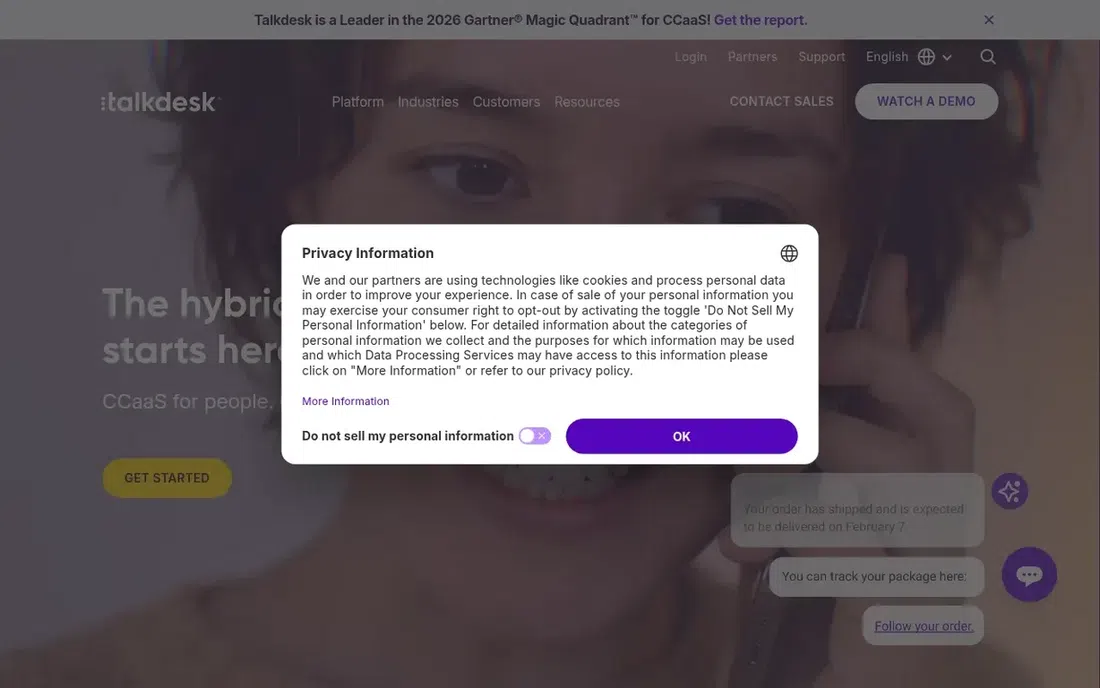
Talkdesk is a good fit for AI-driven customer journey automation. Talkdesk describes itself as a contact center system built on customer experience automation, using AI and live data to automate journeys, cut costs, and boost outcomes.
Also, teams with straightforward inbound calling needs may find it more than required, whereas those mapping complicated journeys will get more from it. In daily use, the breadth of automation choices means setup and governance take effort. Entry price for Talkdesk: $85 per user per month. Trial and free access: Not stated.
Where it falls short: Feature set can feel wide.
- Solid CX automation focus
- Live data emphasis
- Configuration needs planning
NICE CXone makes the most sense for CX AI at scale. NICE CXone is marketed as a customer experience AI product for transformation at scale, with automation targeted at improving CX and boosting efficiency.
Watch-outs: Suited to bigger operations.
In daily use, the system is oriented toward bigger transformation programs, so smaller teams may find it heavy. The starting price for NICE CXone: $110 per agent per month. Free plan details: Not stated.
- Efficiency-focused positioning
- Wide CX system
- Several modules to coordinate
Pick RingCentral Contact Center if this describes you: voice-first teams with AI assistance. It suits remote teams that treat voice as the primary channel and want AI assistance layered onto calls.
Voice-first support operations will find the positioning closely aligned with their needs. What you pay to start with RingCentral Contact Center: $52 per month. As for free access: Free trial.
Points against: Feature naming can confuse buyers.
- Voice-centric business focus
- Agentic voice AI features
- Contact center depth varies by need
Zendesk Talk
Best for: Help desks adding voice
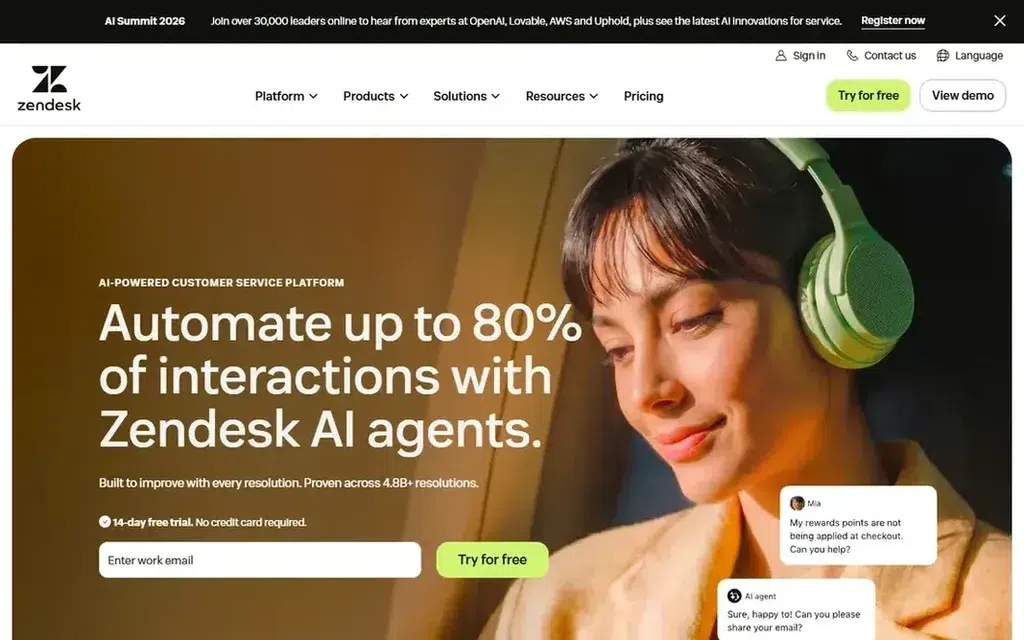
In short, Zendesk Talk is for help desks adding voice. Zendesk Talk brings calling into the same product teams use for tickets and messaging, which keeps remote agents in one workspace. More specifically, if voice is a minor channel next to email and chat, Zendesk Talk is a sensible fit.
If contact center is the core business, look at dedicated products. Teams needing deep outbound dialing, workforce management, or complicated routing may outgrow it. Starting cost for Zendesk Talk: $19 agent/month premium yearly. Free access: Free trial.
Where it falls short: Contact center depth is restricted.
- Voice sits inside a support system
- Suits teams already on Zendesk
- Best value within the Zendesk suite
Five9 is aimed squarely at Blending AI and human agents. The enterprise positioning means implementation and administration take planning.
Where it falls short: Setup demands planning.
From a buyer's view, smaller teams or those with entry-level calling needs may get more value from a more straightforward platform. The starting price for Five9: $119 per seat per month. On free options: Not stated.
- Every-channel coverage
- AI and human agent blending
- Enterprise focus
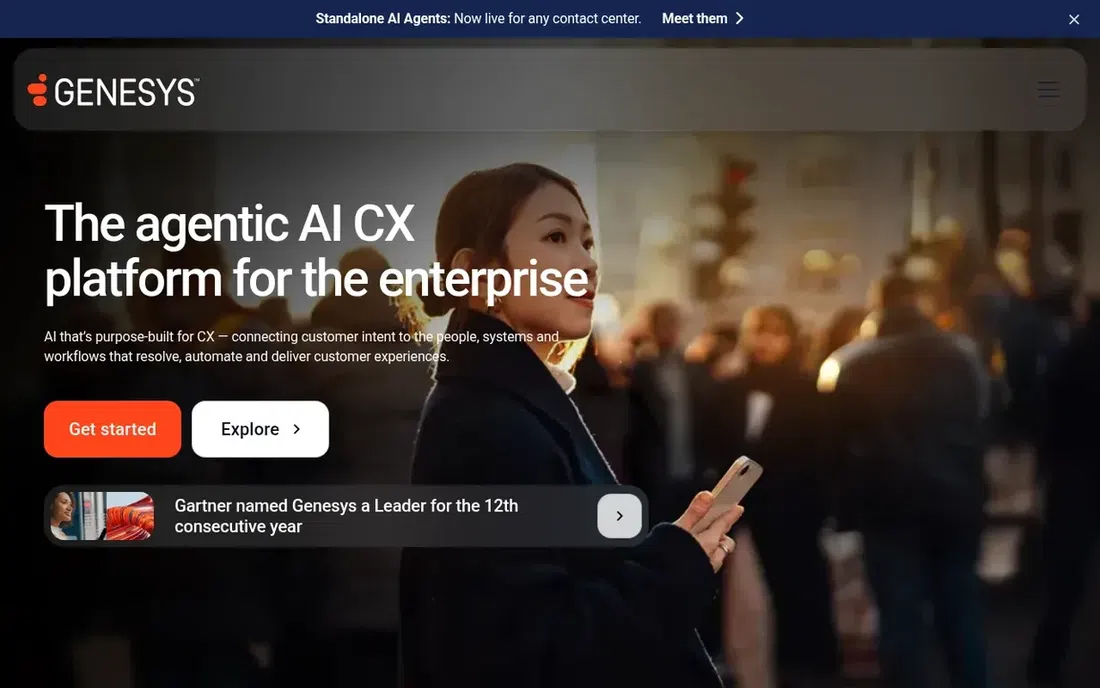
For live experience orchestration, Genesys Cloud CX is a natural candidate. Remote teams with straightforward call handling may prefer a lighter tool, whereas bigger operations benefit from the orchestration depth.
Beyond that, Genesys Cloud CX is presented as an AI-powered product for orchestrating experiences in live, aimed at fostering customer loyalty and building efficient teams. Its enterprise scope can mean a steeper ramp-up time for small teams. Genesys Cloud CX shows no starting price here, so confirm the cost on the vendor site. Free access: Not stated.
Limits to weigh: Administration needs expertise.
- AI-powered system
- Live orchestration focus
- Enterprise-oriented complexity
What went into this list
We compared the tools on published pricing, free plan or trial availability, feature coverage for call & contact center software for remote teams, and the limits each vendor documents. Figures are shown as the vendors publish them. Billing terms, seat minimums and add-ons can change the real cost. The sequence is a judgement call: typical use case first, then pricing transparency, then free access. Use the profiles to check fit.
Things to verify first
- Confirm the entry price on the vendor page. For Genesys Cloud CX that means a quote rather than a fixed price.
- Use real work to test the free trial from RingCentral Contact Center and Zendesk Talk, rather than a demo project.
- Before choosing Talkdesk, weigh its main limit: feature set can feel wide.
- Ask Talkdesk about contract length, onboarding fees and user minimums before you sign.
- Ask Zendesk Talk how an export works before you move any records in; an easy exit lowers the risk.
FAQ
What is the cheapest option for call & contact center software for remote teams in this list?
On published monthly entry prices, Zendesk Talk is the lowest here at $19 agent/month premium yearly. Entry price is only part of the cost, because seats, add-ons and billing terms can change the total.
Does any tool for call & contact center software for remote teams here have a free plan?
A permanent free plan is not offered by Talkdesk, Genesys Cloud CX or the other tools here. RingCentral Contact Center, Zendesk Talk offer a trial. Plan a short evaluation period instead.
Which contact center software is best for a small remote team?
For most readers this guide would start with Talkdesk, built for AI-driven customer journey automation. NICE CXone is the alternative for CX AI at scale, and RingCentral Contact Center for voice-first teams with AI assistance. The right answer depends on budget and workflow.
How do AI features differ across these platforms?
Zendesk and Talkdesk emphasize AI resolving or automating customer journeys, whereas Five9 centres on blending AI and human agents across channels. Genesys Cloud CX stresses live orchestration, so match the AI story to your actual workflows.
Can I try these tools before paying?
Often, yes. RingCentral Contact Center and Zendesk Talk offer a free trial. Use your own data and a real task during the test, and check what the free tier or trial limits before you rely on it.
How are the call & contact center software for remote teams ordered?
Talkdesk sits first and Genesys Cloud CX last because the order follows typical fit for call & contact center software for remote teams, then price clarity and free access. It is a judgement call, so read each profile for fit and limits.
Sources
- https://www.talkdesk.com
- https://www.nice.com
- https://www.ringcentral.com
- https://www.zendesk.com
- https://www.five9.com
- https://www.genesys.com