Best Cloud Contact Center Software in 2026: 8 Platforms Compared
Compare the best cloud contact center software in 2026, with current pricing, channels, AI tools, and honest trade-offs for teams of every size for US buyers.

- Editor's choice
 Genesys Cloud CX
Large enterprise teams
Starts at$75 per user per monthVisit genesys.comFull review - Great alternative
 NICE CXone
Large omnichannel teams
Starts at$110 per agent per monthVisit nice.comFull review - Also consider
 Five9
High-volume voice teams
Starts at$119 per concurrent seat per monthVisit five9.comFull review
TL;DR:
- Entry prices in this group range from usage-based billing with no seat fee to about $159 per agent per month for published tiers, so the billing model matters as much as the headline price.
- Genesys Cloud CX and NICE CXone suit large teams that need deep routing, quality tools, and workforce planning in one place.
- Amazon Connect suits teams that want pay-per-use pricing and already work inside Amazon Web Services.
- Small and mid-size teams should start with RingCentral RingCX, Dialpad, or Zoom Contact Center and check seat minimums before signing.
Quick comparison
| Tool | Best for | Starts at | Free plan? | |
|---|---|---|---|---|
| Genesys Cloud CX | Large enterprise teams | $75 per user per month | No | Visit |
| NICE CXone | Large omnichannel teams | $110 per agent per month | No | Visit |
| Five9 | High-volume voice teams | $119 per concurrent seat per month | No | Visit |
 Talkdesk | Fast setup for mid-market teams | $85 per user per month | No | Visit |
 Amazon Connect | Pay-per-use teams | See website | Free trial | Visit |
 RingCentral RingCX | Value omnichannel teams | $65 per user per month | No | Visit |
 Dialpad Support | AI help for smaller teams | $80 per user per month | No | Visit |
 Zoom Contact Center | Zoom Workplace users | $69 per user per month | No | Visit |
The best cloud contact center software
We compared official pricing pages, channel lists, AI features, and public documentation for eight cloud contact center platforms. The list below covers voice, chat, email, and messaging, with clear notes on where each one fits best.
Genesys Cloud CX is our pick for large teams that need one system for voice, messaging, email, and social channels. Its published tiers start at $75 per user per month for CX 1 and rise to $240 for CX 4 when billed annually, which gives buyers a clear ladder to compare. Routing, recording, and quality tools grow with each tier, so a team can start with voice and add digital channels and workforce planning later.
The catch is complexity. This is a full enterprise platform, not a quick plug-in for a five-person support desk. Small teams may find the admin work and the annual commitment heavy. Large teams with dedicated operations staff, though, will value the depth, the reporting, and the range of AI options for self-service and agent help.
- Wide channel coverage
- Four published tiers
- Workforce tools on higher tiers
- Higher tiers get pricey fast
- Setup can take time for complex routing
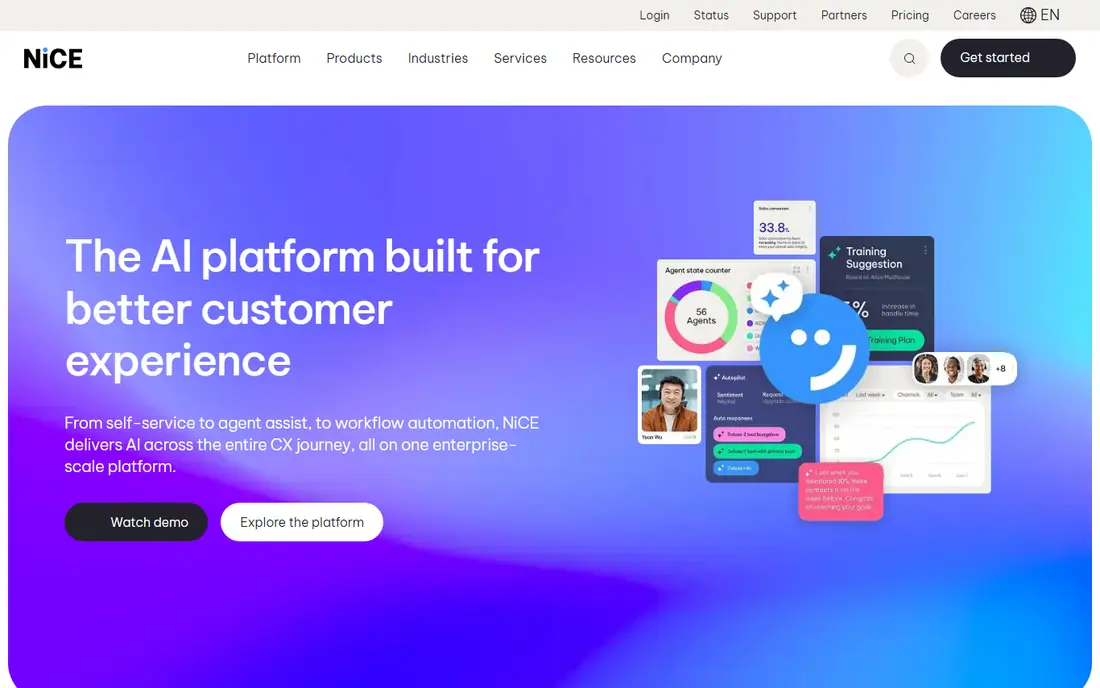
NICE CXone brings voice and digital channels together with quality management, analytics, and workforce planning. Its Omnichannel suite starts at $110 per agent per month, with higher suites adding more analytics and automation. For a large center that lives on coaching, scoring, and schedule planning, that bundle can replace several separate tools.
Buyers should price the suite they actually need, not the entry suite alone. The most advanced AI agent features sit in the Ultimate suite, and some AI help is billed by use. Teams that mainly need solid routing and good reporting may do fine on a lower suite, while teams chasing full automation should budget for the top tier.
- Strong quality and workforce tools
- Many channels in one suite
- Published suite prices
- Premium tiers are expensive
- AI agents sit in the top suite

Five9 is a strong choice for centers with heavy phone volume and shift-based staffing. Concurrent seat pricing means a team does not pay for every named agent who shares a seat across shifts, which can help larger operations. Digital channels start at $119 per concurrent seat per month and Core voice plans start at $159, based on published pricing.
The main limit is scale. A 50-seat minimum puts Five9 out of reach for small teams, and several higher bundles require a sales quote. Teams that meet the minimum and need outbound dialing, intelligent routing, and AI summaries will find a lot to like here. Smaller teams should look further down this list.
- Concurrent seats suit shift work
- Strong outbound dialing
- AI summaries and agent assist
- 50-seat minimum on published plans
- Higher bundles are quote-only
Talkdesk stands out for teams that want a modern cloud center without a long, painful setup. Digital Essentials starts at $85 per user per month, Voice Essentials at $105, and higher tiers add more AI and industry features. The visual flow builder helps operations staff change routing and self-service without waiting on developers for every small change.
Talkdesk works best for mid-market teams and growing companies that expect to add channels over time. Very small teams may still find the entry price high compared with simpler helpdesk tools. Enterprise teams with very complex compliance needs should compare it closely with Genesys and NICE before choosing.
- Modern setup tools
- Industry-tuned options
- Clear published tiers
- Top tiers cost much more
- Some advanced AI costs extra
Amazon Connect takes a different path from the seat-priced tools on this list. There is no per-agent license fee. Instead, teams pay for voice minutes, chat messages, and related use, which suits seasonal teams and teams with part-time agents. It also fits naturally for companies already using Amazon Web Services for hosting, storage, and data tools.
The trade-off is effort. Amazon Connect is a building platform as much as a finished product, so teams need technical help to design flows, reporting, and integrations. Companies without that help may prefer a packaged suite. Companies with developers on staff, though, can shape it closely to their own workflows and keep fixed costs low.
- No seat fee
- Pay for minutes and messages used
- Deep AWS integration
- Setup needs technical skill
- Costs can climb with high volume
RingCentral RingCX gives smaller and mid-size teams a full omnichannel center at a lower starting point than most enterprise suites. Standard starts at $65 per user per month when billed annually, with Professional and Elite tiers adding more AI, analytics, and workforce features. Teams already using RingCentral for phones or meetings will find the admin tools familiar.
The entry tier covers the basics well, but teams that want deep quality scoring and forecasting will need to move up. That is normal in this market, and RingCX still compares well on price at the middle tiers. For a team moving up from a basic helpdesk, this is a sensible first enterprise-style center.
- Lowest published entry price here
- Omnichannel routing
- Familiar RingCentral tools
- Higher tiers rise quickly
- Advanced analytics sit higher up
Dialpad Support pairs contact center routing with AI transcription, summaries, and real-time coaching. Essentials starts at $80 per user per month when billed annually, with Advanced and Premium tiers adding more analytics and quality tools. The interface feels light and modern, which helps smaller teams adopt it without long training.
Dialpad is a good fit for teams of roughly ten to a few hundred agents who want AI help without enterprise pricing. Very large centers with complex workforce planning may need more depth than Dialpad offers at the top end. For most growing support teams, though, the mix of price, AI, and ease of use is hard to beat.
- AI summaries and coaching built in
- Clean interface
- Good mid-market value
- Less depth for very large centers
- Some features need higher tiers
Zoom Contact Center suits teams already running on Zoom Workplace. Essentials starts at $69 per user per month when billed annually, and the platform adds voice, video, chat, and messaging in one agent view. Agents can move from a chat to a video call without switching tools, which helps for complex support cases.
Zoom is newer to this market than Genesys, NICE, and Five9, so buyers with very complex routing or workforce needs should test those cases in a trial. For Zoom-heavy companies, the convenience and the lower entry price make it a strong shortlist pick. It also avoids adding another vendor for video and meetings.
- Tight fit with Zoom meetings and phone
- Simple admin
- Video support built in
- Less mature than older suites
- Some advanced tools need Elite tier
How we picked these
We compared official pricing pages, channel coverage, AI features, seat minimums, and public documentation for each platform. We favored tools with published prices or clear usage pricing, a current product that serves US teams in October 2026, and a real fit for cloud contact center work rather than a basic helpdesk alone. We did not claim hands-on testing. We weighed entry price, total cost at scale, setup effort, and how well each tool handles voice plus digital channels.
What to check before you buy
Start with channels and volume, not with feature lists. Count how many calls, chats, emails, and messages your team handles each month, and note peak hours. A seat-priced tool suits steady teams, while usage pricing suits seasonal teams. Check seat minimums, contract length, and whether AI features are included or billed by use, since those items often decide the real bill.
Test routing and reporting with real cases
Ask each vendor to route a real case from your team, from first contact to resolution, including a transfer and a follow-up. Check how supervisors see live queues, how recordings and transcripts are stored, and how long data is kept. Confirm which customer tools it connects with, such as Salesforce, Zendesk, HubSpot, or Microsoft Dynamics, and whether those links cost extra.
Price the full year, not the first month
Add license fees, telephony minutes, AI use, storage, onboarding, and any per-agent add-ons. Ask about price changes at renewal and about what happens if agent counts rise or fall. A short trial with a small group of agents will show more than any demo, so run one before signing a multi-year deal.
FAQ
What is the best cloud contact center software for small teams?
RingCentral RingCX, Dialpad Support, and Zoom Contact Center are the most practical starting points for small and mid-size teams, thanks to lower entry prices and simpler setup. Amazon Connect can also work for small technical teams that prefer usage pricing. Avoid platforms with high seat minimums until your team is large enough to meet them.
How much does cloud contact center software cost?
Published entry prices on this list range from $65 to $159 per user or agent per month, with Amazon Connect billed by use instead of by seat. Higher tiers, AI use, minutes, and add-ons can raise the total well above the entry price. Always ask for a full-year quote based on your agent count and contact volume.
What are the best cloud contact center platforms for large enterprises?
Genesys Cloud CX, NICE CXone, and Five9 lead for large enterprises, thanks to deep routing, quality tools, and workforce planning. Talkdesk also suits large mid-market teams. The right pick depends on your channels, compliance needs, and whether you need strong outbound dialing.
Do I need a cloud contact center or just a helpdesk?
A helpdesk suits teams that mainly handle email tickets and simple chats. A cloud contact center suits teams that handle high phone volume, live queues, workforce schedules, and quality scoring across voice and digital channels. If phone routing and live supervision matter daily, a contact center is the right category.
Can cloud contact center software work with my CRM?
Yes, most tools on this list connect with Salesforce, Zendesk, HubSpot, Microsoft Dynamics, and similar systems. Check whether the link is included in your tier, how much setup it needs, and whether call logs and transcripts sync both ways. A weak CRM link can undo much of the value of a new center.