5 Best Auto Dialer Software Call Centers for 2026, Vetted and Compared
Best auto dialer software call centers: 5 tools compared on price, free plans and fit. The weak spots sit next to the strengths. Reviewed in November 2026.
- Editor's choice
 Aircall
SMB communications with CRM integrations
Starts at$30 per license/monthVisit aircall.ioFull review - Great alternative
 Dialpad
AI agents plus business communications
Starts at$15 per user a monthVisit dialpad.comFull review - Also consider
 Talkdesk
CX automation with live data
Starts at$85 per user a monthVisit talkdesk.comFull review
Direct answer
If you need SMB communications with CRM integrations, Aircall is the first tool to look at here. Listed starting prices: Aircall from $30 per license/month, Dialpad from $15 per user a month and Talkdesk from $85 per user a month. For a different need, Dialpad covers AI agents plus business communications and Talkdesk covers CX automation with live data. The other 2 tools in the list cover narrower or pricier cases.
TL;DR:
- The list opens with Aircall, aimed at SMB communications with CRM integrations.
- NICE CXone fits large-scale CX AI automation.
- The cheapest monthly starting price in the list is $15 per user per month, offered by Dialpad.
- Neither Aircall nor NICE CXone, nor any of the other 3 tools, has a permanent free plan; trials and quotes are the norm.
Last checked November 2026. Prices and plan details were read from the vendors' own pages in November 2026; vendors change plans often, so confirm the current price on the vendor site before you buy.
Quick comparison
| Tool | Best for | Starts at | Free plan? | |
|---|---|---|---|---|
| Aircall | SMB communications with CRM integrations | $30 per license/month | Free trial | Visit |
| Dialpad | AI agents plus business communications | $15 per user a month | Free trial | Visit |
| Talkdesk | CX automation with live data | $85 per user a month | Not stated | Visit |
 Five9 | Enterprise AI contact center dialing | $119 per seat a month | Not stated | Visit |
 NICE CXone | Large-scale CX AI automation | $110 per agent a month | Not stated | Visit |
The best auto dialer software call centers
LinkVetted compared 5 auto dialer software call centers. The goal is a practical shortlist: published prices, free plan facts, best-fit use cases and honest limits for every entry.
Where Aircall fits: SMB communications with CRM integrations. It suits teams wanting calling tied closely to customer records and support tools.
From a buyer's view, smaller teams and CRM-centric call centers are the more solid match. On cost, Aircall starts like this: $30 per license/month. Free access: Free trial.
Limits to weigh: Integration setup needs planning.
- Connects with CRM and helpdesk tools
- Positioned for SMBs and enterprise
- Dialer depth may trail specialist products
Think of Dialpad for AI agents plus business communications. It suits organizations that want AI-assisted conversations and unified communications in one place.
In daily use, call centers wanting only a dialer may find the system wider than necessary. Starting cost for Dialpad: $15 per user per month. On free options: Free trial.
The main drawbacks: Wide communications scope needs scoping.
- Brings together communications in one product
- Turns conversations into intelligence
- May be more than pure dialing needs
Talkdesk is designed for CX automation with real-time data. Talkdesk frames itself around customer experience automation, using AI and live data to automate journeys and boost outcomes. More specifically, call centers get dialing within a product aimed at contact center workflows instead of a generic phone system.
Where it is weaker: Feature depth may exceed entry-level needs.
From a buyer's view, compare scope against your call center's real workflows to avoid unused capability. In daily use, the automation emphasis means teams should define which journeys they actually want to automate before adopting it. Price to start with Talkdesk: $85 per user per month. Free access: Not stated.
- Contact center software focus
- AI and live data combined
- Automation scope needs clear planning
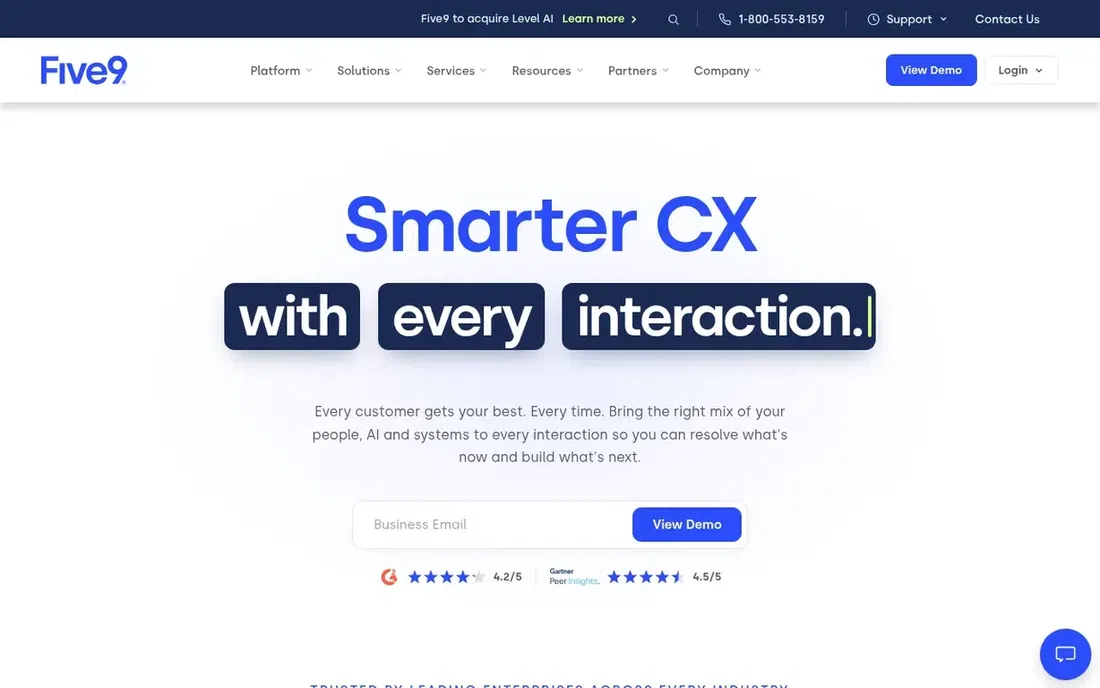
Choose Five9 for enterprise AI contact center dialing. Configuration and administration can demand dedicated resources.
Limits to weigh: Enterprise focus may overwhelm small teams.
More specifically, since Five9 targets enterprises, smaller teams may find the system broader than they need for straightforward dialing. The starting price for Five9: $119 per seat per month. Free plan details: Not stated.
- Blends AI and human agents across channels
- Wide channel coverage in one product
- Full setup can require dedicated admin effort
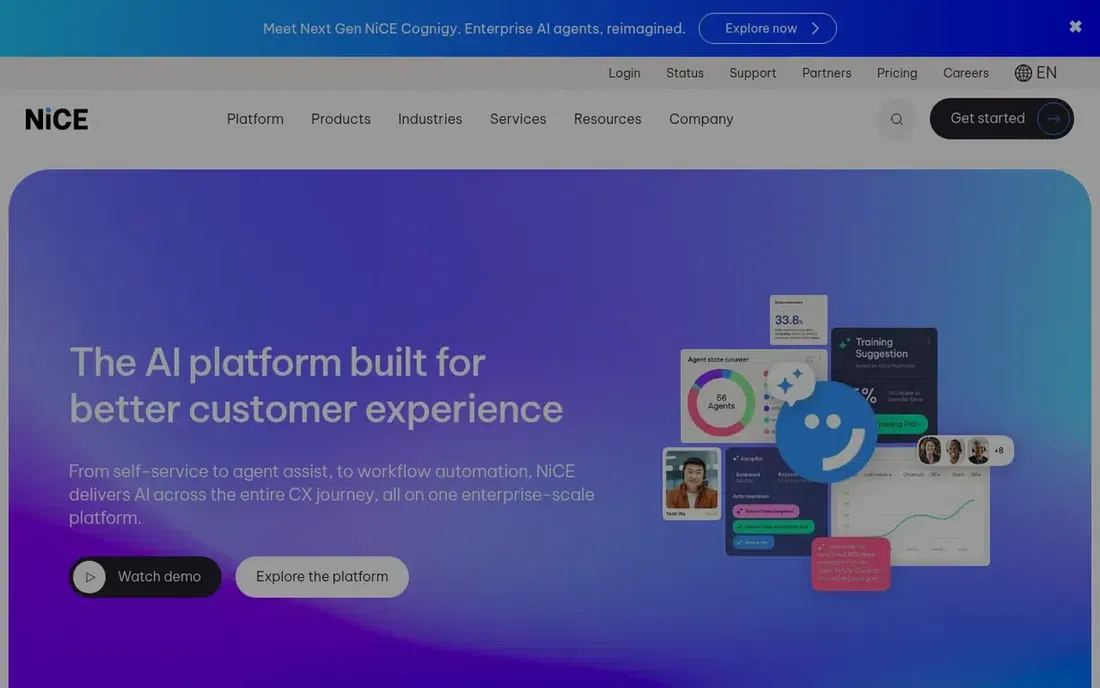
NICE CXone targets large-scale CX AI automation. NICE CXone is positioned as a CX AI product for transformation at scale, with automation targeted at improving customer service efficiency. Implementation scope deserves careful planning before committing.
Beyond that, call centers evaluating auto dialing as part of a wider automation strategy will find the product oriented toward AI-driven customer interactions. Beyond that, the system's scale focus means smaller call centers may pay for capability they will not use. Price to start with NICE CXone: $110 per agent per month. Free access: Not stated.
Points against: Scale orientation may not suit small teams.
- Aimed at transformation at scale
- AI customer service automation focus
- Wide system needs careful scoping
How the list was put together
The comparison looks at four things: starting price, free access, how well the feature set matches auto dialer software call centers, and the main limit of each tool. Treat prices as a snapshot: vendors change plans often, so check the vendor site for the figure that applies today. The ranking is editorial: typical fit first, then clear pricing, then free access. If your needs are unusual, read the profiles rather than relying on position.
Questions to settle before buying
- Confirm the entry price on the vendor page: Dialpad starts at $15 per user per month, but seat counts and billing terms change the total.
- Run a trial of Aircall and Dialpad with real work before paying for a year; your own workflow is the best test.
- Read the limits listed for Aircall first: dialer depth may trail specialist systems.
- Let daily users try Talkdesk on real work; their feedback beats any feature checklist.
- Work out what NICE CXone costs with your real seat count, add-ons and usage, not just the entry price.
FAQ
Can I try these tools before paying?
Often, yes. Aircall and Dialpad offer a free trial. Use your own data and a real task during the test, and check what the free tier or trial limits before you rely on it.
Is Aircall the right pick for everyone comparing auto dialer software call centers?
No single tool suits every team. Aircall comes first because it fits SMB communications with CRM integrations, while Dialpad suits AI agents plus business communications and Talkdesk suits CX automation with real-time data. Match the tool to your own size, budget and workflow before deciding.
How are the auto dialer software call centers ordered?
The order follows typical fit for auto dialer software call centers, with Aircall first and NICE CXone last, then price clarity and free access. It is editorial judgement, not a score, so another team could rank the tools differently.
Does any tool for auto dialer software call centers here have a free plan?
No tool in this list, Aircall and NICE CXone included, has a permanent free plan. Aircall, Dialpad offer a trial. Trials and quotes are the usual route, so plan a short evaluation period.
Sources
- https://aircall.io
- https://www.dialpad.com
- https://www.talkdesk.com
- https://www.five9.com
- https://www.nice.com