Best Auto Dialer Software in 2026: 8 Tools Compared
Best auto dialer software in 2026: we compared 8 dialers for power, predictive and parallel dialing, compliance tools, CRM links and per-user pricing.
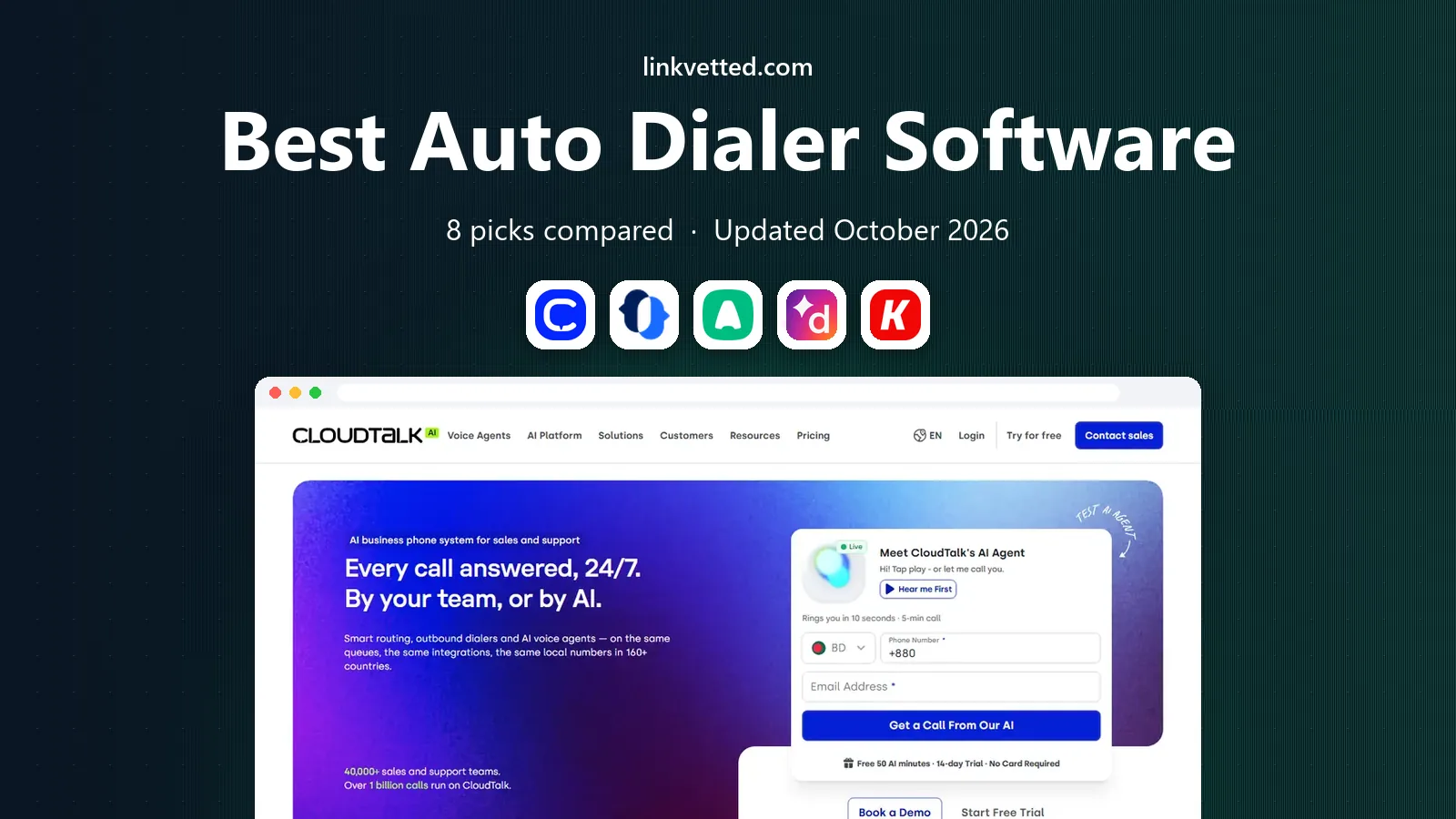
- Editor's choice
 CloudTalk
Small and mid-sized outbound teams
Starts at$25 per user per monthVisit cloudtalk.ioFull review - Great alternative
 JustCall
Dialing, SMS and AI in one place
Starts at$29 per user per monthVisit justcall.ioFull review - Also consider
 Aircall
Wide integration coverage
Starts at$30 per user per monthVisit aircall.ioFull review
TL;DR:
- CloudTalk is our pick for most small and mid-sized teams because it offers several dialing modes, international numbers and a low starting price.
- JustCall suits teams that want dialing, SMS and AI summaries in one record, while Five9 suits large blended contact centres.
- Dialing mode matters: power dialing suits steady outreach, predictive suits high-volume lists, and parallel dialing suits SDR teams that live on the phone.
- Compliance is not optional for outbound calling, so check consent, do-not-call lists, call recording laws and pacing controls before you buy.
Quick comparison
| Tool | Best for | Starts at | Free plan? | |
|---|---|---|---|---|
| CloudTalk | Small and mid-sized outbound teams | $25 per user per month | No | Visit |
| JustCall | Dialing, SMS and AI in one place | $29 per user per month | No | Visit |
| Aircall | Wide integration coverage | $30 per user per month | No | Visit |
 Dialpad | AI coaching inside a phone system | $39 per user per month | No | Visit |
 Kixie | SMB dialing with CRM links | $35 per user per month | No | Visit |
 PhoneBurner | Single-line power dialing | $140 per user per month | No | Visit |
 Five9 | Enterprise blended centres | $119 per user per month | No | Visit |
 Orum | Parallel dialing for SDR teams | See website | No | Visit |
The best auto dialer software
Auto dialers remove manual dialing, log calls to your CRM, and help teams reach more prospects per hour. We compared official feature pages, pricing, dialing modes, compliance tools and CRM integrations, and we note seat minimums where they change the real monthly cost.
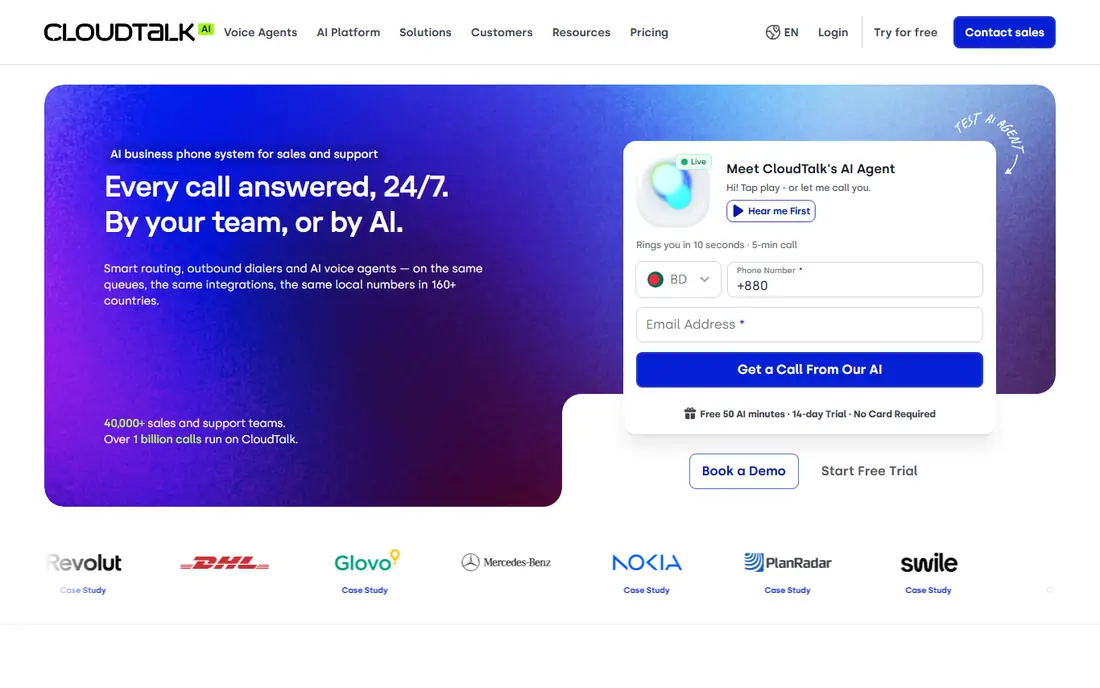
CloudTalk is our pick for most teams because it balances price, dialing modes and international coverage. It offers power, smart, preview and parallel dialing options, plus click-to-call, call recording and CRM logging, so a team can start with steady power dialing and add faster modes later. International numbers in many countries also help teams that call across borders.
Pricing starts at about $25 per user per month in recent comparisons, with higher tiers adding monitoring, wallboards and AI features. That low entry price, with a small team minimum, makes CloudTalk accessible where enterprise dialers are not. Check which dialing modes sit on which tier before you buy, since parallel dialing may be an add-on.
- Several dialing modes
- International numbers
- CRM integrations
- Advanced AI features are add-ons
- Pricing varies by billing term
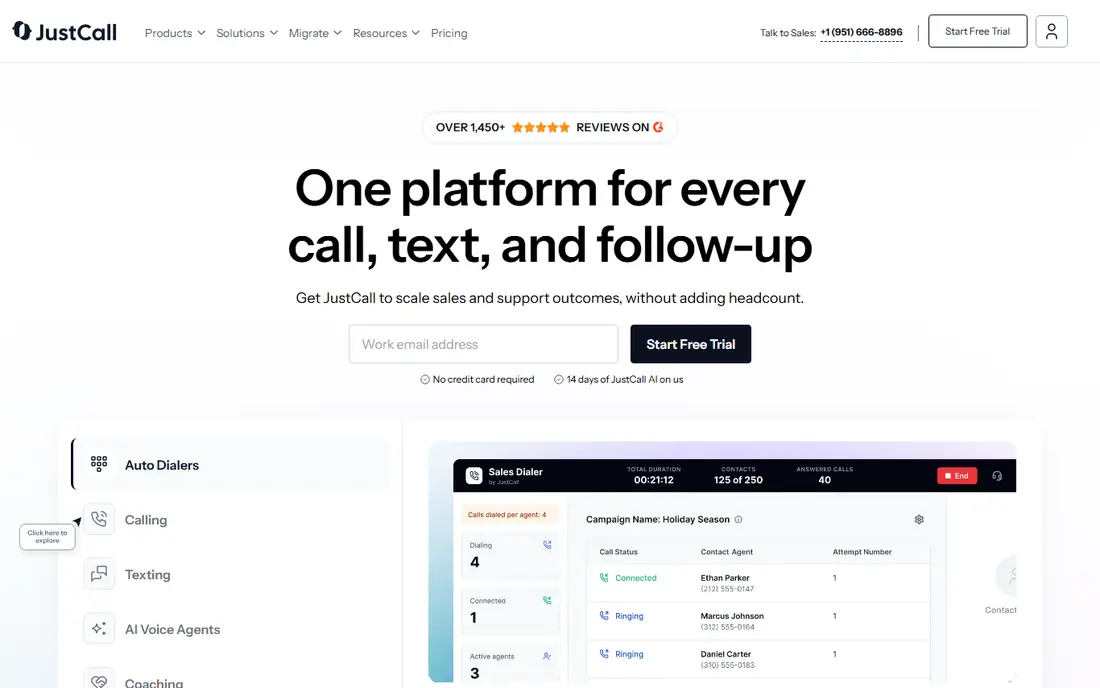
JustCall suits outbound teams that want calling and texting on one record. Its dialer covers power, predictive and dynamic modes, while SMS, WhatsApp campaigns, call recording and AI summaries sit alongside the call log. That breadth reduces the need for separate texting and coaching tools, and it keeps follow-up in one place.
Pricing starts at about $29 per user per month, with a two-user minimum, and dialer features start on the Pro tier in recent comparisons, so the entry plan is not the full dialer. Check the tier that includes the modes you need, and test CRM logging with your own system during a trial. For small sales teams, the combined calling and messaging workflow is a strong draw.
- Power, predictive and dynamic dialing
- SMS and WhatsApp
- AI summaries
- Dialer features start on Pro
- Two-user minimum
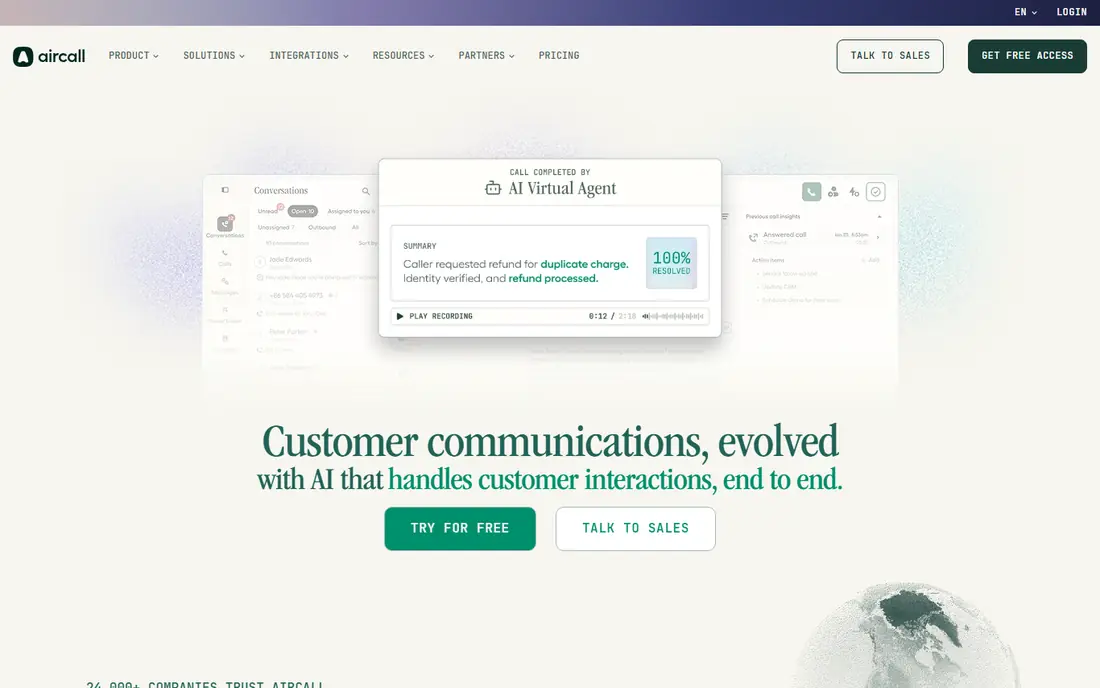
Aircall is a good choice when integration coverage matters more than raw dialing speed. With a large marketplace, it connects to many CRMs, help desks and sales tools, and its power dialer, call pop-ups and Salesforce sync help reps work without switching apps. Setup is straightforward, which suits teams without a dedicated telecom admin.
The entry price of about $30 per user per month comes with a three-licence minimum, and features such as smart routing, queue callback and monitoring sit on higher tiers. That means a small team should budget for the Professional tier if routing matters. For teams already using several tools, Aircall's integration depth can justify the higher tier.
- Large integration marketplace
- Power dialer
- Easy setup
- Three-licence minimum
- Advanced routing needs higher tiers
Dialpad suits teams that want AI coaching built into the phone system, not bolted on as a separate tool. Real-time transcription, call summaries and coaching prompts help managers spot coaching moments and help reps adjust during a call. As a full phone system, it also covers video, messaging and contact centre features, which suits teams that want one vendor.
Sales pricing starts at about $39 per user per month in recent comparisons, with higher tiers for coaching and workforce features. That makes Dialpad more than a pure dialer, and the price reflects it. If your main need is raw dialing speed, a focused dialer may be cheaper. If coaching and a full phone system matter, Dialpad is a strong all-in-one option.
- Real-time transcription
- AI coaching
- Full phone system
- Dialer is part of a larger system
- Coaching tiers cost more
Kixie suits small and mid-sized sales teams that want dialing and SMS closely linked to their CRM. It offers power dialing and multi-line options, with local presence numbers and spam protection features that help calls get answered. Click-to-call and CRM logging keep the workflow inside the system reps already use.
Pricing starts at about $35 per user per month, with higher tiers adding more lines, up to ten lines on top tiers in recent comparisons. That tiered line count matters: a team that needs parallel dialing should check the tier that includes it, rather than assuming the entry plan covers it. For CRM-led SMB teams, Kixie offers a focused, practical dialer.
- Power and multi-line dialing
- Local presence
- CRM integration
- Higher tiers needed for more lines
- Pricing varies by tier
PhoneBurner takes a different view from parallel dialers: one line, dialled well, with a clean follow-up loop. It focuses on power dialing, post-call automation, voicemail drops and CRM logging, so reps spend less time on admin and more time on live conversations. That workflow suits teams that value conversation quality and follow-up over sheer call volume.
The price is higher, at about $140 per user per month in recent comparisons, and it is single-line, so it will not match parallel dialers for raw speed. For US sales teams that want a disciplined, high-quality outbound process, PhoneBurner is a strong choice. For teams that need parallel dialing, Orum or CloudTalk will fit better.
- Clean power dialing workflow
- Strong follow-up automation
- Deep CRM logging
- Higher price
- Single-line only
- US-focused
Five9 suits large blended contact centres that handle inbound and outbound work at scale. It offers predictive, progressive, power and preview dialing, plus compliance tools such as do-not-call handling, workforce management and omnichannel routing. That depth matters when a centre must balance agent efficiency, compliance and service levels across thousands of calls.
The cost and minimums are the barrier for smaller teams. Recent comparisons put pricing from about $119 per user per month, with a 50-seat minimum and longer contract terms on some plans. A five-agent team would therefore pay for far more seats than it uses. For large centres, Five9 is a proven enterprise choice, but small teams should look at CloudTalk or JustCall instead.
- Predictive, progressive, power and preview dialing
- Compliance tools
- Workforce features
- High seat minimum
- Enterprise pricing and contract terms
Orum is built for sales development teams whose whole motion is parallel dialing. It dials several lines at once, detects live answers and voicemails with AI, and provides a live virtual sales floor where managers can coach in real time. That focus makes it one of the fastest ways to reach prospects, especially for funded SDR teams with large lists.
Pricing is quote-based, with recent comparisons putting it around $250 per user per month or higher, and a three-seat minimum. That price rules it out for most small teams, but for an SDR organisation where speed is the job, the volume gain can justify it. Check pacing, compliance controls and CRM integration carefully, since parallel dialing raises both efficiency and compliance stakes.
- Parallel dialing on multiple lines
- Live sales floor
- AI voice detection
- Quote-based pricing
- High price
- Three-seat minimum
How we picked these
We compared official feature pages, pricing pages, dialing modes, compliance tools and CRM integrations, plus recent independent dialer comparisons. We favoured tools that are still offered in October 2026, that state their dialing modes clearly, and that offer compliance and recording controls. We left out tools whose pricing or dialing modes we could not verify, and we note seat minimums where they affect the real cost.
How to choose a dialer mode and stay compliant
Start with your list and your team size. Power dialing suits a steady list where reps need time between calls to log notes. Predictive dialing suits large, high-volume lists where an algorithm paces calls to agent availability. Parallel dialing suits SDR teams that can handle several simultaneous connections and need maximum live conversations per hour. Preview dialing suits complex or regulated calls where reps must review details before dialing.
Compliance must be checked before you dial at scale. Confirm consent rules for your market, maintain do-not-call lists, respect calling hours, and check call recording consent laws in each state or country you call. Use pacing controls, avoid abandoned-call rates that breach rules, and train reps to identify themselves and honour opt-out requests immediately. A dialer that helps you follow those rules is worth more than one that simply dials faster.
FAQ
What is the best auto dialer software?
CloudTalk is our pick for most small and mid-sized teams, JustCall suits teams that want SMS and AI summaries too, and Five9 suits large blended centres. The best choice depends on team size, dialing mode and budget.
What is the difference between power, predictive and parallel dialing?
Power dialing calls one number at a time, in sequence, with a short pause for notes. Predictive dialing uses an algorithm to pace calls to agent availability. Parallel dialing calls several numbers at once and connects the rep to the first live answer.
Is auto dialer software legal?
It can be legal when used with proper consent, do-not-call compliance, calling-hour limits and recording consent, but rules vary by country, state and call type. Check the rules for your market and use the compliance tools your dialer provides.
How much does auto dialer software cost?
Entry prices here range from about $25 to $35 per user per month for small-team tools, to about $119 or more for enterprise tools, with seat minimums that can raise the real monthly cost. Always check the tier that includes the dialing mode you need.
Do auto dialers integrate with CRMs?
Most do, with native integrations for Salesforce, HubSpot and other CRMs, plus click-to-call and automatic call logging. Test logging, contact matching and follow-up automation with your own CRM during a trial.