Best Auto Dialer Software for Small Business in 2026: 8 Tools Compared
Compare the best auto dialer software for small business, with lawful, consent-based calling, power dialing, pricing, and CRM links explained for 2026.
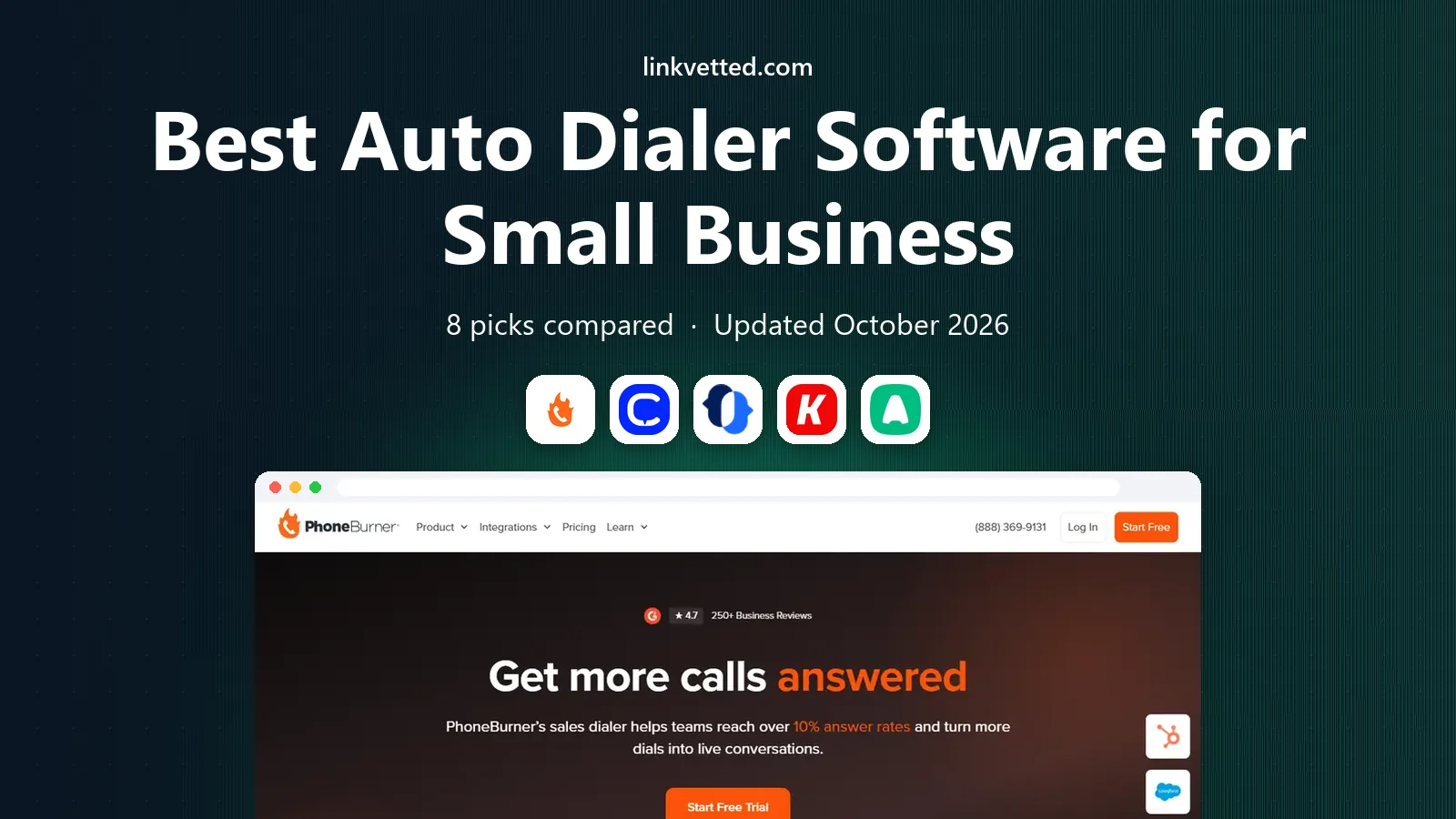
- Editor's choice
 PhoneBurner
Dedicated power dialing for outbound reps
Starts at$140 per monthVisit phoneburner.comFull review - Great alternative
 CloudTalk
Small teams calling across markets on a budget
Starts at$25 per monthVisit cloudtalk.ioFull review - Also consider
 JustCall
Teams that mix calls and SMS outreach
Starts at$29 per monthVisit justcall.ioFull review
TL;DR:
- For a small team, a power dialer that calls one number at a time is usually safer and more practical than a predictive dialer built for call centers.
- PhoneBurner is the dedicated power dialer pick, while CloudTalk and JustCall give small teams calling plus SMS at a lower starting price.
- Consent, do-not-call lists, and call recording rules matter as much as dial speed, and every tool here should be used only for lawful, consented outreach.
- Kixie and several others are quote-based, so a small business should get the full per-user price before comparing headline figures.
- CRM integration saves more time than raw dial speed, since notes and follow-ups should land in the CRM without retyping.
Quick comparison
| Tool | Best for | Starts at | Free plan? | |
|---|---|---|---|---|
| PhoneBurner | Dedicated power dialing for outbound reps | $140 per month | Free trial | Visit |
| CloudTalk | Small teams calling across markets on a budget | $25 per month | No | Visit |
| JustCall | Teams that mix calls and SMS outreach | $29 per month | Free trial | Visit |
 Kixie | HubSpot and Salesforce teams that live in the CRM | See website | Free trial | Visit |
 Aircall | Teams that want a full phone system with dialing | $30 per month | No | Visit |
 Close | Small teams that want a CRM and dialer in one tool | $99 per month | Free trial | Visit |
 Mojo Dialer | Prospect-heavy teams that dial large lists | $99 per month | No | Visit |
 Aloware | Small teams that want dialing plus contact center basics | $40 per month | No | Visit |
The best auto dialer software for small business
An auto dialer should help a small team reach people who have agreed to be contacted, log the result, and move to the next call without manual dialing. It should not be used to blast numbers without consent, ignore do-not-call requests, or hide the caller's identity. The tools below are for lawful, consent-based outreach, and the buying guide covers the compliance steps a small business must build around them.

PhoneBurner is built for one job: helping a rep work through a call list quickly and cleanly. It dials the next number as soon as the last call ends, drops voicemails without waiting for the beep, and logs the outcome. For a rep who makes dozens of calls a day to consented prospects, that rhythm adds up to real time saved.
The price is the catch. At $140 per user per month on annual billing, PhoneBurner costs several times more than a general phone system with a dialer add-on. It earns that price for teams where answer rates and deliverability are the main problem, since it includes tools to address spam flagging. A solo rep or a two-person team should compare it against CloudTalk or JustCall before committing.
- Fast power dialing with no delay
- Spam-flag remediation tools
- Strong CRM integrations
- High per-user price for a small team
- SMS is limited on lower tiers
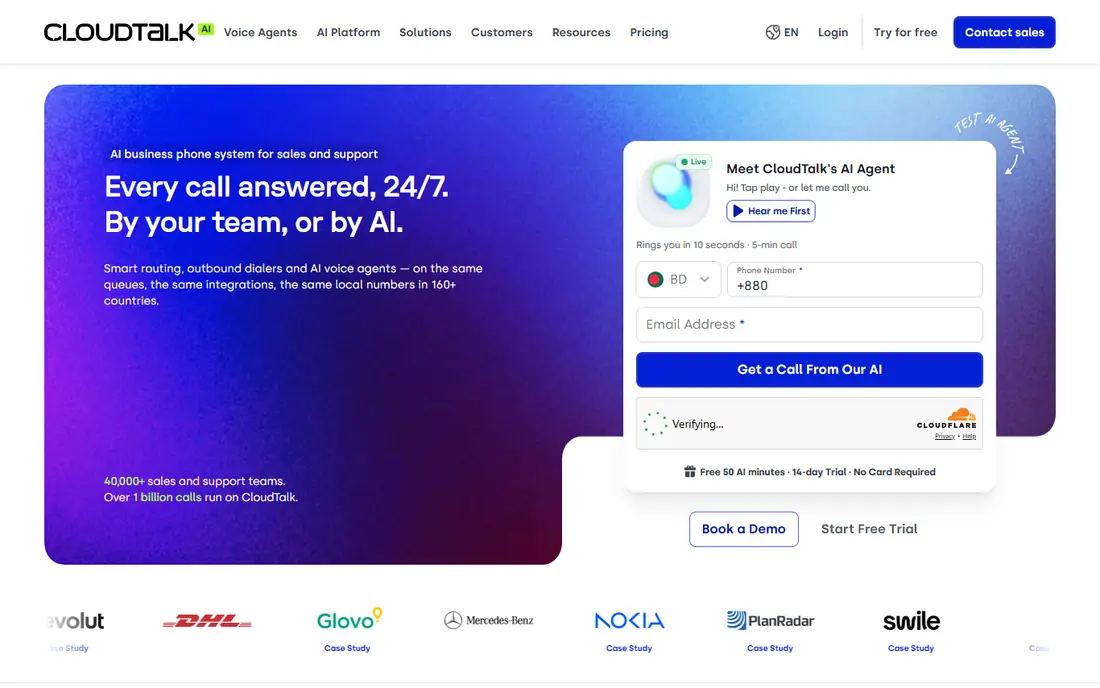
CloudTalk is a practical starting point for a small business that needs a phone system first and a dialer second. The entry price is low, the platform covers calling, SMS, and basic analytics, and it connects to HubSpot, Salesforce, and Pipedrive. That combination suits a team that also takes inbound calls and does not want a separate tool for every channel.
Dialer depth needs checking. The strongest dialing modes, including power and parallel options, sit on higher plans or as add-ons, so the $25 entry figure is not the full dialer price. Ask which plan includes the dialer mode you need, how many lines it supports, and what call recording and consent logging features are included.
- Low entry price
- Power and smart dialing options
- Wide CRM integration list
- Power dialing features sit on higher tiers or add-ons
- Minimum user counts may apply

JustCall suits a small team that reaches prospects by both phone and text, since both channels live in the same workspace. A rep can call, send a follow-up text, and log the result without switching tools. That matters for follow-up, where a short text after a missed call often gets a reply faster than another call.
The entry plan starts at $29 per user per month with a two-user minimum, and the power dialer is on the Pro tier at $49 per user per month on annual billing. A business should price the tier it actually needs, not the entry tier. JustCall is a good fit for teams that value multichannel follow-up over pure dial speed.
- Power dialing plus SMS
- 14-day trial
- Broad native integrations
- Two-user minimum on entry plans
- Predictive dialing sits on higher tiers
Kixie is designed for sales teams that work inside HubSpot or Salesforce all day. Click-to-call, power dialing, and call logging sit inside the CRM record, so a rep does not lose context between calls. AI human voice detection helps the dialer skip voicemails and connect the rep to live answers faster.
The main drawback is pricing opacity. Kixie does not publish prices, and buyers have reported widely different quotes. A small business should get a written quote for the exact tier, including any AI detection add-on, before comparing Kixie to a published-price rival. If the quote is close to PhoneBurner, the CRM fit has to be strong to justify it.
- Single-line and multi-line power dialing
- AI voice detection
- Large local presence number pool
- Pricing is not published
- Quotes reported by buyers vary widely
Aircall is a cloud phone system first, with power dialing available on its Professional plan. That order matters: if a team needs inbound routing, call queues, and shared numbers as well as outbound dialing, Aircall covers both in one bill. Its integration list is broad, which helps a small team keep call data in the CRM.
The entry price of $30 per user per month does not include power dialing, and there is a three-user minimum. A two-person team may need to look elsewhere or pay for a third seat. Aircall fits a team of three or more that wants one phone platform for inbound and outbound work.
- Large integration library
- Power dialing on the Professional plan
- Clean call management
- Three-user minimum
- Power dialing requires the higher tier
Close removes the gap between the CRM and the dialer by putting both in one product. A rep works a list, calls from the lead record, logs notes, and sets the next step without switching tabs. That single-workspace design is a real advantage for a small team with no dedicated sales operations help.
The catch is tiering. Power dialing starts on the Growth plan at $99 per user per month on annual billing, and predictive dialing sits higher still. Call costs are billed on top of the seat price. Close fits a team that wants to replace a separate CRM and dialer with one tool, and that will use the CRM daily, not just the dialer.
- CRM with built-in power dialing
- Predictive dialing on higher tiers
- 14-day trial
- Power dialing requires the Growth tier
- Calls are billed at cost on top of the seat price
Mojo Dialer is built for teams that work large prospect lists, especially in real estate, where a rep may dial hundreds of numbers in a session. Single-line and triple-line power dialing help a rep reach more live contacts per hour, and the platform is tuned for that prospecting rhythm rather than general office calling.
The price starts near $99 per license per month, which is steep for a solo user who only dials part of the day. Mojo fits a team whose main job is outbound prospecting to consented lists, and whose CRM or list tool already fits Mojo's workflow. A general small business that also needs inbound calling should compare CloudTalk or Aircall first.
- Single and triple-line power dialing
- Built for high call volume
- Real estate and prospecting focus
- Higher price for a single license
- Narrower CRM fit than general phone systems
Aloware gives a small team preview and power dialing, SMS, and call tracking in one platform, with a HubSpot integration that keeps call outcomes in the CRM. The $40 starting price sits between the cheapest phone systems and the dedicated dialers, which makes it a sensible middle option for a team that dials daily but does not need PhoneBurner's deliverability toolset.
The trade-off is scale and depth. Aloware is less widely adopted than the biggest names, and some advanced contact center features sit on higher tiers. A team should test call quality, dialer speed, and CRM logging on a real list during a trial. If those three work well, Aloware is a solid value pick.
- Preview and power dialing
- SMS and calling in one platform
- HubSpot integration
- Smaller brand footprint than Aircall or CloudTalk
- Advanced features need higher tiers
How we picked these
We compared official pricing pages, feature pages, and current dialer comparisons for tools that offer power or auto dialing to small businesses in the United States. We favored tools with CRM integration, call logging, and consent-friendly controls such as do-not-call handling and call recording settings. We left out enterprise-only predictive dialers with high seat minimums, since they do not fit a small team budget or a small team workflow.
How to use an auto dialer lawfully
An auto dialer is only as lawful as the list and the process around it. The Telephone Consumer Protection Act and state laws set strict rules on consent, and penalties for violations can be large. This section is general information, not legal advice, and a business should check its duties with a qualified adviser before launching any outbound campaign.
Consent and list hygiene
Only call people who have given consent for the type of call you are making, and keep a record of that consent. Scrub lists against do-not-call registries and your own suppression list before every campaign, and honor opt-out requests promptly. Remove disconnected numbers, since high volumes of dead numbers can also hurt caller ID reputation and answer rates.
Caller ID, recording, and call conduct
Use a real, accurate caller ID and do not hide or spoof it. Check state rules on call recording consent before recording, and tell callers when a call is recorded where required. Keep calls to reasonable hours, identify your business clearly, and give the caller a simple way to opt out. A dialer that helps you log consent, suppressions, and outcomes is worth more than one that simply dials faster.
FAQ
What is the difference between a power dialer and a predictive dialer?
A power dialer calls one number at a time for each rep, moving to the next number as soon as the last call ends. A predictive dialer uses an algorithm to call several numbers per rep and connect the rep only when someone answers. Power dialers suit small teams, while predictive dialers suit large call centers with high volume.
Is auto dialer software legal for small business?
It can be, when used for lawful, consent-based outreach with proper do-not-call handling and accurate caller ID. It is not legal to use a dialer to call people without required consent, to ignore opt-outs, or to misrepresent who is calling. Check federal and state rules, and get legal advice for your specific campaigns.
How much does auto dialer software cost for a small business?
Entry prices range from $25 per user per month for CloudTalk to $140 per user per month for PhoneBurner on annual billing. Kixie and some others are quote-based. Add call costs, SMS costs, and any AI or deliverability add-ons to get the real monthly total.
Do I need a CRM to use an auto dialer?
No, but a CRM makes a dialer far more useful. Call outcomes, notes, and follow-ups should land in the contact record automatically. Kixie, Close, and Aloware all tie dialing closely to a CRM, which cuts manual logging and lost follow-ups.
Can an auto dialer help with spam flagging?
Some tools include spam remediation features, and PhoneBurner is known for this. Good list hygiene also helps: scrub bad numbers, keep volume per number reasonable, and register numbers with carrier databases where offered. No tool can guarantee a number will never be flagged.
What is the best auto dialer for a solo rep?
A solo rep should start with a lower-cost option such as CloudTalk or JustCall, since PhoneBurner's $140 seat price is hard to justify for one person. Test the dialer mode, call quality, and CRM logging on a real list before committing to an annual plan.