Best Appointment Scheduling Software for Call Centers in 2026: Prices, Free Plans and 6 Picks
6 best appointment scheduling software for call centers, compared on pricing, free plans and best-fit use. Every entry states what it lacks. No filler.
- Editor's choice
 HubSpot Meetings
Free scheduling within HubSpot CRM
Starts atSee websiteVisit hubspot.comFull review - Great alternative
 Acuity Scheduling
Configurable booking with automation
Starts at$16 a monthVisit acuityscheduling.comFull review - Also consider
 YouCanBookMe
Configurable booking pages for teams
Starts atSee websiteVisit youcanbook.meFull review
Direct answer
Start with HubSpot Meetings if you need free scheduling within HubSpot CRM. Listed starting prices: Acuity Scheduling from $16 a month, Chili Piper from $12 per user per month and Calendly from $10 per seat per month. Alternatives: Acuity Scheduling for configurable booking with automation, and YouCanBookMe for configurable booking pages for teams. All 6 tools are compared below on price, free plan and limits.
TL;DR:
- HubSpot Meetings is the opening pick, best for free scheduling within HubSpot CRM.
- The cheapest monthly starting price in the list is $10 per seat per month, offered by Calendly.
- 2 of 6 tools offer a free plan: YouCanBookMe, Calendly.
- One limit worth knowing about HubSpot Meetings: best for HubSpot users.
Last checked November 2026. Prices and plan details were read from the vendors' own pages in November 2026; vendors change plans often, so confirm the current price on the vendor site before you buy.
Quick comparison
| Tool | Best for | Starts at | Free plan? | |
|---|---|---|---|---|
| HubSpot Meetings | Free scheduling within HubSpot CRM | See website | Not stated | Visit |
| Acuity Scheduling | Configurable booking with automation | $16 a month | Free trial | Visit |
| YouCanBookMe | Configurable booking pages for teams | See website | Yes | Visit |
| Chili Piper | Inbound call routing and meeting booking | $12 per user per month | Not stated | Visit |
 Calendly | All-in-one meeting scheduling and follow-up | $10 per seat per month | Yes | Visit |
| Microsoft Bookings | Adaptable scheduling across departments | See website | Not stated | Visit |
Tool-by-tool breakdown
LinkVetted put together this guide to appointment scheduling software for call centers for readers who want a clear shortlist without reading every vendor page. It compares 6 tools on starting price, free plans, who each one suits and where each one falls short.
Choose HubSpot Meetings for free scheduling within HubSpot CRM. HubSpot Meetings lets you schedule meetings in seconds and is part of the HubSpot ecosystem. It is well suited to call centers already using HubSpot CRM, as it syncs smoothly with contacts and deals.
Worth adding: the tool supplies a straightforward way to share availability and book appointments without leaving the CRM. Even so, HubSpot Meetings may not offer the advanced routing or customization found in dedicated call-center tools. Worth adding: for more solid scheduling features, consider Calendly or Acuity Scheduling. HubSpot Meetings shows no starting price here, so confirm the cost on the vendor site. Free access: Not stated.
Downsides: Best for HubSpot users.
- Quick meeting scheduling
- Integrated with HubSpot
- Restricted standalone features
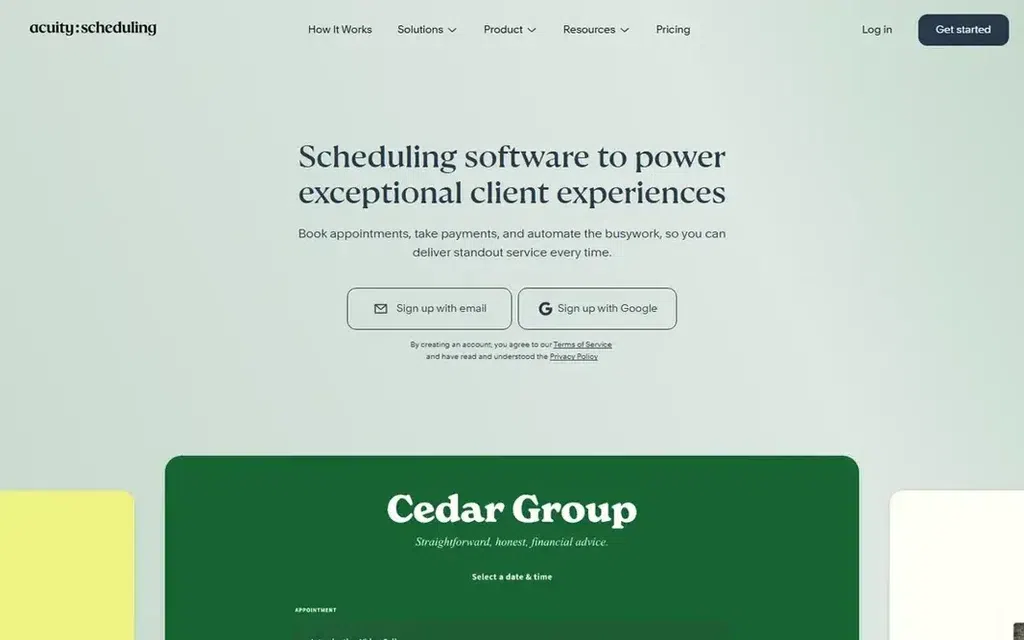
Pick Acuity Scheduling if this describes you: configurable booking with automation. Acuity Scheduling is an appointment booking software and scheduling app that provides scheduling automation and full customization. In practice, if your priority is routing callers to the right agent, look at Chili Piper.
Drawbacks to consider: May need setup time.
Acuity is better for scheduling appointments after the call instead of during it. In practice, Acuity Scheduling lacks native call routing or telephony integration. So it may not be well suited to centers that require to handle inbound calls straight. What you pay to start with Acuity Scheduling: $16 per month. Free options: Free trial.
- Full customization
- Scheduling automation
- Restricted call-center features
YouCanBookMe was built for configurable booking pages for teams. YouCanBookMe may lack the advanced automation and routing capabilities required by bigger call centers.
Pricing for YouCanBookMe is not stated here, so ask the vendor for current figures. YouCanBookMe includes a free tier.
What to check first: May not scale for large call centers.
- Approachable interface
- Completely configurable booking
- Restricted advanced features
Chili Piper
Best for: Inbound call routing and meeting booking
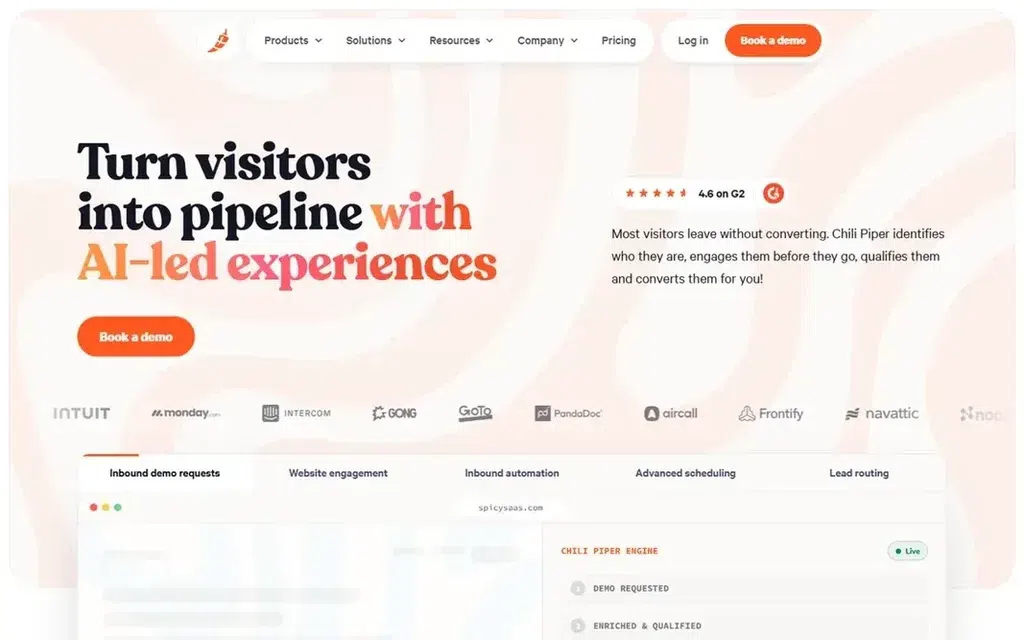
Where Chili Piper fits: inbound call routing and meeting booking. If you need a straightforward scheduler, Calendly or HubSpot Meetings might be a better fit. In daily use, the product is meant to turn traffic into pipeline by automating the handoff from initial contact to booked meeting.
Chili Piper is primarily made for marketing and sales use cases, so it may not handle all general call-center scheduling needs. It can also be more complicated than necessary for straightforward appointment booking. The starting price for Chili Piper: $12 per user per month. Free options: Not stated.
Points against: May be complicated for straightforward needs.
- Books meetings automatically
- Follow-up on leads
- Centred on marketing and sales
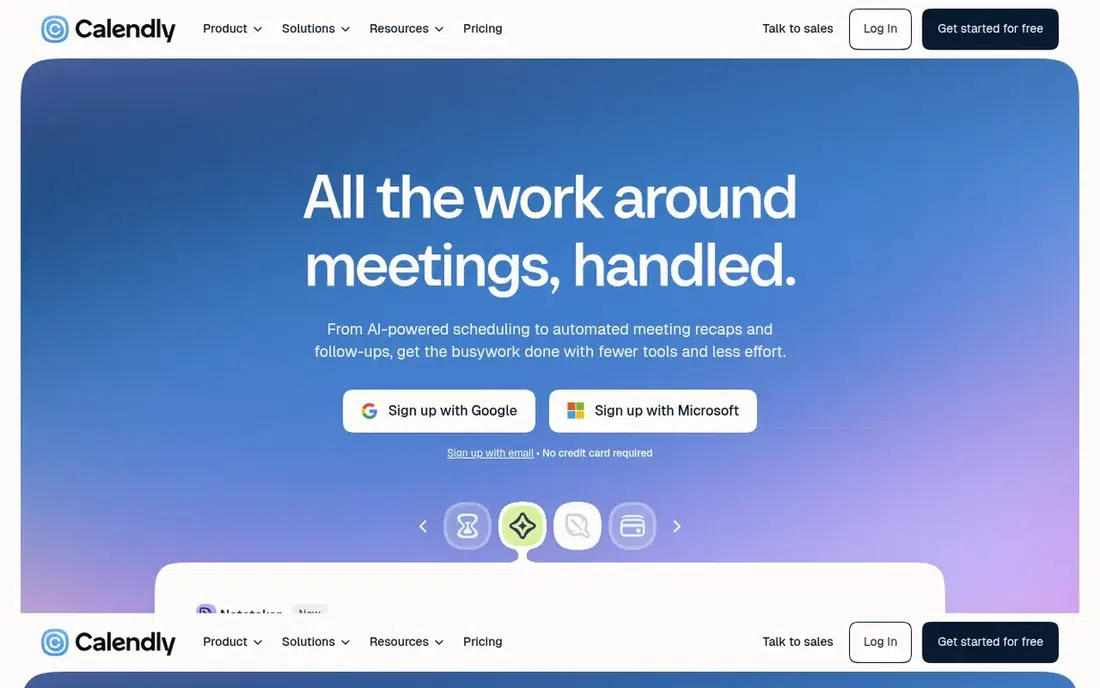
Calendly serves all-in-one meeting scheduling and follow-up. It is well suited for call centers that require a dependable, standalone scheduling tool with AI enhancements. If you need inbound call handling with intelligent routing, consider a specialized tool like Chili Piper.
The product supports contact management and notetaking, making it a solid choice for teams concentrated on efficient appointment booking. That said, Calendly may not offer the advanced call routing or live agent assignment that some call centers need. Entry price for Calendly: $10 per seat per month. Free access exists with Calendly.
Trade-offs to know: Customization can be restricted.
- Contact management
- Payment collection
- May lack deep call-center routing
Microsoft Bookings
Best for: Adaptable scheduling across departments
Microsoft Bookings makes the most sense for adaptable scheduling across departments. It is well suited for call centers that operate within the Microsoft 365 environment and have to handle appointments across teams.
Where it falls short: May be less specialized for call centers.
Microsoft Bookings may lack the specialized call-center features like intelligent routing or live agent assignment. This comparison lists no price for Microsoft Bookings; ask the vendor. Free access: Not stated.
- Supports several appointment types
- Configurable booking pages
- Needs Microsoft 365 subscription
How we built this list
What to confirm before you sign up
- Get a written quote from HubSpot Meetings, YouCanBookMe and Microsoft Bookings; the list shows no starting price for them.
- Look at free plan limits closely: YouCanBookMe and Calendly have one, and the caps decide whether it is usable for real work.
- Take the trial from Acuity Scheduling and push a live task through it before you pay.
- Before choosing HubSpot Meetings, weigh its main limit: best for HubSpot users.
- Run a one or two week pilot of Microsoft Bookings with the people who will use it every day.
- Ask Acuity Scheduling how an export works before you move any records in; an easy exit lowers the risk.
FAQ
How are the tools for appointment scheduling software for call centers ordered?
The order follows typical fit for appointment scheduling software for call centers, with HubSpot Meetings first and Microsoft Bookings last, then price clarity and free access. It is editorial judgement, not a score, so another team could rank the tools differently.
What is the cheapest option for appointment scheduling software for call centers in this list?
On published monthly entry prices, Calendly is the lowest here at $10 per seat per month. Entry price is only part of the cost, because seats, add-ons and billing terms can change the total. Each of the 6 options in this appointment scheduling software for call centers guide has its own card above with the price, free plan and limits.
What is the best appointment scheduling software for call centers?
HubSpot Meetings comes first here and is built for free scheduling within HubSpot CRM. Buyers with other needs may prefer Acuity Scheduling (for configurable booking with automation) or YouCanBookMe (for configurable booking pages for teams). Compare costs and limits first.
Which options for appointment scheduling software for call centers have a free plan?
YouCanBookMe and Calendly offer a free plan in this list. Free plans usually cap users, projects or features, so check the limits on the vendor page. One other tool offers a trial instead.
Do these tools publish their prices?
Not all of them. HubSpot Meetings, YouCanBookMe and Microsoft Bookings publish no starting price, so expect a quote request for those. The rest, Acuity Scheduling included, show a starting price, though seats and billing terms still change the final cost.
Sources
- https://www.hubspot.com/products/sales/schedule-meeting
- https://acuityscheduling.com
- https://youcanbook.me
- https://www.chilipiper.com
- https://calendly.com
- https://www.microsoft.com/en-us/microsoft-365/business/scheduling-and-booking-app