5 Best Business WYSIWYG HTML Editors for 2026, Vetted and Compared
Best business WYSIWYG HTML editors: 5 tools compared on price, free plans and fit. Each profile ends with a plain caveat. Pricing and limits included.
- Editor's choiceFroala Editor
Clean, easy-to-integrate JavaScript editor
Starts at$719 per yearVisit froala.comFull review - Great alternativeTinyMCE
Feature-rich editor with integrations
Starts at$79 a monthVisit tiny.cloudFull review - Also considerSummernote
Straightforward Bootstrap-based WYSIWYG
Starts atSee websiteVisit summernote.orgFull review
Direct answer
Froala Editor leads the list, best for clean, easy-to-integrate JavaScript editor. Listed starting prices: Froala Editor from $719 per year, TinyMCE from $79 a month and CKEditor from $144 a month. TinyMCE fits feature-rich editor with integrations; Summernote fits straightforward Bootstrap-based WYSIWYG. The full list of 5 tools follows, with prices and free plan facts.
TL;DR:
- Froala Editor takes the first slot, best suited to clean, easy-to-integrate JavaScript editor.
- CKEditor is the one to check for collaborative rich text editing.
- TinyMCE has the lowest monthly starting price in this list: $79 per month.
- What to know about Adobe Dreamweaver first: desktop software installation required.
Last checked November 2026. Prices and plan details were read from the vendors' own pages in November 2026; vendors change plans often, so confirm the current price on the vendor site before you buy.
Quick comparison
| Tool | Best for | Starts at | Free plan? | |
|---|---|---|---|---|
| Froala Editor | Clean, easy-to-integrate JavaScript editor | $719 per year | Free trial | Visit |
| TinyMCE | Feature-rich editor with integrations | $79 a month | Yes | Visit |
| Summernote | Straightforward Bootstrap-based WYSIWYG | See website | Not stated | Visit |
 Adobe Dreamweaver | Visual page design with code control | See website | Not stated | Visit |
| CKEditor | Collaborative rich text editing | $144 a month | Yes | Visit |
5 business WYSIWYG HTML editors in detail
LinkVetted compared 5 business WYSIWYG HTML editors. The goal is a practical shortlist: published prices, free plan facts, best-fit use cases and honest limits for every entry.
Froala Editor
Best for: Clean, easy-to-integrate JavaScript editor
Froala Editor is designed for clean, easy-to-integrate JavaScript editor. Confirm that the specific features your workflow needs are documented. Developers looking for a straightforward embed will find it aligns with that goal.
It is pitched at embedded editing instead of full website design, so teams building complete pages may need extra tools. Worth adding: Froala Editor is a JavaScript WYSIWYG editor designed for simple integration with a clean design that users can pick up rapidly. Price to start with Froala Editor: $719 per year. As for free access: Free trial.
Downsides: Feature depth may vary by use case.
- Simple integration for developers
- Clean design for end users
- Concentrated on embedding instead of full page design
TinyMCE
Best for: Feature-rich editor with integrations
TinyMCE was built for feature-rich editor with integrations. TinyMCE is a WYSIWYG rich text editor described as feature-rich, with AI-powered tools and integrations for web development. Consider a more straightforward library when the editing needs are minimal and integration speed is the priority.
In practice, evaluating which features are actually required helps avoid unnecessary setup. On top of that, the vendor positions it for developers seeking a trusted editor with wide functionality. Its breadth can add complexity for teams that only need entry-level formatting. Entry price for TinyMCE: $79 per month. TinyMCE includes a free tier.
Watch-outs: Can be overkill for basic fields. Best features of TinyMCE: AI-powered tools mentioned.
- Smooth integrations
- Broad feature coverage
- Advanced features may need setup
Summernote
Best for: Straightforward Bootstrap-based WYSIWYG
Summernote is designed for straightforward Bootstrap-based WYSIWYG. Worth adding: teams needing collaboration or broad formatting choices should look elsewhere.
Downsides: A good match for entry-level editing needs.
Beyond that, setup is straightforward for developers familiar with JavaScript libraries. Its simplicity means fewer advanced features than bigger editors, which can matter for complicated content workflows. Pricing for Summernote is not stated here, so ask the vendor for current figures. As for free access: Not stated.
- Straightforward to set up
- Bootstrap-friendly library
- Fewer advanced features
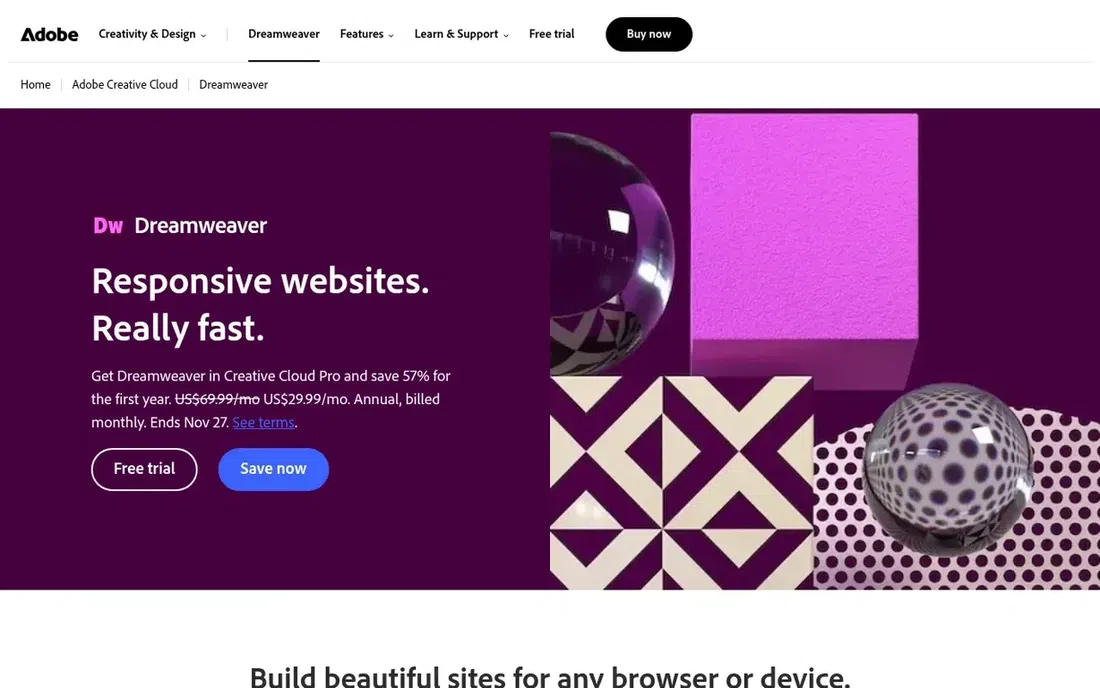
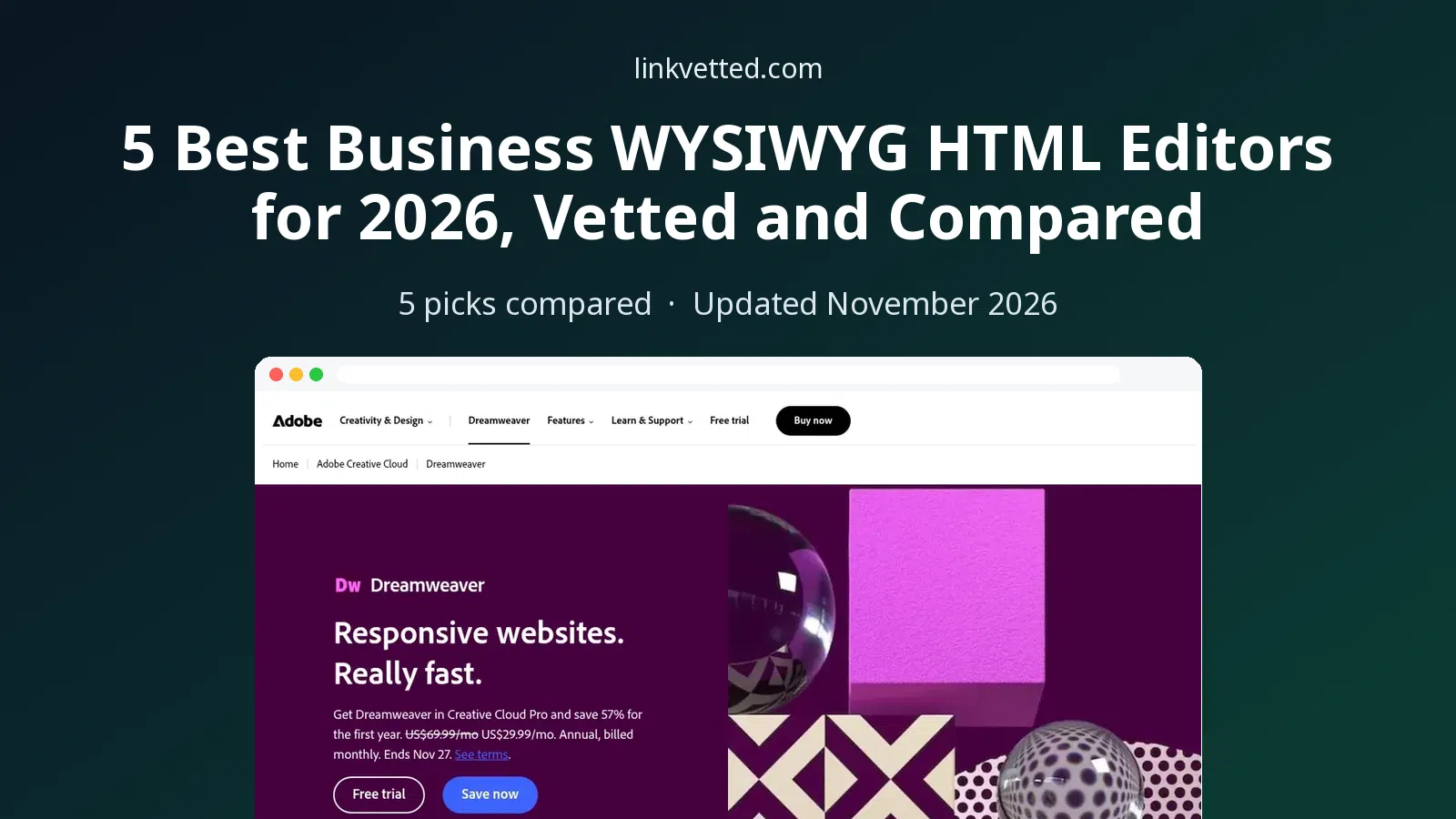
Think of Adobe Dreamweaver for visual page design with code control. Adobe Dreamweaver is website design software for creating and publishing web pages with responsive layouts. It supports HTML, CSS, JavaScript, and more, making it a good match for designers and developers who want a visual workspace alongside code editing.
Consider a JavaScript-based editor when integration into a web app is the priority. For everyday use, business teams that build and maintain full pages instead of just embedded rich text fields will find it suits that broader scope. Beyond that, as desktop software, Dreamweaver needs installation and is less suited to teams that only need an in-browser editor for content fields. This comparison lists no price for Adobe Dreamweaver; ask the vendor. Free access: Not stated.
Watch-outs: May be heavier than embedded editors for straightforward content.
- Supports HTML, CSS, JavaScript
- Responsive web design features
- Desktop software installation required
CKEditor
Best for: Collaborative rich text editing
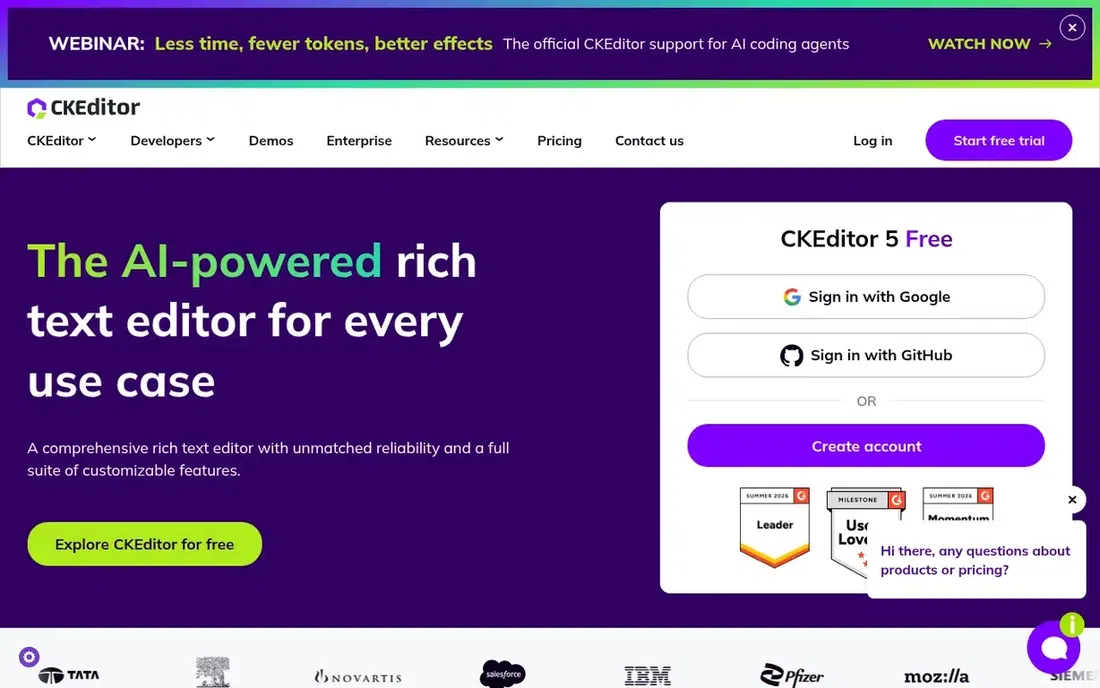
CKEditor serves collaborative rich text editing. CKEditor is a WYSIWYG HTML editor with collaborative rich text editing and a wide feature set backed by documentation and support.
Also, choose CKEditor when collaboration and a documented feature set matter more than a bare-bones footprint. In practice, the deep feature set can mean more configuration work than a minimal editor needs. Entry price for CKEditor: $144 per month. You can start on CKEditor without paying.
What to check first: Configuration can take effort.
- Full documentation and support
- Large documented feature set
- May be more than straightforward forms need
Our selection method
We compared the tools on published pricing, free plan or trial availability, feature coverage for business WYSIWYG HTML editors, and the limits each vendor documents. Prices and plan limits come from vendor pages and can change, so confirm them on the vendor site before you buy. Order on the page follows fit for the typical buyer first, then price transparency and free access. Your own requirements should decide the final pick.
Pre-purchase checklist
- Get a written quote from Summernote and Adobe Dreamweaver; the list shows no starting price for them.
- Look at free plan limits closely: TinyMCE and CKEditor have one, and the caps decide whether it is usable for real work.
- Run a trial of Froala Editor with real work before paying for a year; your own workflow is the best test.
- Before choosing Froala Editor, weigh its main limit: centred on embedding instead of full page design.
- Make sure Summernote lets you export your data in a format another tool can read.
- Involve the people who will use CKEditor daily; a short pilot beats a long feature checklist.
FAQ
Do these tools publish their prices?
Not all of them. Summernote and Adobe Dreamweaver publish no starting price, so expect a quote request for those. The rest, Froala Editor included, show a starting price, though seats and billing terms still change the final cost.
What is the cheapest option for business WYSIWYG HTML editors in this list?
On published monthly entry prices, TinyMCE is the lowest here at $79 per month. Entry price is only part of the cost, because seats, add-ons and billing terms can change the total. For the full picture, the cards above cover all 5 entries of this business WYSIWYG HTML editors list, including price, free plan and limits.
Can I use a simple editor for entry-level business forms?
Summernote is described as a super straightforward WYSIWYG editor built on Bootstrap, which fits entry-level rich text fields. Froala Editor also emphasizes simple integration and a clean design. For minimal needs, a light library can cut setup effort.
Is Froala Editor the right pick for everyone comparing business WYSIWYG HTML editors?
No single tool suits every team. Froala Editor comes first because it fits clean, easy-to-integrate JavaScript editor, while TinyMCE suits feature-rich editor with integrations and Summernote suits simple Bootstrap-based WYSIWYG. Match the tool to your own size, budget and workflow before deciding.
Which options for business WYSIWYG HTML editors have a free plan?
TinyMCE and CKEditor offer a free plan in this list. Free plans usually cap users, projects or features, so check the limits on the vendor page. One other tool offers a trial instead.
Which editor suits collaborative content teams?
CKEditor flags collaborative rich text editing, making it a natural fit for teams editing content together. Evaluate collaboration features against your workflow before choosing.
Sources
- https://froala.com
- https://www.tiny.cloud
- https://summernote.org
- https://www.adobe.com/products/dreamweaver.html
- https://ckeditor.com