Best Business Expense Tracking Apps in 2026: 8 Tools Compared
Compare the best business expense tracking apps for 2026, from Ramp and Brex to Expensify and Zoho Expense, by cards, receipts, approvals and price today.

- Editor's choice
 Ramp
Free cards plus expenses
Starts atFreeVisit ramp.comFull review - Great alternative
 Brex
Startups that want free spend control
Starts atFreeVisit brex.comFull review - Also consider
 Expensify
Expense reports without new cards
Starts at$5 per monthVisit expensify.comFull review
TL;DR:
- Ramp, Brex and BILL offer free core tiers that combine cards with expense tracking for small teams.
- Expensify is the best fit when you want to keep existing corporate cards and still automate receipts.
- Navan is the natural pick when travel booking and expenses should live in one flow.
- Zoho Expense and Rydoo are the budget reporting specialists for teams that do not need cards.
- SAP Concur suits large enterprises with complex policies, multi-entity needs and audit depth.
Quick comparison
| Tool | Best for | Starts at | Free plan? | |
|---|---|---|---|---|
| Ramp | Free cards plus expenses | Free | Yes | Visit |
| Brex | Startups that want free spend control | Free | Yes | Visit |
| Expensify | Expense reports without new cards | $5 per month | Yes | Visit |
 Zoho Expense | Budget teams and Zoho users | See website | Yes | Visit |
 Navan | Travel plus expenses together | See website | Yes | Visit |
 BILL Spend & Expense | Teams already using BILL | Free | Yes | Visit |
 Rydoo | Simple mobile expense reports | See website | Free trial | Visit |
 SAP Concur | Large enterprises | See website | No | Visit |
The best business expense tracking apps
Business expense tracking has split into two kinds of tools: card-first platforms that control spend before it happens, and reporting tools that capture receipts after it happens. We compared official pricing pages, feature pages and app store listings for tools that serve United States businesses in 2026.
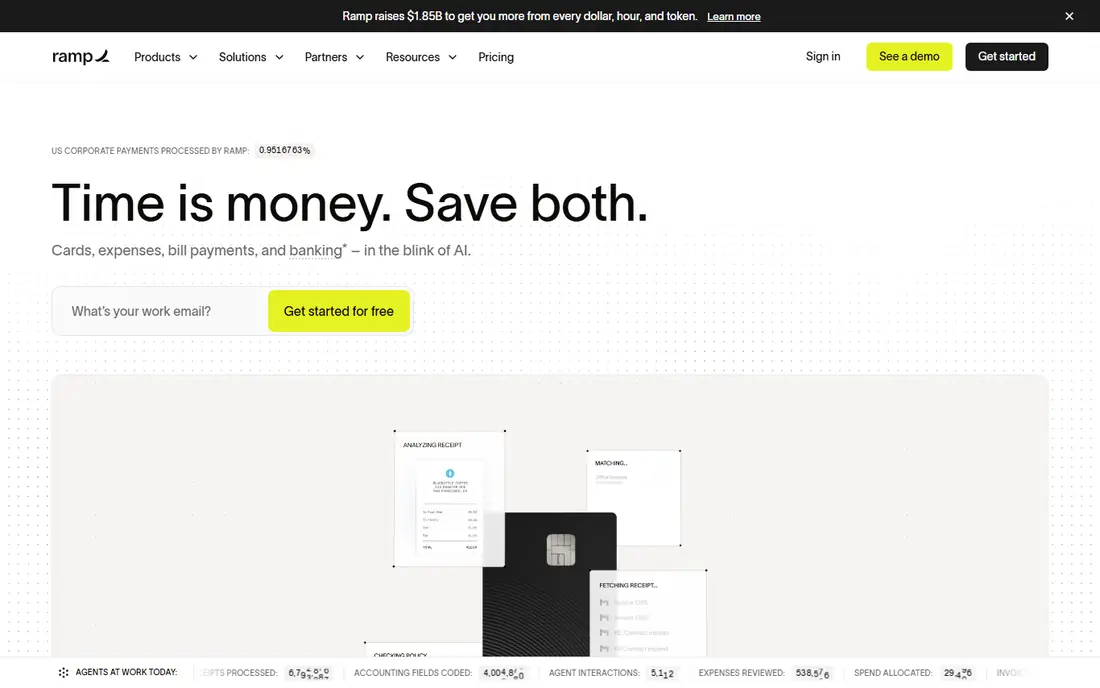
Ramp gives small and growing companies corporate cards, expense management and bill pay starting from a free tier. Receipts can be captured by photo or text message, policies flag out-of-policy spend, and approvals route to managers without chasing paper. Integrations with common accounting tools keep month-end work shorter.
The free tier is genuinely useful, but larger teams may need the Plus tier, priced per user plus a platform fee on published pages. Card limits and approval still depend on your business profile, so not every applicant gets the same terms. For teams that want control before money leaves the account, Ramp is a strong default.
- Free core tier with cards and expense management
- Receipt capture and approvals
- Accounting integrations
- Paid Plus tier adds per-user cost
- Card approval depends on business qualification
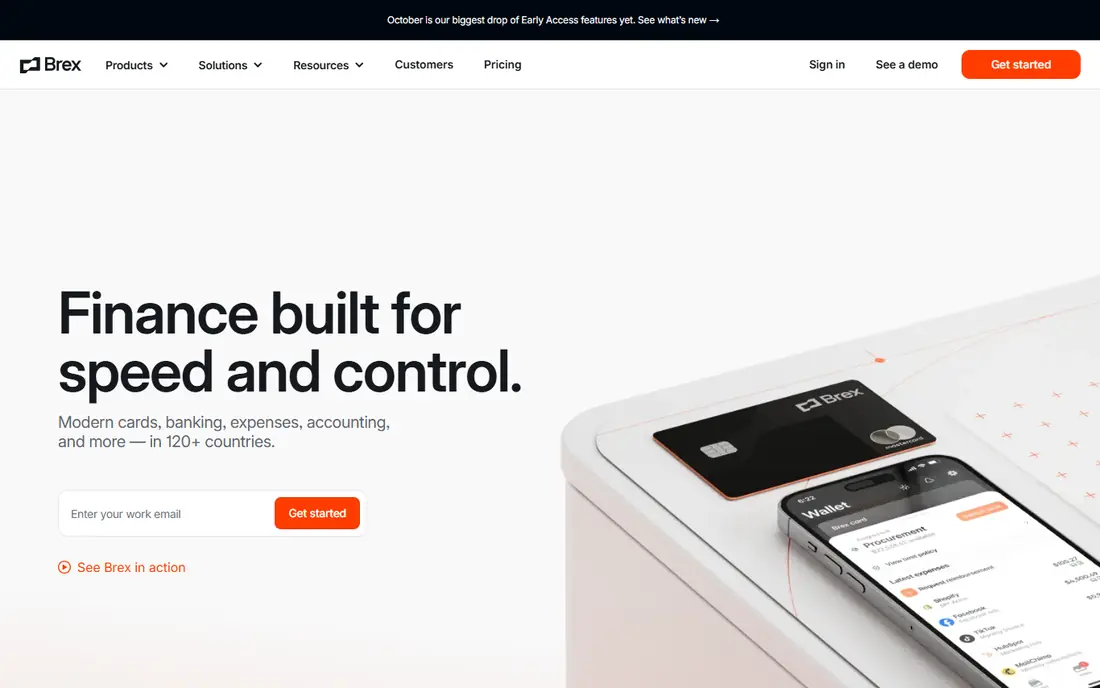
Brex combines corporate cards with spend management, starting from a free Essentials tier. Teams set limits by employee, vendor or category, capture receipts in the app, and track spend in real time. For venture-backed startups and growing companies, Brex approval and limits have long been a draw.
Premium, priced per user on published pages, adds deeper controls and features that larger teams need. Companies that only need basic reporting without cards may find Brex more platform than necessary. For card-first spend control at no starting cost, Brex competes directly with Ramp.
- Free Essentials tier
- Cards with built-in controls
- Global spend support
- Premium tier is per user
- Some advanced features need the paid plan
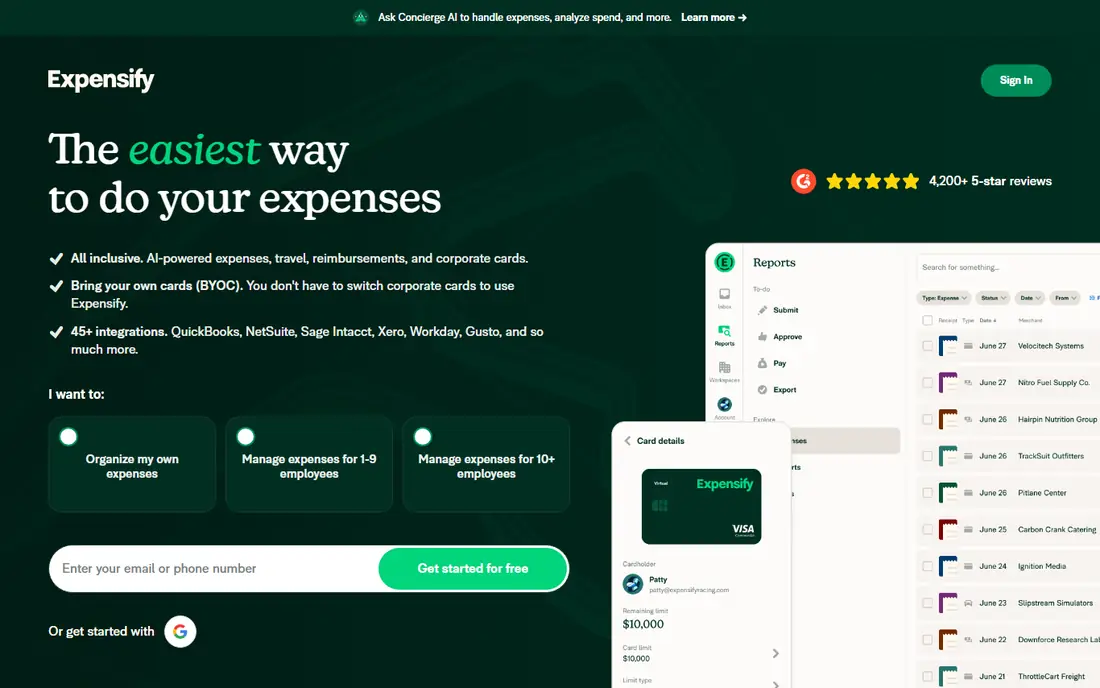
Expensify remains the classic expense reporting tool, and its main advantage is independence from cards. Employees scan receipts, the app reads amounts and vendors, and reports flow through approvals to reimbursement or accounting export. Companies that already have corporate cards, or that reimburse personal cards, can adopt Expensify without changing banking.
Paid plans start at $5 per member per month on published pages for the Collect plan, with a free tier for basic individual use. Larger companies with complex policies may need higher tiers. If your problem is receipt chasing and approvals rather than card issuance, Expensify is the most flexible pick here.
- Works with existing cards
- SmartScan receipt capture
- Flexible approvals and reimbursements
- Per-member pricing on paid plans
- Advanced controls cost more
Zoho Expense is the budget pick for teams that want solid reporting without card platforms or enterprise pricing. Receipt autoscan, mileage tracking, approvals and accounting integrations cover the core jobs, and a free version suits very small teams. Companies already using Zoho Books or other Zoho apps get extra value from shared data.
Free plan limits matter, including a monthly receipt scan cap per user on published comparisons, so growing teams should check the tier that fits their volume. Zoho Expense does not lead on cards or travel, but for straightforward expense tracking at low cost, it is hard to beat.
- Low-cost plans
- Free version for small teams
- Receipt scanning and approvals
- Free plan has receipt scan limits
- Less card depth than Ramp or Brex
Navan, formerly TripActions, unites corporate travel booking with expense management. Employees book flights and hotels inside policy, then expenses from the trip flow into the same system for approval and reimbursement. That single flow removes the usual gap between a booking tool and an expense tool.
Published pages note that the first few expensing users can be free for smaller companies, with per-user pricing after that allowance. Teams that rarely travel will not use half the platform, and a simpler reporting tool may cost less. For teams that fly often, Navan saves time and policy headaches that separate tools create.
- Travel booking and expenses in one app
- Policy applied at booking
- First users free on some plans
- Expense pricing rises after the free user allowance
- Travel focus may exceed simple reporting needs
BILL Spend & Expense, formerly Divvy, gives teams free spend controls when they use BILL corporate cards. Budgets, virtual cards, receipt capture and approvals work together, and data flows into BILL payables and accounting integrations. Companies already paying bills through BILL get the most from adding spend management in the same place.
Standalone expense reporting without BILL cards is less of a strength, and card approval depends on business qualification. For BILL users, though, the free tier removes the usual reason to buy a separate expense tool. Check card terms and accounting sync for your setup before switching.
- Free spend and expense tier with BILL cards
- Budgets and approvals
- Ties to BILL payables
- Best value inside the BILL system
- Card qualification applies
Rydoo focuses on fast, mobile-first expense reports for employees who travel or spend on the go. Receipt scanning, mileage, per diem rates and approvals are the core, with integrations to accounting and HR tools. The app feels built for people who file expenses from a phone, not from a desktop at month end.
Pricing is published per user on vendor and comparison pages, with a free trial rather than a lasting free plan. Rydoo suits mid-size teams that want simple reporting without adopting a card platform. Companies that need cards, bill pay or travel booking should shortlist Ramp, Brex or Navan instead.
- Mobile-first receipt capture
- Per diem and mileage support
- Clean approval flows
- No free plan beyond a trial
- Card features trail Ramp and Brex
SAP Concur is the enterprise standard for travel and expense, and its strength is control at scale. Complex approval chains, audit trails, multi-entity accounting and integrations with SAP and other ERP systems are built for large organizations. Global companies with strict compliance needs will find depth here that small-team tools cannot match.
That depth brings cost and complexity. Pricing is quote-based, implementation takes longer, and small teams will find administration heavy. Concur fits when policy complexity, audit requirements and ERP integration outweigh simplicity and price. For a team under fifty people, start with a simpler tool.
- Deep policy, audit and multi-entity support
- Broad travel and ERP integrations
- Global scale
- Quote-based pricing
- Heavier setup and administration than small-team tools
How we picked these
We compared official pricing pages, feature pages and app listings for expense tools serving United States businesses in 2026. We favored tools with receipt capture, approvals, accounting integrations and clear pricing or a usable free tier. We left out personal budgeting apps, since they lack approvals, reimbursements and business accounting support.
Choosing the right expense tracking app
Decide first whether you need cards or only reporting. Card platforms control spend before it happens and suit teams that issue cards widely. Reporting tools suit teams that reimburse personal spending or keep existing cards, since they focus on capture, approval and export.
Receipts, approvals and accounting
Test receipt scanning with real receipts, including handwritten totals and long restaurant bills, since accuracy varies. Map your approval chain before buying, including who approves travel, who approves large amounts, and how finance reviews exceptions. Confirm the accounting integration syncs categories, vendors and tax fields you actually use, not only totals.
Policies that people will follow
Keep policies short and visible inside the app, with clear limits by category and a simple exception path. A policy nobody can find in the app will be ignored, no matter how strict it looks on paper. Review flagged expenses weekly at first, then monthly, and adjust limits that flag routine spending.
Costs beyond the monthly price
Add card fees, per-user charges, platform fees and implementation time to the headline price. Free tiers are valuable, but check user limits, receipt caps and which features sit behind paid plans. A tool that is free for five users and costly at fifty needs a different decision than a tool priced flat from the start.
FAQ
What is the best app for tracking business expenses?
Ramp is the best default for small teams that want free cards plus expenses, while Expensify is best for reporting without new cards. Zoho Expense suits tight budgets, and Navan suits frequent travelers. Match the tool to whether you need cards, travel or only reporting.
What is the best business expense tracking software for small business?
Small businesses usually do best with a free-tier tool such as Ramp, Brex or BILL Spend & Expense, or a low-cost reporter such as Zoho Expense. Start with receipt capture, approvals and your accounting integration, then add cards only if spend control is a real problem.
Do business expense apps work with QuickBooks?
Most tools on this list integrate with QuickBooks and other accounting systems, syncing expenses, categories and vendors. Check the exact sync direction and field mapping for your QuickBooks plan, since some integrations export only approved expenses. Test with a few real expenses before rolling out to the whole team.
Can employees track mileage in these apps?
Yes, most business expense tools include mileage tracking, with rates and trip logs built in. Expensify, Zoho Expense, Rydoo and SAP Concur all support mileage as part of expense reports. Confirm the mileage rate source and approval flow, since companies handle mileage policy differently.
Is a free expense tracking app enough for a small team?
Often yes, when the team is small and spending is simple. Free tiers from Ramp, Brex and BILL cover cards, receipts and approvals for many small teams. Move to a paid plan when user counts, receipt volume or policy complexity outgrow the free limits.
How do I switch expense tools without losing data?
Export historical expenses, receipts and approval records from the old tool before canceling. Set up categories, vendors and accounting mappings in the new tool first, then run a parallel month with a small group. Keep the old export archived, since auditors and tax preparers may ask for past records.