Best App for Tracking Expenses and Receipts in 2026: 8 Products Compared
Find the best app for tracking expenses and receipts, from Expensify to Zoho Expense. We compare 8 apps on receipt scanning, pricing, and reports in 2026.

- Editor's choice
 Expensify
Teams and reimbursements
Starts atFreeVisit expensify.comFull review - Great alternative
 Zoho Expense
Small teams on a budget
Starts atFreeVisit zoho.comFull review - Also consider
 Dext
Accountant-led capture
Starts atSee websiteVisit dext.comFull review
TL;DR:
- The best expense app depends on who pays. Solo users need simple capture and reports, while teams need approvals, cards, and reimbursements.
- Receipt scanning quality matters more than a long feature list. Check whether an app reads totals, dates, and line items, or only the total.
- Expensify and Zoho Expense cover most small-team needs, while Dext suits businesses whose bookkeeper already uses it.
- Personal spending apps such as Rocket Money or Copilot-style trackers are different tools. They track bank spending, not employee expense reports.
- Check accounting sync before you choose. An app that syncs cleanly to QuickBooks or Xero saves hours at month end.
Quick comparison
| Tool | Best for | Starts at | Free plan? | |
|---|---|---|---|---|
| Expensify | Teams and reimbursements | Free | Yes | Visit |
| Zoho Expense | Small teams on a budget | Free | Yes | Visit |
| Dext | Accountant-led capture | See website | No | Visit |
 Shoeboxed | Paper receipts by mail | See website | No | Visit |
 Ramp | Card-led team spending | Free | Yes | Visit |
 QuickBooks Online | Receipts inside accounting | See website | No | Visit |
 Wave | Free bookkeeping with capture | Free | Yes | Visit |
 Everlance | Mileage plus receipts | Free | Yes | Visit |
The best apps for tracking expenses and receipts
Losing receipts costs money at tax time and slows down reimbursements. The apps below capture receipts, sort spending, and turn photos into reports or accounting entries. Some are built for employees, some for solo owners, and one or two cover both.
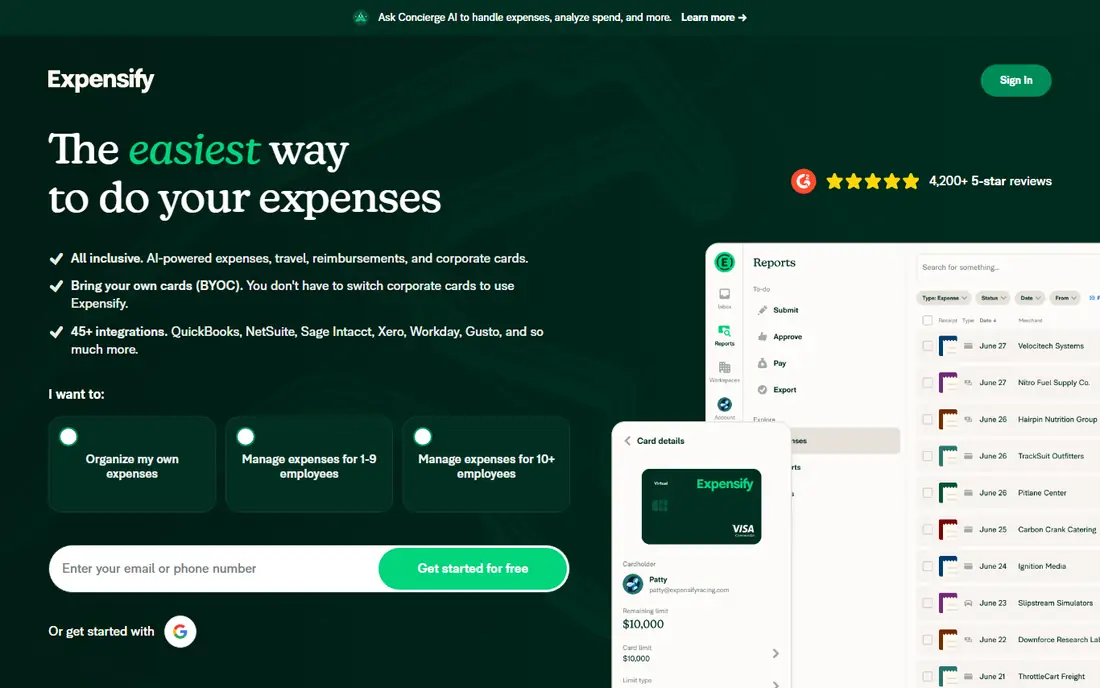
Expensify is the most complete team expense app in this list. Employees photograph a receipt, SmartScan reads the merchant, date, and total, and the expense flows into a report for approval. Managers approve in the app, and finance can reimburse or sync the result to accounting software.
The free plan suits individuals, but team plans are priced per member, so cost grows with headcount. Some discounts depend on using the Expensify Card, which may not suit every business. For a team that reimburses staff regularly, the approval and card tools justify the price. For a solo owner, a simpler app may be enough.
- SmartScan receipt capture
- Approval workflows and reimbursements
- Syncs to QuickBooks, Xero, and NetSuite
- Per-member pricing adds up for large teams
- Deepest discounts tie to the Expensify Card
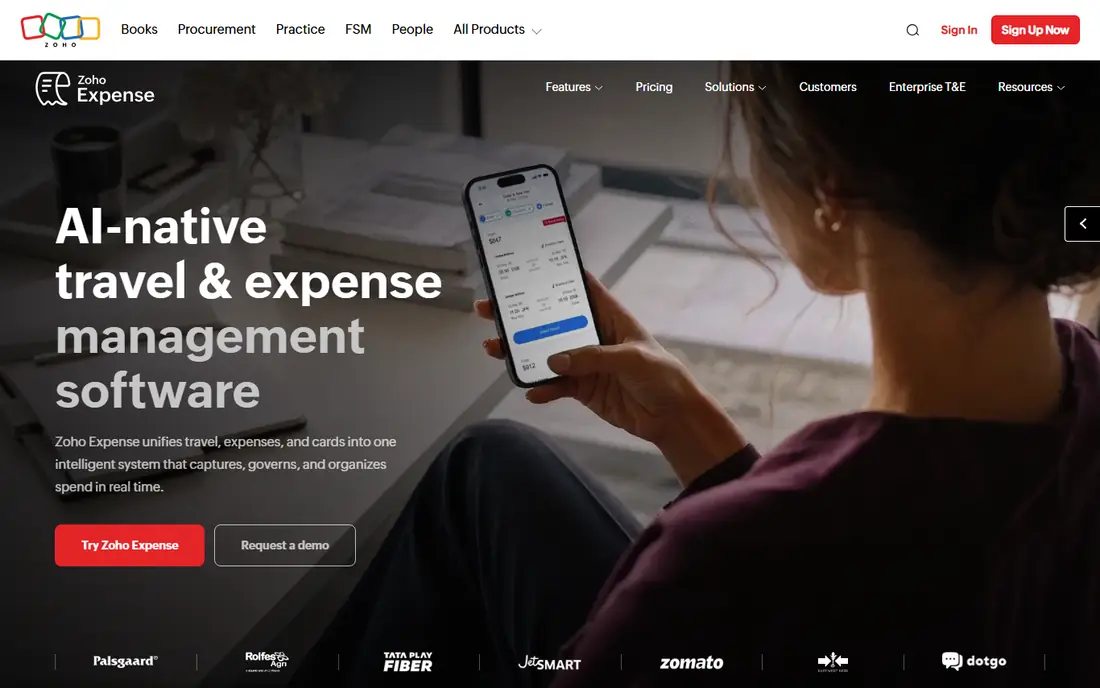
Zoho Expense is the budget pick for a small team. The free plan covers a small group and includes receipt scanning, expense reports, and mileage tracking. Paid plans add more users, more scans, and deeper controls, but the entry cost stays low compared with larger expense platforms.
The free plan has scan limits, so a business with a high receipt volume will need to upgrade or choose a different tool. Zoho Expense also works best inside the Zoho ecosystem, though it syncs to other accounting tools as well. For a small team that wants real expense reports without a large monthly bill, it is hard to beat.
- Free plan for up to three users
- Receipt scanning and mileage tracking
- Syncs to Zoho Books and other accounting tools
- Scan limits on the free plan
- Some advanced features need a paid plan

Dext is a capture tool, not a general spending app. It extracts data from receipts, invoices, and supplier statements and publishes that data to accounting software. Bookkeepers and accountants favor it because the extraction is detailed and the workflow is built around client files.
That design means Dext is less useful as a standalone app for a solo owner who just wants to track spending. Pricing also leans toward accounting practices and businesses with higher document volume. Choose Dext when your bookkeeper already uses it, or when accurate document capture into accounting is the main job.
- High-accuracy receipt and invoice capture
- Publishes to Xero, QuickBooks, and Sage
- Supplier statement capture included
- Priced and designed for practices and larger users
- Not a full expense reporting or reimbursement tool on its own
Shoeboxed still solves a problem that phone apps do not fully solve: a drawer full of paper receipts. You can mail receipts in a prepaid envelope, and Shoeboxed scans and organizes them for you. The app also captures digital receipts and builds reports, so paper and email receipts end up in one place.
The monthly cost is higher than a basic scanning app, and mailed receipts take time to process. Shoeboxed fits owners and small businesses with many paper receipts, such as trades, catering, or retail, who want a clean archive without scanning each receipt by hand.
- Magic Envelope service for mailing paper receipts
- Digital receipt capture and reports
- Long history in receipt storage
- Monthly plans are higher than a simple scan app
- Mail-in service adds waiting time
Ramp combines company cards with expense management. Employees spend on a Ramp card, photograph the receipt in the app, and the transaction is matched and coded for accounting. Controls let finance set limits and approval rules, which cuts down on manual chasing after purchases.
The free plan covers basic card and expense tools, while paid plans add deeper approvals and reimbursements. Ramp works best when most spending goes through company cards. Teams that mainly reimburse personal spending may find a tool such as Expensify or Zoho Expense a better fit.
- Company cards with built-in receipt capture
- Approval controls and accounting sync
- Free entry plan for teams
- Full expense features sit on paid plans
- Card-based model may not suit cash or personal reimbursement workflows
QuickBooks Online is the right pick if you already keep your books in QuickBooks. You photograph a receipt, the app captures the details, and the expense lands in the same file you use for invoicing and reporting. That single-file approach avoids sync errors and duplicate entries at month end.
The drawback is that you are buying accounting software, not just an expense app. Employee approval workflows are lighter than in Expensify, and the monthly cost reflects the wider accounting feature set. For a business already on QuickBooks, the receipt tools are a strong bonus. For a business that only needs expense tracking, a cheaper standalone app makes more sense.
- Receipt capture inside the accounting file
- Automatic matching to transactions
- Full bookkeeping in one place
- Receipt tools are part of a larger accounting subscription
- Less focused on employee approvals than dedicated expense apps
Wave suits very small businesses that want free bookkeeping first and receipt capture second. The free plan covers accounting and invoicing, which is enough for many solo owners and freelancers. Receipt scanning sits on a paid plan, so check that cost before you compare Wave with a free scanning app.
Wave is not a team expense platform. Approval workflows and per-employee controls are limited compared with Expensify or Ramp. It earns a place here for owners who want one free bookkeeping app and are willing to pay for receipt capture when their volume grows.
- Free accounting and invoicing
- Receipt scanning on paid plans
- Simple setup for very small businesses
- Receipt scanning requires a paid plan
- Fewer team approval features than dedicated expense tools
Everlance is built for people who drive for work. It tracks mileage automatically, captures receipts, and builds reports that separate business and personal trips. That combination suits delivery drivers, sales reps, real estate agents, and field workers who need both mileage and receipt records at tax time.
If you rarely drive for work, a general expense app may give you more receipt and approval features for the same price. Everlance is best when mileage is a large part of your expenses, and receipt capture needs to sit beside it in one report.
- Automatic mileage tracking alongside receipt capture
- Expense reports for tax and reimbursement
- Useful for drivers and field workers
- Mileage is the main strength, so pure receipt workflows are lighter
- Premium features require a paid plan
How we picked these
We reviewed vendor pricing and feature pages, app store listings, and public comparisons of receipt scanning and expense apps in 2026. We favored apps that are actively sold in the United States, capture receipts by photo or email, and produce reports or accounting entries, not just a photo album. We included team tools, accountant tools, and solo tools to cover different users, and we listed prices from vendor pages or as See website where pricing depends on users, volume, or plan. We did not claim hands-on testing.
How to choose without paying for features you will not use
Start with who submits expenses. A solo owner needs capture, categories, and a tax report. A team needs approvals, reimbursement, and policy checks. An accountant-led business needs accurate capture into accounting software. Those three cases lead to different tools, even though all of them scan receipts.
Test scanning on your real receipts
Photograph five receipts you actually have, including a faded one, a long one, and one with many line items. Check whether the app reads the merchant, date, total, and tax correctly, and whether you can fix errors quickly. A tool that only reads totals may be fine for simple reports, but it will not help if you need line-item detail for tax or client billing.
Check sync and export early
An expense app that does not sync to your accounting software creates manual work every month. Test a sync or an export before you commit, and check whether categories, tax codes, and receipt images carry over. Also check how you get your data out if you cancel, since receipts are tax records you may need for years.
Set a receipt habit that lasts
The best app is the one you actually use on the day you spend money. Photograph a receipt at the counter, or forward an email receipt the same day, before paper fades or inboxes fill up. A weekly five-minute review to code and approve expenses prevents a painful month-end pile, no matter which app you choose.
FAQ
What is the best app for tracking expenses and receipts?
Expensify is best for teams that need approvals and reimbursements, Zoho Expense is best for small teams on a budget, and Dext is best when a bookkeeper handles capture into accounting. For solo owners, QuickBooks Online or Wave may be better if bookkeeping is also needed.
What is the best expense tracking app for small business?
Zoho Expense and Expensify cover most small-business needs, with receipt scanning, reports, and accounting sync. Zoho Expense is cheaper for a very small team, while Expensify offers stronger approval and card tools as a team grows.
Can an app track both spending and receipts?
Yes. Most apps in this list capture a receipt photo, read the amount and merchant, and match it to a bank or card transaction where a feed is available. For personal spending, bank-linked trackers show transactions without receipts, but business expense apps add receipt images and approval records that matter for tax and reimbursement.
Do receipt scanning apps work for taxes?
They help a lot, but they do not replace tax advice. A good app stores receipt images, categories, and dates in one place, which makes tax preparation easier. Keep the original rules for your country and business type in mind, and check with an accountant for deductions, mileage rates, and record retention.
Is there a free app to track receipts and expenses?
Yes. Expensify, Zoho Expense, Wave, Ramp, and Everlance all offer a free plan or a free entry tier, though scan limits, user limits, or paid features apply. A free plan works well for low volume, but a business with many receipts or many employees will usually need a paid plan.