Best App to Manage Expenses in 2026: 9 Apps Compared
Compare the best app to manage expenses, with bank sync, budgets, bill tracking and current prices for each expense tracker app in 2026. Updated for 2026.

- Editor's choice
 YNAB
Hands-on zero based budgeting
Starts at$14.99 per monthVisit ynab.comFull review - Great alternative
 Monarch Money
Household money dashboard
Starts at$14.99 per monthVisit monarchmoney.comFull review - Also consider
 Quicken Simplifi
Affordable all in one tracking
Starts at$5.99 per monthVisit quicken.comFull review
TL;DR:
- YNAB suits hands-on budgeters who want a method, while Monarch and Simplifi suit households that want tracking, net worth and planning in one place.
- PocketGuard suits users who want one safe to spend number, while Goodbudget suits envelope budgeters who prefer manual control.
- Free options such as Rocket Money basic tools and Goodbudget free tier work well for simple tracking, but bank sync usually needs payment.
- An expense app only helps if transactions are reviewed weekly, so pick the app you will actually open, not the one with the most features.
Quick comparison
| Tool | Best for | Starts at | Free plan? | |
|---|---|---|---|---|
| YNAB | Hands-on zero based budgeting | $14.99 per month | No | Visit |
| Monarch Money | Household money dashboard | $14.99 per month | No | Visit |
| Quicken Simplifi | Affordable all in one tracking | $5.99 per month | No | Visit |
 Copilot Money | Apple users who value design | $13 per month | No | Visit |
 PocketGuard | Safe to spend number | $12.99 per month | Yes | Visit |
 Rocket Money | Subscriptions and bills | Free | Yes | Visit |
 EveryDollar | Simple zero based budgeting | Free | Yes | Visit |
 Goodbudget | Envelope budgeting | Free | Yes | Visit |
 Spendee | Shared budgets and tracking | Free | Yes | Visit |
The best apps to manage expenses
The best app to manage expenses depends on whether you want a strict budget, a simple spending overview, or help with bills and subscriptions. Some apps ask you to assign every dollar a job, while others simply show where money went. The apps below cover both styles, with clear prices and free tiers.

YNAB, short for You Need A Budget, is our pick for most people who want to change spending behaviour, not just watch it. Every dollar gets a job, age of money and goal tools show progress, and the method is taught through guides and workshops. Users who follow the method often report better control over variable spending, such as food and entertainment.
The price, $14.99 per month or $109 per year, is high compared with trackers, and there is no free tier beyond a 34 day trial. If you will not review the budget weekly, YNAB will not help, but if you will, it is the strongest method based tool on this list.
- Clear zero based method with strong learning resources
- Good goal and debt tools
- Bank sync optional
- No permanent free plan
- 34 day trial only
- Learning curve for new budgeters
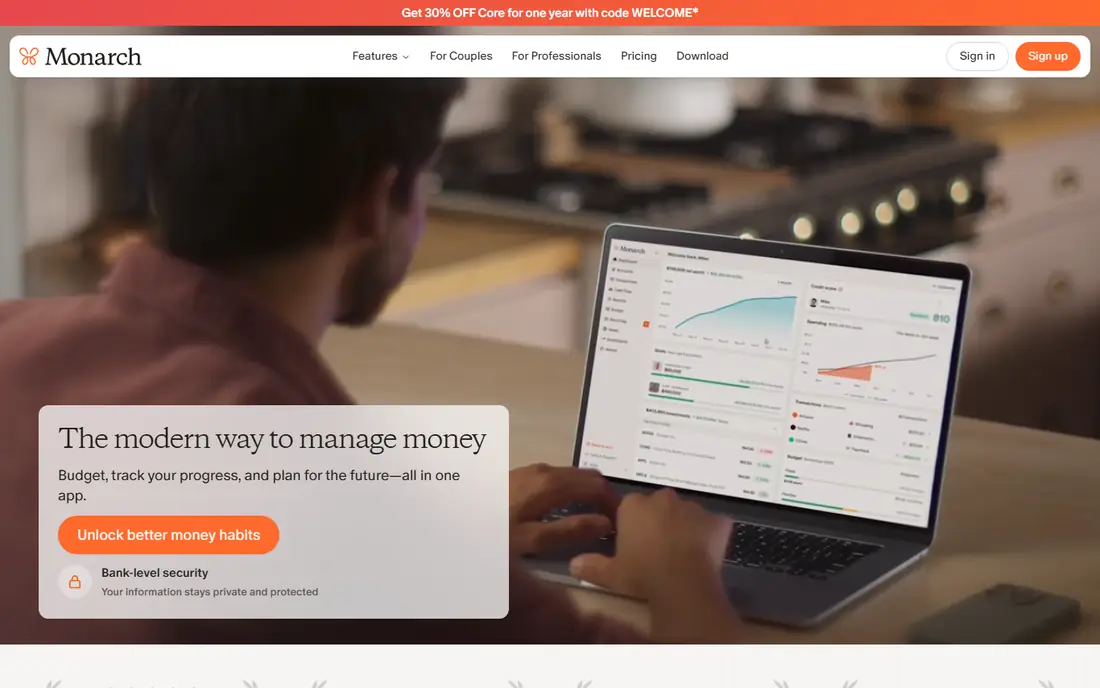
Monarch Money suits households that want one view of spending, accounts, investments and goals. Bank sync pulls transactions automatically, budgets can be flexible or category based, and net worth tracking shows long term progress beside daily spending. Couples can share one account without paying twice, which helps with household budgeting.
At $14.99 per month or $99.99 per year for Core, it costs more than simpler trackers, and the trial lasts only seven days. Use that week to connect accounts and test reports, because the value shows up only when the whole household uses the same dashboard.
- Budgeting, net worth and investments in one dashboard
- Good for couples and households
- Clean reports
- No permanent free plan
- 7 day trial only
- Price is high for solo tracking
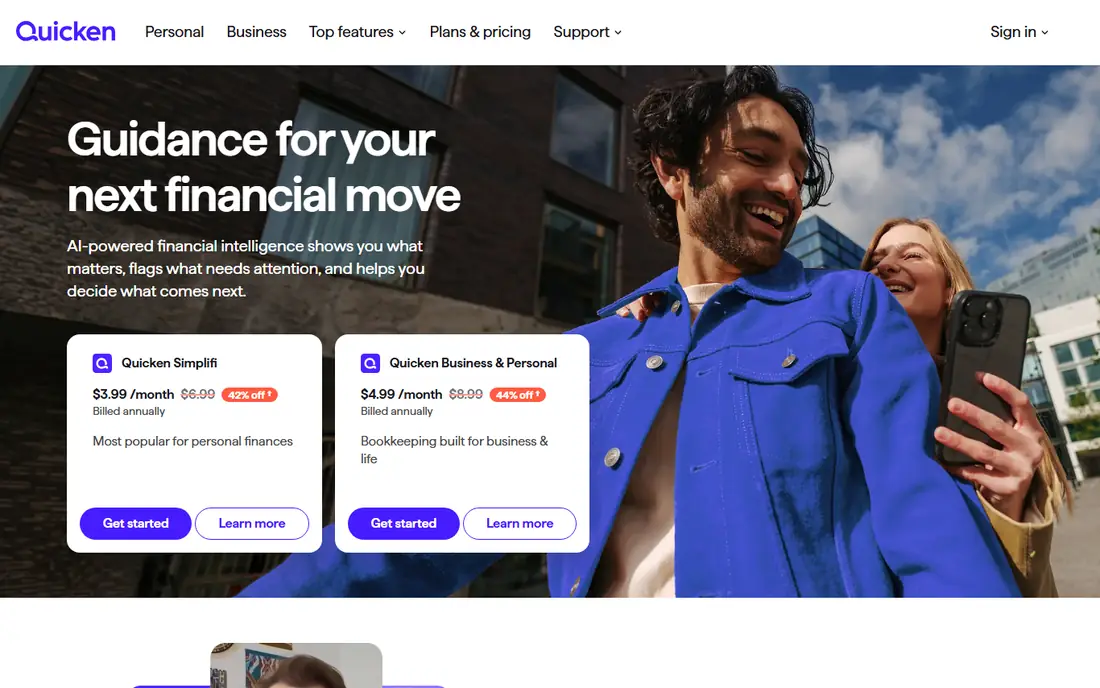
Quicken Simplifi, often called Simplifi, is the affordable all rounder on this list. For about $5.99 per month when billed annually, it offers bank sync, a spending plan, bill reminders, cash flow forecasting and basic investment tracking. That combination covers most household needs without the higher price of YNAB or Monarch.
The interface is functional rather than beautiful, and trial length varies by offer, so check terms before starting. For readers who want automatic tracking at a lower price and do not need a strict budgeting method, Simplifi is a strong value pick.
- Low cost for automatic tracking
- Spending plan and cash flow forecast
- Investment tracking included
- No permanent free plan
- Trial length varies
- Interface is less polished than Monarch
Copilot Money suits iPhone and Mac users who will open an app daily if it looks good and feels fast. Transaction categorisation is smart, budgets are flexible, and net worth and investment views sit beside spending data. The design is a real strength, because a tracking app only works when it is pleasant to review.
Android users should look elsewhere, because Copilot is built for Apple platforms first. At $13 per month or $95 per year, it is also a premium price, so try the trial with real accounts and see whether daily review becomes a habit.
- Polished Apple focused design
- Smart transaction categorisation
- Good net worth and investment views
- Apple focused, with limited Android support
- No permanent free plan
- Trial is about one month
PocketGuard suits users who do not want a detailed budget, just a clear answer to one question: how much can I spend today. After bills, subscriptions and savings goals, it shows a safe to spend amount, which helps prevent overspending without constant category checks. Bank sync keeps that number current.
The free tier covers two accounts, which may be enough for a simple setup but not for a household with many accounts. Plus, at $12.99 per month or $74.99 per year, adds unlimited accounts and more features. If a single number is what keeps you on track, PocketGuard is the simplest tool here.
- One safe to spend number after bills and goals
- Bank sync
- Simple daily view
- Free tier covers only two accounts
- Full features need Plus at $74.99 per year
Rocket Money suits readers whose main expense problem is subscriptions and forgotten bills. Connect accounts, and it lists recurring charges, flags price rises and helps cancel unwanted subscriptions. Basic tools are free, while Premium is pay what you want between about $4 and $12 per month when billed annually.
It is not a full budgeting method like YNAB, so users who need category control should pair it with a budget app or choose another tool. For subscription cleanup alone, though, Rocket Money often pays for itself in the first month by finding charges users had forgotten.
- Free basic tools
- Strong subscription finder
- Bill negotiation features on Premium
- Premium price varies by user choice
- Bill negotiation results vary
- Not a full zero based budget
EveryDollar suits readers who like zero based budgeting but want a simpler tool than YNAB. Create a monthly budget, assign every dollar, and track spending against each category. The free version uses manual entry, which takes time but also forces a closer look at each purchase.
Premium, at $17.99 per month or $79.99 per year, adds bank sync and faster tracking. If manual entry feels like a chore after two weeks, either upgrade or switch to an automatic tracker, because a budget that is not updated stops helping.
- Free manual version
- Simple zero based budgeting
- Clear monthly budget view
- Bank sync needs Premium at $17.99 per month
- Manual entry takes time on free plan
Goodbudget suits envelope budgeters and couples who share spending. Digital envelopes for groceries, rent, transport and other categories show how much remains in each envelope, and a partner can share the same budget. The free tier covers a small set of envelopes and accounts, which is enough to test the method.
Plus, at $10 per month or $80 per year, adds unlimited envelopes and US bank sync. Users who dislike linking bank accounts may actually prefer the free manual version, because entering spending by hand keeps the budget visible and intentional.
- Free tier with envelopes
- Good for couples sharing a budget
- Manual control without bank links
- Bank sync needs Plus
- Free tier limits envelopes and accounts
Spendee suits households and travellers who want shared wallets and clear reports. Create a wallet for a household, a trip or a project, invite others to add expenses, and see totals by category. The free tier covers basic tracking, while Premium adds bank sync and more wallets where available.
Bank sync coverage varies by country, so US users should check connection support for their banks before paying. For manual and shared tracking, though, Spendee is a friendly and affordable option, and its reports make monthly reviews quick.
- Free tier for tracking
- Shared wallets for households
- Clear spending reports
- Bank sync availability varies by country
- Some features need Premium
How we picked these
We compared official pricing pages, free tiers, bank sync, budgeting methods and bill features, plus public user reviews. We favoured apps that are actively maintained in 2026, offer a genuinely useful free tier or trial, and fit a distinct style, from strict zero based budgeting to simple tracking. Where bank sync needs payment, we say so, because that is the feature most users ask about first.
How to make an expense app stick
Start with one month of tracking before setting strict limits. Connect accounts or enter spending for four weeks, then look at the real totals by category. Most people are surprised by food delivery, subscriptions or small daily purchases, and those surprises make better budget targets than guesses.
Next, set only three limits to start, such as groceries, eating out and subscriptions, and review them weekly at a fixed time. A ten minute weekly review beats a long monthly session, because problems are caught early and the budget stays current. If a category keeps overspending, adjust the limit or the habit, rather than abandoning the app.
Finally, keep bills and subscriptions in the same review. Cancel one unused subscription each month, check for price rises, and move the saving to a goal. An expense app earns its price when it changes one or two recurring costs, not when it produces a perfect chart.
FAQ
What is the best app to manage expenses?
YNAB is best for hands-on budgeting, Monarch Money is best for a household dashboard, and Simplifi is best for affordable automatic tracking. PocketGuard is best for a single safe to spend number. Choose based on whether you want a method, a dashboard, or a simple answer.
What are the best apps to manage expenses for free?
Goodbudget free tier, EveryDollar free manual version, Rocket Money basic tools and PocketGuard free tier all offer useful free tracking. Free tiers usually limit accounts or bank sync, so check those limits against your setup before committing.
What is the best app for keeping track of expenses?
For automatic tracking, Monarch, Simplifi and Copilot pull bank transactions and categorise them. For manual tracking, Goodbudget and EveryDollar free versions work well. Automatic tracking saves time, while manual entry forces closer attention to each purchase.
Is YNAB worth the price?
YNAB costs $14.99 per month or $109 per year, which is high, but users who follow its method and review weekly often save more than the fee by cutting variable spending. Try the 34 day trial with a real budget, and only subscribe if weekly review becomes a habit.
Can an expense app replace a spreadsheet?
For most households, yes, because bank sync, categorisation and reports replace manual spreadsheet work. Spreadsheets still suit users with very custom categories or complex business expenses, but a dedicated app is faster for daily personal spending.
How do I track expenses without linking my bank?
Goodbudget free tier, EveryDollar free version and manual entry in most apps allow tracking without bank links. Manual entry takes more time, but it keeps full control over data and avoids connection issues. Review and enter spending daily, or the backlog becomes a chore.