Best App for Budgeting and Tracking Expenses in 2026: 8 Apps Compared
Find the best app for budgeting and tracking expenses, with YNAB, Monarch, Rocket Money and more compared on price, bank syncing, and ease of use in 2026.

- Editor's choice
 YNAB
Hands-on zero-based budgeting
Starts at$14.99 per monthVisit ynab.comFull review - Great alternative
 Monarch Money
Households and net worth
Starts at$14.99 per monthVisit monarchmoney.comFull review - Also consider
 Rocket Money
Subscriptions and free tracking
Starts atFreeVisit rocketmoney.comFull review
TL;DR:
- YNAB is the strongest pick for hands-on budgeters who want every dollar assigned a job, while Monarch suits households that want budgeting plus net worth in one place.
- Rocket Money is the best free starting point, since its free tier tracks subscriptions and spending without a subscription of its own.
- Automatic bank syncing is now mostly a paid feature, so free plans often mean manual entry or limited categories.
- The right app is the one you will open weekly, so a simpler tool you actually use beats a powerful one you abandon.
Quick comparison
| Tool | Best for | Starts at | Free plan? | |
|---|---|---|---|---|
| YNAB | Hands-on zero-based budgeting | $14.99 per month | Free trial | Visit |
| Monarch Money | Households and net worth | $14.99 per month | Free trial | Visit |
| Rocket Money | Subscriptions and free tracking | Free | Yes | Visit |
 EveryDollar | Simple envelope budgeting | Free | Yes | Visit |
 Goodbudget | Envelope budgeting without bank links | Free | Yes | Visit |
 Copilot Money | Apple users who like clean design | $13 per month | Free trial | Visit |
 PocketGuard | A simple safe-to-spend number | $12.99 per month | Yes | Visit |
 Quicken Simplifi | Low-cost automated tracking | $2.99 per month | Free trial | Visit |
The best apps for budgeting and tracking expenses
We compared apps that US users can actually sign up for in October 2026, with prices taken from vendor and comparison pages checked that month. Each app below tracks spending, but they differ in method: some assign every dollar a job, some use envelopes, and some focus on showing what is left after bills. Pick by method first, then by price, since a method you dislike will not survive the first month.
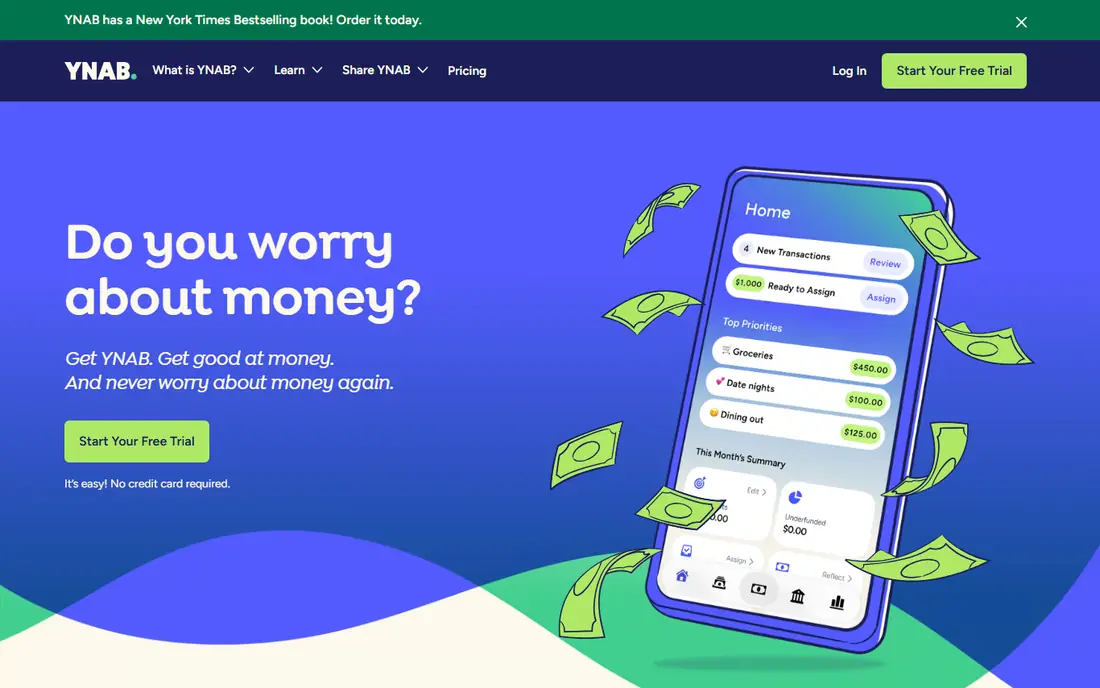
YNAB, short for You Need A Budget, is built around four rules: give every dollar a job, embrace true expenses, roll with the punches, and age your money. In practice that means you budget only money you already have, set aside funds for irregular bills, and move money between categories when plans change instead of pretending the month went as planned. Bank syncing pulls transactions in automatically on paid plans, and manual entry is fully supported for people who prefer to type each purchase. That hands-on style is exactly why many users say YNAB changed their habits, and exactly why others find it too demanding.
Pricing is $14.99 per month or $109 per year, with a 34-day free trial and a free year for students, based on vendor pricing checked in October 2026. There is no free tier after the trial, so YNAB is a commitment, not a casual experiment. If you want a tool that forces attention to every dollar and you are willing to spend ten minutes a few times a week on it, YNAB remains our pick for most people. If that sounds like a chore, start with a simpler app below and revisit YNAB later.
- Proven zero-based method
- Strong education and support
- 34-day free trial
- No permanent free tier
- Learning curve for new budgeters
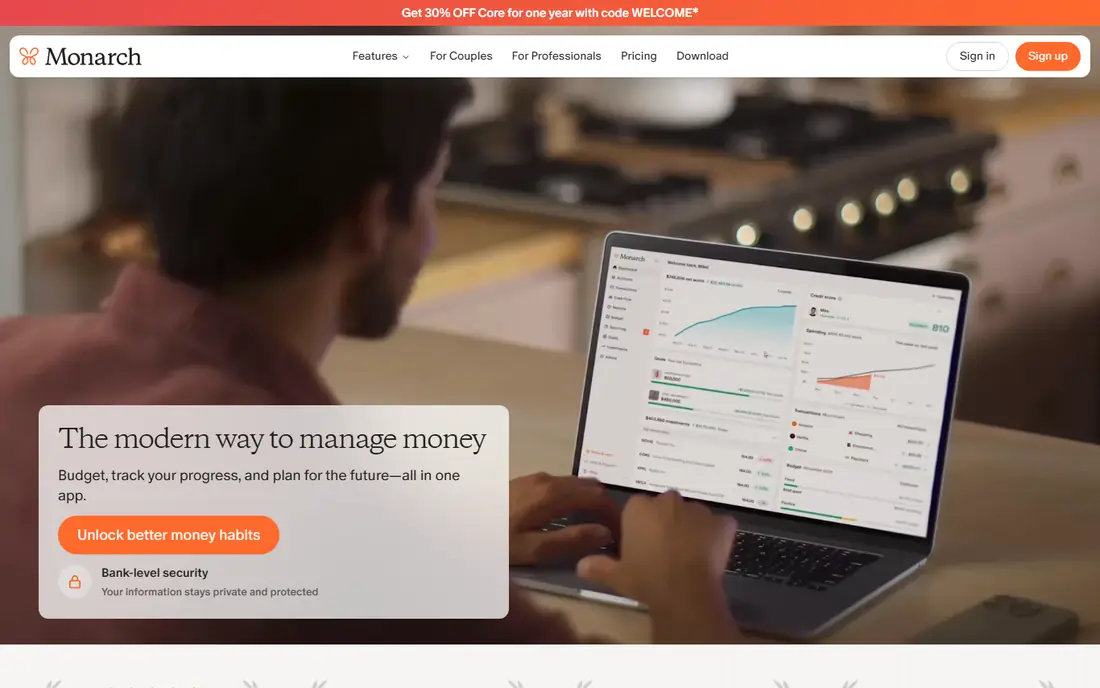
Monarch Money is the closest modern replacement for Mint, built for people who want budgeting, accounts, investments, and net worth in one dashboard. It connects to banks, credit cards, loans, and investment accounts, then shows cash flow, spending by category, and total net worth without switching apps. Couples can share one household account with separate logins, which avoids the awkward workaround of sharing a single password, and custom categories and rules keep transactions tidy over time.
Pricing is $14.99 per month or $99.99 per year for the core plan, with a 7-day free trial and a higher Plus tier at $199 per year for advanced forecasting, based on vendor pages checked in October 2026. There is no permanent free tier, so Monarch is best for households that will use the full picture, not just a budget. The catch is that its breadth can feel like more than a single person needs, and people who only want a spending tracker may find Rocket Money or PocketGuard simpler and cheaper.
- Shared household access
- Investment and net worth tracking
- Flexible budgets
- No free tier
- Most useful features need the paid plan
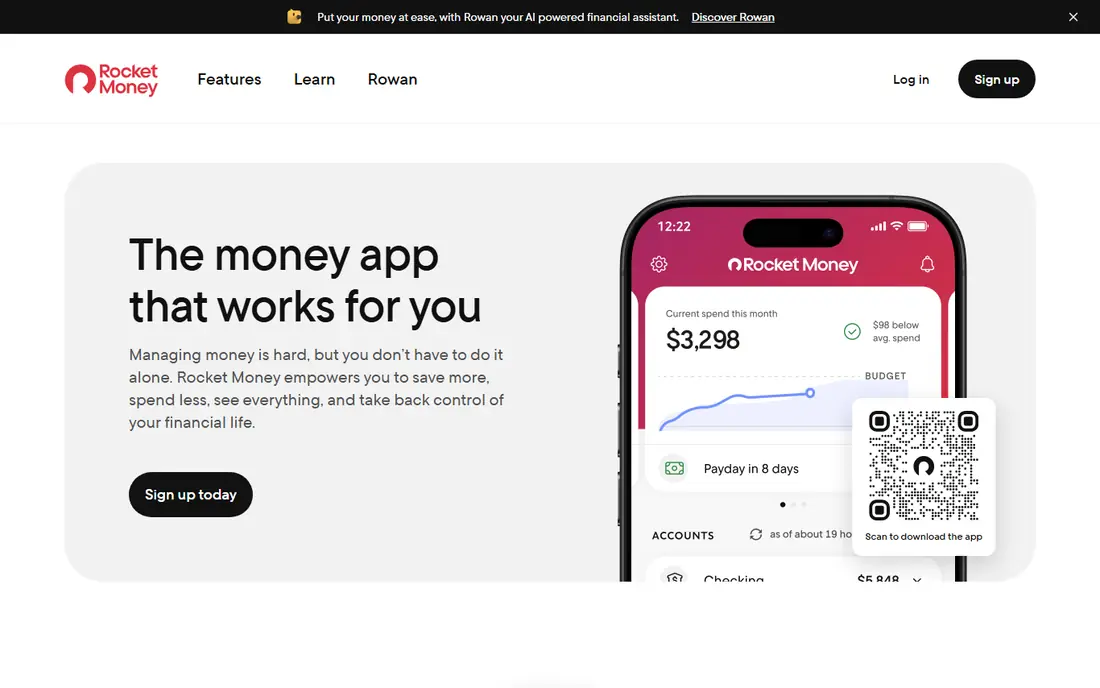
Rocket Money earns its place as the best free starting point because its free tier already does useful work: it links accounts, categorises spending, and lists recurring subscriptions so forgotten charges stand out. Premium adds unlimited budgets, full transaction history, and extra tools, priced on a pay-what-you-choose scale of $7 to $14 per month, with a Premium Plus tier at $15 per month. Bill negotiation is a separate feature that can lower bills such as internet or phone, but Rocket Money keeps 30 to 60 percent of the first year of savings, so read that fee before you use it.
The free tier is genuinely usable, which sets Rocket Money apart from rivals that lock syncing behind a paywall. Its budgeting tools are lighter than YNAB or Monarch, though, and people who want strict envelope or zero-based control will outgrow it. Use Rocket Money first if your main problem is subscriptions and vague spending, and pair it with a stricter budget app only if you later find you need one.
- Useful free tier
- Subscription tracking and cancellation help
- Bill negotiation
- Premium price varies
- Bill negotiation takes a share of savings
EveryDollar follows the Ramsey method: list your income, assign every dollar to a category, and track spending against that plan through the month. The free version uses manual entry, which sounds slow but keeps many users more aware of each purchase than automatic syncing does. The interface is plain and focused, with no investment tracking or net worth charts to distract from the monthly budget, and that focus is the point. People who have tried fancier apps and bounced off them often stick with EveryDollar because there is less to learn and less to maintain.
Premium costs $79.99 per year or $17.99 per month and adds automatic bank syncing, based on vendor pricing checked in October 2026. Without Premium, manual entry is the trade-off, and households with many accounts may find it tedious. EveryDollar is our pick for beginners who want a method, not just a spending report, and who are happy to enter transactions by hand or pay for syncing later.
- Free manual budgeting
- Clear Ramsey-style method
- Easy to learn
- Bank syncing needs Premium
- Fewer reports than Monarch
Goodbudget brings the cash-envelope method to a phone without requiring a bank connection at all, which appeals to people who dislike linking accounts. You create digital envelopes for groceries, rent, transport, and other categories, fill them from your income, and record spending as it happens. The free tier covers 20 envelopes and one account, which is enough for a single person or a simple household, while Premium at $10 per month or $80 per year adds unlimited envelopes and accounts. Households can share envelopes, so two partners see the same grocery balance.
The lack of bank syncing is both a strength and a limit: it protects privacy and forces awareness, but it also means every transaction needs manual entry. People with many accounts or high transaction volumes will find that tiring, and Monarch or Rocket Money will suit them better. Goodbudget is the right pick when privacy, simplicity, and the envelope method matter more than automation.
- Free tier with no bank linking needed
- Envelope method done well
- Shared household budgets
- Free tier limited to 20 envelopes
- No automatic syncing
Copilot Money is the design-led pick in this list, with a clean layout, smart transaction categorisation, and a focus on making cash flow easy to read at a glance. It syncs bank, card, and investment accounts, tracks budgets and recurring charges, and presents spending in charts that are easier to scan than most rivals. Apple users get the full experience across iPhone, iPad, Mac, and web, and the app feels built for people who check their money daily and want that check to be pleasant rather than a chore.
The limits are firm: there is no Android app, so Android households need another pick, and pricing is $13 per month or $95 per year with a one-month trial, based on vendor pages checked in October 2026. Copilot is lighter on household sharing and planning tools than Monarch, so couples who need shared budgets may prefer Monarch. For a single Apple user who values design and daily clarity, Copilot is a strong choice.
- Beautiful, fast interface
- Smart categorisation
- Strong Apple device support
- No Android app
- No permanent free tier
PocketGuard answers one question better than most apps: after bills, goals, and planned spending, how much can you safely spend today? It links accounts, tracks bills, categorises transactions, and shows that remaining figure prominently, which helps people who overspend not because they lack a budget but because they never know where they stand mid-month. The free tier covers core tracking, while Plus at $12.99 per month or $74.99 per year adds unlimited budgets, custom categories, and debt payoff planning.
Detailed budgeters may find PocketGuard too shallow, since it does not push zero-based or envelope discipline the way YNAB or Goodbudget do. Its strength is simplicity and the daily number, not long-range planning. Pick PocketGuard when you want a quick, honest answer about spending room without building a full budget system, and pick YNAB when you want that system.
- Clear safe-to-spend figure
- Bill tracking
- Free core features
- Less depth for detailed budgeters
- Plus needed for full features
Quicken Simplifi is the budget pick among paid apps, priced from $2.99 per month billed annually for new members in early promotions, with a regular price closer to $6.99 per month billed annually, so confirm the current offer on the vendor site. It syncs bank and card accounts, builds a spending plan from your income and bills, tracks subscriptions, and sends alerts when spending drifts. Watchlists let you follow a category, a payee, or a tag closely, which is useful for groceries or dining out, the two categories where most budgets leak.
Simplifi is deliberately simpler than classic Quicken desktop software, so people who want investment analysis or rental property tracking should look at full Quicken or Monarch instead. For most households, though, Simplifi covers the essentials at a lower price than YNAB or Monarch, and its low cost makes it easy to keep for a full year. It is our pick when price matters and you still want automatic syncing rather than manual entry.
- Low annual cost
- Automatic syncing
- Spending plans and watchlists
- Simpler than full Quicken
- Some features need the paid plan
How we picked these
We compared official pricing pages, plan details, and app store listings, and we focused on apps that US users can sign up for in October 2026. We favoured apps with a clear method, working bank syncing or honest manual entry, and a free tier or trial that lets you test the fit before paying. Prices change often, so we note where a price is promotional and recommend checking the vendor site before subscribing.
How to choose a budgeting and expense tracking app
Start with your method, not the feature list. If you like assigning every dollar, YNAB or EveryDollar will feel natural. If you prefer envelopes, Goodbudget is the cleanest fit. If you mainly want to see where money goes and catch subscriptions, Rocket Money or PocketGuard will do the job with less effort. Households that want budgeting plus investments and net worth should shortlist Monarch, while Apple-only users who value design should try Copilot.
Check the real cost and the sync question
Add up the annual price, not just the monthly figure, since $14.99 per month is $179.88 a year, far more than a $99.99 annual plan. Check whether your banks connect reliably, since a broken sync turns any app into manual work. Use the free tier or trial for at least two weeks, covering a full pay cycle, before you commit, and cancel promptly if you have not opened the app in that time.
FAQ
What is the best budgeting app for tracking expenses?
For most people, Monarch Money gives the fullest picture of budgeting and tracking expenses, while Rocket Money is the best free start. YNAB is stronger for hands-on budgeters who want strict control. The best choice depends on whether you want automation, a strict method, or a simple spending view.
Which budgeting and expense tracking app is free?
Rocket Money, EveryDollar, and Goodbudget all have useful free tiers, and PocketGuard offers free core features. Free tiers usually mean manual entry or limited categories, while automatic syncing and unlimited budgets sit on paid plans. Try a free tier first to learn your method before paying.
Is YNAB worth the price?
YNAB is worth it for people who use its zero-based method every week and who have struggled with looser tools. At $109 per year, it pays for itself only if it changes spending or saving behaviour, not if it sits unused. Use the 34-day trial fully, including a full month of bills, before deciding.
What is the best budgeting app for couples?
Monarch Money is our pick for couples, since it offers shared household access, joint budgets, and net worth tracking in one place. Goodbudget also shares envelopes and suits couples who prefer the envelope method without bank linking. Honeydue is a free alternative for couples who only need shared bills and spending.
Can a budgeting app replace a spreadsheet?
For most households, yes. Apps such as Monarch, Simplifi, and Copilot sync transactions and build reports automatically, which removes the manual work of a spreadsheet. Spreadsheet fans who love custom formulas should look at Tiller, which feeds bank data into Google Sheets or Excel for about $79 per year.
How do I track expenses without linking my bank?
Goodbudget and the free version of EveryDollar both work with manual entry and no bank connection. Manual entry takes more time but keeps your account data out of a third-party app and often improves awareness of spending. Enter transactions daily, or at least every few days, so the backlog does not grow.