Best AI Budgeting Tool in 2026: 8 Tools Compared
Best AI budgeting tool picks for 2026, from Monarch and Copilot Money to YNAB and Rocket Money, with pricing, AI features and best fits for households.
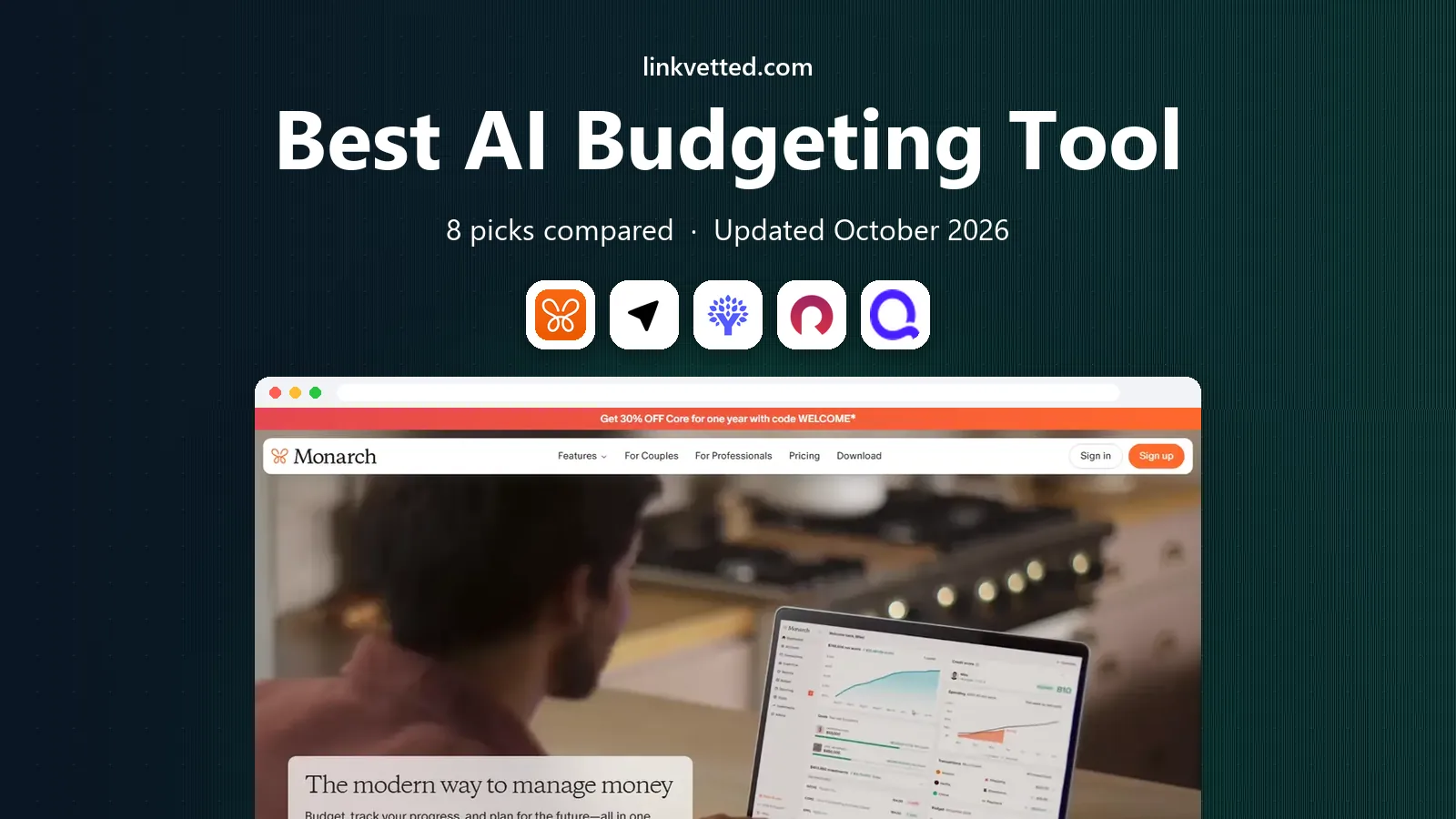
- Editor's choice
 Monarch Money
All-round household dashboard
Starts at$14.99 per monthVisit monarchmoney.comFull review - Great alternative
 Copilot Money
Apple-first smart tracking
Starts at$13 per monthVisit copilot.moneyFull review - Also consider
 YNAB
Hands-on zero-based budgeting
Starts at$14.99 per monthVisit ynab.comFull review
TL;DR:
- Monarch Money is the best all-round AI budgeting dashboard for households that want budgeting, net worth and investments together.
- Copilot Money suits Apple users who want polished design and smart categorisation, while YNAB suits hands-on budgeters.
- Rocket Money and Goodbudget offer useful free tiers, while Simplifi offers strong value for a low annual price.
- AI categorisation saves time, but it still makes mistakes, so review transactions weekly and check bank links and privacy settings.
Quick comparison
| Tool | Best for | Starts at | Free plan? | |
|---|---|---|---|---|
| Monarch Money | All-round household dashboard | $14.99 per month | Free trial | Visit |
| Copilot Money | Apple-first smart tracking | $13 per month | Free trial | Visit |
| YNAB | Hands-on zero-based budgeting | $14.99 per month | Free trial | Visit |
 Rocket Money | Subscription tracking | Free | Yes | Visit |
 Quicken Simplifi | Low-cost all-rounder | $5.99 per month | Free trial | Visit |
 Cleo | Chat-based money help | Free | Yes | Visit |
 PocketSmith | Cash-flow forecasting | See website | Free trial | Visit |
 Goodbudget | Envelope budgeting | Free | Yes | Visit |
The best AI budgeting tool
AI budgeting tools promise to sort spending, spot subscriptions and forecast cash flow without manual spreadsheets. The best tool depends on how much control you want. Some tools automate almost everything, while others, like YNAB and Goodbudget, ask you to assign every dollar yourself. Pick by your habits, not just by AI claims.
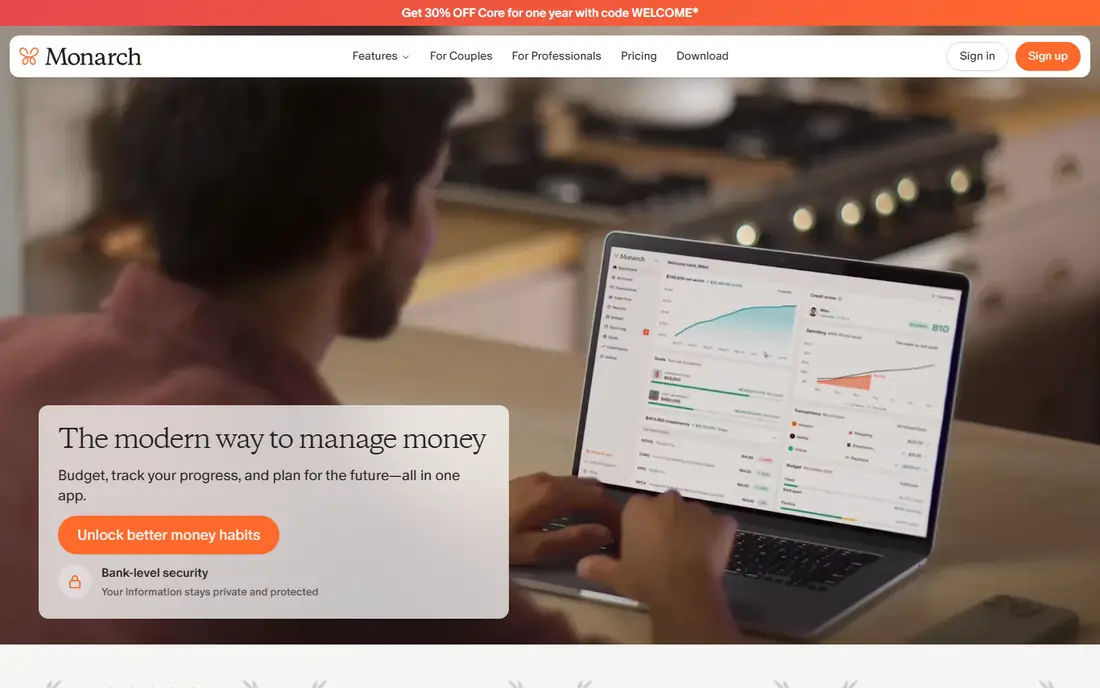
Monarch Money is our pick for most households, since it combines budgeting, bill tracking, net worth and investment views in one polished dashboard. AI categorisation learns from your spending, and couples can share a budget with separate logins and privacy controls. Annual pricing is listed at 99.99 dollars per year, or 14.99 dollars per month, with a 7-day trial.
The trial is short for a tool that needs bank links and a few weeks of data to show value, so use the trial week actively. Monarch is also pricier than Simplifi, though it covers more in one place. If you want a single dashboard for a household, Monarch is the most complete option here.
- Budgeting, net worth and investments in one place
- Couples sharing
- Smart categorisation
- Higher annual price than Simplifi
- 7-day trial feels short

Copilot Money suits Apple users who care about design as much as data. It syncs bank, card and investment accounts, categorises transactions with AI, forecasts cash flow and flags unusual charges. Pricing is listed at 13 dollars per month or 95 dollars per year, with a one-month trial, which gives more time to test than Monarch.
The main limit is platform. Copilot is built for iPhone, Mac and web, with limited Android support, so Android-first households should choose Monarch or Simplifi instead. If you live in the Apple ecosystem and want a beautiful, smart tracker, Copilot is a strong pick.
- Polished Apple design
- Smart categorisation
- Cash-flow forecasts
- Investment tracking
- Apple-first, with limited Android support
- Subscription only, no free tier
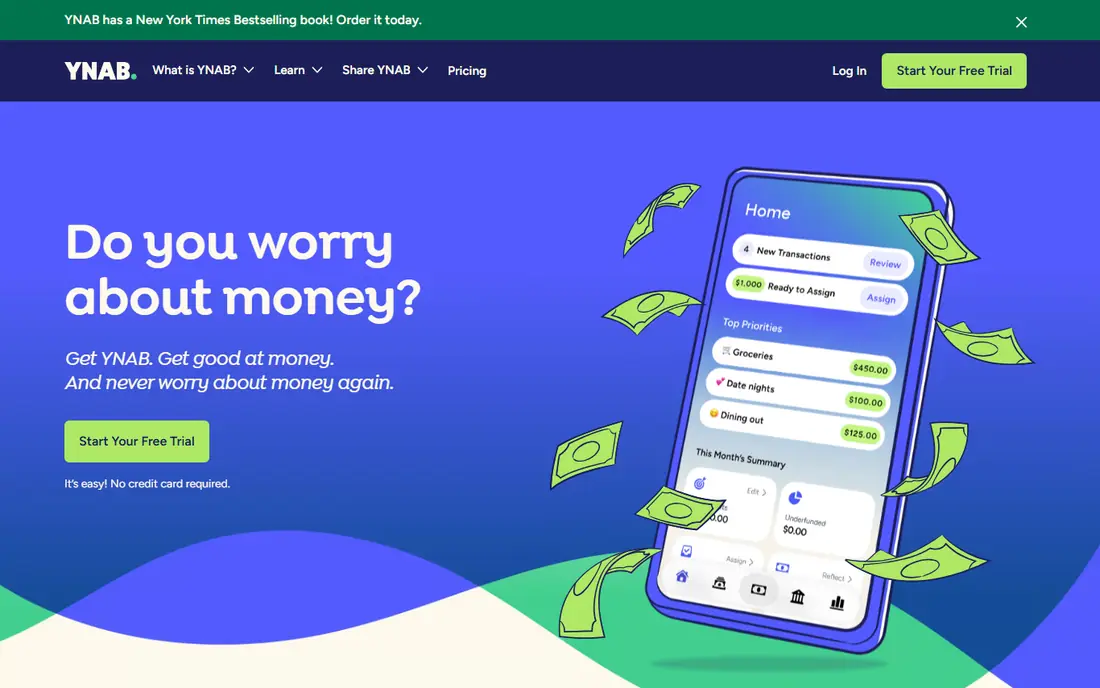
YNAB, short for You Need A Budget, uses a zero-based method where every dollar gets a job before the month begins. That discipline helps many users change spending habits, pay down debt and stop living paycheck to paycheck. Pricing is listed at 14.99 dollars per month or 109 dollars per year, with a 34-day trial and a free year for eligible students.
YNAB needs more hands-on work than Monarch or Copilot, since you assign money, review categories and adjust plans yourself. AI features are lighter, with bank import and categorisation helping rather than replacing decisions. If you want a method, not just a dashboard, YNAB is the best pick. If you want automation only, choose Monarch or Simplifi.
- Proven zero-based method
- Debt payoff tools
- Strong education and community
- Steep learning curve
- No free tier
- Investment tracking is limited
Rocket Money is best known for finding subscriptions you forgot, tracking recurring bills and helping you cancel them. Free basic tools cover spending tracking and subscription detection, while Premium is pay-what-you-want in a range around 6 to 14 dollars per month, depending on plan and billing. That makes it a good free starting point for anyone who suspects wasted subscriptions.
Budgeting depth is lighter than Monarch or YNAB, and bill negotiation, where offered, may take a share of savings, so read terms before you use it. Use Rocket Money to clean up subscriptions, then pair it with a fuller budget tool if you need detailed planning. For a quick win on wasted spending, it is hard to beat.
- Free basic tracking
- Finds subscriptions
- Bill negotiation on Premium
- Spending alerts
- Premium price varies by plan
- Bill negotiation takes a cut of savings in some cases
Quicken Simplifi offers strong value, with plans listed at 5.99 dollars per month billed annually, or lower first-year offers in some listings, plus a trial. It covers spending plans, bill tracking, cash-flow forecasts and a limited investment view, which is more than many free tools offer. That makes it a good pick for former Mint users who want a capable tracker without a high subscription.
Design is plainer than Copilot or Monarch, and setup takes a little time to tune categories and plans. If price matters and you want a full tracker, Simplifi is the best value here. If design and couples features matter more, Monarch may justify its higher price.
- Low annual price
- Spending plans
- Cash-flow forecasts
- Investment overview
- Design is plainer than Copilot
- Some features need a learning period
Cleo takes a different approach, letting you ask about spending, budgets and savings in chat, rather than only viewing charts. That suits younger users who prefer conversational help and quick answers, such as how much they spent on dining this month. A limited free tier covers basic features, with paid plans adding more tools and higher limits.
Chat help is only as good as your linked data, and some users will prefer a traditional dashboard. Advanced budgeting, credit building and cash advance features, where offered, need careful reading of terms and fees. Use Cleo as a friendly companion to a main budget tool, or as a first step for a young adult learning to track spending.
- Chat interface for spending questions
- Budgeting help
- Free tier
- Fun tone for younger users
- Chat style is not for everyone
- Advanced features need paid plans
- Bank link limits vary
PocketSmith suits planners who want to see future cash flow, not just past spending. Its calendar and forecast tools show income, bills and balances weeks or years ahead, which helps freelancers, couples planning a large purchase and households with uneven income. Multi-currency support helps users with accounts in more than one currency.
The interface is denser than Monarch or Copilot, and bank feed coverage varies by country, so check feed support for your banks before you pay. If forecasting is your main need, PocketSmith is the strongest tool here. If you want a simple monthly budget, Simplifi or Rocket Money will feel easier.
- Strong cash-flow forecasts up to 30 years
- Calendar view
- Multi-currency support
- Interface is denser than rivals
- Bank feed availability varies by country
Goodbudget turns the envelope method digital, letting you assign money to envelopes for groceries, rent, dining and other categories, then spend from those envelopes. A free plan covers 20 envelopes and one account, while Plus at 10 dollars per month or 80 dollars per year adds unlimited envelopes and bank sync in the US. Shared budgets help couples track spending together without sharing full bank logins.
Manual entry is the trade-off, since free users enter transactions by hand, which takes discipline but also forces awareness of spending. If you dislike bank links for privacy reasons, Goodbudget is a strong choice. If you want full automation, Monarch, Copilot or Simplifi will save you time.
- Digital envelope method
- Shared budgets for couples
- Works without bank links
- No automatic bank sync on free plan
- Manual entry takes discipline
How we picked these
We compared official pricing pages, feature lists and public reviews, and kept only budgeting tools that exist and work today and that use automation, categorisation or forecasting in a real way. We favoured a mix of free, low-cost and premium tools, and we noted where AI features help rather than replace decisions. We did not claim hands-on testing. This is not financial advice, and budgeting apps do not replace advice from a qualified financial professional for debt, tax or investment decisions.
What to check before you choose
Start with your habits. If you will not review categories weekly, an automated tool like Monarch or Copilot will work better than a manual tool like Goodbudget. If you want discipline, YNAB or Goodbudget will force choices that automation can hide. Next, check bank link coverage for your banks, since a tool that cannot sync your main accounts will frustrate you fast.
Also check privacy and security: how data is stored, whether you can delete history, and whether the tool sells data. Read the privacy policy before linking accounts, use strong passwords and two-factor login, and review linked accounts regularly. Finally, trial one tool for a month with real spending before you pay for a year.
FAQ
What is the best AI budgeting tool for most people?
Monarch Money is the best all-round pick for households, with budgeting, net worth and investments together. Copilot Money suits Apple users, while Simplifi offers similar tracking at a lower price.
What is the best free AI budgeting tool?
Rocket Money and Goodbudget offer useful free tiers, with Rocket Money best for subscriptions and Goodbudget best for envelope budgeting. Cleo also offers a limited free tier for chat-based help.
Is YNAB worth the price?
YNAB is worth the price if you want a hands-on method and will use it weekly, since its zero-based system helps many users change spending and pay down debt. If you want automation only, Monarch or Simplifi may fit better for less effort.
Can AI budgeting apps make mistakes?
Yes. AI categorisation can mislabel transactions, miss cash spending or duplicate transfers, so review transactions weekly. A budgeting app is a helper, not a replacement for checking bank statements.
Should I link my bank accounts to a budgeting app?
Linking saves time and improves forecasts, but it also shares financial data with a third party. Check the privacy policy, use a tool with strong security, enable two-factor login, and unlink accounts you no longer use.