Best Time and Expense Tracking Software in 2026: 8 Tools Compared
Best time and expense tracking software compared for 2026: we review eight tools for billable hours, expenses, invoicing and team reports for small firms.

- Editor's choice
 Harvest
Agencies and service firms billing by the hour
Starts atSee websiteVisit getharvest.comFull review - Great alternative
 Clockify
Teams that want free time tracking
Starts atFreeVisit clockify.meFull review - Also consider
 Hubstaff
Remote, hybrid and field teams
Starts atSee websiteVisit hubstaff.comFull review
TL;DR:
- Harvest is our pick for most service firms because it pairs simple time tracking with expenses and invoicing in one clean system.
- Clockify is best for teams that want a generous free tier for time tracking with expense features on paid plans.
- FreshBooks and Zoho Invoice suit firms that need invoicing and expense capture first, with time tracking alongside.
- Check approval workflows, receipt capture and accounting integrations before you buy, since those decide whether finance will adopt the tool.
Quick comparison
| Tool | Best for | Starts at | Free plan? | |
|---|---|---|---|---|
| Harvest | Agencies and service firms billing by the hour | See website | Free trial | Visit |
| Clockify | Teams that want free time tracking | Free | Yes | Visit |
| Hubstaff | Remote, hybrid and field teams | See website | Free trial | Visit |
 TimeCamp | Billable hours with automatic invoicing | Free | Yes | Visit |
 Everhour | Teams that live in Asana, Trello or ClickUp | See website | Free trial | Visit |
 FreshBooks | Small firms that invoice from time and expenses | See website | Free trial | Visit |
 Zoho Invoice | Free invoicing with time and expenses | Free | Yes | Visit |
 QuickBooks Time | QuickBooks users with field or hourly staff | See website | Free trial | Visit |
The best time and expense tracking software
We compared official pricing pages, feature pages and public reviews for eight time and expense tools available in 2026.
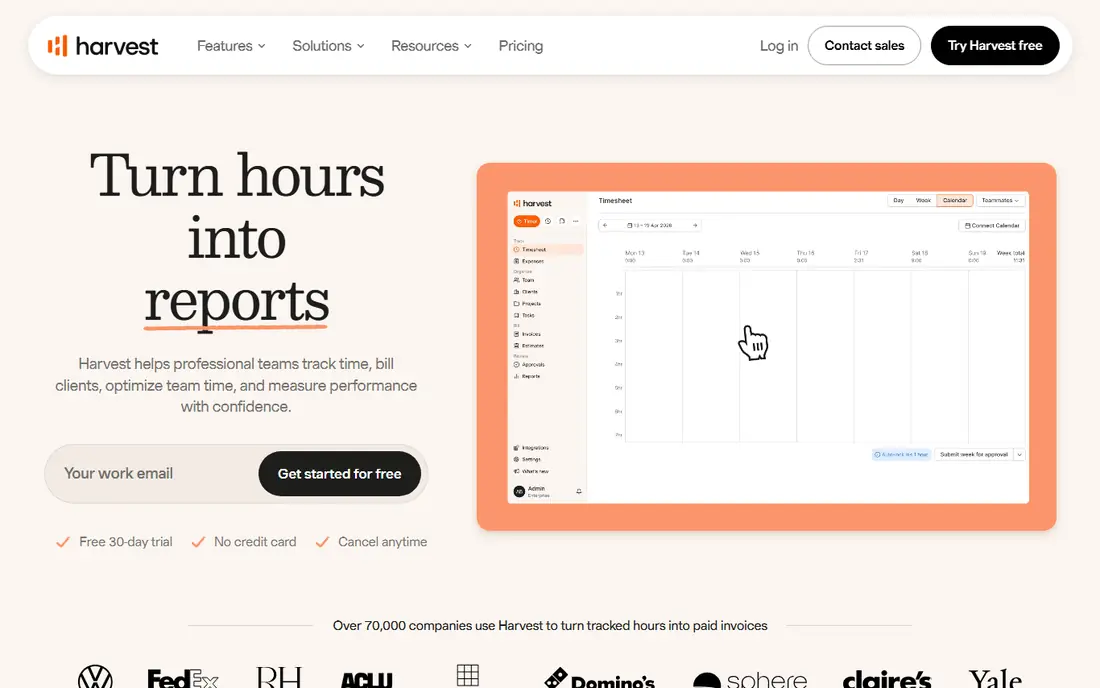
Harvest is the tool we would pick for most agencies, consultancies and studios that bill by the hour. Timers run on desktop, web and mobile, expenses attach to projects and clients, and invoices pull directly from tracked time and reimbursable costs. That direct line from work to invoice cuts the end-of-month scramble to rebuild hours from calendars and notes.
The free tier is limited to a small number of users and projects, so growing teams need a paid plan. Reporting is clear but less deep than enterprise project tools, and payroll features are not the focus. If your core need is accurate billable time, clean expenses and fast invoicing, Harvest covers it without a steep learning curve.
- Simple timers and timesheets
- Expenses tracked by project and client
- Invoicing from tracked time and expenses
- No free plan beyond the trial for larger teams
- Project budgeting is simpler than enterprise tools
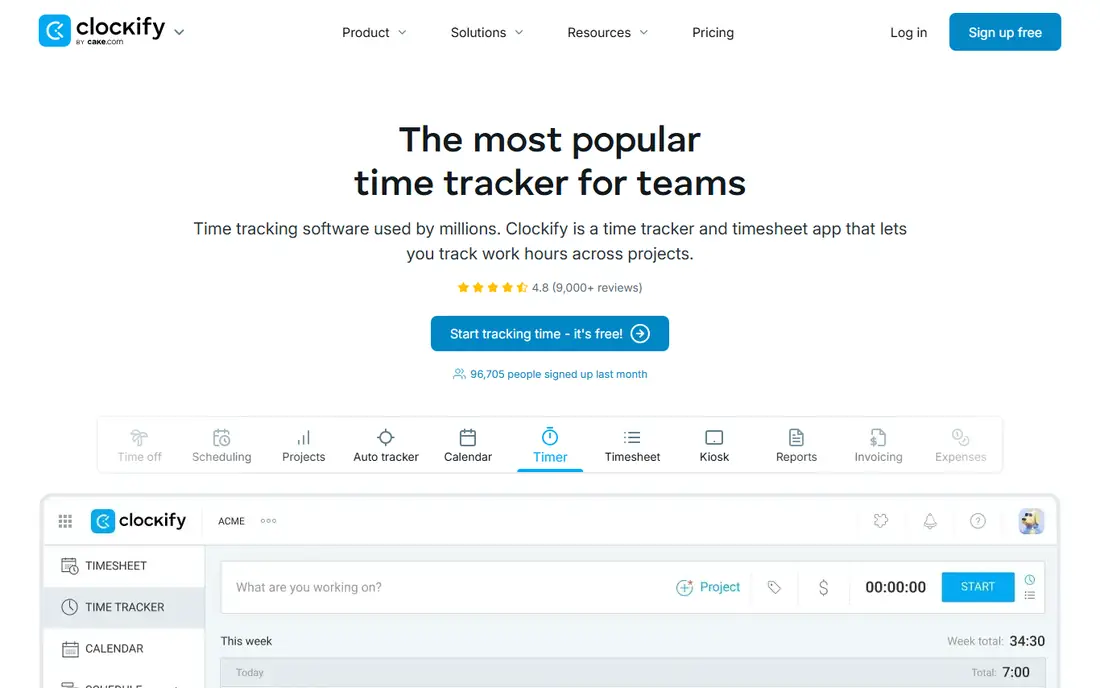
Clockify stands out for its free plan, which covers time tracking for unlimited users with timers, timesheets, projects and reports. That makes it a practical choice for small teams, nonprofits and startups that need to track billable hours without paying per seat from day one. Paid plans add expenses, invoicing, approvals, budgeting and advanced reports.
The trade-off is that the full time-and-expense workflow is not free. Expenses, approvals and some integrations sit on paid tiers, so a firm that needs receipt capture and approval chains should price the paid plan, not the free tier. For pure time tracking, though, Clockify is the best free starting point in this list.
- Free plan for unlimited users
- Timers, timesheets and reports
- Expenses on paid plans
- Expense and invoicing features need paid tiers
- Interface has many settings
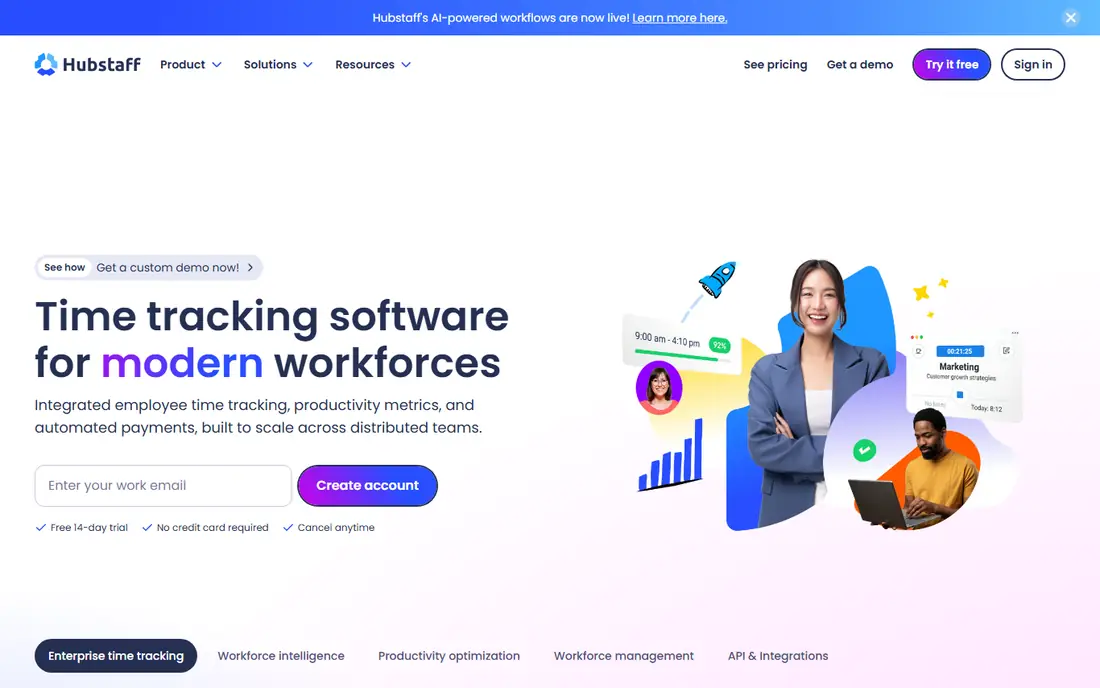
Hubstaff suits teams that need to verify work across locations, including remote staff and field workers. It offers timers, timesheets, GPS tracking, activity levels and screenshots on some plans, plus expenses, payroll and invoicing integrations. Managers can see who worked on what, where field staff travelled, and how time maps to projects and clients.
Activity monitoring needs a clear policy. Used transparently, with staff consent and agreed rules, it can support fair pay and accurate billing. Used without communication, it can harm trust. Hubstaff is best when you need location and activity data for operational reasons, not as a surveillance tool. Check which monitoring features are on your plan, since they vary.
- Time tracking with activity levels
- GPS and timesheets for field staff
- Payroll and invoicing integrations
- Activity monitoring can feel intrusive if misused
- Pricing rises with team features
TimeCamp combines manual timers, timesheets and optional automatic tracking with expenses and invoicing, which helps firms that bill from tracked work. It can detect computer activity and suggest time entries, reducing forgotten hours, and it turns approved time and expenses into invoices. Budget tracking shows whether a project is on track before it overruns.
The free plan suits solo users, while teams need paid plans for approvals, billing rates and deeper reports. The design is less polished than Harvest or Clockify, but the core workflow is solid. If you want automatic tracking plus invoicing at a modest price, TimeCamp deserves a trial.
- Free plan for solo users
- Automatic time tracking options
- Expenses, invoicing and budgeting
- Interface feels dated in places
- Advanced reports need paid plans
Everhour is different because it embeds time tracking inside project management tools such as Asana, Trello, ClickUp, Monday and Basecamp, rather than asking staff to switch apps. Timers appear on tasks, expenses and budgets roll up to projects, and invoices can be built from tracked time. That fit reduces double entry and keeps time data where project work already happens.
The catch is dependence. If you do not use a supported project tool, Everhour loses much of its advantage, and there is no generous free team plan. Teams that already manage work in Asana or Trello will find it the smoothest way to add time and expenses. Others should choose Harvest or Clockify as a standalone system.
- Time tracking inside project tools
- Expenses and budgets by task
- Invoicing and reporting
- Best value only if you already use a supported project tool
- No standalone free plan for teams
FreshBooks is an accounting and invoicing platform with time tracking and expenses built in, which suits freelancers and small firms that want one system for billing. You can track time by project, snap receipt photos, attach expenses to invoices, accept payments and share a client portal. That breadth helps solo operators who do not want separate time, expense and accounting tools.
Time tracking itself is simpler than in Harvest or Clockify, with fewer project budgeting and approval features. Pricing also rises with the number of billable clients, so growing firms should model that cost. If invoicing and expense capture matter as much as time tracking, FreshBooks is a strong all-in-one choice.
- Time tracking and receipt capture
- Invoicing, payments and expense reports
- Clean client portal
- Time tracking is simpler than Harvest
- Costs rise with clients and team size
Zoho Invoice is a free invoicing tool that also handles time tracking and expenses, which makes it attractive for freelancers and very small firms. You can log time, record expenses, create invoices from tracked work, accept payments and give clients a portal to view and pay. For a firm with simple billing, that free core can replace several paid tools.
Time tracking is lighter than in Harvest, Clockify or Hubstaff, with fewer approval, GPS and activity features. The tool also works best alongside other Zoho apps, such as Zoho Books for full accounting. If you need free invoicing with basic time and expense tracking, Zoho Invoice is the best value pick. If you need deep time controls, pair it with a dedicated tracker or choose Harvest.
- Free invoicing for small firms
- Time tracking and expense capture
- Client portal and payment links
- Time features are lighter than dedicated trackers
- Zoho ecosystem works best together
QuickBooks Time, formerly TSheets, is the natural pick for firms that already use QuickBooks for accounting and payroll. Staff clock in from mobile or web, managers approve timesheets, GPS tracks field locations, and approved time flows into payroll and invoicing. Expenses can be tracked alongside time, though the strength is time, scheduling and payroll integration rather than standalone expense management.
The main limit is ecosystem fit. Firms that do not use QuickBooks will get less value, and per-user pricing adds up for large hourly teams. If QuickBooks is already your accounting system, QuickBooks Time removes double entry and speeds payroll. If you use another accounting tool, check its native time integration before choosing this one.
- Timesheets, GPS and scheduling
- Integrates with QuickBooks payroll and invoicing
- Mobile clock-in
- Best value only with QuickBooks
- Pricing is per user and adds up
How we picked these
We compared official pricing and feature pages, plus public reviews, for tools that handle both time and expenses in October 2026. We required time tracking by project or client, expense capture, and invoicing or accounting integration. We excluded time-only tools with no expense features, and expense-only tools with no time tracking, except where a combined workflow was clear.
What to check before you buy
Start with approval and billing rules. Who approves timesheets, who approves expenses, what receipt evidence is required, and how are billable versus non-billable hours treated? Test those workflows with real staff, not just admins, since adoption fails when approval is slow or confusing. Next, check receipt capture, mileage, per diem and multi-currency needs if your team travels or bills internationally.
Confirm accounting integration early. Time and expense data should flow to invoices, payroll and your ledger without manual re-entry, and tax or audit reports should be easy to export. Run a parallel month with your old method and the new tool, and compare billable hours, expense totals and invoice accuracy. A tool that staff actually use daily will beat a more powerful tool that only managers open at month end.
FAQ
What is the best time and expense tracking app for small business?
Harvest is our pick for most small service firms, with simple time tracking, expenses and invoicing in one system. Clockify is best if you want a free time tracking start, while FreshBooks suits firms that prioritise invoicing. Trial two tools with a real project before deciding.
What is the best time and expense tracking software for freelancers?
FreshBooks and Zoho Invoice suit freelancers who need invoicing, expense capture and simple time tracking in one place. Zoho Invoice is free for basic use, while FreshBooks offers a fuller client portal and payment workflow. Harvest is better if most of your income is hourly and project based.
Does Clockify track expenses?
Yes, expenses are available on Clockify paid plans, with receipt and cost tracking by project. The free plan focuses on time tracking for unlimited users. If expenses and approvals are core needs, price the paid plan that includes them, not the free tier.
Can time tracking software integrate with accounting tools?
Yes. Most tools in this list integrate with QuickBooks, Xero, Stripe or their own invoicing systems, and some offer native payroll. Check the exact integration for your accounting tool, including whether time, expenses and invoices sync both ways or only one way.
Is Hubstaff activity monitoring legal?
Activity monitoring rules vary by location and employment type, and they usually require notice, consent and a clear policy. Check local labour law and your employment contracts before enabling screenshots, activity levels or GPS tracking. Use monitoring transparently and only for stated business purposes.
What is the best time and expense tracking app for field teams?
Hubstaff and QuickBooks Time are strong for field teams, with GPS, mobile clock-in and scheduling. Hubstaff adds activity and payroll tools, while QuickBooks Time fits firms already on QuickBooks. Test GPS accuracy and offline clock-in on your team's phones before rolling out.