Best Business Expense Tracker Apps in 2026: 8 Apps Compared
Compare the best business expense tracker app options for 2026, from free card-based tools to classic receipt apps, with pricing, card rules, and honest limits.

- Editor's choice
 Ramp
Card-based spend control
Starts atFreeVisit ramp.comFull review - Great alternative
 Expensify
Receipts and reimbursements
Starts at$5 per user per monthVisit expensify.comFull review - Also consider
 Brex
Startups and growing teams
Starts atFreeVisit brex.comFull review
TL;DR:
- Ramp is our pick for most small businesses that want corporate cards, approvals, and expense tracking in one free starting tier.
- Expensify remains the best choice if you want to keep your existing cards and focus on receipts and reimbursements.
- Zoho Expense and BILL Spend and Expense are the lowest-cost routes for small teams that need basic controls.
- Brex suits funded startups and growing companies that want cards, bill pay, and spend controls together.
- Check card requirements, accounting links, and per-user fees before you switch, since those details drive the real monthly cost.
Quick comparison
| Tool | Best for | Starts at | Free plan? | |
|---|---|---|---|---|
| Ramp | Card-based spend control | Free | Yes | Visit |
| Expensify | Receipts and reimbursements | $5 per user per month | Yes | Visit |
| Brex | Startups and growing teams | Free | Yes | Visit |
 Zoho Expense | Low-cost tracking | $3 per user per month | Yes | Visit |
 BILL Spend and Expense | Free cards and budgets | Free | Yes | Visit |
 Navan | Travel plus expenses | Free | Yes | Visit |
 Everlance | Mileage and solo tracking | Free | Yes | Visit |
 Dext | Receipt capture and bookkeeping | See website | No | Visit |
The best business expense tracker apps
Expense tracking is not just about scanning receipts. The right app should match how your team spends, whether that is on company cards, personal cards, travel, or mileage. We compared official pricing pages, card requirements, accounting links, and approval features.
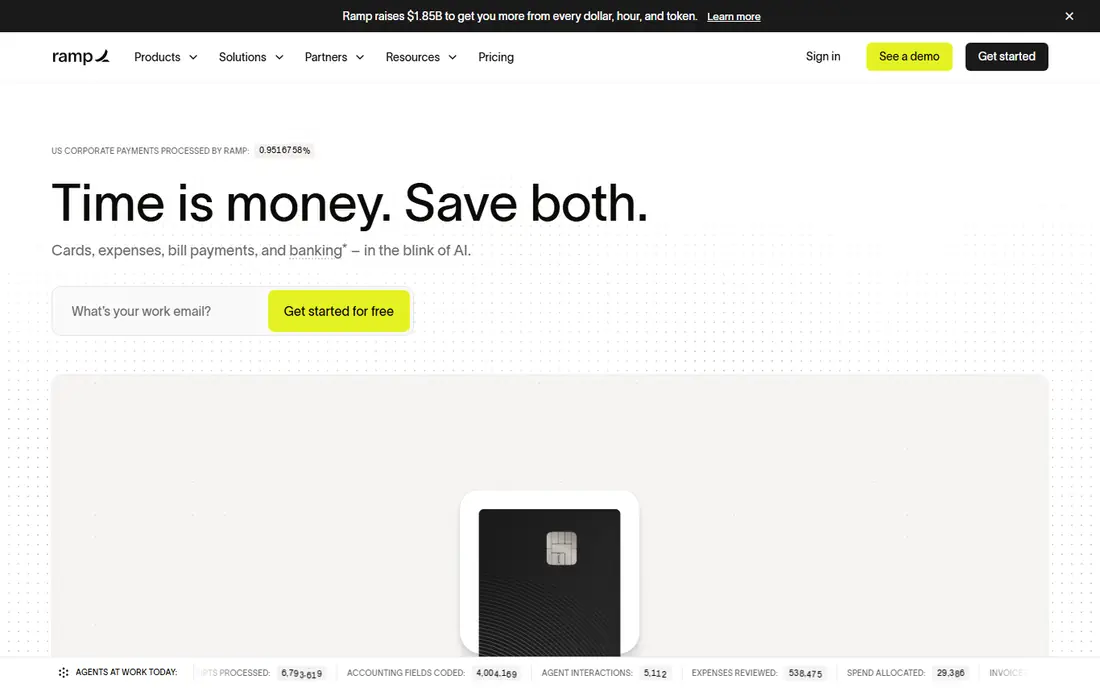
Ramp combines corporate cards with expense management, so spending, limits, and receipts live in one place. Managers can set limits by employee or category, and the system flags out-of-policy spending early. That structure helps small businesses stop chasing receipts at month end.
The main condition is the card. Ramp works best when your team actually uses Ramp cards, which may not suit a company tied to an existing bank program. Paid plans also add platform fees on top of per-user charges, so check the total for your team size. For card-first teams, Ramp is a strong starting point.
- Free starting tier with cards and controls
- Automatic receipt matching
- Bill pay and accounting links
- Requires Ramp cards for full value
- Paid tier adds a platform fee
- Approval setup takes time for larger teams
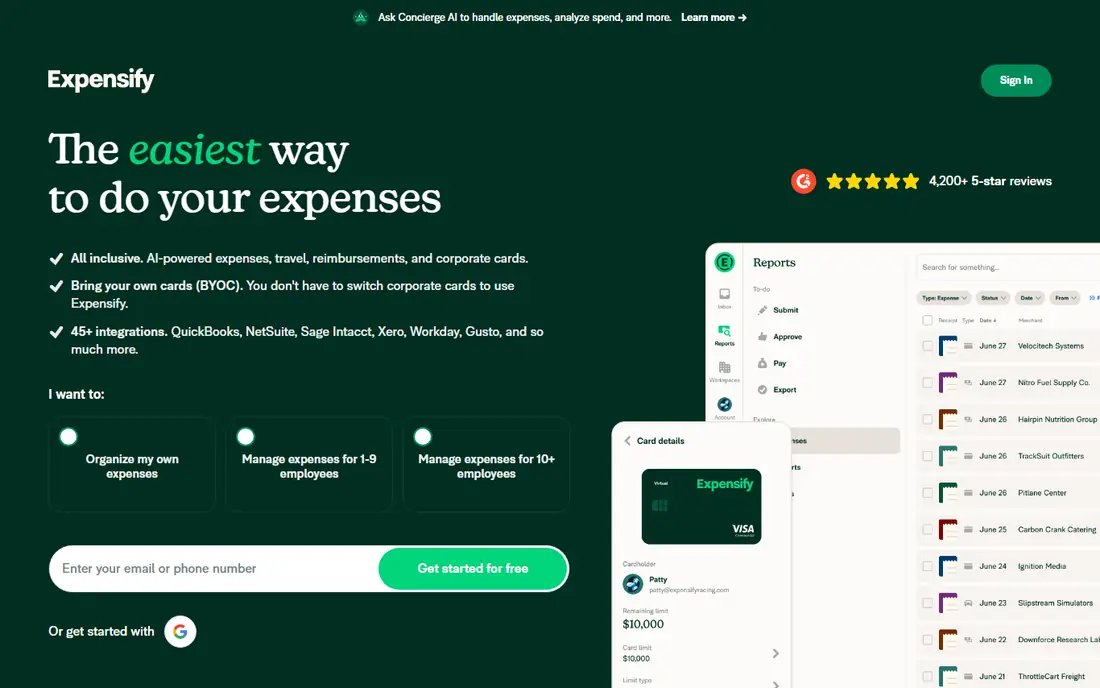
Expensify is the classic choice for teams that do not want to change banks or cards. Employees photograph receipts, the app reads the amounts, and managers approve expenses in a clear queue. Reimbursements and accounting exports keep month-end work simpler than a spreadsheet.
It is less of an all-in-one spend platform than newer card tools. If you want hard card limits and real-time blocking, a card-first app may fit better. For teams that reimburse personal spending and need a proven, flexible tracker, Expensify still holds up well.
- Works with existing cards
- Receipt scanning and mileage tracking
- Broad accounting links
- Card features are less central than Ramp or Brex
- Higher tiers cost more
- Setup can feel dated in places
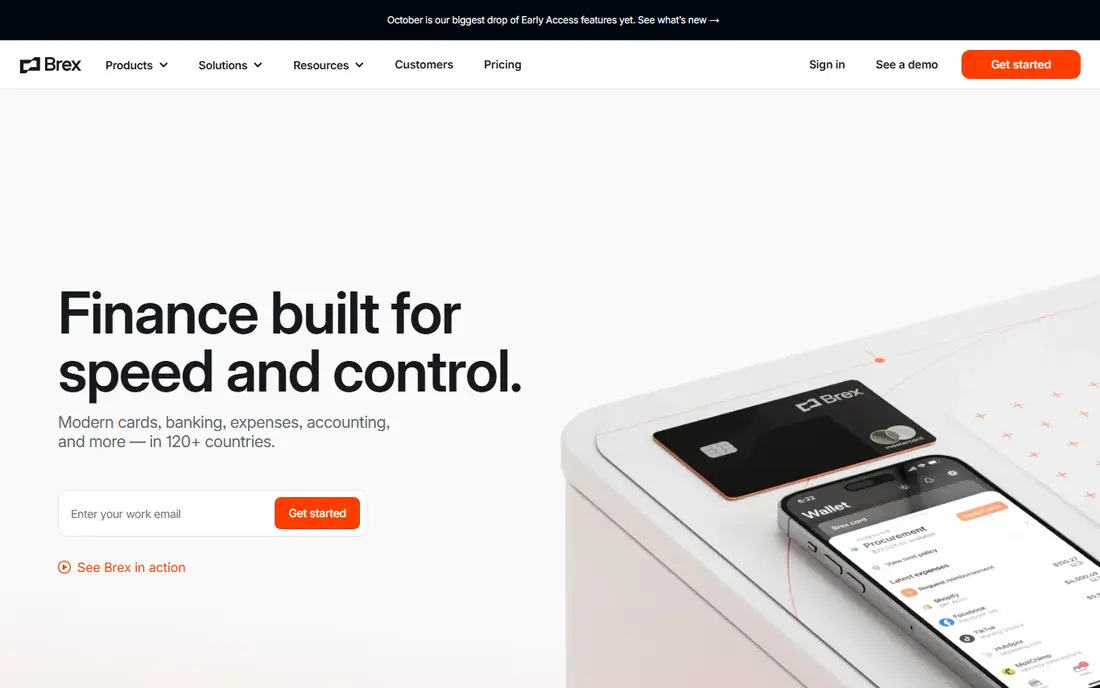
Brex gives startups a free starting point with corporate cards, expense tracking, and bill pay. Controls let managers set budgets and approve spending, while accounting links reduce manual entry. The interface is clean, and the free tier covers more than many rivals offer at no cost.
Like Ramp, Brex is built around its own cards, so it is not a good fit if you plan to keep another card program. Premium tiers add features that larger teams may need, and pricing for those tiers should be checked for your headcount. For a growing company that wants cards and controls together, Brex is a solid pick.
- Free Essentials tier
- Cards with spend controls
- Bill pay and accounting links
- Requires Brex cards
- Premium features sit behind paid tiers
- Eligibility and limits vary by company
Zoho Expense is the budget pick on this list. A free plan covers very small teams, and paid plans start low, which makes it easy to test without a large commitment. Receipt scanning, mileage, approvals, and accounting links cover the basics most small businesses need.
It does not offer the same card-first controls as Ramp or Brex, since it works with existing cards rather than issuing its own. Teams that need strict real-time card limits may outgrow it. For cost-conscious teams that mainly need clean expense reports, Zoho Expense is hard to beat on price.
- Free plan for up to three users
- Low paid pricing
- Works with Zoho Books and other accounting tools
- Card controls are lighter than Ramp or Brex
- Interface can feel busy
- Advanced approvals sit on higher tiers
BILL Spend and Expense, formerly Divvy, pairs free corporate cards with budgets and approvals. Managers can set funds for teams or projects, and employees spend within those limits instead of filing every receipt after the fact. That shift alone can cut month-end friction.
The trade-off is the card requirement and the focus on US businesses. If your team travels widely or needs global card issuance, check coverage first. For a US small business that wants free cards with built-in budgets, BILL is a practical, low-cost option.
- Free plan with corporate cards
- Budgets and approval controls
- Links to BILL bill pay and accounting tools
- Requires BILL cards
- US-focused availability
- Reporting depth varies by plan
Navan suits companies where travel is a large share of spending. Employees book trips inside policy, and related expenses flow into the same system, which makes reconciliation easier than matching separate travel and expense tools. The free offer for a small number of expensing users helps smaller teams try it.
If your team rarely travels, Navan may be more platform than you need, and paid expensing costs more per user than basic trackers. For travel-heavy teams, the combined booking and expense view is a genuine time saver, and it reduces the usual gap between a trip and its report.
- Travel booking and expenses in one platform
- Free expensing for first five users in smaller companies
- Policy controls
- Paid expensing starts at a higher per-user rate
- Travel focus may be more than some teams need
- Setup takes planning
Everlance is best for people who drive for work. It tracks mileage automatically, captures receipts, and builds reports that are easier to hand to an accountant. Solo business owners, consultants, and field workers often need this more than a full finance suite.
It is not a replacement for Ramp or Expensify in a larger company. Approvals and card controls are lighter, and the focus stays on mileage and receipts. If driving is your main expense, Everlance is a focused, affordable tool. If you need team budgets and cards, look higher on this list.
- Automatic mileage tracking
- Receipt capture
- Simple reports for solo workers and small teams
- Not a full corporate card platform
- Team approvals are lighter than enterprise tools
- Paid plans are annual for best value
Dext, formerly Receipt Bank, is built for capture and bookkeeping rather than employee spending. You photograph receipts and invoices, Dext extracts the data, and it sends clean records to accounting software. Accountants often recommend it because it cuts manual data entry.
It is not the best pick if your main need is employee approvals or card limits. Pricing also requires a check on the vendor site, since plans vary by volume and features. For a business that works closely with a bookkeeper and wants tidy records, Dext is a strong back-office choice.
- Strong receipt and invoice capture
- Publishes data to accounting tools
- Useful for accountants and bookkeepers
- No free plan
- Pricing is quote-based for many teams
- Less focused on employee approvals
How we picked these
We compared official pricing pages, free plans, card requirements, and accounting links, along with public reviews. We favored apps that are actively maintained in the United States, support receipt capture or card controls, and fit small business budgets or workflows. We did not run live company trials, and we did not accept payment for placement.
How to choose the right expense tracker
Start with how your team spends. If you use company cards, a card-first tool such as Ramp, Brex, or BILL will save more time than a receipt-only app. If employees pay out of pocket, Expensify or Zoho Expense may fit better, since reimbursements are central.
Next, check accounting links, approval rules, and mileage needs. A tool that does not sync with your accounting software will create manual work every month. Finally, add up the full cost for your actual team size, including platform fees and paid tiers, and test the app with a small group before rolling it out company-wide.
This guide is general information, not financial advice. Tax and reimbursement rules vary, so check with your accountant for mileage rates, deductions, and record-keeping requirements.
Roll out the tool in stages. Start with one team, agree on receipt rules and approval limits, and review the first month of reports together. Look for duplicate entries, missing receipts, and categories that staff find confusing. Fix those issues before you add more users. A short training session and a one-page policy usually prevent more problems than any extra feature, and they help finance close the books faster each month.
FAQ
What is the best business expense tracker app for small business?
Ramp is our pick for most small businesses that want cards and controls in one place, while Expensify is better if you want to keep existing cards. Zoho Expense is the lowest-cost option for very small teams.
Are there free business expense tracker apps?
Yes. Ramp, Brex, Zoho Expense, BILL Spend and Expense, Navan, and Everlance all offer free tiers, but limits and card requirements differ. Check user caps, features, and whether a company card is required.
Do I need a corporate card to track expenses?
No. Expensify, Zoho Expense, Everlance, and Dext work with receipts and existing cards. Card-based tools add real-time limits, but they require you to adopt that provider's cards.
What is the best app for business expense tracking and mileage?
Everlance is the most focused mileage tool on this list, with automatic trip tracking and receipt capture. Expensify and Zoho Expense also include mileage features for teams that need approvals as well.
How much do business expense tracker tools cost?
Free tiers exist, and paid plans in this guide start from around $3 to $5 per user per month on entry tiers, with higher tiers and platform fees on top. Quote-based tools vary more, so get a written quote for your team size.