Best Expense Tracker Apps in 2026: 9 Apps Compared
We compare nine expense tracker apps for budgeting, bills and spending habits, covering bank sync, pricing and ease of use, so you can pick one that sticks.

- Editor's choice
 YNAB
Zero-based budgeting
Starts at$14.99 per monthVisit ynab.comFull review - Great alternative
 Monarch Money
All-in-one money tracking
Starts at$14.99 per monthVisit monarch.comFull review - Also consider
 Rocket Money
Bills and subscriptions
Starts at$7 per monthVisit rocketmoney.comFull review
TL;DR:
- The best expense tracker is the one you keep using, so ease of setup matters more than a long feature list.
- Bank sync saves time, but manual entry apps suit users who want tighter control or who dislike linking accounts.
- Most full-featured apps now cost roughly $75 to $110 a year, while free tiers usually limit accounts, sync or reports.
- This is not financial advice; use these apps to see spending clearly, and seek professional advice for debt, tax or investment decisions.
Quick comparison
| Tool | Best for | Starts at | Free plan? | |
|---|---|---|---|---|
| YNAB | Zero-based budgeting | $14.99 per month | Free trial | Visit |
| Monarch Money | All-in-one money tracking | $14.99 per month | Free trial | Visit |
| Rocket Money | Bills and subscriptions | $7 per month | Yes | Visit |
 Copilot | Apple users who want clarity | $13 per month | Free trial | Visit |
 PocketGuard | Seeing what is safe to spend | $12.99 per month | Yes | Visit |
 Goodbudget | Envelope budgeting | $10 per month | Yes | Visit |
 EveryDollar | Simple zero-based budgets | $17.99 per month | Yes | Visit |
 Simplifi by Quicken | Spending plans and watchlists | See website | Free trial | Visit |
 Expensify | Tracking business expenses | See website | Yes | Visit |
The best expense tracker apps
We compared official pricing pages, feature lists and free-tier terms for apps that track personal and small-business spending in the US. The list mixes zero-based budgeting, envelope methods, all-in-one tracking and business expense tools, so you can match the method to your habits.

YNAB, short for You Need A Budget, asks you to give every dollar a job before you spend it. That rule forces a clear plan for bills, food, savings and debt, and the app shows how each category is tracking through the month. Users who stick with the method often say it changes how they view a paycheck, not just how they record spending.
The cost and learning curve are the honest catches. YNAB charges a subscription after a trial, and the method takes a few weeks to feel natural. If you want a strict plan and are willing to learn it, YNAB is one of the most effective tools on this list.
- Clear zero-based method
- Strong education
- Bank sync and manual entry options
- No permanent free tier
- Learning curve for new budgeters
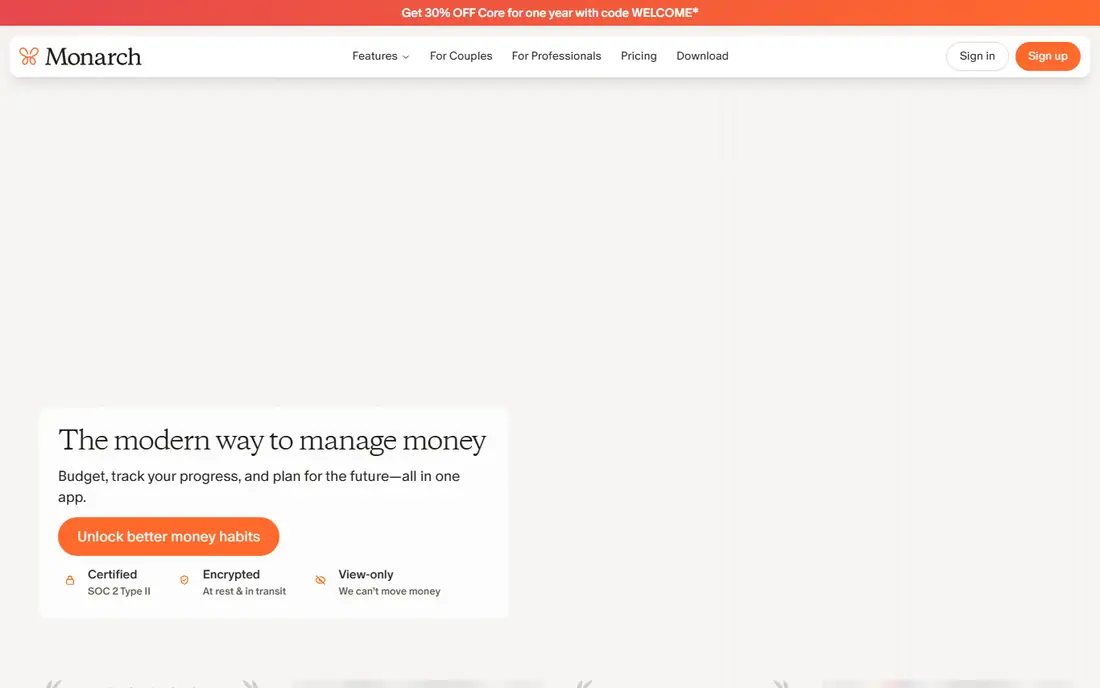
Monarch Money suits households that want budgets, accounts, investments and net worth in one place. It syncs bank and investment accounts, lets partners share a household view, and offers custom categories and reports that make spending patterns easy to spot. For former Mint users, Monarch is a common next step.
The subscription is the main barrier, since there is no free tier for ongoing use. Investment tools cover tracking and allocation at a household level, rather than deep portfolio analysis. If you want one dashboard for a whole household, Monarch is a strong pick.
- Budgets, net worth and investments in one view
- Shared household access
- Custom categories
- No permanent free tier
- Some users want deeper investment analysis
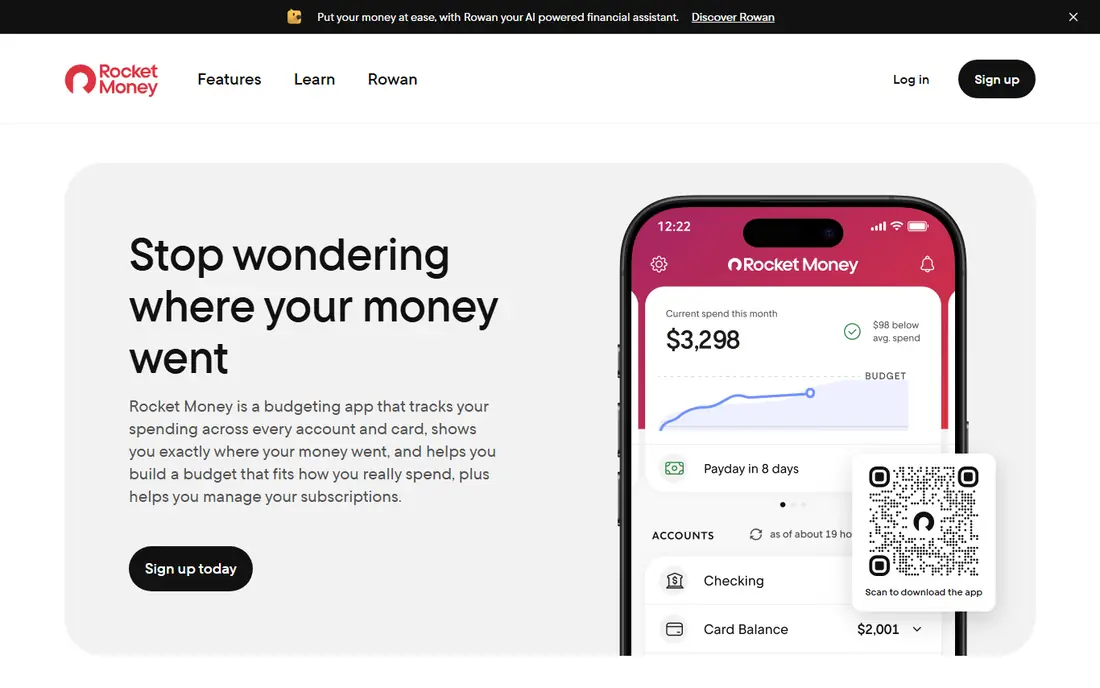
Rocket Money focuses on the spending that slips past unnoticed: subscriptions, recurring bills and rising charges. It lists subscriptions in one place, flags changes, and helps you track bills alongside budgets. The free tier covers basic tracking, which suits users who mainly want visibility.
Premium pricing is flexible, with users choosing an amount within a range, so check what your chosen tier includes before you pay. Bill negotiation and deeper budgeting features sit on paid plans. For subscription control plus basic budgeting, Rocket Money is a practical choice.
- Subscription tracking
- Bill reminders
- Free tier for basic tracking
- Premium price varies by chosen amount
- Some features need a paid plan
Copilot is built for Apple users who want a clear, attractive view of spending without clutter. It syncs accounts, categorises transactions, and shows cash flow, budgets and net worth in a calm interface. The design makes it easy to check spending daily, which helps habits stick.
Android users should look elsewhere, since Copilot does not offer an Android app. There is also no permanent free tier, so budget for the subscription after the trial. For iPhone, iPad and Mac users, Copilot is one of the most pleasant trackers available.
- Clean design on Apple devices
- Smart categorisation
- Net worth and cash-flow views
- No Android app
- Subscription only after trial
PocketGuard answers one daily question: after bills and goals, how much can you spend safely? It links accounts, tracks bills, and shows a clear remaining balance, which helps users avoid overspending before payday. The free tier covers basic tracking, so you can test the idea before paying.
Limits appear in the free tier, which caps linked accounts, and in reporting, which is simpler than fuller budgeting apps. If you want a quick daily spending guardrail rather than a detailed budget system, PocketGuard fits well.
- Shows safe-to-spend balance
- Bill tracking
- Free tier for basic use
- Free tier limits linked accounts
- Reports are simpler than YNAB or Monarch
Goodbudget brings the classic envelope method to a phone: divide money into envelopes for rent, food, transport and fun, then spend only what each envelope holds. Households can share envelopes and sync across devices, which helps partners stay on the same plan. It works well without linking bank accounts, which suits privacy-minded users.
Manual entry is the trade-off. Without bank sync, you must log spending yourself, and that discipline decides whether the system works. If you like envelopes and want a simple, shared method, Goodbudget is a dependable, low-cost option.
- Digital envelope method
- Shared household sync
- Works without bank linking
- No automatic bank sync on free tier
- Manual entry takes discipline
EveryDollar, from Ramsey Solutions, keeps zero-based budgeting simple. Plan each month, assign income to categories, and track spending against that plan. The free tier supports manual entry, which suits users who want a straightforward budget without linking accounts.
Bank sync and automatic transaction import need the Premium plan, so free users must enter spending by hand. Reports are also simpler than those in Monarch or YNAB. For a clean, simple budget with a clear monthly plan, EveryDollar is easy to start and easy to explain to a partner.
- Simple zero-based layout
- Free manual-entry tier
- Clear monthly planning
- Bank sync needs Premium
- Reports are basic on the free tier
Simplifi by Quicken suits users who want a spending plan plus bill tracking in one app. It builds a plan from income, bills and savings goals, tracks subscriptions, and shows watchlists for categories you want to control. That mix helps users who want guidance without a strict zero-based system.
Pricing changes often, with first-year promos differing from renewal rates, so check the current price on the vendor page before you subscribe. The dashboard packs in a lot, and new users may need a few days to arrange it. For a flexible plan with bill awareness, Simplifi is worth a trial.
- Spending plan with watchlists
- Bill and subscription tracking
- Refund and savings goals
- Pricing and promos change often
- Interface can feel busy at first
Expensify is the business pick on this list, built for employees, freelancers and small teams who need clean expense reports. Scan receipts, track mileage, import card transactions and submit reports for approval and reimbursement. That workflow saves time at tax season and for client billing.
Personal budgeters will find it more than they need, since it focuses on reports and approvals rather than household budgets. If you track work expenses, travel costs or team spending, Expensify gives a structured system that personal apps do not match.
- Receipt scanning
- Mileage and card tracking
- Reports for teams and reimbursements
- Built for business use
- Overkill for simple personal budgeting
How we picked these
We compared official pricing pages, free-tier terms, bank-sync options and budgeting methods for apps still available to US users in 2026. We excluded Mint, which shut down in March 2024, and we kept a mix of free, freemium and paid apps across budgeting methods. We did not claim hands-on testing; our comparison rests on vendor pages and public documentation.
How to pick an expense tracker you will actually keep using
Start with your method, not the app store chart. If you like strict plans, try zero-based apps such as YNAB or EveryDollar. If you prefer a dashboard view, try Monarch, Copilot or Simplifi. If you dislike linking accounts, Goodbudget and manual entry in EveryDollar suit you better than a sync-first app.
Then test for two weeks with real spending. Check that your main bank connects, categories make sense, and the daily check takes only a few minutes. A tracker that needs constant fixing will be abandoned, no matter how good its reports look. Set one goal, such as cutting one subscription or saving a set amount, and let the app support that goal rather than tracking everything at once.
FAQ
What is the best free expense tracker app?
Goodbudget, Rocket Money and PocketGuard offer useful free tiers, while EveryDollar offers free manual budgeting. Free tiers usually limit linked accounts or sync, so check those limits against how many accounts you hold.
Is it safe to link my bank account to an expense tracker?
Reputable apps use bank-level encryption and third-party connectors, and they use read-only access for tracking in most cases. Still, use a strong password, turn on two-factor authentication, and review connected accounts regularly.
What happened to Mint?
Intuit shut Mint down in March 2024 and directed users to Credit Karma, which does not offer the same budgeting tools. Monarch, Copilot, YNAB and Rocket Money are common alternatives for former Mint users.
Do expense tracker apps help you save money?
They help by showing where money goes, flagging subscriptions and making overspending visible before month-end. Saving still depends on acting on that view, such as cutting a subscription or setting a transfer to savings on payday.
Can I track business expenses with a personal budgeting app?
You can track basic business spending in a personal app, but tools such as Expensify handle receipts, mileage, approvals and reimbursements better. Keep business and personal spending separate where possible for cleaner tax records.