Choosing Browser for Secure Browsing in 2026: 6 Options Compared
Weighing the best browser for secure browsing? We lined up 6 products by cost, free access and fit. Each pick comes with its main catch. Reviewed this month.
- Editor's choice
 Vivaldi
Power users who want customization
Starts atPricing on requestVisit vivaldi.comFull review - Great alternativeMalwarebytes Browser Guard
Adding protection to an existing browser
Starts atPricing on requestVisit malwarebytes.comFull review - Also consider
 Brave
Default ad and tracker blocking
Starts atPricing on requestVisit brave.comFull review
Direct answer
Vivaldi leads the list, best for power users who want customization. Malwarebytes Browser Guard is the stronger choice for adding protection to an existing browser, while Brave suits default ad and tracker blocking. The other 3 tools in the list cover narrower or pricier cases. None of these vendors publish plan prices, so pricing is on request for every option.
TL;DR:
- Number one here is Vivaldi, a fit for power users who want customization.
- Pricing across the list, from Vivaldi to Mozilla Firefox, is by quote only.
- A permanent free plan is missing from all 6 tools, Vivaldi and Mozilla Firefox included; plan for a trial or a premium start.
- For private everyday browsing with built-in tools, Mozilla Firefox is worth a look.
- A fair warning about Brave: aggressive blocking can break some pages.
Last checked November 2026. Pricing on request: vendors did not publish plan prices when this guide was last checked (November 2026), so ask each vendor for a written quote.
Quick comparison
| Tool | Best for | Starts at | Free plan? | |
|---|---|---|---|---|
| Vivaldi | Power users who want customization | Pricing on request | Not stated | Visit |
| Malwarebytes Browser Guard | Adding protection to an existing browser | Pricing on request | Not stated | Visit |
| Brave | Default ad and tracker blocking | Pricing on request | Not stated | Visit |
| Avast Secure Browser | Ad-blocking privacy from a security vendor | Pricing on request | Not stated | Visit |
 Opera | Feature-rich browsing with privacy extras | Pricing on request | Not stated | Visit |
| Mozilla Firefox | Private everyday browsing with built-in tools | Pricing on request | Not stated | Visit |
Browser for Secure Browsing profiles
LinkVetted put together this guide to browser for secure browsing for readers who want a clear shortlist without reading every vendor page. It compares 6 tools on starting price, free plans, who each one suits and where each one falls short.
Pick Vivaldi if this describes you: power users who want customization. Vivaldi calls itself a capable, personal and private browser, noting that it includes plenty of clever features built in, is super adaptable and does not track users.
Points against: Dense settings can overwhelm newcomers.
It suits power users who want tab management, layout control and customization in one place. Vivaldi does not show a starting price in this comparison, so check the vendor site for current pricing. As for free access: Not stated.
- States it does not track users
- Highly adaptable interface
- Chromium base limits engine independence
Malwarebytes Browser Guard
Best for: Adding protection to an existing browser
Malwarebytes Browser Guard was built for adding protection to an existing browser. Malwarebytes Browser Guard is an extension for Chrome, Firefox, Safari and Edge that helps protect online privacy from ad trackers and more.
Worth adding: an extension cannot change the underlying privacy posture of the host browser, so it complements instead of replaces a privacy-focused browser. Users who want tracker blocking at the browser level should consider Firefox or Brave instead. Check the vendor site for Malwarebytes Browser Guard pricing; none is listed in this comparison. Free plan details: Not stated.
What to check first: Protection relies on the host browser.
- Blocks ad trackers
- Works with Chrome, Firefox
- Does not replace browser-level privacy settings
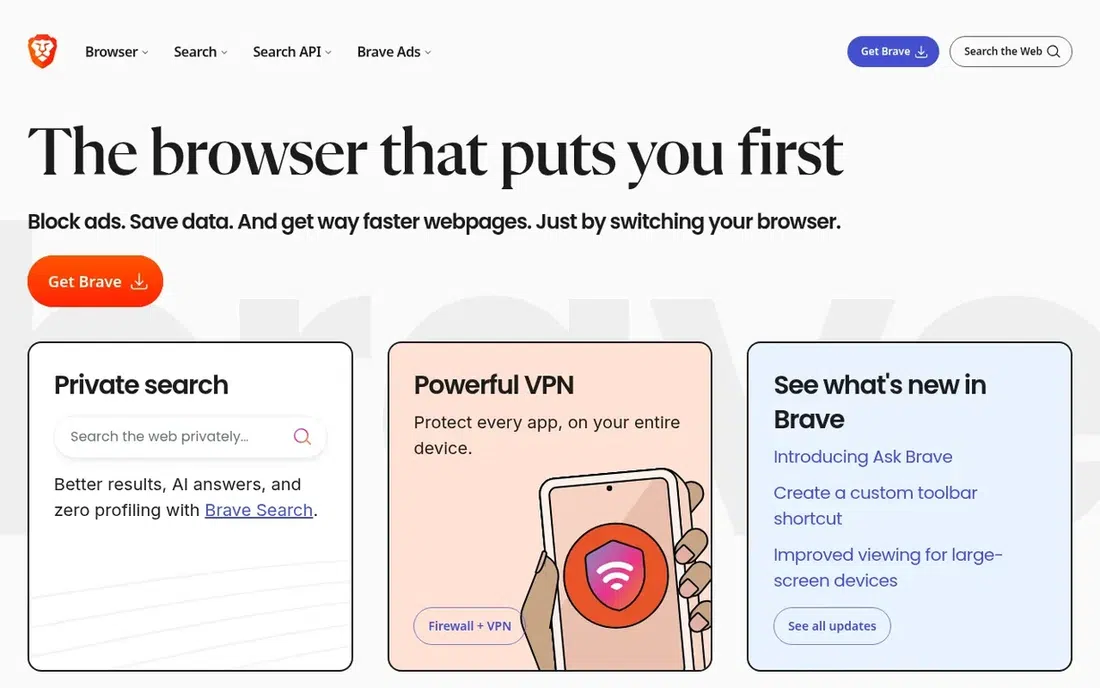
Choose Brave for default ad and tracker blocking. People who rely on numerous built-in tools and layout choices may find Vivaldi a better match. More specifically, Brave presents itself as a quick, private and secure browser for PC, Mac and mobile.
Best features of Brave: Ad-free browsing experience claimed.
Downsides: Fewer built-in productivity extras. Its homepage says it blocks tracking software and provides a quicker, ad-free browsing experience that saves data and battery life. From a buyer's view, since blocking is aggressive by default, some sites with complicated scripts may need exceptions to work properly. Pricing for Brave is not stated here, so ask the vendor for current figures. Free options: Not stated.
- Blocks tracking software by default
- Available for PC
- Aggressive blocking can break some pages
Avast Secure Browser
Best for: Ad-blocking privacy from a security vendor
Avast Secure Browser makes the most sense for ad-blocking privacy from a security vendor. Avast Secure Browser is described on its homepage as a quick, ad-blocking private browser built to keep online activity and personal data safer.
As for the details, Firefox or Brave may be better choices for those who want privacy features without a security-suite connection. No starting price is listed for Avast Secure Browser here; confirm pricing on the vendor site. Free access: Not stated.
- Ad blocking built in
- Focus on protecting personal data
- Best experience tied to the Avast ecosystem
Opera is aimed squarely at feature-rich browsing with privacy extras. The large feature set can feel busy for people who want a minimal browser.
In daily use, Opera is available for desktop and mobile and spans everyday browsing with privacy-oriented settings included. Opera does not show a starting price in this comparison, so check the vendor site for current pricing. Trial and free access: Not stated.
Honest limits: Based on Chromium.
- Available across desktop and mobile
- Built-in privacy and security features
- Plenty of features can feel overwhelming
Mozilla Firefox
Best for: Private everyday browsing with built-in tools
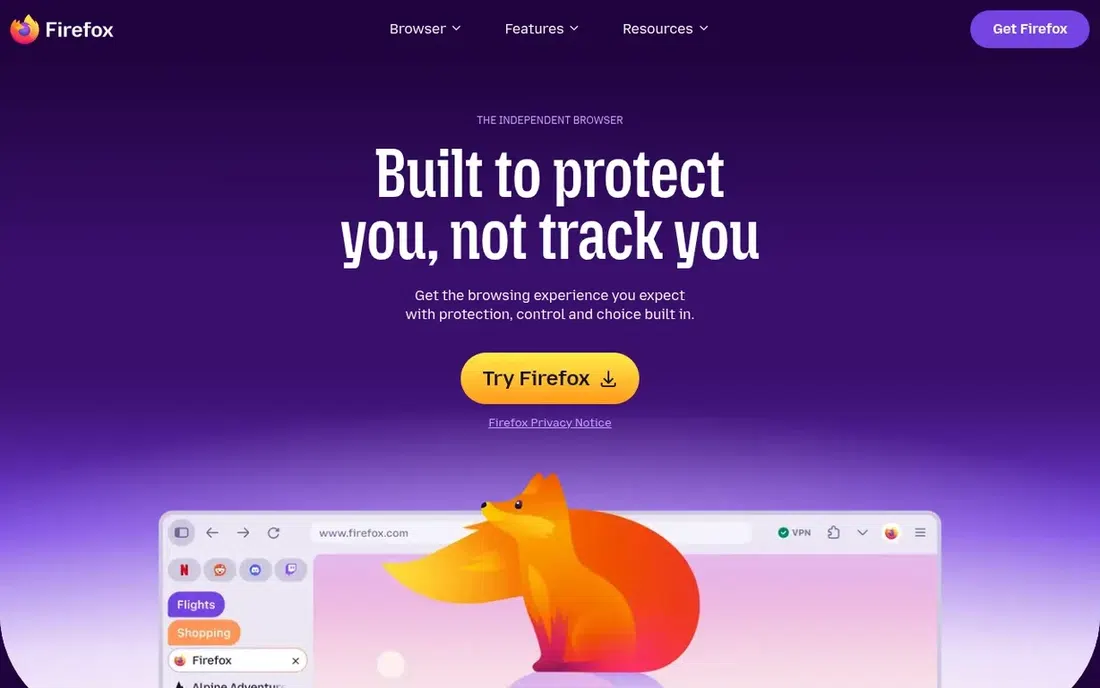
Mozilla Firefox is designed for private everyday browsing with built-in tools. Its homepage states that it blocks trackers, bundles a built-in VPN, provides users control over AI features and never sells personal data.
Trade-offs to know: Some sites may render differently than in Chromium browsers.
As for the details, Firefox still depends on site compatibility work, so a handful of web apps may behave differently than in Chromium-based browsers. This comparison lists no price for Mozilla Firefox; ask the vendor. On free options: Not stated.
- Blocks trackers by default
- Contains a built-in VPN
- Advanced privacy settings need tuning
How we built this list
We compared the tools on published pricing, free plan or trial availability, feature coverage for browser for secure browsing, and the limits each vendor documents. Seat minimums, billing terms and add-ons can move the real cost, so the starting prices here are a guide and not a quote. Position on the page reflects fit for a typical buyer first, with price clarity and free access breaking ties. Treat it as a guide, not a ruling.
What to confirm before you sign up
- Ask each vendor, from Vivaldi to Mozilla Firefox, for a written quote; none of them publishes a starting price.
- Read the limits listed for Vivaldi first: dense settings can overwhelm newcomers.
- Check whether Mozilla Firefox bills monthly or annually, and what cancelling early costs.
- Add up seats, add-ons and usage charges for Opera before comparing it with cheaper entries.
- Before you load data into Malwarebytes Browser Guard, check what an export looks like and who can run it.
FAQ
Do these tools publish their prices?
No. None of the tools, from Vivaldi to Mozilla Firefox, shows a fixed starting price here, so budget time for quotes.
How are the tools for browser for secure browsing ordered?
Vivaldi sits first and Mozilla Firefox last because the order follows typical fit for browser for secure browsing, then price clarity and free access. It is a judgement call, so read each profile for fit and limits.
Do these browsers work on mobile plus desktop?
Firefox, Brave, Chrome, Opera and Vivaldi all state availability across desktop and mobile systems. Beyond that, Avast Secure Browser and Malwarebytes Browser Guard also target typical systems, but confirm the specific mobile support on each vendor site.
Does blocking trackers break websites?
Aggressive blocking can occasionally affect sites that depend on external scripts, like some login or payment flows. Most browsers let you build exceptions for trusted sites, so keep that choice in mind when choosing between Brave and Firefox.
Is a private browser enough for secure browsing?
A privacy-focused browser cuts tracking and blocks numerous threats. But it does not replace safe habits for example capable passwords and careful link checking. Pairing a browser like Firefox or Brave with an extension for example Malwarebytes Browser Guard can add another layer.
Can I try these tools before paying?
Not by default. None of the tools, from Vivaldi to Mozilla Firefox, lists a free plan or a free trial here, so ask each vendor for a demo before committing.
Sources
- https://vivaldi.com
- https://www.malwarebytes.com/browserguard
- https://brave.com
- https://www.avast.com/secure-browser
- https://www.opera.com
- https://www.mozilla.org/firefox