Best Blueprint Design Software for 2026: Our 5 Vetted Picks
Searching for the best blueprint design software? Here are 5 options with prices and free plans. Where a tool struggles is spelled out. Compare quickly.
- Editor's choice
 Revit
BIM projects with coordinated documentation
Starts atSee websiteVisit autodesk.comFull review - Great alternative
 Chief Architect
Residential design and remodeling
Starts atSee websiteVisit chiefarchitect.comFull review - Also consider
 Bluebeam Revu
PDF mark-up and plan review
Starts atSee websiteVisit bluebeam.comFull review
Direct answer
Revit leads the list, best for BIM projects with coordinated documentation. Listed starting prices: ArchiCAD from $43 per seat per month. For a different need, Chief Architect covers residential design and remodeling and Bluebeam Revu covers PDF mark-up and plan review. Details, prices and limits for the rest of the 5 tools are below.
TL;DR:
- Revit sits first on this list: BIM projects with coordinated documentation.
- A permanent free plan is missing from all 5 tools, Revit and Autodesk AutoCAD included; plan for a trial or a premium start.
- Check the limits for Chief Architect before you commit: narrower fit for large commercial work.
- ArchiCAD has the lowest monthly starting price in this list: $43 per seat per month.
Last checked November 2026. Prices and plan details were read from the vendors' own pages in November 2026; vendors change plans often, so confirm the current price on the vendor site before you buy.
Quick comparison
| Tool | Best for | Starts at | Free plan? | |
|---|---|---|---|---|
| Revit | BIM projects with coordinated documentation | See website | Not stated | Visit |
| Chief Architect | Residential design and remodeling | See website | Not stated | Visit |
| Bluebeam Revu | PDF mark-up and plan review | See website | Free trial | Visit |
 ArchiCAD | Architects wanting easy-to-learn BIM | $43 per seat per month | Free trial | Visit |
| Autodesk AutoCAD | Precise 2D drafting and DWG work | See website | Not stated | Visit |
The best blueprint design software
Short on time? The summary and table above give the quick view of 5 tools for blueprint design software, and the profiles that follow give the detail behind each entry.
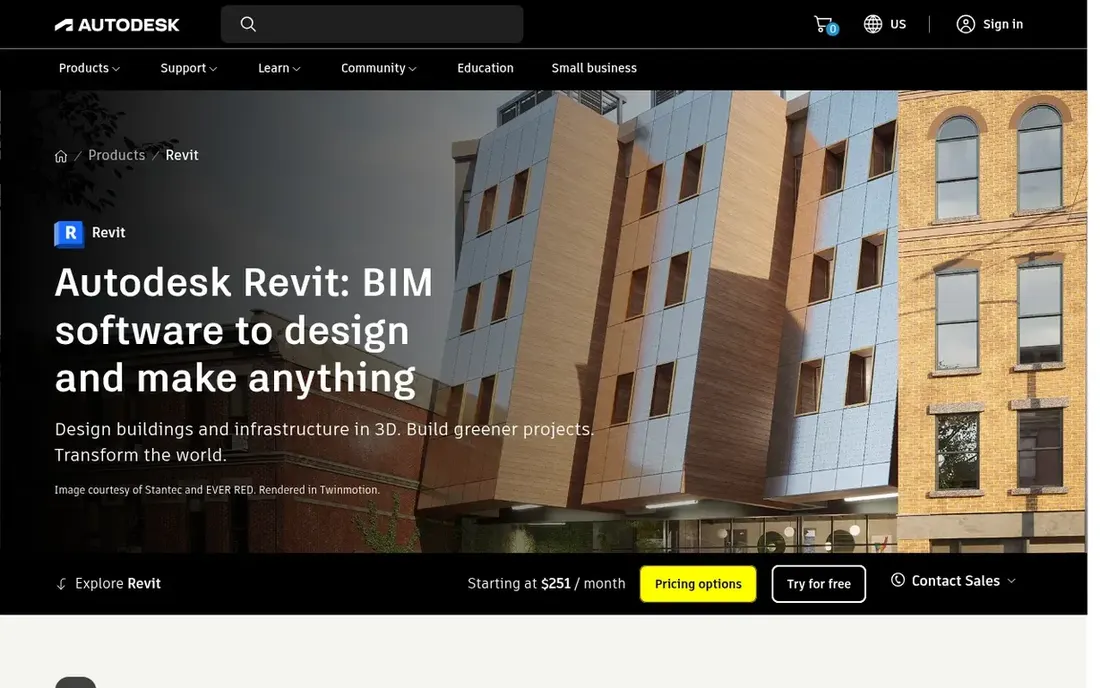
Think of Revit for BIM projects with coordinated documentation. Revit is Autodesk's BIM system for designing, documenting and coordinating building projects.
Honest limits: Less suited to straightforward 2D drafting.
For everyday use, per the official page, it builds intelligent 3D models, updates drawings immediately and gives you optional AI-assisted workflows. Revit rewards structured workflows but demands more setup and training than a drafting tool, and small jobs may feel overbuilt. This comparison lists no price for Revit; ask the vendor. On free options: Not stated.
- Coordination across disciplines
- Drawings update from the model
- Heavier ramp-up time
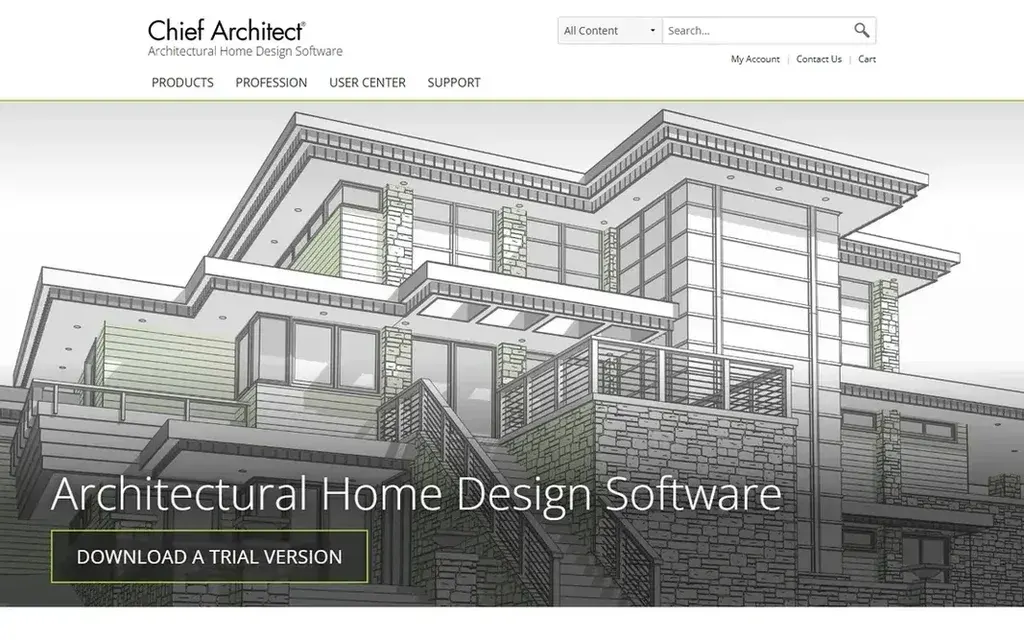
In short, Chief Architect is for residential design and remodeling. Chief Architect is professional home design software geared toward residential architecture, interior design and remodeling.
Beyond that, pick it when residential work is the core of your practice and you want workflows shaped around houses and remodels. Check the vendor site for Chief Architect pricing; none is listed in this comparison. Free options: Not stated.
The main drawbacks: Narrower fit for large commercial work.
- Residential-focused toolset
- Interior and remodeling support
- Residential-centric assumptions
Choose Bluebeam Revu for PDF mark-up and plan review. Project teams that circulate PDFs for comment commonly use it alongside their authoring tool. Teams already standardized on another PDF review method may not need it.
Bluebeam Revu is PDF markup, measurement and collaboration software aimed at construction teams, available on desktop, web and mobile based on its official page. It complements blueprint design software by handling review, annotation and quantity checks on shared drawing sets. No starting price is listed for Bluebeam Revu here; confirm pricing on the vendor site. Free plan details: Free trial.
What to check first: Not a design or drafting tool.
- Made for construction teams
- Collaboration on desktop, web, mobile
- Layers on a separate workflow step
In short, ArchiCAD is for architects wanting easy-to-learn BIM. ArchiCAD from Graphisoft is BIM software for architects, and its official page emphasizes an easy-to-learn interface and a suite of built-in tools. It is targeted at design practices that want model-based documentation without assembling numerous extras.
Very small drafting-only jobs may not justify the model overhead. As with any BIM product, getting full value takes training and template setup, and exchanging files with other systems needs attention. The starting price for ArchiCAD: $43 per seat per month. Free access: Free trial.
Downsides: Training needed for full depth.
- Approachable interface emphasis
- Architect-focused workflows
- Interoperability needs care
Autodesk AutoCAD
Best for: Precise 2D drafting and DWG work
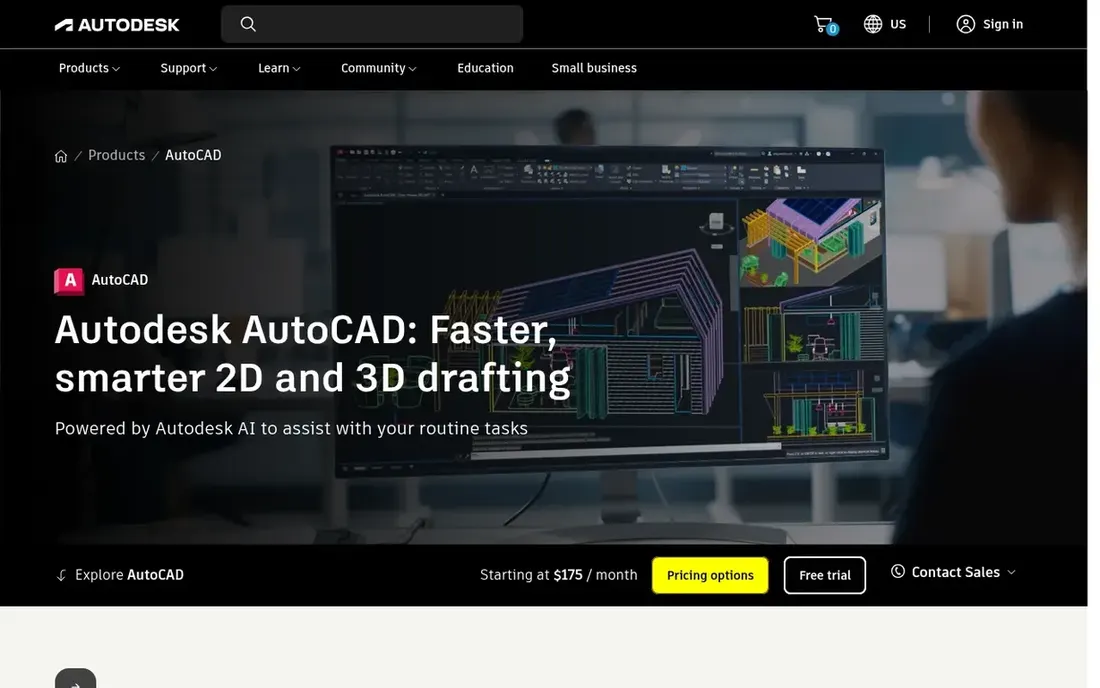
Pick Autodesk AutoCAD if this describes you: precise 2D drafting and DWG work. AutoCAD is a general-purpose drafting system widely used for blueprints, construction drawings and in-depth 2D documentation.
The official product page flags AI automation, performance improvements and shared DWG collaboration across desktop and web. From a buyer's view, users new to CAD should expect a learning period. Autodesk AutoCAD does not show a starting price in this comparison, so check the vendor site for current pricing. Free access: Not stated.
Limits to weigh: Restricted native BIM depth.
- Desktop and web collaboration
- Industry-standard DWG format
- Steep ramp-up time
How we built this list
We compared the tools on published pricing, free plan or trial availability, feature coverage for blueprint design software, and the limits each vendor documents. Figures are shown as the vendors publish them. Billing terms, seat minimums and add-ons can change the real cost. The sequence is a judgement call: typical use case first, then pricing transparency, then free access. Use the profiles to check fit.
A buyer's checklist
- Confirm the entry price on the vendor page. For Revit, Chief Architect, Bluebeam Revu and Autodesk AutoCAD that means a quote rather than a fixed price.
- Run a trial of Bluebeam Revu and ArchiCAD with real work before paying for a year; your own workflow is the best test.
- Read the limits listed for Revit first: heavier ramp-up time.
- Test how quickly ArchiCAD answers a pre-sales question; it hints at how support will feel later.
- Before rolling out Revit, verify the integrations your workflow depends on.
FAQ
Does any tool for blueprint design software here have a free plan?
A permanent free plan is not offered by Revit, Autodesk AutoCAD or the other tools here. Bluebeam Revu, ArchiCAD offer a trial. Plan a short evaluation period instead.
Do I need Bluebeam Revu if I already have design software?
Bluebeam Revu deals with PDF mark-up, measurement and collaboration instead of design. It is handy when drawings are circulated for review and you want structured comments. But it does not replace a drafting or BIM tool.
What is the difference between drafting software and BIM software for blueprints?
BIM software for example Revit or ArchiCAD builds an intelligent model that produces drawings, which helps coordination but needs more setup and training.
Which tool is a good match for residential blueprint design?
Revit comes first here and is built for BIM projects with coordinated documentation. Buyers with other needs may prefer Chief Architect (for residential design and remodeling) or Bluebeam Revu (for PDF mark-up and plan review). Compare costs and limits first.
Can I try these options before paying?
Often, yes. Bluebeam Revu and ArchiCAD offer a free trial. Use your own data and a real task during the test, and check what the free tier or trial limits before you rely on it.
What is the cheapest option for blueprint design software in this list?
On published monthly entry prices, ArchiCAD is the lowest here at $43 per seat per month. Entry price is only part of the cost, because seats, add-ons and billing terms can change the total. For the full picture, the cards above cover all 5 entries of this Blueprint design software list, including price, free plan and limits.
Sources
- https://www.autodesk.com/products/revit/overview
- https://www.chiefarchitect.com
- https://www.bluebeam.com/revu
- https://graphisoft.com/solutions/archicad
- https://www.autodesk.com/products/autocad/overview