Best BI Software for Salesforce Integration in 2026: Prices, Free Plans and 5 Picks
Weighing the best BI software for salesforce integration? We lined up 5 products by cost, free access and fit. Prices and drawbacks included. Decide faster.
- Editor's choice
 Qlik Sense
Data integration and analytics together
Starts atSee websiteVisit qlik.comFull review - Great alternative
 GoodData
Governed analytics and AI agents
Starts atSee websiteVisit gooddata.comFull review - Also consider
 Tableau
Visual analytics on Salesforce data
Starts at$15 per user a monthVisit tableau.comFull review
Direct answer
Start with Qlik Sense if you need data integration and analytics together. Listed starting prices: Tableau from $15 per user a month. GoodData fits governed analytics and AI agents; Tableau fits visual analytics on Salesforce data. Details, prices and limits for the rest of the 5 tools are below.
TL;DR:
- This list starts with Qlik Sense, which is built for data integration and analytics together.
- The main caution on Tableau: complicated setups may need training.
- Tableau is the only tool of the 5 with a free plan.
- Domo suits end-to-end data journey and AI.
- The lowest published monthly entry price here is $15 per user per month, from Tableau.
Last checked November 2026. Prices and plan details were read from the vendors' own pages in November 2026; vendors change plans often, so confirm the current price on the vendor site before you buy.
Quick comparison
| Tool | Best for | Starts at | Free plan? | |
|---|---|---|---|---|
| Qlik Sense | Data integration and analytics together | See website | Not stated | Visit |
| GoodData | Governed analytics and AI agents | See website | Free trial | Visit |
| Tableau | Visual analytics on Salesforce data | $15 per user a month | Yes | Visit |
 Sisense | Embedded analytics in products | See website | Free trial | Visit |
 Domo | End-to-end data journey and AI | See website | Free trial | Visit |
Every option for BI software for salesforce integration explained
Choosing BI software for salesforce integration usually comes down to price, fit and limits. This LinkVetted guide sets 5 tools side by side on those three points, with the facts kept short and checkable.
Qlik Sense is designed for data integration and analytics together. Qlik, now with Talend, describes a data fabric with end-to-end data integration, data quality, and analytics options. In daily use, confirm connector and deployment specifics on the vendor site.
From a buyer's view, Qlik Sense suits teams that want analytics closely tied to data integration and quality work, which can matter when Salesforce data must be blended with other systems. Worth adding: if your Salesforce reporting needs are straightforward, a lighter BI system may be simpler to adopt. Pricing for Qlik Sense is not stated here, so ask the vendor for current figures. Free access: Not stated.
Where it is weaker: Product naming can confuse buyers.
- Analytics with Talend addition
- End-to-end data integration
- Integration setup can be involved
Pick GoodData if this describes you: governed analytics and AI agents. GoodData.AI describes analytics, AI, and agents on one data serving plane, with dashboards, data applications, and agents running on a governed foundation.
It is built for continuous, high-concurrency agentic demand. No starting price is listed for GoodData here; confirm pricing on the vendor site. As for free access: Free trial.
Downsides: Less centred on straightforward ad hoc charts.
- Made for high-concurrency agentic demand
- Agents on one foundation
- Product orientation may need technical setup
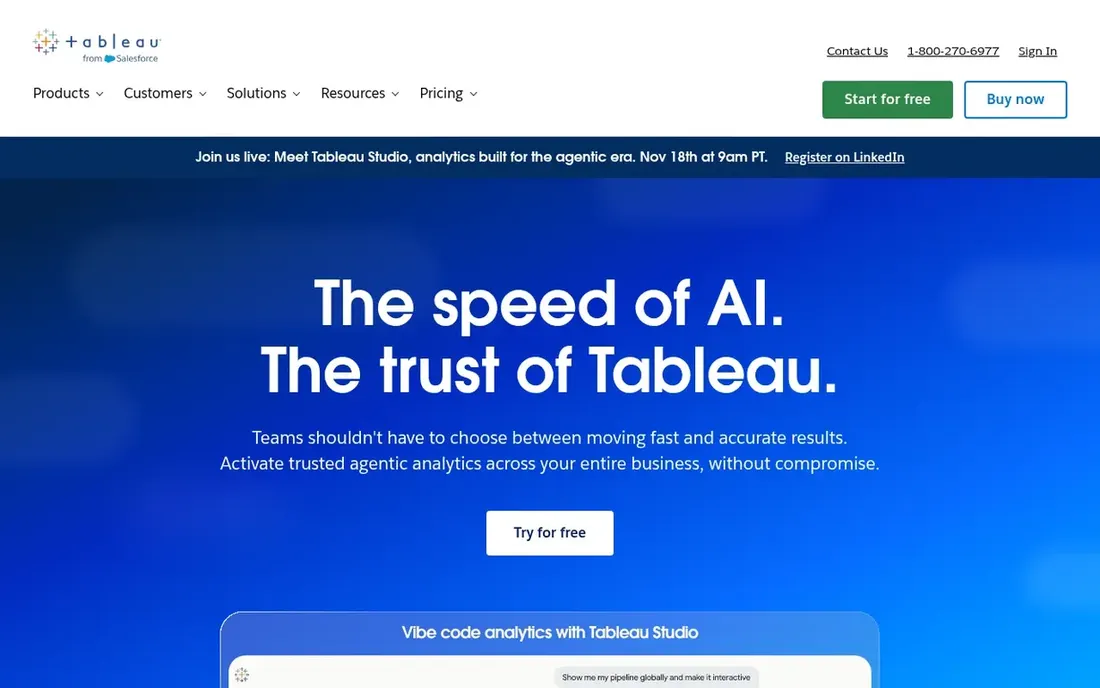
Choose Tableau for visual analytics on Salesforce data. Tableau is a business intelligence and analytics product aimed at visual exploration. For Salesforce teams, it suits analysts who want adaptable, self-service dashboards and quick visual iteration without heavy coding.
What to check first: Governance needs planning.
Its strength in visual freedom can mean more setup work for governed, reusable metrics across teams. Also, confirm Salesforce connector details on the vendor site. Starting cost for Tableau: $15 per user per month. Tableau offers a free plan.
- Share dashboards with a click
- Drag-and-drop visualization building
- Complicated setups may need training
In short, Sisense is for embedded analytics in products. Verify how Sisense links to Salesforce and what customization each code choice needs.
Strengths: Pro-code, low-code.
Points against: Custom builds need developer input. No starting price is listed for Sisense here; confirm pricing on the vendor site. Free options: Free trial.
- No-code choices
- AI-powered embedded analytics
- Embedding focus may exceed straightforward reporting needs
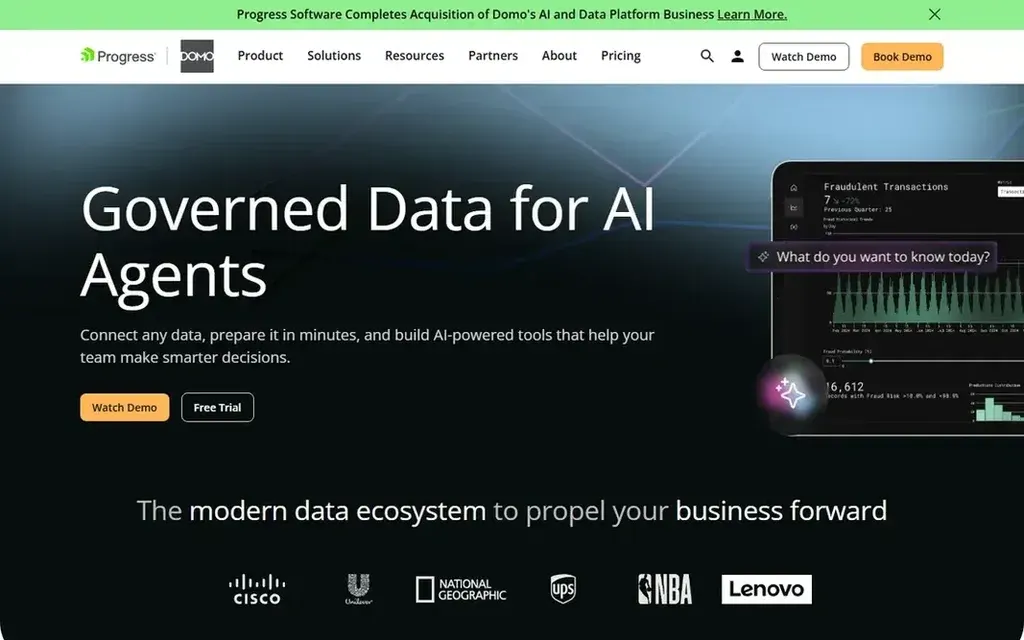
Domo makes the most sense for end-to-end data journey and AI. The breadth of the product can mean a ramp-up time for teams focused narrowly on Salesforce dashboards.
Limits to weigh: Feature depth varies by use case.
Pricing for Domo is not stated here, so ask the vendor for current figures. Free plan details: Free trial.
- AI products for business insights
- Data preparation and access expansion
- Wide product may need onboarding
What went into this list
Questions to settle before buying
- Get a written quote from Qlik Sense, GoodData, Sisense and Domo; the list shows no starting price for them.
- Look at the free plan from Tableau closely: its caps decide whether it is usable for real work.
- Run a trial of GoodData, Sisense and Domo with real work before paying for a year; your own workflow is the best test.
- Read the limits listed for Qlik Sense first: integration setup can be involved.
- Ask GoodData whether prices are locked for the first term and what happens at renewal.
- Confirm that Tableau connects to the apps your team already uses, on the plan you would actually buy.
FAQ
What is the cheapest option for BI software for salesforce integration in this list?
On published monthly entry prices, Tableau is the lowest here at $15 per user per month. Entry price is only part of the cost, because seats, add-ons and billing terms can change the total. All 5 picks in this BI software for Salesforce integration comparison list a starting price, free plan details and the main limits on their cards above.
Which options for BI software for salesforce integration have a free plan?
Tableau is the only tool in this list with a free plan. Free plans usually cap users, projects or features, so check the limits on the vendor page. Several others offer a trial instead. For the full picture, the cards above cover all 5 entries of this BI software for Salesforce integration list, including price, free plan and limits.
Do these tools publish their prices?
Not all of them. Qlik Sense, GoodData, Sisense and Domo publish no starting price, so expect a quote request for those. The rest, Tableau included, show a starting price, though seats and billing terms still change the final cost.
Can these BI tools link straight to Salesforce?
Most products here describe wide data connectivity, and multiple highlight plenty of app connectors. Exact Salesforce connector behavior, supported objects, and refresh choices vary by tool.
Which BI tool is a good match for Salesforce dashboards?
Qlik Sense comes first here and is built for data integration and analytics together. Buyers with other needs may prefer GoodData (for governed analytics and AI agents) or Tableau (for visual analytics on Salesforce data). Compare costs and limits first.
Can I try these tools before paying?
Often, yes. Tableau has a free plan and GoodData, Sisense and Domo offer a free trial. Use your own data and a real task during the test, and check what the free tier or trial limits before you rely on it.
Sources
- https://www.qlik.com
- https://www.gooddata.com
- https://www.tableau.com
- https://www.sisense.com
- https://www.domo.com