Best Business Phone Number Service in 2026: 8 Services Compared
Looking for the best business phone number service? We compare 8 providers on price, features, apps, and call quality to help small teams pick well now.
- Editor's choice
 OpenPhone (Quo)
Small teams that text and share numbers
Starts at$15 per user per monthVisit quo.comFull review - Great alternative
 Grasshopper
Solo owners who want a flat monthly rate
Starts at$14 per monthVisit grasshopper.comFull review - Also consider
 RingCentral
Growing teams needing phone, video, and messaging
Starts at$20 per user per monthVisit ringcentral.comFull review
TL;DR:
- OpenPhone, now Quo, is our pick for most small teams because it pairs a low starting price with shared numbers, texting, and simple setup.
- Grasshopper is the simplest flat-rate option for a solo owner who wants one business number on a personal phone.
- RingCentral and Nextiva cost more per user, but they add video, team messaging, and deeper admin controls for growing companies.
- Google Voice is cheap only if your team already uses Google Workspace, since the Workspace subscription sits on top of the Voice price.
- Check texting limits, taxes, and fees before you buy, because the headline price is rarely the full monthly bill.
Quick comparison
| Tool | Best for | Starts at | Free plan? | |
|---|---|---|---|---|
| OpenPhone (Quo) | Small teams that text and share numbers | $15 per user per month | Free trial | Visit |
| Grasshopper | Solo owners who want a flat monthly rate | $14 per month | Free trial | Visit |
| RingCentral | Growing teams needing phone, video, and messaging | $20 per user per month | Free trial | Visit |
 Nextiva | Customer facing teams that also want chat and reviews | $15 per user per month | Free trial | Visit |
 Dialpad | Teams that want AI transcription from day one | $15 per user per month | Free trial | Visit |
 Ooma Office | Small offices that want no contract | $19.95 per user per month | Free trial | Visit |
 Google Voice | Small teams already on Google Workspace | $10 per user per month | No | Visit |
 Phone.com | Budget teams needing a simple virtual system | See website | Free trial | Visit |
The best business phone number services
A business phone number keeps your personal number private, gives callers a professional greeting, and lets a team share the work of answering calls and texts. We compared official pricing pages, app listings, and feature pages to find services that fit solo owners, small teams, and larger offices.
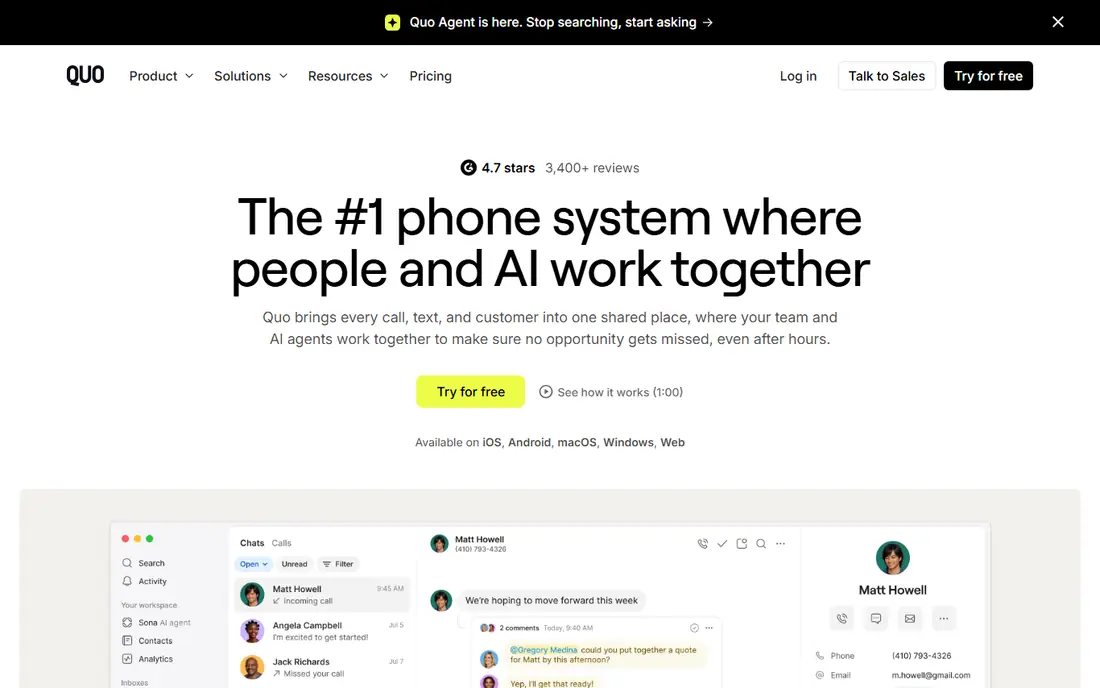
OpenPhone, now branded as Quo, is our pick for most small teams because it starts with the basics done well. Each user gets a local or toll-free number, unlimited calling and texting in the US and Canada, voicemail transcription, and a shared inbox so teammates can see the same conversations. Setup takes minutes in our reading of its guides, and the mobile and desktop apps look close to a normal messaging app, which lowers the learning curve for staff who are not phone experts.
The catch is that the cheapest plan is deliberately lean. Phone menus, automatic call recording, and full AI summaries for every call sit on the Business plan, so a team that needs those tools should budget for $23 per user per month on annual billing rather than the Starter price. Extra numbers, carrier registration for texting, and added AI credits also raise the bill. Still, for a team that mainly needs a clean shared number, clear texts, and fast setup, Quo is hard to beat on value.
- Simple setup
- Shared numbers and texting
- AI summaries on higher plans
- US and Canada focus
- Extra numbers and AI credits cost more
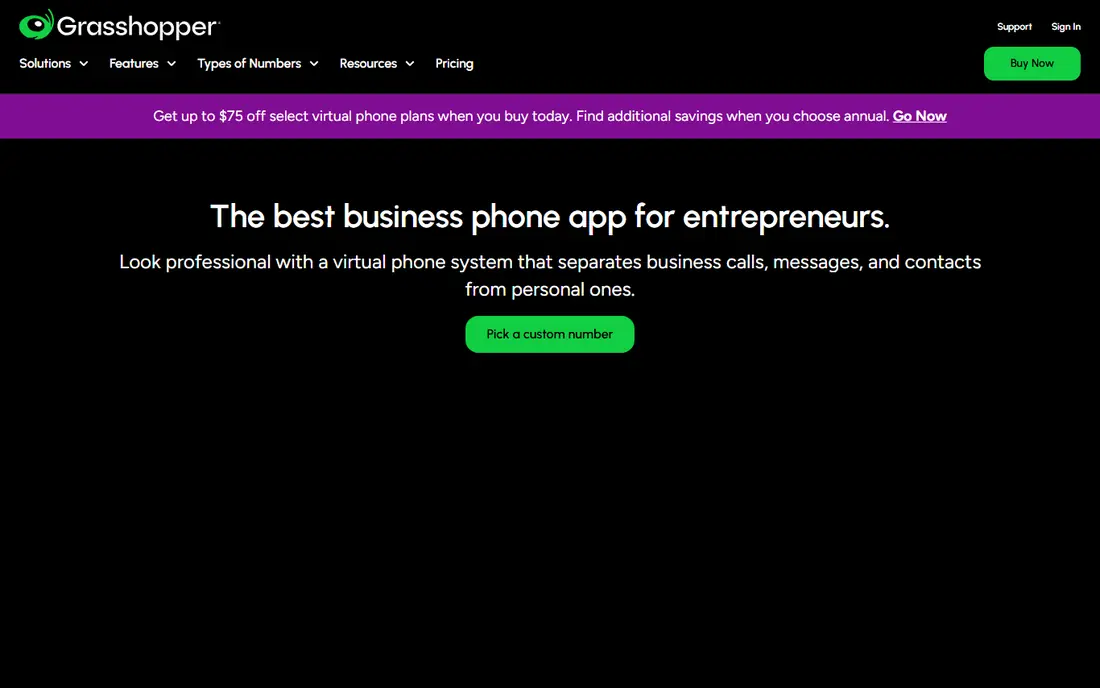
Grasshopper is built for the owner who answers the phone on a personal mobile and wants callers to hear a business greeting instead. The True Solo plan gives one number, one extension, voicemail transcription, virtual fax, and business texting for $14 per month on annual billing. The Solo Plus plan keeps the same single number but opens the account to unlimited users and three extensions, which is a useful step for a very small team.
The trade off is scope. Grasshopper does not try to be a full contact center, and it lacks the CRM integrations and advanced analytics that larger teams often need. It also stays focused on US and Canada calling, so international work will need another tool. If your main need is a professional number that rings on the phone you already carry, Grasshopper keeps the decision simple and the bill predictable.
- Flat pricing not per user on higher plans
- Simple app
- 24/7 support
- Limited extensions on lower plans
- No deep CRM tools
- US and Canada only
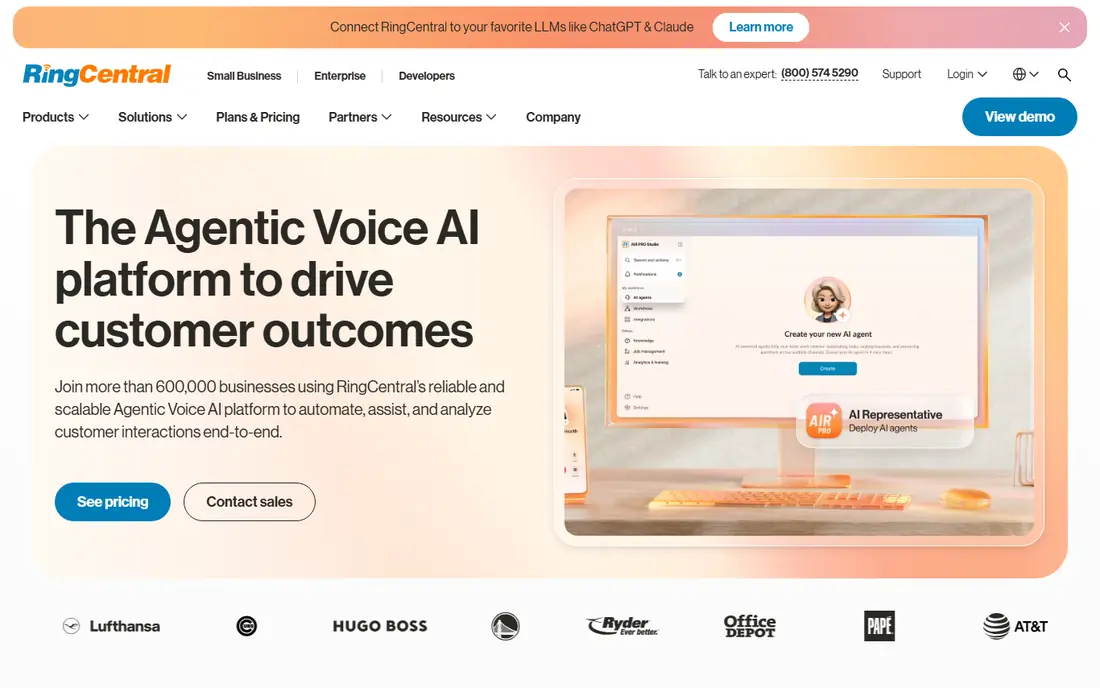
RingCentral, now sold as RingEX, is the broadest system in this list. Core starts at $20 per user per month on annual billing and bundles unlimited US and Canada calling, business SMS and MMS, a call menu, video meetings, and team messaging. Higher plans add automatic call recording, CRM integrations, multi-site management, and longer analytics storage. For a company that plans to grow past ten people, that depth matters, because you are less likely to outgrow the platform in a year.
That depth comes with complexity. New admins often need time to learn the portal, and the texting and toll-free allowances on Core are capped, so heavy texters should read the plan details closely. Taxes and regulatory fees also sit on top of the listed price. RingCentral is our pick for teams that want one platform for calls, video, and messaging and are willing to spend a little time on setup to get it right.
- Wide integration list
- Video meetings included
- Detailed admin controls
- Admin setup can feel complex
- Texting allowances vary by plan
- Fees add up
Nextiva starts at $15 per user per month on annual billing for Core, which covers voice, video meetings, business SMS, team chat, and an auto attendant. Engage, at $25 per user per month, adds more SMS capacity, a toll-free number, live website chat, fax, and call recording. That makes Nextiva a strong fit for service businesses that take calls, answer web chats, and track reviews from the same dashboard, rather than buying three separate tools.
The main caution is the jump to Scale at $75 per user per month, which is where the full AI transcription, summaries, and skills-based routing live. Most small teams will not need Scale, but teams that want AI on every call should price it in advance. Nextiva is also a good choice if uptime and round the clock support matter to you, since it lists both clearly on its plans. For a customer facing team that wants breadth without a maze of add-ons, Nextiva is a solid middle ground.
- Phone, video, SMS, and team chat in one app
- 24/7 support
- Toll-free options
- Top plan is pricey
- SMS limits on Core
- AI features sit on higher tiers
Dialpad Connect starts at $15 per user per month on annual billing and includes unlimited US and Canada calling, messaging, meetings, voicemail transcription, and AI call summaries. That AI focus is the reason to pick Dialpad over a plainer phone service. Meeting notes, searchable transcripts, and recaps can save a sales or support team real time, especially when several people handle the same account and need to catch up fast.
The pricing structure needs care. Dialpad sells Connect, Support, Sell, and AI Agents as separate products, so a team that later needs contact center routing or outbound dialing will face a second price list. Standard also caps outbound SMS, and some higher tiers carry seat minimums. If you mainly need a phone system with strong AI notes, and you do not need a full contact center yet, Dialpad offers strong value at the entry price.
- AI transcripts and recaps included
- Clean apps
- Unlimited US and Canada calling
- Best features split across products
- SMS cap on Standard
- Seat minimums on some tiers
Ooma Office is a straightforward choice for a small office that wants desk phones, a virtual receptionist, ring groups, and unlimited calling in the US, Canada, Mexico, and Puerto Rico. Essentials starts at $19.95 per user per month, Pro at $24.95 adds texting, call recording, voicemail transcription, and a desktop app, and Pro Plus at $29.95 adds CRM integrations and more texting capacity. There is no contract, which is a real plus for a business that wants to test a system without a long commitment.
The entry plan is the weak spot. Essentials has no business texting and no desktop app, so many teams will need Pro to get the experience they expect. Ooma also charges a one-time activation fee, and taxes and fees sit on top of the monthly price. If you run a small office, like the idea of physical phones, and want to avoid a contract, Ooma is worth a trial, but start your budget at Pro rather than Essentials.
- No contract on Office plans
- Virtual receptionist included
- Easy setup
- No texting on Essentials
- Desktop app needs Pro
- Activation fee applies
Google Voice for business starts at $10 per user per month for Starter, $20 for Standard, and $30 for Premier, with Standard adding ring groups, a multi-level auto attendant, and desk phone support. The apps are simple, voicemail transcription works well, and integration with Google Meet and Calendar is natural if your team already lives in Google tools. For a tiny team that only needs a second number and basic routing, it can be the cheapest credible option.
The fine print matters. Business tiers are add-ons to Google Workspace, so a team that is not already paying for Workspace must add that cost on top of the Voice price. Google Voice also lacks the call queues, analytics, and CRM depth of RingCentral or Nextiva, so it is not a good fit for a busy support desk. Pick Google Voice when your team is already committed to Google and your phone needs are modest. Otherwise, a dedicated phone provider will serve you better.
- Familiar Google apps
- Voicemail transcription
- Low entry price for Workspace users
- Requires Workspace for business tiers
- Limited call center features
- No free business trial
Phone.com offers virtual phone numbers, auto attendants, call routing, voicemail transcription, and texting through web and mobile apps, aimed squarely at small businesses and solo owners. Its appeal is flexibility. You can pick a local or toll-free number, set business hours, route calls to different team members, and keep your personal number out of customer hands without buying hardware or signing a large contract.
The downside is that pricing and feature details change by plan, so you should confirm the current price, included minutes, and texting limits on its pricing page before you commit. Phone.com also does not match the integration depth of RingCentral or Dialpad, so teams that need automatic call logging in a CRM may need to check compatibility first. For a budget conscious team that wants a simple, professional number system, Phone.com is a sensible option to trial alongside Grasshopper and Quo.
- Virtual numbers and menus
- Mobile app
- Plans for very small teams
- Pricing varies by plan and add-ons
- Fewer integrations than larger rivals
- Support hours vary
How we picked these
We compared official pricing pages, feature lists, and app store listings for business phone services that are active in the US in October 2026. We favored providers with a published starting price, a working mobile app, voicemail transcription, and a clear way to port an existing number. We also weighed texting limits, contract terms, and whether key features like call menus and recording were included or locked behind higher tiers.
What to check before you choose a business phone number
Start with how your team actually answers calls. A solo owner needs a different tool than a ten person support team, and paying for call center features you will never use is wasted money. List your must haves first, such as shared texting, a call menu, call recording, or CRM logging, then match those items to a plan, not just to a brand.
Next, read the full price. Check whether the quoted rate needs annual billing, what taxes and regulatory fees add, whether texting is capped, and what an extra number costs. Ask about number porting, business hours, and what happens if you cancel. A short trial with your real number, real greeting, and real team is the best test, because call quality and app feel matter more than a feature table.
Questions to ask on a trial
Test calls from a mobile phone, a desktop, and a noisy room, and check voicemail transcription accuracy. Send texts from a shared number and confirm that replies are visible to the whole team. Try the call menu as a customer would, and time how long it takes a new hire to learn the app. If any of those steps feel awkward in a trial, they will feel worse at scale.
FAQ
What is the best business phone number service for a small business?
For most small teams, OpenPhone (Quo) is a strong starting point because it combines shared numbers, texting, and a low entry price. Grasshopper suits solo owners who want flat pricing, while RingCentral and Nextiva suit larger teams that need video, messaging, and admin controls in one place.
Can I keep my existing business phone number?
In most cases, yes. Most providers in this list support number porting, which moves your current number to the new service. Keep your old service active until the port finishes, and ask the new provider how long the transfer usually takes for your number type.
Do I need a desk phone for a business phone service?
No. Most modern services work through mobile and desktop apps, and many teams never buy a desk phone. Desk phones still make sense for a front desk or a noisy office, and providers like Ooma and RingCentral support them, but they are optional for most small teams.
What is the cheapest business phone number service?
Grasshopper True Solo and Google Voice Starter have among the lowest headline prices, but the cheapest total bill depends on your setup. Google Voice needs Workspace for business use, and Grasshopper charges extra for added numbers, so compare the full monthly total, including taxes and fees, before you decide.
Is business texting included in these plans?
Most plans include some business texting, but limits vary widely. Quo includes unlimited US and Canada texting on its plans, while RingCentral Core and Nextiva Core cap SMS in different ways, and Ooma Essentials includes no texting at all. Check the texting allowance if your team texts customers often.
Can a business phone service replace a call center?
For a small team, yes, up to a point. A good business phone service handles menus, routing, voicemail, and shared inboxes well. A busy support desk with high call volume, skills-based routing, and detailed reporting will still benefit from a dedicated contact center product.
Sources
- https://www.quo.com/pricing
- https://grasshopper.com/pricing
- https://www.ringcentral.com/us/en/office/plansandpricing/
- https://www.nextiva.com/pricing
- https://www.dialpad.com/pricing/
- https://www.ooma.com/small-business-phone-systems/pricing/
- https://workspace.google.com/products/voice/
- https://www.phone.com/pricing/