Best Alternatives to Salesforce for SMBs in 2026: 8 CRMs Compared
Need alternatives to salesforce for smbs that are simpler and cheaper? We compared 8 CRMs on free plans, pipelines, automation, and setup for small teams.
- Editor's choice
 HubSpot CRM
Marketing and sales in one place
Starts atFreeVisit hubspot.comFull review - Great alternative
 Zoho CRM
Low-cost full CRM
Starts at$14 per user per monthVisit zoho.comFull review - Also consider
 Pipedrive
Visual sales pipeline
Starts at$14 per user per monthVisit pipedrive.comFull review
TL;DR:
- HubSpot and Zoho CRM offer the strongest free starting points for small teams, with paid plans from about $14 per user per month.
- Pipedrive suits sales-led teams that want a clear pipeline, while monday CRM suits teams that also manage delivery work.
- Salesforce is powerful, but its setup time and per-seat cost often outweigh the benefit for teams under 25 people.
- Watch the jump from starter to professional tiers, since automation, reporting, and support features often sit higher up.
Quick comparison
| Tool | Best for | Starts at | Free plan? | |
|---|---|---|---|---|
| HubSpot CRM | Marketing and sales in one place | Free | Yes | Visit |
| Zoho CRM | Low-cost full CRM | $14 per user per month | Yes | Visit |
| Pipedrive | Visual sales pipeline | $14 per user per month | Free trial | Visit |
 monday CRM | Visual work and sales boards | $12 per user per month | Free trial | Visit |
 Freshsales | Simple setup | $15 per user per month | Yes | Visit |
 Close | Outbound calling and email | See website | Free trial | Visit |
 Capsule CRM | Simple contact management | $18 per user per month | Yes | Visit |
 Less Annoying CRM | Solo and tiny teams | $15 per user per month | Free trial | Visit |
The best alternatives to salesforce for smbs
Salesforce can do almost anything, but small businesses often pay for power they never use. These alternatives to Salesforce for SMBs focus on the core job: track leads, manage deals, follow up on time, and see what is closing.
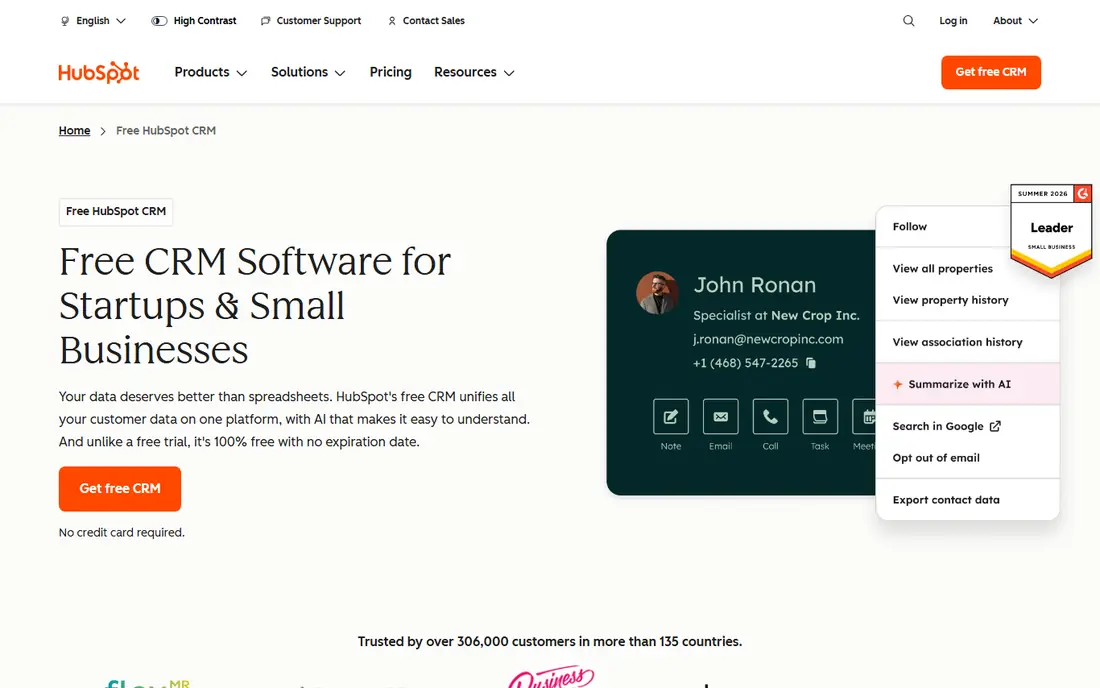
HubSpot is our pick for most small businesses that combine marketing and sales. The free CRM covers contacts, deals, tasks, email tracking, and meeting scheduling for up to two users, which is enough to run a small pipeline without paying. When you grow, paid Starter plans add more seats and features without a migration.
The catch is the middle tier. Starter is affordable, but Professional adds a large price jump, and sequences, custom reporting, and deeper automation live there. Plan for that jump if you expect to need automation soon. For teams starting from spreadsheets, HubSpot remains the easiest on-ramp on this list.
- Generous free tier
- Contact, deal, and email tools included
- Easy to scale later
- Professional tier jump is steep
- Some automation features need paid plans
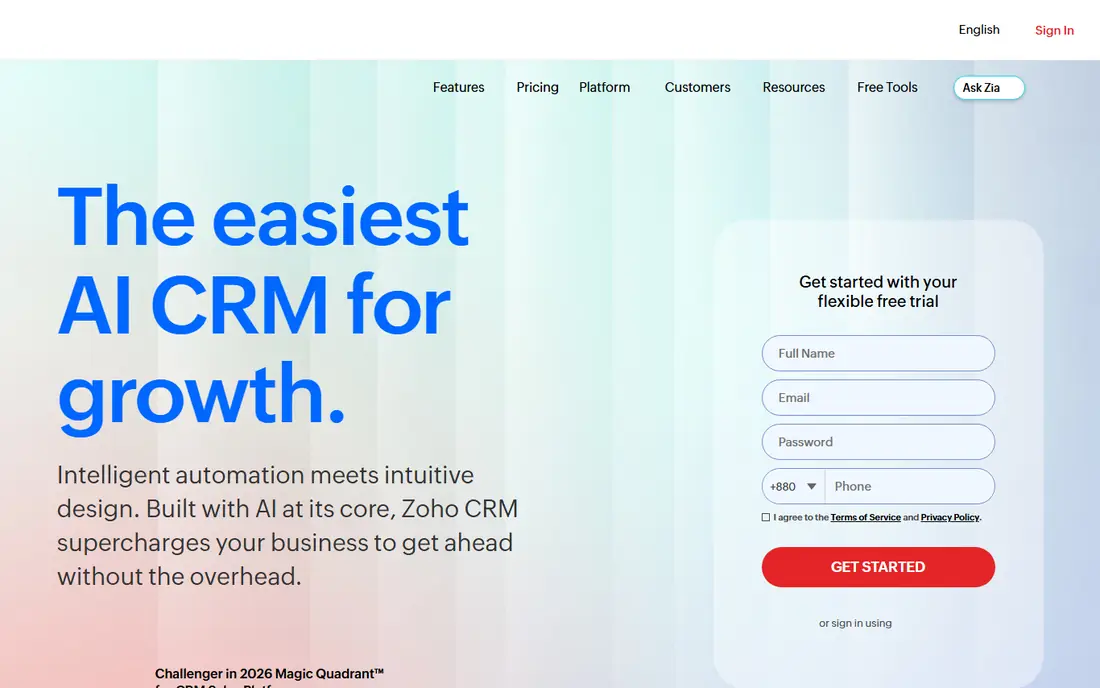
Zoho CRM wins on value. The free plan covers up to three users, and Standard at $14 per user per month adds workflow automation and more customization than many rivals at that price. If your business already uses Zoho Books, Zoho Mail, or other Zoho apps, the shared data makes the whole suite more useful.
The interface is functional rather than beautiful, and new users may need a short setup session to get pipelines, fields, and automation right. For budget-conscious teams that want a full CRM rather than a simple pipeline, Zoho is hard to beat on features per dollar.
- Free for up to three users
- Strong automation at low prices
- Wide Zoho app suite
- Interface feels less polished than HubSpot
- Setup takes more care

Pipedrive is built around one idea: a deal should always have a next activity. That focus makes it easy for sales reps to see what to do today, which deals are stalling, and where to focus. The pipeline view is clean, and activity reminders reduce the chance that a warm lead goes quiet.
It is less suited to teams that need deep marketing automation or service ticketing in the same tool. If sales is the core job, Pipedrive is our pick. If marketing and support share the same system, HubSpot or Zoho may fit better. Use the 14-day trial on real deals to test adoption before you pay.
- Clearest pipeline view
- Activity-based selling
- Easy for reps to adopt
- No permanent free plan
- Marketing and service features are limited
Monday CRM suits teams that already manage projects on monday, or that want sales and delivery on the same boards. Leads, deals, and client work can live side by side, with automations moving items as deals progress. That shared view helps small agencies and service businesses that hand work from sales to delivery.
Dedicated CRM features, such as deep email sequences and advanced sales forecasting, are less developed than in HubSpot or Pipedrive. Price also needs a seat-minimum check, since paid plans start at three seats. For visual teams, the flexibility outweighs those limits.
- Flexible boards for sales and delivery
- Visual automations
- Good for teams already on monday
- Three-seat minimum on paid plans
- CRM features are less deep than dedicated CRMs
Freshsales, from Freshworks, suits teams that want a CRM running in a day. The free tier covers basic contacts, deals, and pipelines, and paid plans add phone, email, and automation features. Integration with other Freshworks apps helps if you also need support or marketing tools from the same vendor.
It does not match Salesforce depth, and that is the point for a small team. If you need custom objects, complex approval chains, or a huge app marketplace, look elsewhere. If you need a clean pipeline, call logging, and follow-up reminders, Freshsales delivers without a long implementation.
- Free tier for basic CRM use
- Fast setup
- Built-in phone and email tools
- Advanced automation needs higher tiers
- Smaller ecosystem than HubSpot or Salesforce
Close is built for teams that live on the phone and in email. Calling, SMS, and email sit in one workspace, so reps do not switch apps to follow up. Power dialing, call recording (where lawful and disclosed), and pipeline reporting help outbound teams move faster.
The price reflects that focus, and teams that mostly handle inbound leads may not use the dialer enough to justify it. For SDR and AE teams that make many calls daily, Close can replace a separate dialer and a CRM. For a general small business CRM, Pipedrive or HubSpot will be simpler and cheaper.
- Native calling, SMS, and email in one inbox
- Strong for outbound teams
- Good reporting
- Higher price than basic CRMs
- Less suited to teams that rarely call prospects
Capsule CRM suits small teams that want a tidy contact database with deals, tasks, and history, without a steep learning curve. The free tier covers up to 250 contacts, which is enough for a new business or a solo operator to test the system. Paid plans add more contacts, users, and integrations.
It is not a marketing automation platform, and reporting stays basic compared with HubSpot or Zoho. For a team that mainly needs to remember who they spoke to, what was promised, and what happens next, Capsule is refreshingly simple. For a team that needs complex workflows, choose a larger CRM.
- Simple contact and deal tracking
- Free tier for up to 250 contacts
- Easy to learn
- Less automation than larger CRMs
- Reporting is more basic
Less Annoying CRM lives up to its name for solo operators and tiny teams. One price, one clear interface, and support that explains features in plain language make it easy to adopt. Contacts, pipelines, tasks, and calendar tools cover the daily work of a small service business.
It deliberately avoids the depth of Salesforce, so larger teams with complex processes will outgrow it. That limit is also its appeal: there is almost nothing to configure badly. If you run a business with one to five people and you want a CRM you will actually use, this is a strong final pick.
- One flat price per user
- Very simple design
- US-based support with a personal feel
- No free tier
- Limited customization for larger or complex teams
How we picked these
We compared official pricing pages, feature pages, and public reviews for CRMs that are actively sold to small businesses in October 2026. We kept only products that a small team can set up without an implementation partner, and we favored a mix of free, low-cost, sales-focused, and simple options. We excluded enterprise-only platforms and tools that require a large minimum contract to start.
What to check before you buy
Start with your sales process, not the feature list. Write down how a lead enters, who follows up, what a deal stage means, and when a deal counts as won or lost. Then test that exact flow in two shortlisted CRMs with real leads, not sample data. A CRM that fits your process will feel obvious within a few days.
Check three costs during the trial. First, the per-seat price at your actual headcount, including any seat minimums. Second, the tier that includes the automation and reporting you need, since starter plans often exclude them. Third, the cost of add-ons for calling, email sending, or extra contacts. A CRM that looks cheap at entry can become expensive once those items are added.
FAQ
What is the best Salesforce alternative for a small business?
HubSpot is the best starting point for most small businesses because of its free tier and its combined marketing and sales tools. Pipedrive is best for sales-led teams, and Zoho CRM is best for teams that want the lowest paid price with strong automation.
Is there a free alternative to Salesforce for SMBs?
Yes. HubSpot CRM is free for up to two users, Zoho CRM is free for up to three users, and Freshsales and Capsule CRM also offer free tiers with limits. Free tiers suit very small teams, but growing teams should budget for a paid plan.
Which CRM is easiest to set up?
Less Annoying CRM and Capsule CRM are easiest for solo and tiny teams, while Pipedrive is easiest for sales teams. HubSpot setup is also fast, though its deeper marketing features take longer to configure well.
Can I migrate data from Salesforce to another CRM?
Yes, most CRMs on this list support CSV import, and several offer migration tools or assisted import. Test a small batch first to confirm that contacts, deals, notes, and custom fields transfer as expected.
How much should a small business pay for a CRM?
Expect about $12 to $20 per user per month for starter plans from the CRMs on this list, plus possible add-ons for calling or automation. A team of five should budget roughly $60 to $100 per month at entry level, before higher-tier features.