Choosing Backup Software for Virtual Machines in 2026: 5 Options Compared
Best backup software for virtual machines in 2026: 5 tools with starting prices, free plans and limits. Concise write-ups of every option. Pick by budget.
- Editor's choice
 Cohesity DataProtect
Data security plus management in one system
Starts atPricing on requestVisit cohesity.comFull review - Great alternativeNakivo Backup & Replication
Quick, straightforward VM backup
Starts atPricing on requestVisit nakivo.comFull review - Also consider
 Acronis Cyber Protect
Backup plus cybersecurity for smaller teams
Starts atPricing on requestVisit acronis.comFull review
Direct answer
Cohesity DataProtect leads the list, best for data security plus management in one product. Alternatives: Nakivo Backup & Replication for quick, straightforward VM backup, and Acronis Cyber Protect for Backup plus cybersecurity for smaller teams. Details and limits for the rest of the 5 tools are below. None of these vendors publish plan prices, so pricing is on request for every option.
TL;DR:
- This list starts with Cohesity DataProtect, which is built for data security plus management in one system.
- Cohesity DataProtect, Veeam Backup & Replication and the 3 others all need a premium plan or a trial, since no free plan is listed.
- Pricing across the list, from Cohesity DataProtect to Veeam Backup & Replication, is by quote only.
- For virtualization-first backup and replication, Veeam Backup & Replication is worth a look.
- Check the limits for Commvault Backup & Recovery before you commit: enterprise scope can be complicated.
Last checked November 2026. Pricing on request: vendors did not publish plan prices when this guide was last checked (November 2026), so ask each vendor for a written quote.
Quick comparison
| Tool | Best for | Starts at | Free plan? | |
|---|---|---|---|---|
| Cohesity DataProtect | Data security plus management in one system | Pricing on request | Not stated | Visit |
| Nakivo Backup & Replication | Quick, straightforward VM backup | Pricing on request | Free trial | Visit |
| Acronis Cyber Protect | Backup plus cybersecurity for smaller teams | Pricing on request | Not stated | Visit |
| Commvault Backup & Recovery | Mixed enterprise stacks and clean recovery | Pricing on request | Not stated | Visit |
| Veeam Backup & Replication | Virtualization-first backup and replication | Pricing on request | Not stated | Visit |
Backup Software for Virtual Machines compared in detail
Short on time? The summary and table above give the quick view of 5 backup software for virtual machines, and the profiles that follow give the detail behind each entry.
Cohesity DataProtect targets data security plus management in one product. Cohesity DataProtect is described as combining data security and data management.
Smaller teams may prefer Acronis or Nakivo for more straightforward operations. Cohesity DataProtect does not show a starting price in this comparison, so check the vendor site for current pricing. Free plan details: Not stated.
Downsides: System breadth needs scoping.
- AI-based early threat detection
- Immutable backup for ransomware defense
- May be heavy for small setups
Nakivo Backup & Replication
Best for: Quick, straightforward VM backup
Where Nakivo Backup & Replication fits: quick, straightforward VM backup. Nakivo Backup & Replication is presented as a quick backup and disaster recovery option for virtual machines, physical machines, cloud workloads and Microsoft 365.
Points against: Less depth for very large enterprises.
Beyond that, choose Nakivo when straightforward VM backup and recovery speed are the main goals. Organizations needing identity protection or threat detection built in may look to those products. No starting price is listed for Nakivo Backup & Replication here; confirm pricing on the vendor site. Free access: Free trial.
What works well: Handles physical.
- Cloud and Microsoft 365
- Positioned for simplicity
- Fewer adjacent security features
Where Acronis Cyber Protect fits: Backup plus cybersecurity for smaller teams. If your central need is deep VM-centric replication, Veeam is the more focused choice.
In practice, pick Acronis when consolidation of backup and security is the priority. No starting price is listed for Acronis Cyber Protect here; confirm pricing on the vendor site. On free options: Not stated.
The main drawbacks: Breadth may overlap existing tools.
- Pitched at MSPs and firms
- Endpoint management and automation
- Less specialized for large virtualization estates
Commvault Backup & Recovery
Best for: Mixed enterprise stacks and clean recovery
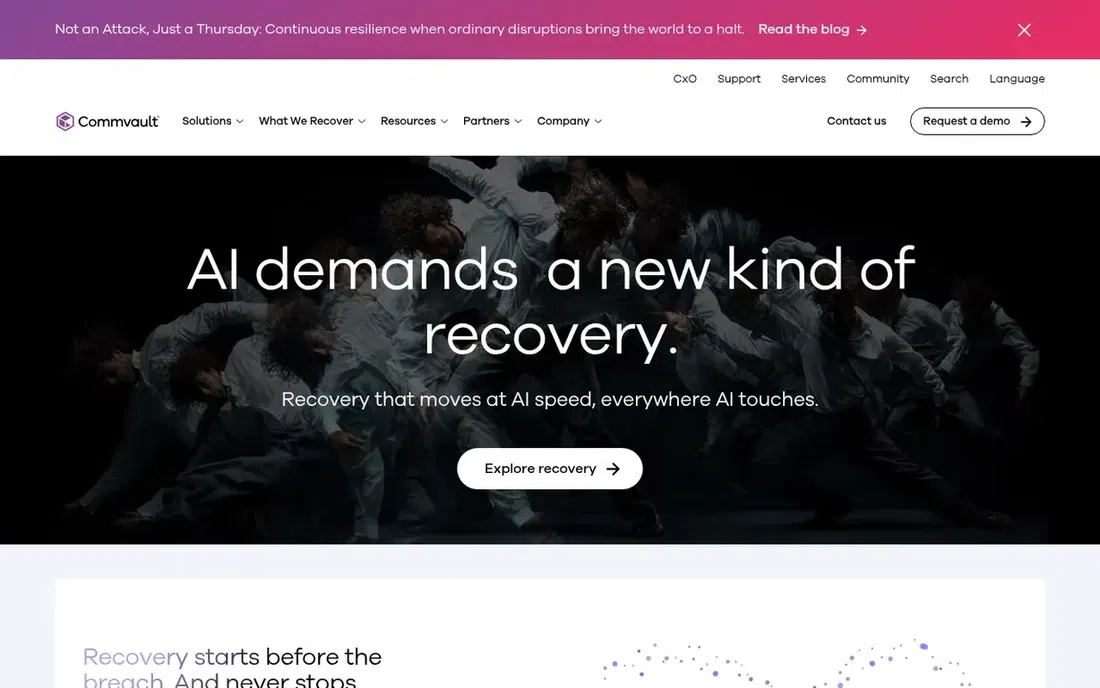
Commvault Backup & Recovery works best for mixed enterprise stacks and clean recovery. Its homepage emphasizes detecting compromise as it happens and restoring clean data, applications and identity across a stack.
Strengths: Spots compromise during recovery.
The breadth that makes it valuable also makes it an enterprise-scale undertaking to design and operate. Commvault Backup & Recovery shows no starting price here, so confirm the cost on the vendor site. On free options: Not stated.
Drawbacks to consider: Needs planning to deploy.
- Restores data
- Apps and identity
- Enterprise scope can be complicated
Veeam Backup & Replication
Best for: Virtualization-first backup and replication
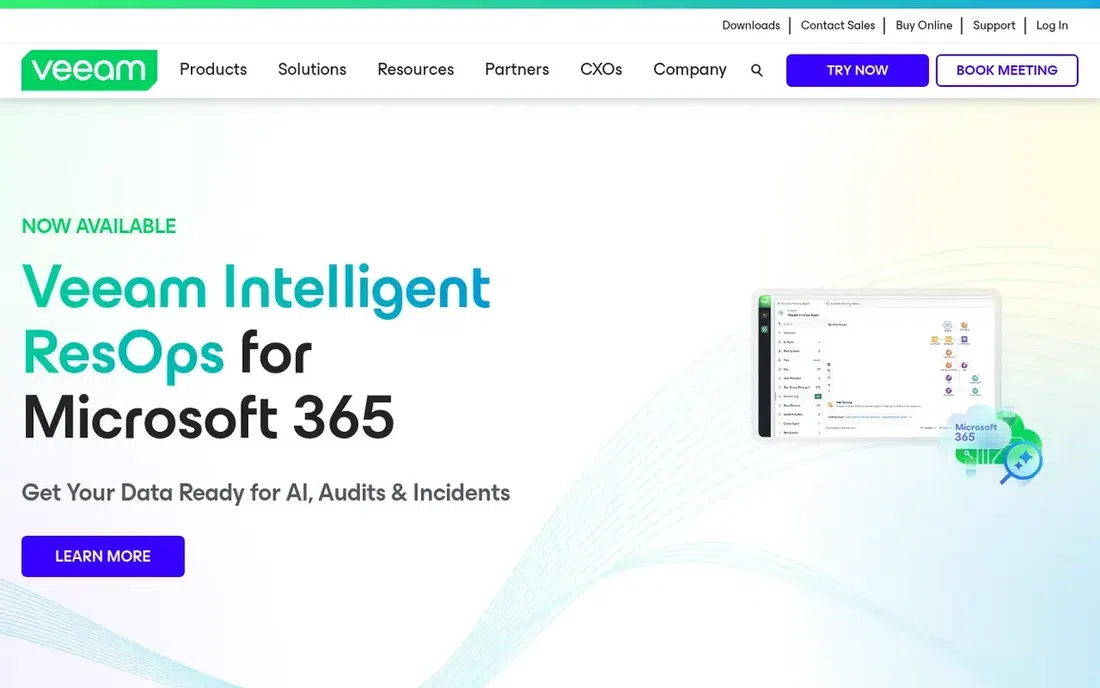
In short, Veeam Backup & Replication is for virtualization-first backup and replication. Veeam Backup & Replication is a virtualization-centered platform for image-level backup, replication and recovery.
Downsides: Licensing needs careful planning.
Its homepage frames the company around cyber resilience and secure data movement across environments. Check the vendor site for Veeam Backup & Replication pricing; none is listed in this comparison. Free options: Not stated.
- Wide workload coverage
- Replication and recovery choices
- Feature depth can be complicated to size
Our selection method
We compared the tools on published pricing, free plan or trial availability, feature coverage for backup software for virtual machines, and the limits each vendor documents. Figures are shown as the vendors publish them. Billing terms, seat minimums and add-ons can change the real cost. The ranking is editorial: typical fit first, then clear pricing, then free access. If your needs are unusual, read the profiles rather than relying on position.
What to check before you buy
- Ask each vendor, from Cohesity DataProtect to Veeam Backup & Replication, for a written quote; none of them publishes a starting price.
- Run a trial of Nakivo Backup & Replication with real work before paying for a year; your own workflow is the best test.
- Read the limits listed for Cohesity DataProtect first: product breadth needs scoping.
- Make sure Commvault Backup & Recovery lets you export your data in a format another tool can read.
- Run a one or two week pilot of Veeam Backup & Replication with the people who will use it every day.
FAQ
Do these tools publish their prices?
No. None of the tools, from Cohesity DataProtect to Veeam Backup & Replication, shows a fixed starting price here, so budget time for quotes. Each of the 5 options in this backup software for virtual machines guide has its own card above with the price, free plan and limits.
Does any tool for backup software for virtual machines here have a free plan?
A permanent free plan is not offered by Cohesity DataProtect, Veeam Backup & Replication or the other tools here. Nakivo Backup & Replication offer a trial. Plan a short evaluation period instead.
Can I try these tools before paying?
Often, yes. Nakivo Backup & Replication offers a free trial. Use your own data and a real task during the test, and check what the free tier or trial limits before you rely on it. All 5 picks in this backup software for virtual machines comparison list a starting price, free plan details and the main limits on their cards above.
What should VM backup software bundle?
Look for image-level virtual machine backup, steady restore and replication choices, and protection against tampering for example immutable backups. Coverage of the hypervisors you run and the workloads around them matters as much as raw backup speed.
How are the tools for backup software for virtual machines ordered?
Cohesity DataProtect sits first and Veeam Backup & Replication last because the order follows typical fit for backup software for virtual machines, then price clarity and free access. It is a judgement call, so read each profile for fit and limits.
Sources
- https://www.cohesity.com
- https://www.nakivo.com
- https://www.acronis.com
- https://www.commvault.com
- https://www.veeam.com