Best Virtual Machine Detection Software in 2026: Prices, Free Plans and 6 Picks
Compare 6 picks for the best virtual machine detection software, with prices, free plans and who each fits. Pros and cons for every tool. Refreshed for 2026.
- Editor's choice
 Nutanix AHV
Datacenter, edge and public cloud virtualization
Starts atSee websiteVisit nutanix.comFull review - Great alternative
 Microsoft Hyper-V
Windows Server native virtualization
Starts atSee websiteVisit learn.microsoft.comFull review - Also considerRed Hat Virtualization
Integrating VMs into hybrid cloud
Starts atSee websiteVisit redhat.comFull review
Direct answer
If you need Datacenter, edge and public cloud virtualization, Nutanix AHV is the first tool to look at here. Listed starting prices: CrowdStrike Falcon from $7.99 per device a month. Microsoft Hyper-V is the stronger choice for Windows Server native virtualization, while Red Hat Virtualization suits Integrating VMs into hybrid cloud. Prices, free plans and limits for all 6 tools follow.
TL;DR:
- Nutanix AHV sits first on this list: Datacenter, edge and public cloud virtualization.
- One limit worth knowing about VMware vSphere: geared toward bigger, established environments.
- For Endpoint protection against evasive threats, Kaspersky Endpoint Security is worth a look.
- The lowest published monthly entry price here is $7.99 per device per month, from CrowdStrike Falcon.
- Neither Nutanix AHV nor Kaspersky Endpoint Security, nor any of the other 4 tools, has a permanent free plan; trials and quotes are the norm.
Last checked November 2026. Prices and plan details were read from the vendors' own pages in November 2026; vendors change plans often, so confirm the current price on the vendor site before you buy.
Quick comparison
| Tool | Best for | Starts at | Free plan? | |
|---|---|---|---|---|
| Nutanix AHV | Datacenter, edge and public cloud virtualization | See website | Not stated | Visit |
| Microsoft Hyper-V | Windows Server native virtualization | See website | Not stated | Visit |
| Red Hat Virtualization | Integrating VMs into hybrid cloud | See website | Free trial | Visit |
| VMware vSphere | Enterprise compute infrastructure and compliance | See website | Not stated | Visit |
 CrowdStrike Falcon | Unified endpoint, identity and cloud security | $7.99 per device a month | Free trial | Visit |
| Kaspersky Endpoint Security | Endpoint protection against evasive threats | See website | Not stated | Visit |
The 6 tools in detail
Short on time? The summary and table above give the quick view of 6 tools for virtual machine detection software, and the profiles that follow give the detail behind each entry.
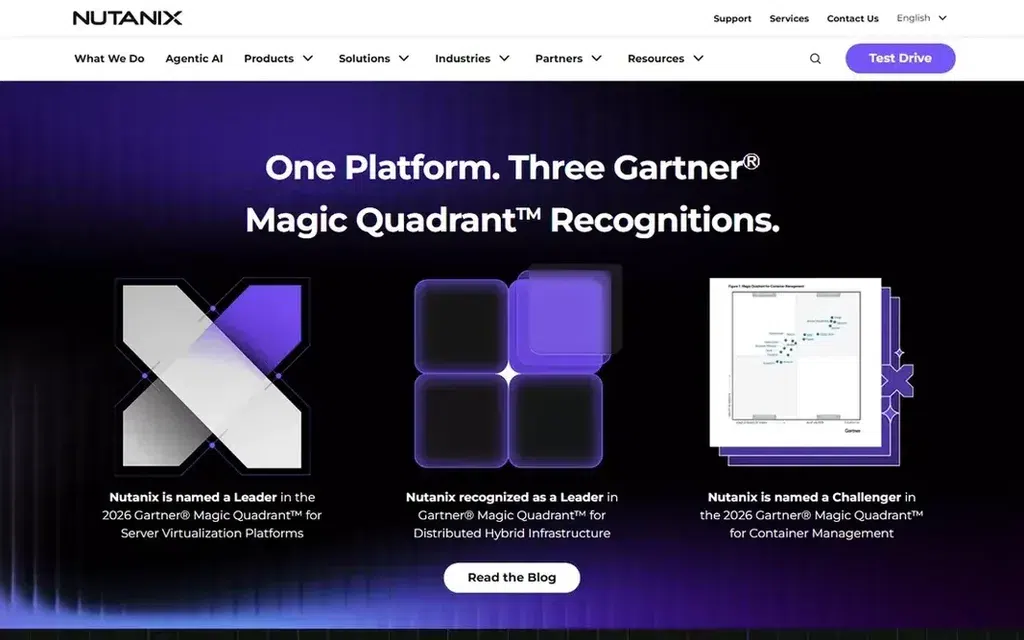
In short, Nutanix AHV is for Datacenter, edge and public cloud virtualization. Nutanix AHV is described as a modern and secure virtualization product that powers virtual machines for applications in the datacenter, at the edge and in public clouds. If you only need isolated desktop testing, a light hypervisor is more appropriate.
Strengths: edge and cloud.
Honest limits: Needs hypervisor migration planning.
Teams moving away from legacy hypervisors commonly consider AHV as part of a broader infrastructure change. AHV is built to work within the Nutanix environment, so its appeal relies on how much of that stack you adopt. No starting price is listed for Nutanix AHV here; confirm pricing on the vendor site. Free options: Not stated.
- Powers VMs for business applications
- Secure virtualization product
- Best value within the Nutanix stack
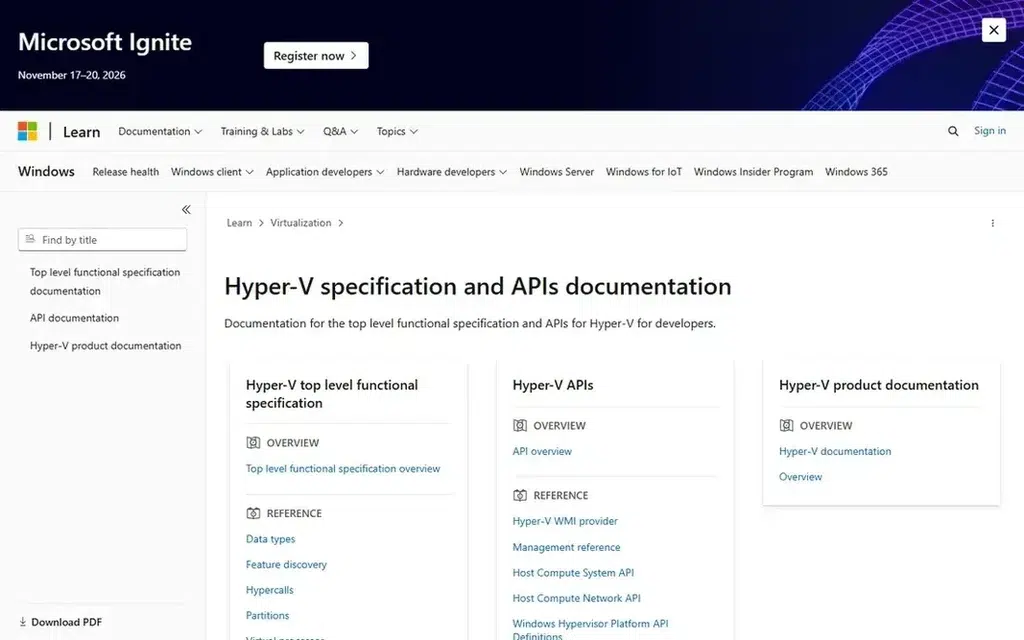
Microsoft Hyper-V makes the most sense for Windows Server native virtualization. It fits Windows-centric organizations that want to run virtual machines without adding a separate hypervisor vendor.
Microsoft Hyper-V shows no starting price here, so confirm the cost on the vendor site. As for free access: Not stated.
Downsides: Feature depth varies by edition.
- Clear getting-started guidance
- Documented features and scenarios
- Tied closely to the Microsoft ecosystem
Red Hat Virtualization
Best for: Integrating VMs into hybrid cloud
Pick Red Hat Virtualization if this describes you: Integrating VMs into hybrid cloud. Red Hat Virtualization is presented through Red Hat OpenShift Virtualization, a feature of OpenShift that integrates virtual machines into a modern hybrid cloud infrastructure product.
Where it is weaker: Needs OpenShift familiarity.
Worth adding: for straightforward local virtual machines, a desktop hypervisor remains the simpler choice. Also, the value lies in treating virtualization as part of a broader cloud-native product instead of a separate silo. Pricing for Red Hat Virtualization is not stated here, so ask the vendor for current figures. Free access: Free trial.
- Virtual machines inside OpenShift
- Suits hybrid cloud infrastructure
- Not a standalone desktop tool
VMware vSphere
Best for: Enterprise compute infrastructure and compliance
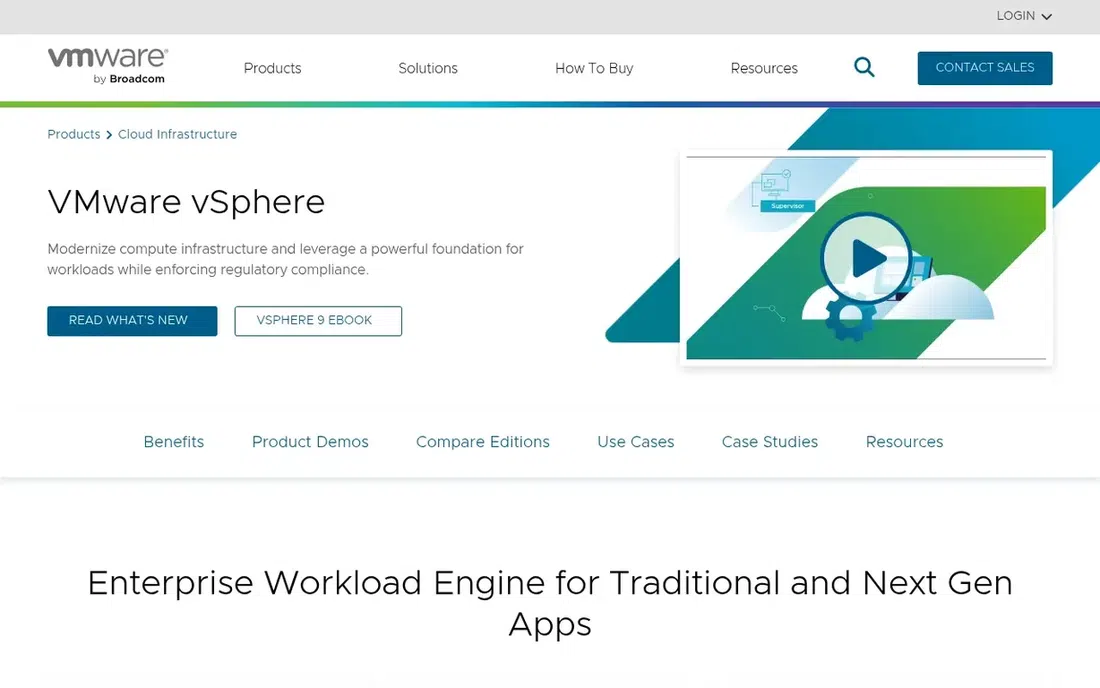
VMware vSphere works best for enterprise compute infrastructure and compliance. VMware vSphere is a virtualization system for modernizing an organization's compute infrastructure, with security and compliance emphasized on its product page. If your priority is fast local testing instead of datacenter management, a desktop hypervisor is the more straightforward route.
From a buyer's view, licensing and deployment decisions typically involve more planning than light alternatives. More specifically, the system is oriented toward enterprise-scale operations, so smaller teams may find the surrounding ecosystem heavier than needed. VMware vSphere does not show a starting price in this comparison, so check the vendor site for current pricing. Free access: Not stated.
What to check first: Targeted at bigger, established environments.
- Security and compliance built into compute
- Wide datacenter virtualization coverage
- Requires system expertise
Choose CrowdStrike Falcon for unified endpoint, identity and cloud security. The CrowdStrike Falcon product is described as a unified, AI-native security system that uses one console and a single sensor to secure endpoint, identity, cloud and AI in live.
Beyond that, the single-agent approach appeals to teams reducing tool sprawl. Falcon is a security product, not a hypervisor, so virtualization management remains with your infrastructure vendor. Entry price for CrowdStrike Falcon: $7.99 per device per month. Trial and free access: Free trial.
The main drawbacks: Wide product may exceed narrow needs.
- Cloud and AI
- AI-native system positioning
- Deployment needs security planning
Kaspersky Endpoint Security
Best for: Endpoint protection against evasive threats
Kaspersky Endpoint Security was built for Endpoint protection against evasive threats. Kaspersky Endpoint Security is positioned around Kaspersky Next EDR Optimum, a simplified security offering that emphasizes simplicity and automation whereas helping organizations avoid business disruption and resist evasive threats. If your main goal is managing virtual infrastructure, pair it with a dedicated virtualization platform.
In practice, the product is an endpoint security tool instead of a virtualization management system, so it will not deal with hypervisor administration or virtual machine lifecycle tasks. On top of that, Virtualized endpoints fall within the broader endpoint estate it is meant to protect. Kaspersky Endpoint Security does not show a starting price in this comparison, so check the vendor site for current pricing. As for free access: Not stated.
Where it falls short: Needs tuning for your environment.
- Focus on avoiding business disruption
- Endpoint security positioning
- Detection scope centered on endpoints
Selection criteria
Selection started from tools commonly considered for virtual machine detection software, then narrowed to 6 that have clear pricing information or a clear quote process. Where a vendor does not publish a price, the entry says quote. Where a price depends on seats or billing term, the entry says so. Position on the page reflects fit for a typical buyer first, with price clarity and free access breaking ties. Treat it as a guide, not a ruling.
Questions to settle before buying
- Get a written quote from Nutanix AHV, Microsoft Hyper-V, Red Hat Virtualization and others; the list shows no starting price for them.
- Take the trial from Red Hat Virtualization and CrowdStrike Falcon and push a live task through it before you pay.
- Read the limits listed for Nutanix AHV first: best value within the Nutanix stack.
- Confirm the exact VMware vSphere plan that includes your must-have features.
- List the apps you already depend on and check that CrowdStrike Falcon supports each one on the plan you would buy.
FAQ
Do these tools publish their prices?
Not all of them. Nutanix AHV, Microsoft Hyper-V, Red Hat Virtualization and others publish no starting price, so expect a quote request for those. The rest, CrowdStrike Falcon included, show a starting price, though seats and billing terms still change the final cost.
Can I try these options before paying?
Often, yes. Red Hat Virtualization and CrowdStrike Falcon offer a free trial. Use your own data and a real task during the test, and check what the free tier or trial limits before you rely on it.
What is virtual machine detection software?
The term handles two related areas: systems that handle and monitor virtual machines, and security tools that detect malicious or unauthorized activity inside virtualized workloads. Match the category to your actual goal before shortlisting.
How do I verify coverage for virtualized workloads?
Ask each vendor how their product deals with virtual machines, whether through native hypervisor support, agent-based monitoring or cloud integrations. A short pilot in a non-production environment helps validate fit before wider rollout.
Is Nutanix AHV the right pick for everyone comparing virtual machine detection software?
No single tool suits every team. Nutanix AHV comes first because it fits Datacenter, edge and public cloud virtualization, while Microsoft Hyper-V suits Windows Server native virtualization and Red Hat Virtualization suits Integrating VMs into hybrid cloud. Match the tool to your own size, budget and workflow before deciding.
Can desktop tools like VirtualBox be used in production?
VirtualBox is best known for development, testing and learning on desktop systems instead of datacenter production. For production virtualization, evaluate server-class products instead.
Sources
- https://www.nutanix.com/products/ahv
- https://learn.microsoft.com/en-us/windows-server/virtualization/hyper-v/hyper-v-technology-overview
- https://www.redhat.com/en/technologies/virtualization/enterprise-virtualization
- https://www.vmware.com/products/vsphere.html
- https://www.crowdstrike.com/platform
- https://www.kaspersky.com/enterprise-security/endpoint