Best Video Captioning Software for Accessibility Compliance for 2026: Our 6 Vetted Picks
Compare 6 picks for the best video captioning software for accessibility compliance, with prices, free plans and who each fits. Every tool lists pros and cons.
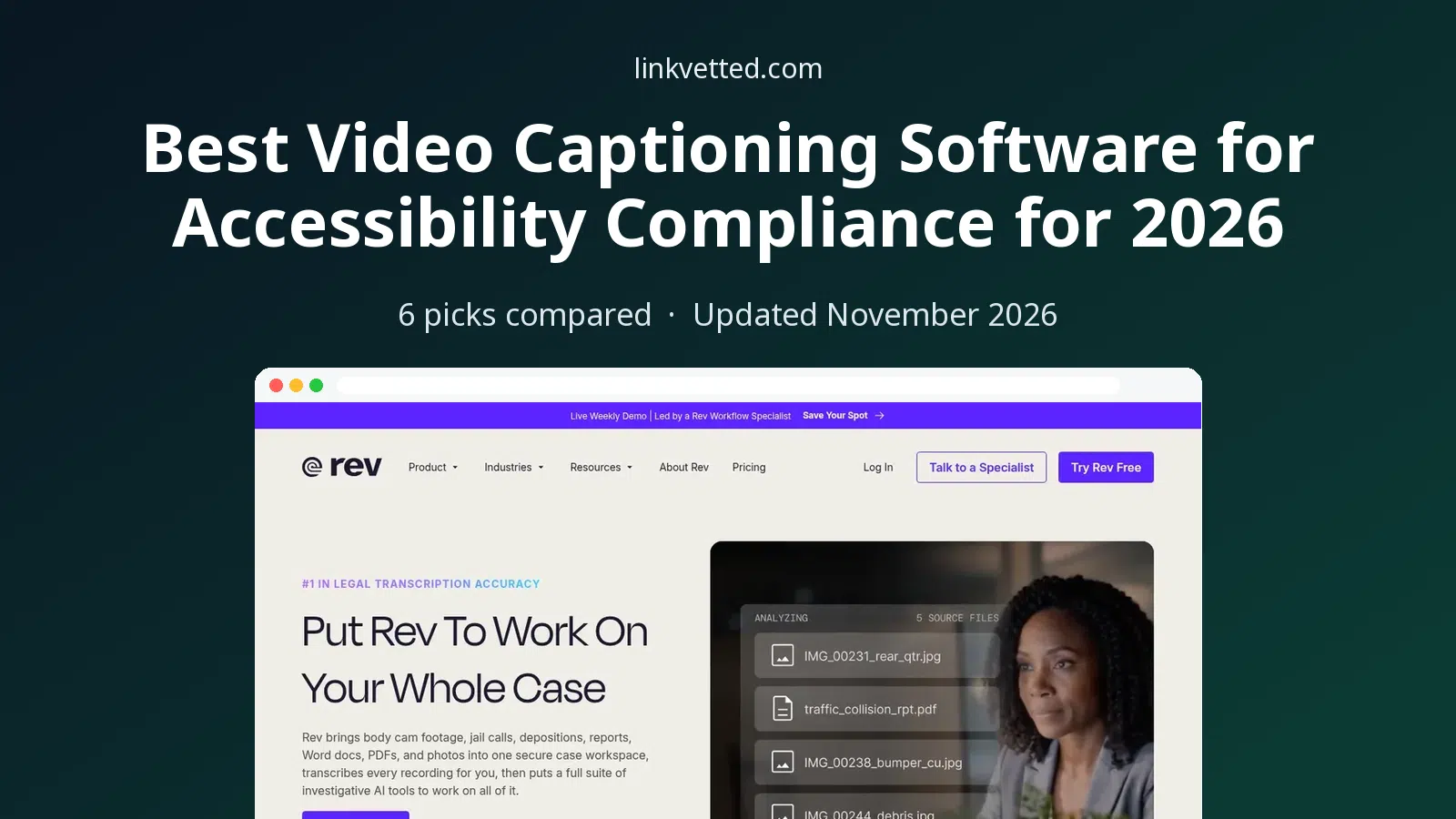
- Editor's choice
 Rev
Legal and investigative transcription accuracy
Starts at$25.49 per seat per monthVisit rev.comFull review - Great alternative
 Kaltura
Enterprise video systems with accessibility needs
Starts atSee websiteVisit corp.kaltura.comFull review - Also consider
 Vimeo
Hosting videos with accessible playback
Starts atSee websiteVisit vimeo.comFull review
Direct answer
Rev leads the list, best for legal and investigative transcription accuracy. Listed starting prices: Rev from $25.49 per seat per month. For a different need, Kaltura covers enterprise video products with accessibility needs and Vimeo covers hosting videos with accessible playback. The remaining 3 options are covered below with prices and limits.
TL;DR:
- The list opens with Rev, aimed at legal and investigative transcription accuracy.
- What to know about Vimeo first: captioning depth relies on plan details.
- Only Vimeo offers a free plan among these 6 tools.
- Rev is the lowest-priced starter here at $25.49 per seat per month.
- For live meeting captions and recorded sessions, Zoom is worth a look.
Last checked November 2026. Prices and plan details were read from the vendors' own pages in November 2026; vendors change plans often, so confirm the current price on the vendor site before you buy.
Quick comparison
| Tool | Best for | Starts at | Free plan? | |
|---|---|---|---|---|
| Rev | Legal and investigative transcription accuracy | $25.49 per seat per month | Not stated | Visit |
| Kaltura | Enterprise video systems with accessibility needs | See website | Free trial | Visit |
| Vimeo | Hosting videos with accessible playback | See website | Yes | Visit |
 Panopto | Lecture capture and searchable video libraries | See website | Free trial | Visit |
 Verbit | Sector-specific transcription and captioning services | See website | Not stated | Visit |
 Zoom | Live meeting captions and recorded sessions | See website | Not stated | Visit |
Video Captioning Software for Accessibility Compliance compared in detail
LinkVetted compared 6 tools for video captioning software for accessibility compliance. The goal is a practical shortlist: published prices, free plan facts, best-fit use cases and honest limits for every entry.
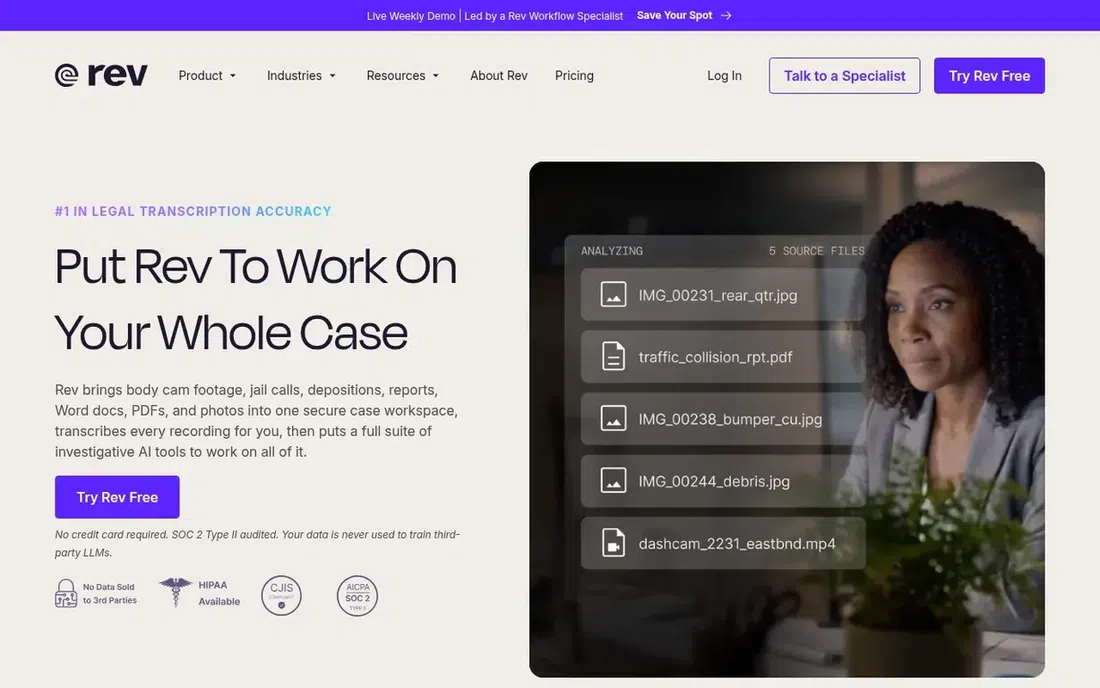
Think of Rev for legal and investigative transcription accuracy. Accessibility-focused organizations handling sensitive recorded material may find the verification emphasis valuable.
What to check first: Legal focus narrows general video use.
Best features of Rev: Focus on verified.
Confirm that its output format meets your compliance documentation needs. Price to start with Rev: $25.49 per seat per month. Free plan details: Not stated.
- Designed for evidence-heavy investigations
- Solid fit for legal teams
- Not positioned as a video hosting system
Kaltura is built with enterprise video products with accessibility needs in mind. Kaltura is a widely known enterprise video product used by educational institutions, media businesses and large organizations to handle and deliver video. Confirm accessibility features with the vendor and consider pairing with a specialist captioning service when accuracy requirements are strict.
Points against: Feature details rely on configuration.
In practice, for accessibility programs, it can serve as the central video system that captioned content flows through. As for the details, smaller teams may find enterprise administration heavier than needed. Pricing for Kaltura is not stated here, so ask the vendor for current figures. As for free access: Free trial.
- Can anchor a broader video strategy
- Known enterprise video product
- May need dedicated administration
Vimeo is aimed squarely at hosting videos with accessible playback. Vimeo is a widely known video hosting and streaming product for publishing films, shorts and other content in HD. From a buyer's view, pick Vimeo when hosting and playback quality are the priority.
Where it falls short: Not a dedicated transcription service.
In daily use, Vimeo's homepage centers on watching and discovering video instead of compliance workflows, so captioning capability should be verified for your specific needs. For accessibility programs, it serves as the delivery layer where captioned videos reach viewers. Check the vendor site for Vimeo pricing; none is listed in this comparison. You can start on Vimeo without paying.
- Familiar interface for creators
- Well-known video hosting and playback
- Captioning depth relies on plan details
Panopto targets lecture capture and searchable video libraries. Panopto calls itself a video knowledge system for training, onboarding and lecture capture, letting organizations record, search and share video. Worth adding: captioning and compliance features should be confirmed against your standards.
From a buyer's view, Panopto is oriented toward organizational learning instead of one-off captioning jobs, so small teams may find it broader than required. Educational institutions and corporate learning teams that require accessible recorded lectures and training libraries are the clearest fit. Pricing for Panopto is not stated here, so ask the vendor for current figures. As for free access: Free trial.
What to check first: Enterprise learning focus may exceed straightforward needs.
- Searchable video knowledge base
- Aimed at training and lecture capture
- Captioning specifics should be confirmed
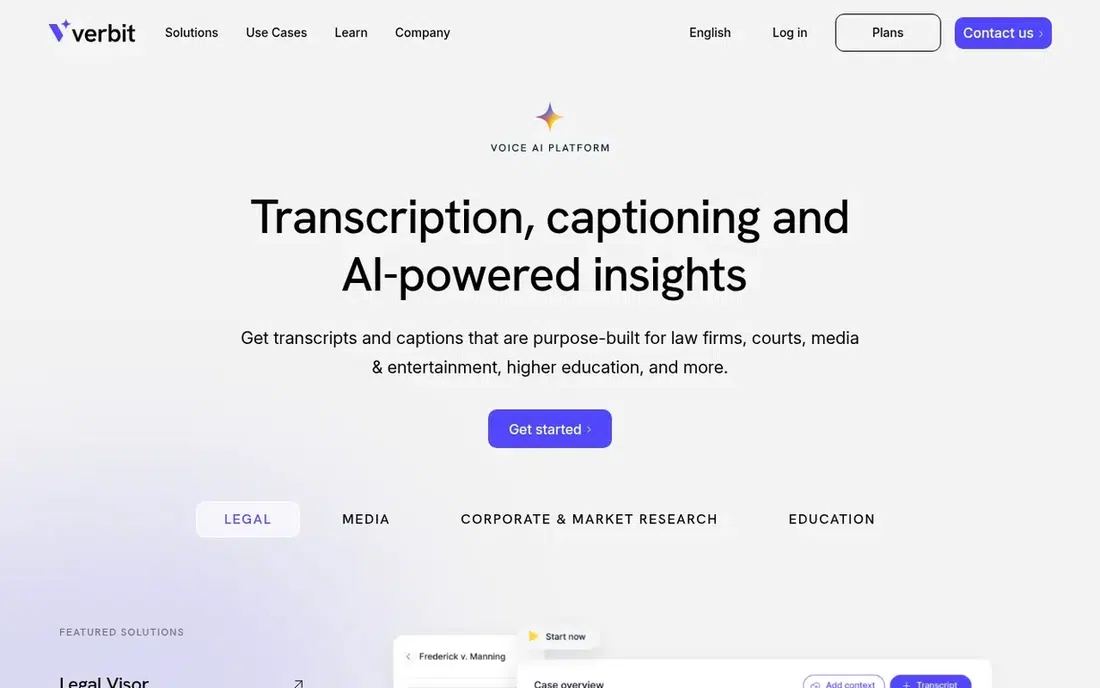
Verbit is designed for Sector-specific transcription and captioning services. Verbit presents itself as an AI-based transcription and captioning service aimed at law businesses, courts, media and entertainment, higher education and other professional sectors.
Beyond that, teams that require captions produced to a defined standard, instead of a straightforward editor, fit its model well. On top of that, budget and turnaround expectations vary by project, so confirm scope with the vendor. Check the vendor site for Verbit pricing; none is listed in this comparison. Free plan details: Not stated.
Where it shines: media and education needs. Where it falls short: Service-oriented instead of self-serve software.
- Spans legal
- AI-based transcription and captions
- Sector focus may not suit casual creators
Choose Zoom for live meeting captions and recorded sessions. Organizations already running on Zoom can extend accessibility practices into everyday communication.
Watch-outs: Not a dedicated compliance captioning service.
Beyond that, Zoom's homepage emphasizes connecting workflows instead of compliance captioning, so its caption features should be checked against your requirements. Zoom shows no starting price here, so confirm the cost on the vendor site. On free options: Not stated.
- Widely used for meetings and webinars
- Familiar to most organizations
- Captioning is one feature among numerous
How we chose
LinkVetted looked at what each vendor publishes: pricing, plan limits, feature coverage for video captioning software for accessibility compliance and stated drawbacks. No hands-on testing is claimed. Figures are shown as the vendors publish them. Billing terms, seat minimums and add-ons can change the real cost. The sequence is a judgement call: typical use case first, then pricing transparency, then free access. Use the profiles to check fit.
Things to verify first
- Get a written quote from Kaltura, Vimeo, Panopto and others; the list shows no starting price for them.
- Test the free plan from Vimeo against your real workload before relying on it.
- Take the trial from Kaltura and Panopto and push a live task through it before you pay.
- Read the limits listed for Rev first: legal focus narrows general video use.
- See whether Kaltura offers onboarding or training, and whether it is included in the price.
- Check whether the features you need in Vimeo sit on the entry plan or only on higher tiers.
FAQ
How are the tools for video captioning software for accessibility compliance ordered?
The order follows typical fit for video captioning software for accessibility compliance, with Rev first and Zoom last, then price clarity and free access. It is editorial judgement, not a score, so another team could rank the tools differently.
What is the cheapest option for video captioning software for accessibility compliance in this list?
On published monthly entry prices, Rev is the lowest here at $25.49 per seat per month. Entry price is only part of the cost, because seats, add-ons and billing terms can change the total. Prices, free plan details and limits for all 6 tools in this video Captioning software for accessibility compliance roundup sit on the individual cards above.
Can I try these tools before paying?
Often, yes. Vimeo has a free plan and Kaltura and Panopto offer a free trial. Use your own data and a real task during the test, and check what the free tier or trial limits before you rely on it.
What should captioning software for accessibility compliance include?
Look for accurate captions in standard formats, support for both live and recorded content. A review step so errors are corrected before publishing.
Which options for video captioning software for accessibility compliance have a free plan?
Vimeo is the only tool in this list with a free plan. Free plans usually cap users, projects or features, so check the limits on the vendor page. Several others offer a trial instead. Each of the 6 options in this video Captioning software for accessibility compliance guide has its own card above with the price, free plan and limits.
Sources
- https://www.rev.com
- https://corp.kaltura.com
- https://vimeo.com
- https://www.panopto.com
- https://verbit.ai
- https://zoom.us