Best Deepfake Detection Tools in 2026: 8 Tools Compared
Compare the best deepfake detection tools for video, audio, and images, with APIs, free checks, and enterprise options for news, security, and fraud teams.
- Editor's choice
 Reality Defender
Professional multi-format detection
Starts atFreeVisit realitydefender.comFull review - Great alternative
 Hive AI-Generated Content Detection
High-volume platform screening
Starts atSee websiteVisit thehive.aiFull review - Also consider
 Sensity AI
Forensic and investigative analysis
Starts atSee websiteVisit sensity.aiFull review
TL;DR:
- Reality Defender is our pick for most professional teams, because it covers audio, image, and video through a web interface and an API with a free tier.
- Hive suits platforms that need to screen large volumes, with usage-based pricing for AI-generated content detection.
- Sensity AI suits forensic and investigative work, where audit trails and explainable results matter more than a quick score.
- Free consumer checkers help with a single suspicious file, but they are not a substitute for a second source or human review.
- No detector gives a certain yes or no, so treat every score as a signal, check the original source, and keep the file for review.
Quick comparison
| Tool | Best for | Starts at | Free plan? | |
|---|---|---|---|---|
| Reality Defender | Professional multi-format detection | Free | Yes | Visit |
| Hive AI-Generated Content Detection | High-volume platform screening | See website | No | Visit |
| Sensity AI | Forensic and investigative analysis | See website | No | Visit |
 Deepware Scanner | Quick free video checks | Free | Yes | Visit |
 Resemble AI Detect | Audio and voice clone detection | See website | Yes | Visit |
 Pindrop Pulse | Voice fraud in call centers | See website | No | Visit |
 Clarity | Video and audio verification | See website | No | Visit |
 DeepFake-O-Meter | Free academic research checks | Free | Yes | Visit |
The best deepfake detection tools
We compared official feature pages, pricing pages, and public documentation for the best deepfake detection tools, the best deepfake detection platforms, and the best deepfake detection software for professional use. We focused on which media types each tool covers, whether it offers an API or a web check, and how its results can be explained and stored.
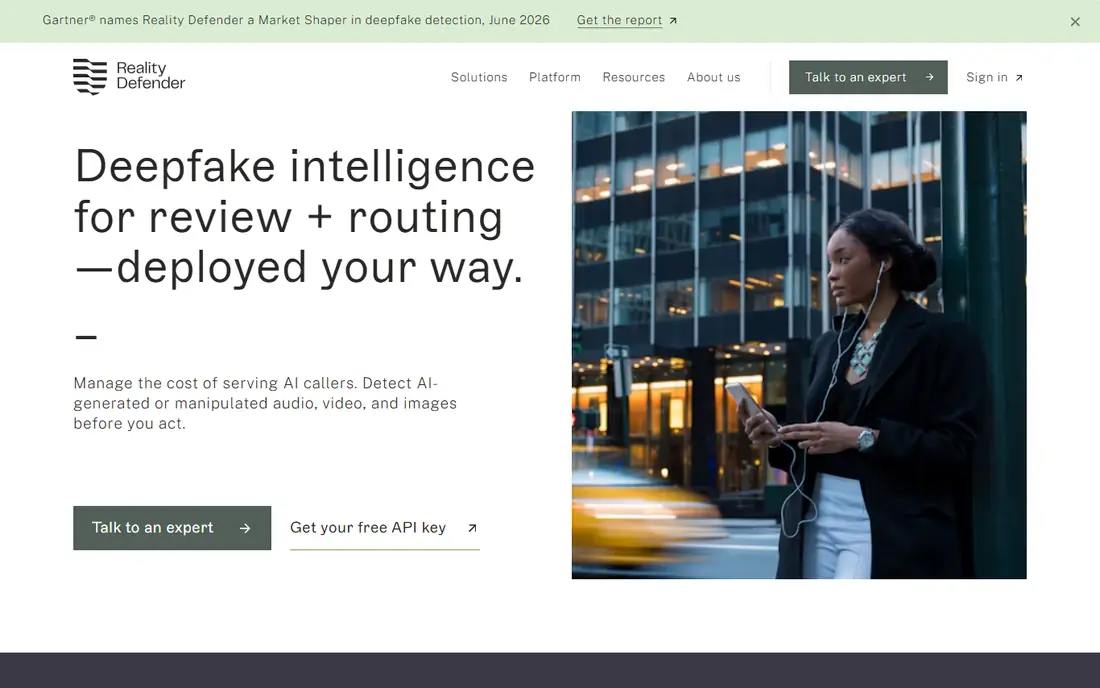
Reality Defender is the most complete starting point for a professional team. You can upload a file through the web interface or send it through an API, and the platform returns a score with context for audio, image, and video. That mix suits newsrooms, brand teams, and security teams that need to check content before publication or distribution.
The catch is price at scale. The free tier is useful for testing and occasional checks, but regular video work moves you to a paid plan quickly. For a team that checks media every day, the cost is justified by the breadth of formats. For a single suspicious clip, start with the free tier and a second checker.
- Free API tier with 50 audio or image scans per month
- Covers audio, image, video, and text on higher plans
- Web interface plus API and integrations
- Paid growth plan starts at $399 per month
- Enterprise features need a custom quote
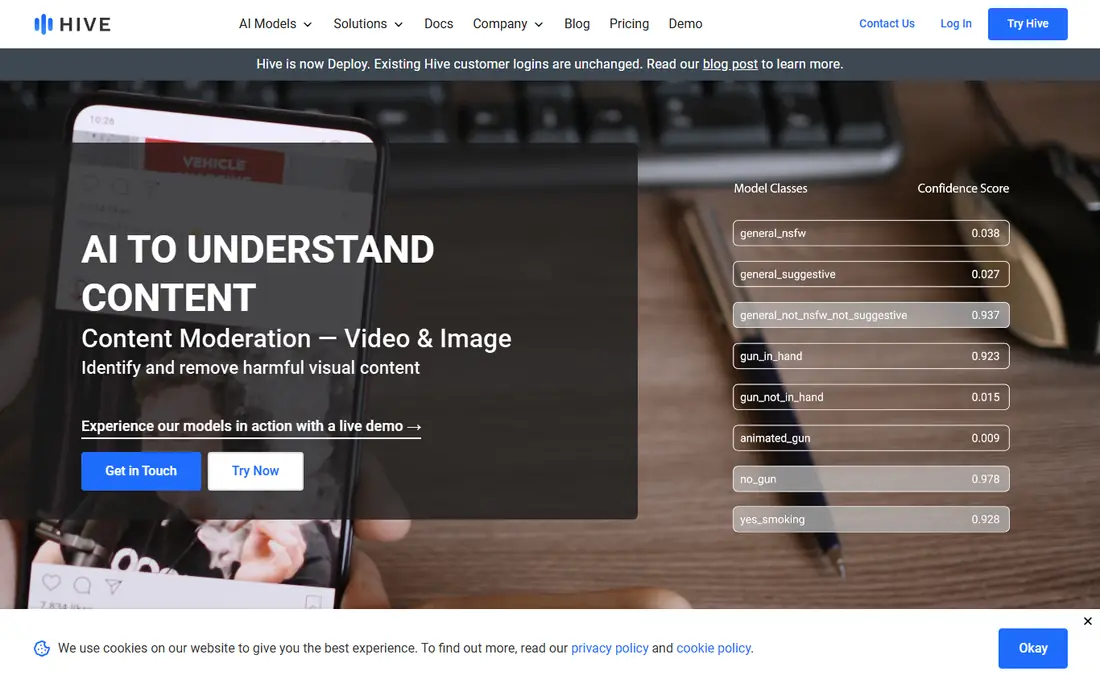
Hive suits platforms and companies that need to screen thousands of files, not one at a time. Its detection models plug into moderation pipelines, so user uploads, ads, or marketplace listings can be checked automatically. Usage-based pricing means a quiet month costs less than a busy one, which helps teams with uneven volume.
The trade-off is accessibility. Hive is not a simple consumer checker, and buyers need to confirm which endpoint and rate apply to their use case. If you run a platform, a marketplace, or a content service, Hive is a strong enterprise option. If you only need an occasional check, a free tool on this list fits better.
- API built for large-scale screening
- Covers AI-generated images, video frames, audio, and text
- Usage-based pricing suits variable volume
- No general free plan for casual users
- Pricing depends on which detection endpoint you use
Sensity AI is built for cases where a result may be cited in a report, a newsroom note, or an investigation. It analyzes manipulated media and provides detail that helps an analyst explain why a file looks suspicious, rather than a single score alone. That depth matters when a decision affects a person, a story, or a legal process.
The downside is cost and process. Pricing is by quote, and the platform is aimed at professional teams, not casual users. A small team with occasional checks will find it heavy. For security, compliance, and investigative work, Sensity is one of the most credible options available.
- Detailed analysis for video, images, and audio
- Audit trails and reporting for investigations
- Designed for security, media, and compliance teams
- Quote-based pricing with no public entry price
- Setup and onboarding take more time than a web checker
Deepware Scanner is the tool to try first when you receive a suspicious video and need a quick read. You upload the file through a browser, and the scanner reports whether it shows signs of manipulation. That simplicity makes it useful for journalists, researchers, and ordinary users who do not need an API.
The honest limit is scope. It does not replace a full enterprise platform for audio, images, and text, and its result should be combined with source checks and, where possible, another detector. For a fast, free first check, Deepware Scanner earns its place.
- Free web scanner for suspicious videos
- Simple upload and result flow
- Useful as a second check alongside another tool
- Video-focused, with less breadth than enterprise platforms
- Results are a signal, not a final verdict
Resemble AI Detect focuses on one hard problem: telling a real voice from a cloned one. That focus suits call centers, fraud teams, and media teams that receive audio evidence or voice messages. An API lets teams check calls or clips as part of a workflow, rather than as a manual side task.
The catch is narrowness. If your main risk is face-swap video, you need another tool on this list. If your main risk is voice impersonation, a specialist audio detector gives a clearer signal than a general platform. Pair it with a video tool when both risks apply.
- Specialized in AI-generated speech and voice clones
- API-first design for call and content workflows
- Works across major voice generation systems
- Audio-only, so it cannot check video or images
- Paid use needs a vendor quote or plan check
Pindrop Pulse addresses voice fraud where it happens most: the phone call. Contact centers can use it to flag synthetic or manipulated voices as part of authentication and fraud checks, which helps when a caller claims to be a customer or an executive. That live-call focus sets it apart from file-only checkers.
The trade-off is access. Pindrop is an enterprise product, so small teams and individual users will not buy it for occasional checks. For a bank, insurer, or large contact center, it is a practical layer in a wider fraud defense. For a single audio clip, use Resemble AI Detect or Reality Defender instead.
- Built for live and recorded call analysis
- Helps flag synthetic voices in fraud workflows
- Enterprise integrations for contact centers
- Enterprise pricing with no public entry price
- Not a consumer checker for single files
Clarity, sometimes listed as Clarity AI, provides detection for manipulated video and audio in professional workflows. Media, trust and safety, and security teams can use it to screen content before it spreads, which matters when a clip arrives during a breaking news event or a fraud attempt. Its focus on verification over consumer checking shapes the whole product.
The downside is transparency on price. Teams need to contact the vendor for terms, which slows a small pilot. If you need a quick free check, start elsewhere on this list. If you need a professional video and audio layer, Clarity deserves a place on your shortlist.
- Detection for video and audio media
- Designed for trust, safety, and media teams
- API and platform options for workflows
- Pricing is not published for a simple self-serve start
- Less suited to casual single-file checks
DeepFake-O-Meter comes from academic research, and it shows. It lets users run a file through several published detectors and compare results, which is valuable for researchers, students, and analysts who want to understand why detectors disagree. That comparison view is rare in commercial tools.
The catch is usability. The interface feels like a research tool, not a business product, and support and service levels differ from a vendor platform. For learning, testing, and a free second opinion, it is useful. For a production workflow with service guarantees, choose a commercial platform on this list.
- Free research platform for manipulated media
- Multiple academic detectors in one place
- Useful for study and comparison
- Research interface, not a polished commercial product
- Results vary by detector and file type
How we picked these
We compared official feature pages, pricing pages, and public documentation, and we favored tools that clearly state which media types they cover and how results are delivered. We included free checkers, API platforms, and forensic tools, so readers with different budgets and risks can find a fit. We did not claim hands-on testing, and we did not repeat vendor accuracy claims as facts, because vendors test on different data.
How to use a deepfake detector well
Never trust a single score
Run a suspicious file through two tools where possible, and check the original source, the uploader, and the context. A high score from one detector and a low score from another is common, because detectors train on different data and handle compression differently. Treat scores as signals that guide human review.
Match the tool to the media type
Video, audio, image, and text need different models. An audio specialist will beat a general platform on voice clones, while a forensic platform will beat a free checker on a disputed video. Check coverage before you buy, and do not assume a tool that checks images also checks live calls.
Keep the file and the result
Save the original file, the detector result, the date, and the source link. That record helps if a decision is challenged, a story is corrected, or a fraud case moves forward. Forensic tools with audit trails help here, but even a simple log beats a screenshot alone.
Plan for compression and edits
Most real-world fakes arrive after cropping, recompression, or messaging app processing, which can weaken detection. Ask vendors how models perform on compressed and edited media, not just clean samples. Test with your own typical files during a trial, using examples you already know are real and fake.
FAQ
What is the best deepfake detection tool?
Reality Defender is our pick for most professional teams, because it covers audio, image, and video through a web interface and an API, with a free tier for testing. Hive suits high-volume platforms, while Sensity AI suits forensic work. The best tool depends on your media type, volume, and whether results need an audit trail.
Is there a free deepfake detector?
Yes. Reality Defender offers a free API tier for audio and image scans, Deepware Scanner offers free video checks, and DeepFake-O-Meter offers free academic checks. Free tiers usually cap scans or file types, so they suit occasional checks. Regular professional use needs a paid plan.
How accurate are deepfake detectors?
Accuracy varies by media type, file quality, compression, and the data a vendor used for testing, so headline percentages do not compare cleanly across vendors. Treat a result as a probability signal, not proof, and combine it with source checks and human review. Ask a vendor for precision, recall, and false-positive rates on authentic media before you rely on it.
Can deepfake detection tools detect AI images and voice clones?
Some can, but coverage differs. Reality Defender and Hive cover images, video, and audio, while Resemble AI Detect and Pindrop Pulse specialize in voice. Check the media types on a vendor page before you buy, and use a specialist for voice fraud and a general or forensic platform for video.
Should I use a deepfake detector for a news story?
Use it as one check among several, alongside source verification, metadata review, and contact with the people involved. Save the original file and the detector result, and be cautious about publishing a claim based on a single score. When a story could harm a person if wrong, human review and a second source matter more than speed.