Best VMware by Broadcom Alternatives in 2026: 8 Virtualization Platforms Compared
VMware by Broadcom alternatives compared for virtual machines, clusters and hybrid cloud: Proxmox, Hyper-V, Nutanix and more, with honest trade-offs in 2026.
- Editor's choice
 Proxmox VE
Low-cost VMware replacement
Starts atSee websiteVisit proxmox.comFull review - Great alternative
 Microsoft Hyper-V
Windows Server shops
Starts atSee websiteVisit learn.microsoft.comFull review - Also consider
 Nutanix AHV
Hyperconverged infrastructure
Starts atSee websiteVisit nutanix.comFull review
TL;DR:
- Proxmox VE is the closest low-cost replacement for many VMware shops, with virtual machines, containers and clustering in one open platform.
- Hyper-V and Nutanix suit teams that already run Microsoft or hyperconverged infrastructure and want supported migration paths.
- KVM-based options such as oVirt and Red Hat OpenShift Virtualization suit Linux teams that want control and avoid per-socket pricing surprises.
- Licence changes after the Broadcom acquisition make it worth pricing any replacement on your real host and core counts, not on a brochure figure.
Quick comparison
| Tool | Best for | Starts at | Free plan? | |
|---|---|---|---|---|
| Proxmox VE | Low-cost VMware replacement | See website | Yes | Visit |
| Microsoft Hyper-V | Windows Server shops | See website | Yes | Visit |
| Nutanix AHV | Hyperconverged infrastructure | See website | Free trial | Visit |
 Citrix Hypervisor | Desktop and server virtualization | See website | Free trial | Visit |
 oVirt | Open source KVM management | See website | Yes | Visit |
 Red Hat OpenShift Virtualization | Kubernetes plus virtual machines | See website | Free trial | Visit |
 Scale Computing | Simple edge and branch clusters | See website | Free trial | Visit |
 Oracle VM VirtualBox | Local testing and development | See website | Yes | Visit |
The best VMware by Broadcom alternatives
Each option below runs virtual machines in production, not just on a laptop. The right pick depends on your hardware, your operating system habits and how much support you need.
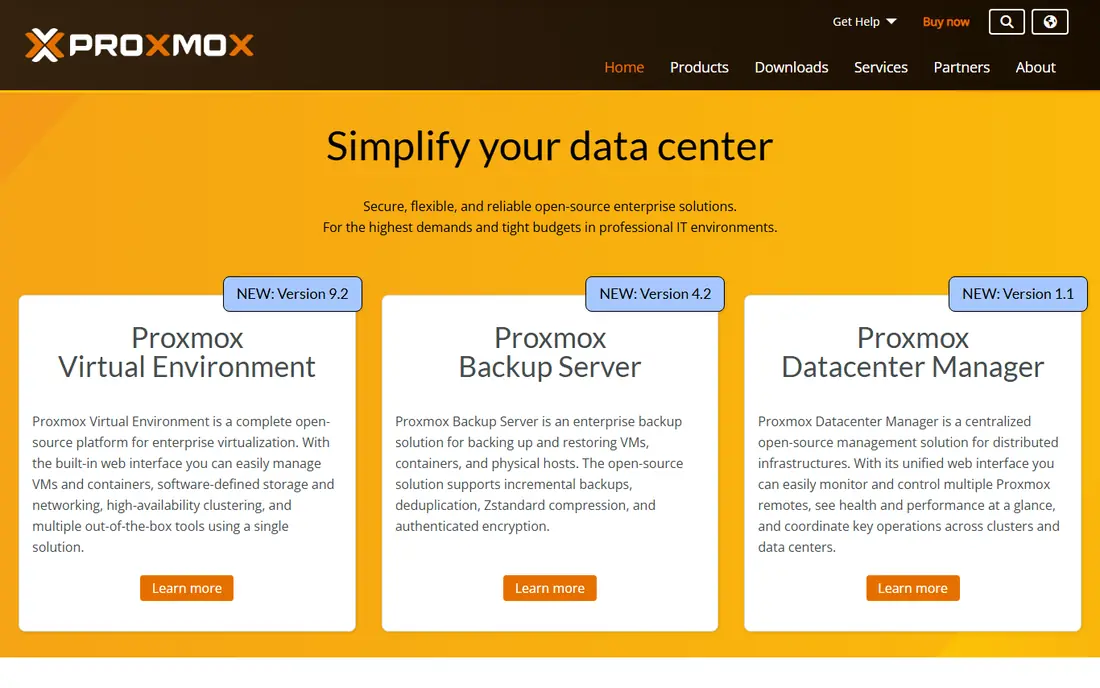
Proxmox VE, from Proxmox Server Solutions, is the first tool most VMware teams test, and for good reason. It runs KVM virtual machines and LXC containers, supports live migration, backups and high availability, and clusters several hosts without a separate paid management product. Storage options include local disks, network storage and Ceph, which suits small and mid-sized clusters.
The catch is support and familiarity. Proxmox is free to use, while enterprise support and access to the stable enterprise repository come through a subscription. Teams with strong Linux skills adapt quickly, while Windows-only teams should plan training time. For cost-conscious shops, it is our pick for most people starting a migration.
- Virtual machines and containers together
- Built-in clustering
- No per-socket licence
- Support is a paid subscription
- Interface rewards Linux experience
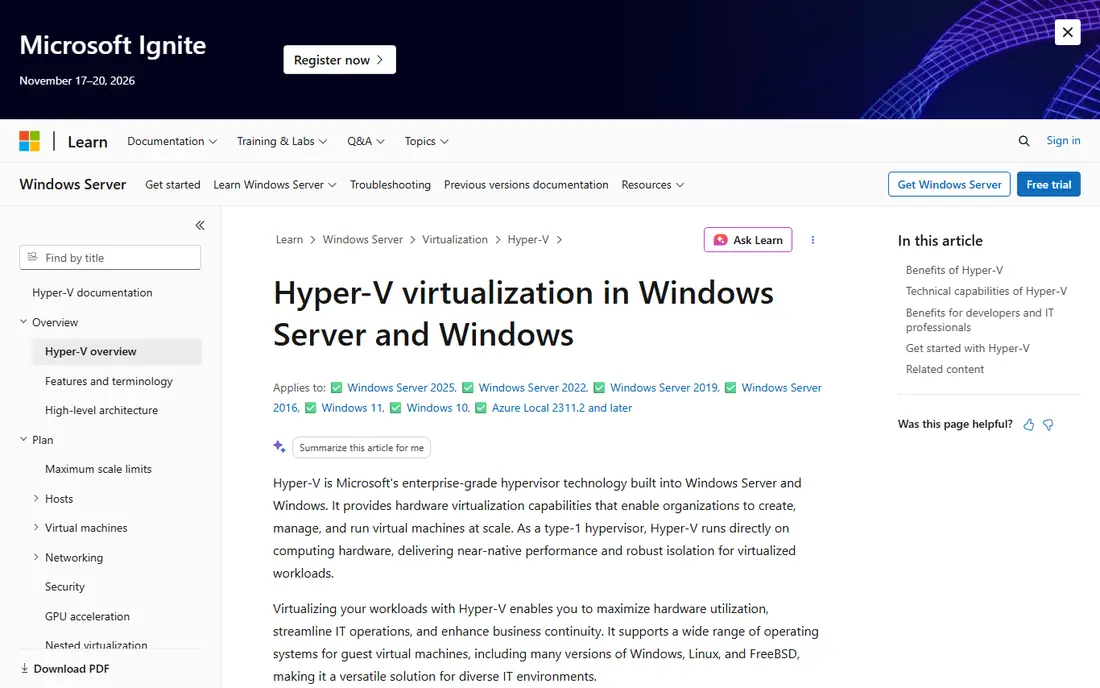
Hyper-V is built into Windows Server and Windows Pro, which makes it a natural step for teams already licensed for Microsoft products. It supports live migration, replication, shielded virtual machines and integration with System Center and Azure tools. For a shop that runs Active Directory, Exchange or SQL Server, the guest support and management habits carry over well.
Linux guests work, but the management experience is less smooth than on a Linux-native platform, and high availability needs failover clustering planned in advance. Still, if your licences already cover Windows Server, Hyper-V can cut virtualization costs sharply without changing your whole stack.
- Included with Windows Server
- Strong Windows guest support
- Familiar Microsoft tooling
- Linux guest tooling is thinner
- Clustering adds planning work
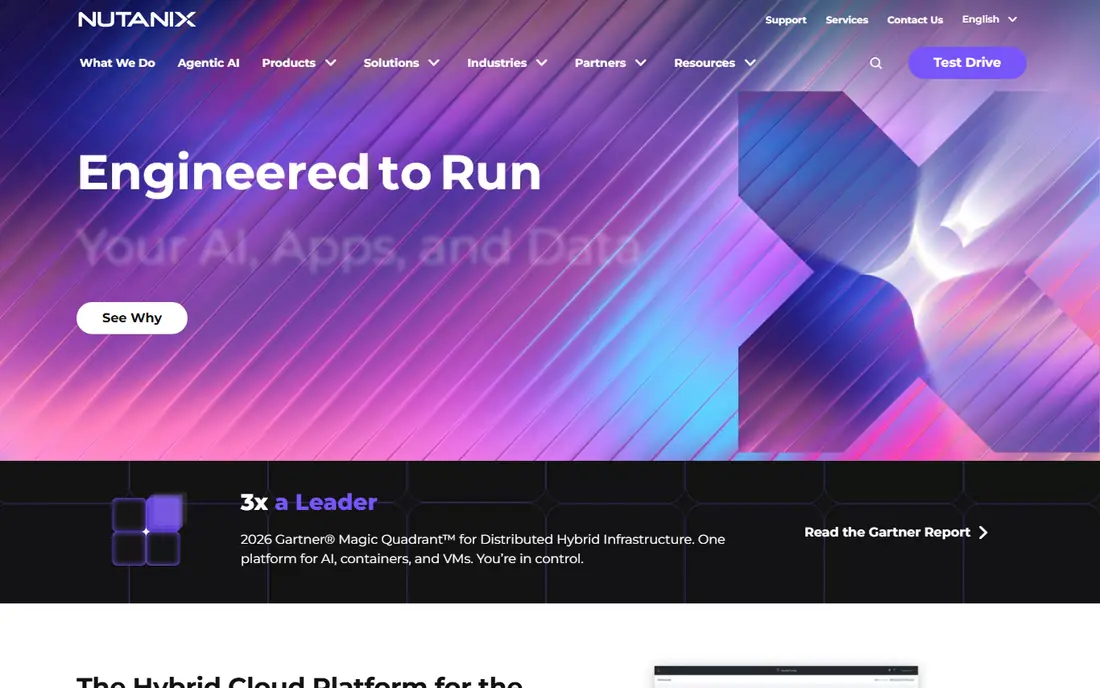
Nutanix AHV is the hypervisor inside the Nutanix Cloud Platform, pairing compute with distributed storage on the same nodes. Its management console, Prism, covers virtual machines, storage and networking, and Nutanix offers migration tools aimed at VMware estates. That combined model appeals to teams that want fewer separate products to patch and monitor.
The trade-off is price and fit. AHV makes most sense when you also adopt Nutanix infrastructure, so a team that wants to keep existing servers may find the full platform a larger change. For data centre teams planning a hardware refresh, AHV deserves a serious trial, with a quote based on your node count.
- Integrated compute and storage
- Guided management
- Strong migration tooling
- Enterprise pricing
- Best value on Nutanix infrastructure
Citrix Hypervisor, formerly XenServer, is a mature Xen-based hypervisor with central management through XenCenter. It pairs well with Citrix virtual apps and desktops, which matters for teams that deliver remote desktops alongside servers. Features include live migration, high availability and storage integration with common vendors.
Its community is smaller than the KVM world, and licensing terms have changed over time, so check the current edition before budgeting. If your estate already leans on Citrix for desktops, the shared tooling can simplify operations. For a pure server estate, Proxmox or Hyper-V usually offer a simpler path.
- Mature Xen-based platform
- Strong virtual desktop pairing
- Central management
- Smaller community than KVM options
- Licensing needs careful reading
oVirt is an open source management platform for KVM hosts, with a web console, an engine for clusters, and support for storage domains and networks. It gives a data centre team many of the controls VMware admins expect, such as templates, snapshots and live migration, without licence fees. Red Hat Virtualization was built on similar technology, which speaks to its production history.
Setup is the honest catch. oVirt expects Linux administration skills, careful storage planning and time to learn its engine and host model. Teams that have those skills get a capable platform at low licence cost. Teams without them will move faster on Proxmox or a supported commercial product.
- Full KVM management
- Open source
- Supports clusters and storage domains
- Setup is hands-on
- Documentation assumes Linux skills
Red Hat OpenShift Virtualization lets a team run virtual machines inside an OpenShift cluster, beside container workloads, under one control plane. That mix suits organisations that are moving apps to containers but still need virtual machines for legacy systems. Red Hat also offers migration tooling from VMware, which can cut manual rebuild work.
The platform assumes Kubernetes knowledge, and its pricing follows OpenShift rather than a simple per-host model. For a team already on OpenShift, adding virtualization is a logical step. For a team with no Kubernetes plans, it adds complexity that a simpler hypervisor avoids.
- Runs virtual machines beside containers
- Enterprise support
- Strong migration tooling
- Requires OpenShift skills
- Pricing follows the platform
Scale Computing Platform, formerly HC3, targets teams that want a cluster that just works, especially at edge sites, branches and mid-sized offices. It combines compute, storage and virtualization with built-in replication between sites, and its management is deliberately simpler than a large enterprise suite. That simplicity is a real benefit when a site has no dedicated virtualization admin.
The ecosystem is smaller than VMware or KVM, and very large data centres may want deeper tooling. For a retailer, clinic group or manufacturer with many small sites, Scale Computing is worth testing against Proxmox, since its support model and guided setup can save staff time.
- Simple cluster setup
- Built-in replication
- Good for remote sites
- Smaller ecosystem
- Less suited to very large data centres
VirtualBox is not a VMware vSphere replacement for a data centre, and we include it for a different job: local testing, training and development. It runs on a desktop, supports snapshots and shared folders, and lets a developer test an operating system or an app without touching production. Oracle offers an extension pack with extra features under separate terms, so check the licence for business use.
For production clusters, pick one of the options above. For a lab, a classroom or a developer laptop, VirtualBox remains a useful, low-friction tool. Treat it as a complement to your server platform, not as a substitute for it.
- Free for personal use
- Runs on Windows, Mac and Linux
- Easy snapshots
- Not a data centre hypervisor
- Performance limits under heavy load
How we picked these
We compared official product pages, documentation and migration guides for platforms that run production virtual machines and offer clustering, migration or high availability. We kept only tools that are actively maintained in 2026 and that a US team can deploy on servers or at edge sites. We balanced open source and commercial options, and we noted where pricing follows hosts, cores, nodes or platform subscriptions, since that drives the real comparison with VMware.
We did not claim hands-on lab testing. Our view rests on vendor documentation, pricing pages and migration guides, plus the practical patterns reported by admins who have moved estates.
How to choose and migrate
Start with workload inventory
List every virtual machine, its operating system, its storage and its licence needs. Note which machines need GPU access, USB devices, or strict timing, since those edge cases often decide the platform. A clean inventory prevents a surprise late in the project.
Test migration, not just installation
Install the candidate on spare hardware, migrate a copy of a real workload, and test backups, restores and failover. Check network settings, storage performance and guest tools after migration. A platform that installs in an hour can still fail on a real database workload, so test with real data patterns.
Price the whole platform
Add support, backup software, management tools and training to the hypervisor cost. A free hypervisor with paid support and new backup licences may cost more than a bundled platform. Get quotes on your exact host and core counts, and ask how pricing changes if you add hosts next year.
Plan the cutover in waves
Move low-risk machines first, then business systems, then the hardest workloads. Keep the old platform running until the new one has handled a full backup cycle and a failure test. A staged cutover costs more time up front and saves far more time if a workload misbehaves.
FAQ
Is Proxmox a true VMware replacement?
For many small and mid-sized estates, yes. Proxmox covers virtual machines, containers, clustering, backups and high availability. It lacks some VMware enterprise features and the same vendor support structure, so large estates should test management, reporting and migration tooling before committing.
What is the cheapest VMware by Broadcom alternative?
Proxmox VE and oVirt have no licence fee for the core software, while Hyper-V is included with Windows Server licences you may already own. The cheapest overall choice depends on support, backup software and staff time, so price the full stack, not just the hypervisor.
Can I migrate virtual machines from VMware?
Most platforms offer migration tools or support importing VMware disk formats, and Proxmox, Nutanix and Red Hat all publish VMware migration guides. Test with a copy first, check guest tools and network settings after import, and keep a rollback plan for each wave.
Does Hyper-V work well for Linux guests?
Hyper-V runs Linux guests and Microsoft publishes Linux integration services, but management and guest tooling feel more Windows-centred. Linux-heavy teams usually prefer Proxmox, oVirt or OpenShift Virtualization, where Linux guests are the primary focus.
Should I move to containers instead of another hypervisor?
Containers suit stateless apps and microservices, but many legacy apps still need a full virtual machine. OpenShift Virtualization covers both, while other teams run containers on a separate platform beside their hypervisor. Do not force a legacy app into containers just to avoid a hypervisor decision.
How long does a VMware migration take?
A small estate can move in weeks, while a large data centre often needs months of staged waves. Time goes to inventory, testing, backup changes and training, not just to installing the new platform. Budget for a full backup cycle and a failure test on the new platform before the old one is retired.
Sources
- https://www.proxmox.com/en/proxmox-virtual-environment/pricing
- https://learn.microsoft.com/en-us/virtualization/hyper-v-on-windows/about/
- https://www.nutanix.com/products/ahv
- https://www.citrix.com/products/citrix-hypervisor/
- https://www.ovirt.org/documentation/
- https://www.redhat.com/en/technologies/cloud-computing/openshift-virtualization
- https://www.scalecomputing.com/platform/
- https://www.oracle.com/virtualization/virtualbox/