Choosing Backup Software for Large Enterprises in 2026: 6 Options Compared
6 best backup software for large enterprises, compared on pricing, free plans and best-fit use. Each listing flags where it falls short. Choose faster.
- Editor's choice
 Rubrik Security Cloud
Ransomware recovery at machine speed
Starts atPricing on requestVisit rubrik.comFull review - Great alternative
 Veritas NetBackup
Established enterprise backup operations
Starts atPricing on requestVisit veritas.comFull review - Also considerCommvault Backup & Recovery
Compromise detection and clean recovery
Starts atPricing on requestVisit commvault.comFull review
Direct answer
Rubrik Security Cloud leads the list, best for ransomware recovery at machine speed. Veritas NetBackup is better for established enterprise backup operations, and Commvault Backup & Recovery is better for compromise detection and clean recovery. All 6 tools are compared below on fit, free plan and limits. None of these vendors publish plan prices, so pricing is on request for every option.
TL;DR:
- Rubrik Security Cloud sits first on this list: ransomware recovery at machine speed.
- Commvault Backup & Recovery comes with a trade-off: complicated environments need planning.
- No starting price is shown for any of the 6 tools, Rubrik Security Cloud and Veeam Backup & Replication included, so plan time for sales calls.
- Veeam Backup & Replication is the one to check for broad workload coverage and data resilience.
- A permanent free plan is missing from all 6 tools, Rubrik Security Cloud and Veeam Backup & Replication included; plan for a trial or a premium start.
Last checked November 2026. Pricing on request: vendors did not publish plan prices when this guide was last checked (November 2026), so ask each vendor for a written quote.
Quick comparison
| Tool | Best for | Starts at | Free plan? | |
|---|---|---|---|---|
| Rubrik Security Cloud | Ransomware recovery at machine speed | Pricing on request | Not stated | Visit |
| Veritas NetBackup | Established enterprise backup operations | Pricing on request | Not stated | Visit |
| Commvault Backup & Recovery | Compromise detection and clean recovery | Pricing on request | Not stated | Visit |
 Cohesity DataProtect | Immutable backup with threat detection | Pricing on request | Not stated | Visit |
 IBM Storage Protect | Large-scale data protection in IBM environments | Pricing on request | Free trial | Visit |
| Veeam Backup & Replication | Wide workload coverage and data resilience | Pricing on request | Not stated | Visit |
Our 6 backup software for large enterprises
LinkVetted compared 6 backup software for large enterprises. The goal is a practical shortlist: published prices, free plan facts, best-fit use cases and honest limits for every entry.

Rubrik Security Cloud works best for ransomware recovery at machine speed. Rubrik Security Cloud is described as an agentic system for enterprise cyber resilience, data security and recovery, protecting data, securing identities and governing AI agents, with immutable backups enabling restoration after ransomware and cyberattacks at machine speed.
On top of that, Veritas NetBackup and IBM Storage Protect remain alternatives for established backup operations. Also, since the system leans heavily into security and identity governance, organizations seeking a conventional backup-only tool may find the scope broader than needed. No starting price is listed for Rubrik Security Cloud here; confirm pricing on the vendor site. On free options: Not stated.
Honest limits: Security-first framing may not suit all.
- Quick recovery after attacks
- Identity protection included
- System scope needs assessment
Veritas NetBackup targets established enterprise backup operations. Administration and tuning can be demanding, and some teams look to modernize toward security-centric products for example Rubrik or Cohesity. Veritas NetBackup is a widely known enterprise backup product used to protect large, mixed IT environments across data centers and remote sites.
In daily use, confirm current capabilities and support terms straight with the vendor. More specifically, for large enterprises it suits organizations with established backup operations that require a proven, scalable product and centralized policy management across numerous systems and workloads, including environments built up over years. No starting price is listed for Veritas NetBackup here; confirm pricing on the vendor site. On free options: Not stated.
Drawbacks to consider: Modernization may be needed.
- Long-standing enterprise backup tool
- Wide platform support
- Administration can be demanding
Commvault Backup & Recovery
Best for: Compromise detection and clean recovery
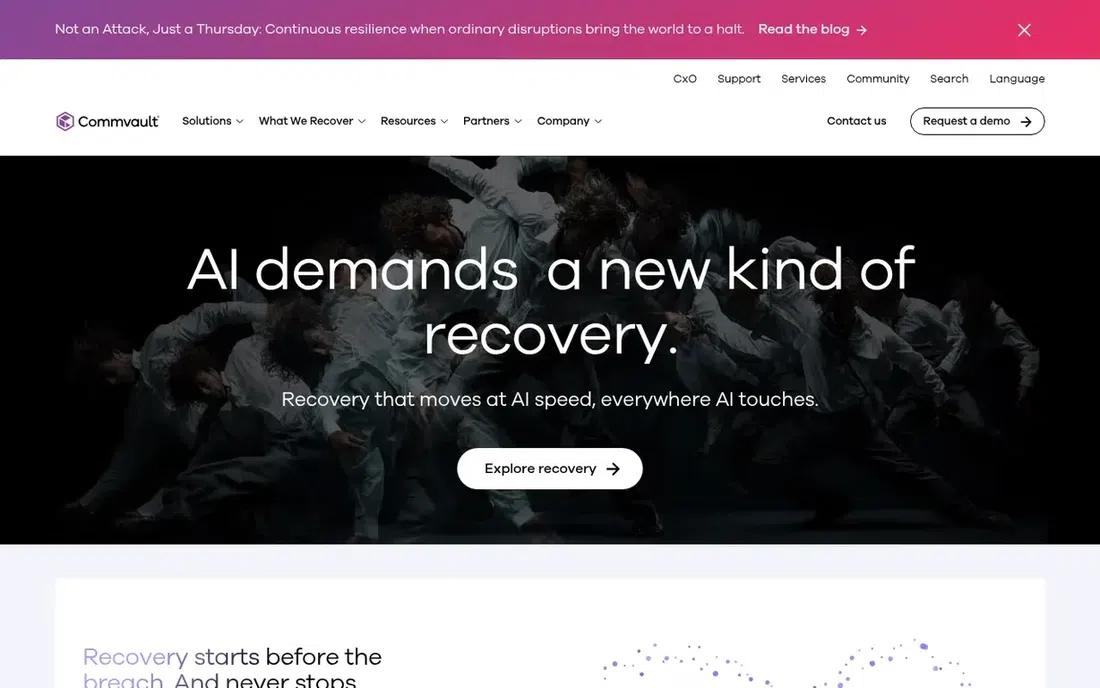
Commvault Backup & Recovery makes the most sense for compromise detection and clean recovery. The system spans lots of ground, so scoping and administration effort can grow with environment complexity.
In practice, Commvault Backup & Recovery centers on AI-driven recovery and cyber resilience, with messaging about detecting compromise as it happens and restoring clean data, applications and identity across the stack. Pick Commvault when compromise detection and clean, cross-stack recovery are central to your resilience strategy. Commvault Backup & Recovery does not show a starting price in this comparison, so check the vendor site for current pricing. Free access: Not stated.
Highlights: Restores data. Limits to weigh: Complex environments need planning.
- Spots compromise as it happens
- Apps and identity
- Feature set is deep
Cohesity DataProtect was built for immutable backup with threat detection. Cohesity DataProtect is presented as AI-powered data security and management, defending against ransomware with immutable backup, AI-based early threat detection and rapid data recovery.
Drawbacks to consider: Overlaps with security tooling.
It suits large enterprises that want data protection and data management unified, especially where early warning of threats and quick restoration are priorities alongside routine backup operations. Pricing for Cohesity DataProtect is not stated here, so ask the vendor for current figures. Free plan details: Not stated.
- AI-based early threat detection
- Merges security and management
- Deployment planning required
Choose IBM Storage Protect for large-scale data protection in IBM environments. IBM Storage Protect is IBM's enterprise data protection software, used for backing up and managing large volumes of data across servers, applications and endpoints. Organizations wanting more straightforward, security-first products may look to Rubrik or Cohesity.
Administration can call for specialist skills, and the surrounding IBM portfolio is wide, so scoping needs care. From a buyer's view, choose IBM Storage Protect when deep enterprise scale and IBM portfolio alignment are central to your backup strategy. This comparison lists no price for IBM Storage Protect; ask the vendor. Free plan details: Free trial.
Where it falls short: Portfolio complexity.
- Part of a broad IBM portfolio
- Suited to large-scale environments
- Specialist administration skills
Veeam Backup & Replication
Best for: Wide workload coverage and data resilience
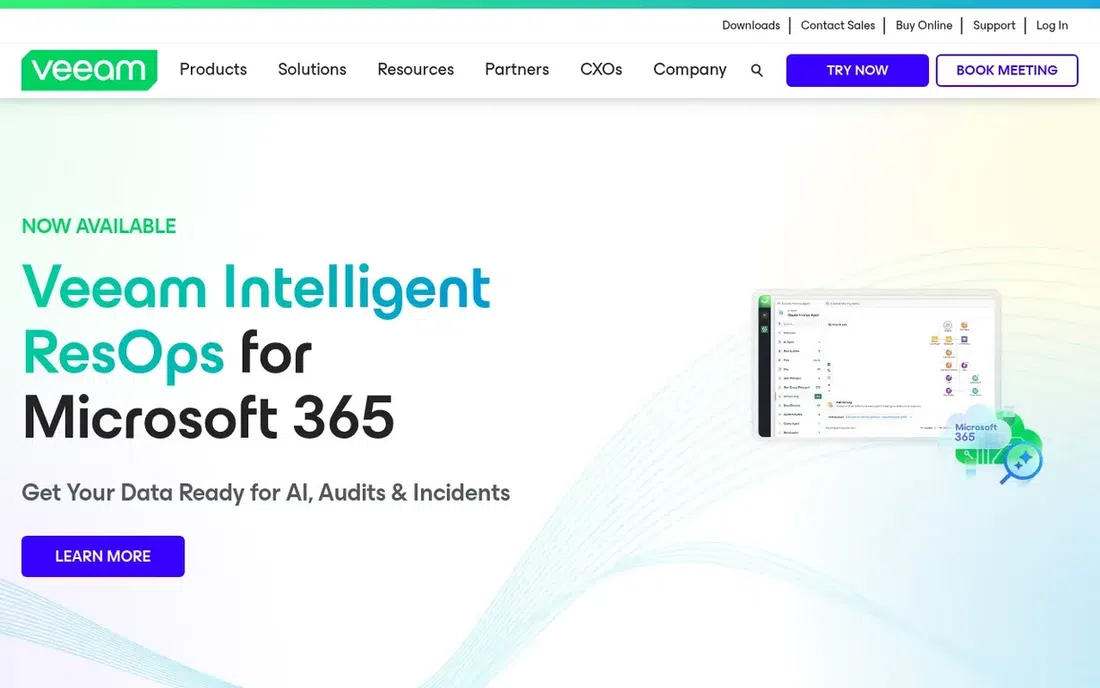
Veeam Backup & Replication works best for wide workload coverage and data resilience. Veeam Backup & Replication is a data protection product positioned around cyber resilience, secure data movement and compliance, with messaging that extends to AI and data challenges.
As for the details, choose Veeam when wide coverage and resilience messaging match your architecture. In daily use, the breadth of the system can mean more design and configuration work at the start, and licensing structures deserve careful review before rollout. No starting price is listed for Veeam Backup & Replication here; confirm pricing on the vendor site. Free options: Not stated.
Limits to weigh: Feature depth can need planning.
- Broad workload and cloud support
- Cyber resilience and compliance focus
- Licensing choices need review
Selection criteria
For each of the 6 tools we noted price, free plan or trial, fit for backup software for large enterprises and the main limit, using vendor pages and documentation. Where a price is missing, the vendor does not list one publicly or ties it to a quote. Always confirm before budgeting. The ranking is editorial: typical fit first, then clear pricing, then free access. If your needs are unusual, read the profiles rather than relying on position.
A buyer's checklist
- Ask each vendor, from Rubrik Security Cloud to Veeam Backup & Replication, for a written quote; none of them publishes a starting price.
- Use real work to test the free trial from IBM Storage Protect, rather than a demo project.
- Read the limits listed for Rubrik Security Cloud first: Security-first framing may not suit all.
- Price IBM Storage Protect for your actual team size; headline prices rarely include add-ons or overage.
- Ask the daily users to test Cohesity DataProtect on a live task before you roll it out to everyone.
FAQ
Do these tools publish their prices?
No. None of the tools, from Rubrik Security Cloud to Veeam Backup & Replication, shows a fixed starting price here, so budget time for quotes.
Does any tool for backup software for large enterprises here have a free plan?
No tool in this list, Rubrik Security Cloud and Veeam Backup & Replication included, has a permanent free plan. IBM Storage Protect offer a trial. Trials and quotes are the usual route, so plan a short evaluation period.
Is Rubrik Security Cloud the right pick for everyone comparing backup software for large enterprises?
No single tool suits every team. Rubrik Security Cloud comes first because it fits ransomware recovery at machine speed, while Veritas NetBackup suits established enterprise backup operations and Commvault Backup & Recovery suits compromise detection and clean recovery. Match the tool to your own size, budget and workflow before deciding.
How should we evaluate recovery after a ransomware attack?
Ask how immutable backups are enforced, how compromise is detected and how clean data, applications and identity are restored. Vendors like Commvault and Rubrik describe these capabilities explicitly on their sites.
How are the tools for backup software for large enterprises ordered?
The order follows typical fit for backup software for large enterprises, with Rubrik Security Cloud first and Veeam Backup & Replication last, then price clarity and free access. It is editorial judgement, not a score, so another team could rank the tools differently.
Sources
- https://www.rubrik.com
- https://www.veritas.com
- https://www.commvault.com
- https://www.cohesity.com
- https://www.ibm.com
- https://www.veeam.com