6 Best Backup Software for Server Linux for 2026, Vetted and Compared
Best backup software for server linux: 6 contenders ranked by fit, with entry costs and free tiers. Each pick lists its main limit. Narrow your shortlist.
- Editor's choice
 Rubrik
Machine-speed recovery after cyberattacks
Starts atPricing on requestVisit rubrik.comFull review - Great alternative
 Veritas NetBackup
Enterprise data security and management
Starts atPricing on requestVisit veritas.comFull review - Also consider
 Cohesity DataProtect
Data security and management in one product
Starts atPricing on requestVisit cohesity.comFull review
Direct answer
If you need machine-speed recovery after cyberattacks, Rubrik is the first tool to look at here. If your case is different, Veritas NetBackup suits enterprise data security and management and Cohesity DataProtect suits data security and management in one system. The full list of 6 tools follows, with free plan facts. None of these vendors publish plan prices, so pricing is on request for every option.
TL;DR:
- Rubrik takes the first slot, best suited to machine-speed recovery after cyberattacks.
- Nakivo Backup & Replication suits quick, straightforward VM and server backup.
- Pricing across the list, from Rubrik to Nakivo Backup & Replication, is by quote only.
- What to know about Cohesity DataProtect first: may be more product than small teams need.
Last checked November 2026. Pricing on request: vendors did not publish plan prices when this guide was last checked (November 2026), so ask each vendor for a written quote.
Quick comparison
| Tool | Best for | Starts at | Free plan? | |
|---|---|---|---|---|
| Rubrik | Machine-speed recovery after cyberattacks | Pricing on request | Not stated | Visit |
| Veritas NetBackup | Enterprise data security and management | Pricing on request | Not stated | Visit |
| Cohesity DataProtect | Data security and management in one product | Pricing on request | Not stated | Visit |
| Veeam Backup & Replication | Wide Linux server backup with resilience features | Pricing on request | Not stated | Visit |
 Acronis Cyber Protect | Integrated backup, cybersecurity and automation | Pricing on request | Not stated | Visit |
| Nakivo Backup & Replication | Quick, straightforward VM and server backup | Pricing on request | Free trial | Visit |
Our 6 picks for backup software for server linux
LinkVetted put together this guide to backup software for server linux for readers who want a clear shortlist without reading every vendor page. It compares 6 tools on starting price, free plans, who each one suits and where each one falls short.
Rubrik was built for machine-speed recovery after cyberattacks. Rubrik describes an enterprise cyber resilience system that protects data, secures identities and governs AI agents.
Downsides: Adoption needs planning.
From a buyer's view, for Linux servers it suits organizations that prioritize restoring at machine speed after ransomware or cyberattacks using immutable backups. Also, deployment and policy design take thought. Rubrik does not show a starting price in this comparison, so check the vendor site for current pricing. As for free access: Not stated.
- Immutable backups
- Identity protection and governance
- System focus may exceed entry-level needs
Veritas NetBackup works best for enterprise data security and management. The enterprise orientation means setup and operations can be demanding, and smaller teams may not use its full depth.
More specifically, choose NetBackup when scale, immutability and threat detection are core requirements. Pricing for Veritas NetBackup is not stated here, so ask the vendor for current figures. Free plan details: Not stated.
Where it falls short: Enterprise scope can be complicated.
- Immutable backup for ransomware defense
- AI-based early threat detection
- May need dedicated administration
Cohesity DataProtect is aimed squarely at data security and management in one system. Cohesity DataProtect is part of a product the vendor describes as combining data security and data management, with immutable backup, AI-based early threat detection and rapid recovery.
As for the details, consider Cohesity when ransomware defense and consolidated data management are priorities. No starting price is listed for Cohesity DataProtect here; confirm pricing on the vendor site. Free access: Not stated.
Watch-outs: Needs planning for full benefit.
- Rapid data recovery
- Immutable backup against ransomware
- May be more platform than small teams need
Veeam Backup & Replication
Best for: Wide Linux server backup with resilience features
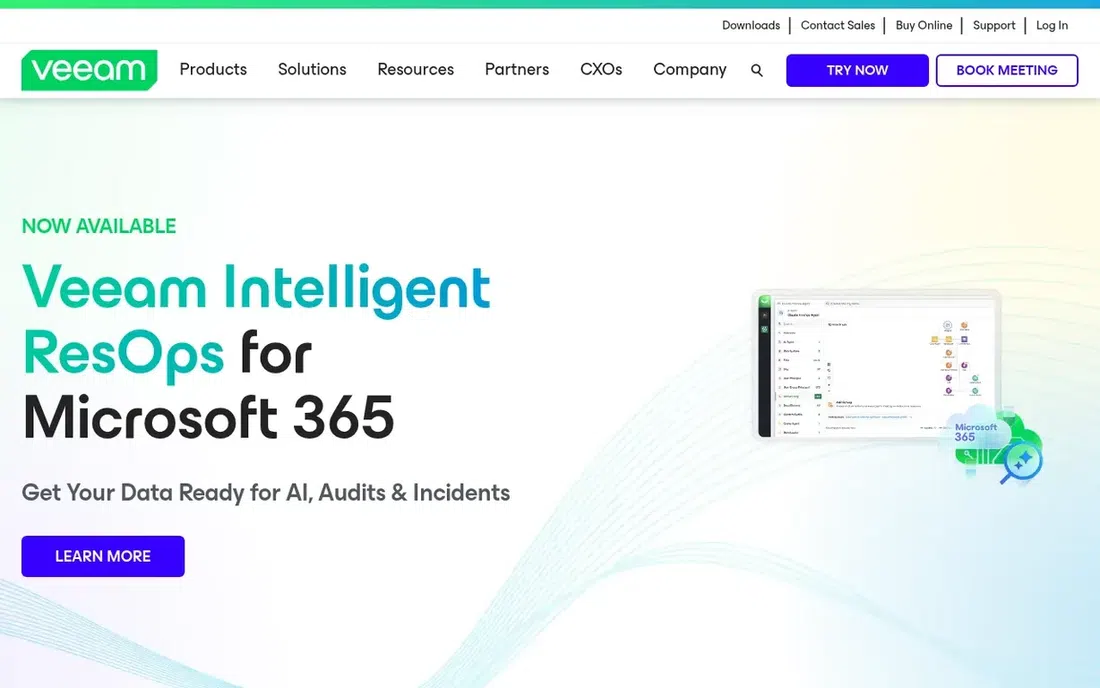
Think of Veeam Backup & Replication for wide Linux server backup with resilience features. The system is wide, so setup and administration can take more effort than a straightforward file backup tool.
Limits to weigh: Feature depth can mean a ramp-up time.
- Handles virtual
- Emphasizes cyber resilience and compliance
- May be more than small teams need
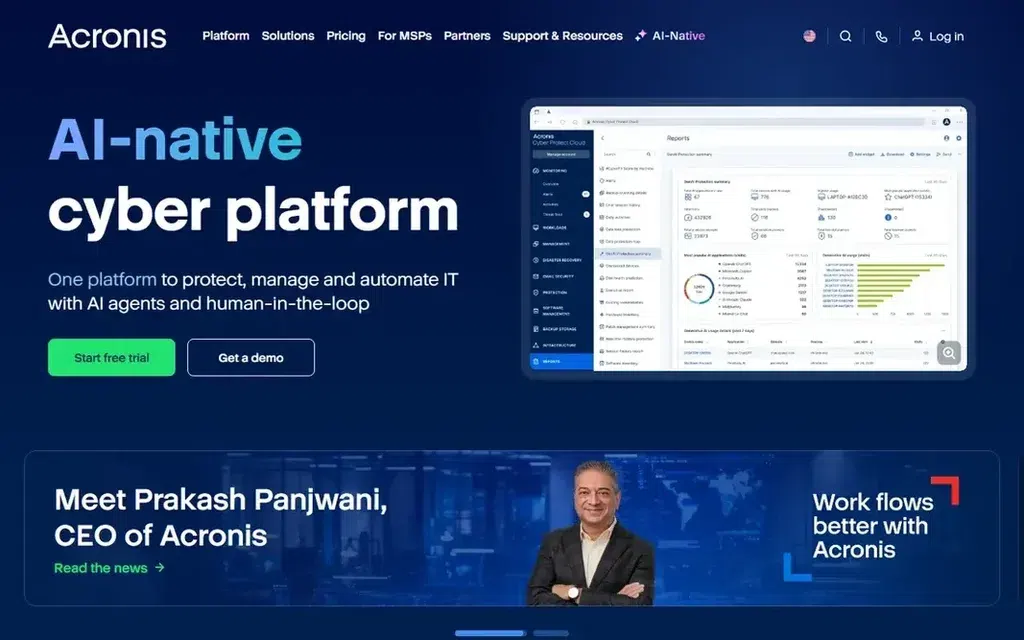
Acronis Cyber Protect makes the most sense for integrated backup, cybersecurity and automation. Acronis Cyber Protect brings backup together with cybersecurity, endpoint management and automation in one offering. For everyday use, teams wanting a minimal backup utility may prefer a more straightforward choice.
The integrated approach can cut the number of separate tools an IT team has to operate. In daily use, since it spans several disciplines, the product can feel heavy if you only need server backup. This comparison lists no price for Acronis Cyber Protect; ask the vendor. Free access: Not stated.
Drawbacks to consider: Not a narrowly focused backup tool.
- Merges backup with cybersecurity features
- Bundles endpoint management and automation
- Breadth may complicate initial setup
Nakivo Backup & Replication
Best for: Quick, straightforward VM and server backup
Nakivo Backup & Replication works best for quick, straightforward VM and server backup. Nakivo Backup & Replication is presented as a quick and straightforward backup and disaster recovery option for virtual machines, physical machines, cloud workloads and Microsoft 365.
More specifically, for Linux servers it suits small and mid-sized environments that want dependable backup without a complicated product. Pricing for Nakivo Backup & Replication is not stated here, so ask the vendor for current figures. Trial and free access: Free trial.
Where it is weaker: Less emphasis on advanced cyber resilience.
- Bundles Microsoft 365 protection
- Positioned as quick and straightforward
- May lack deep enterprise governance features
How the list was put together
LinkVetted looked at what each vendor publishes: pricing, plan limits, feature coverage for backup software for server linux and stated drawbacks. No hands-on testing is claimed. Seat minimums, billing terms and add-ons can move the real cost, so the starting prices here are a guide and not a quote. Order on the page follows fit for the typical buyer first, then price transparency and free access. Your own requirements should decide the final pick.
Things to verify first
- Confirm the entry price with every vendor: no tool from Rubrik to Nakivo Backup & Replication shows a fixed starting price.
- Take the trial from Nakivo Backup & Replication and push a live task through it before you pay.
- Before choosing Rubrik, weigh its main limit: product focus may exceed basic needs.
- The entry price of Acronis Cyber Protect is only the starting point; model the full cost with seats and extras.
- Ask Rubrik how an export works before you move any records in; an easy exit lowers the risk.
FAQ
Do these tools publish their prices?
No. None of the tools, from Rubrik to Nakivo Backup & Replication, shows a fixed starting price here, so budget time for quotes.
Is Rubrik the right pick for everyone comparing backup software for server linux?
No single tool suits every team. Rubrik comes first because it fits machine-speed recovery after cyberattacks, while Veritas NetBackup suits enterprise data security and management and Cohesity DataProtect suits data security and management in one platform. Match the tool to your own size, budget and workflow before deciding.
Do these tools back up both physical and virtual Linux servers?
Multiple choices, including Nakivo and Veeam, describe coverage for virtual, physical and cloud workloads. Verify the specific Linux server support you need with each vendor.
How are the tools for backup software for server linux ordered?
The order follows typical fit for backup software for server linux, with Rubrik first and Nakivo Backup & Replication last, then price clarity and free access. It is editorial judgement, not a score, so another team could rank the tools differently.
Can I try these tools before paying?
Often, yes. Nakivo Backup & Replication offers a free trial. Use your own data and a real task during the test, and check what the free tier or trial limits before you rely on it.
Sources
- https://www.rubrik.com
- https://www.veritas.com
- https://www.cohesity.com
- https://www.veeam.com
- https://www.acronis.com
- https://www.nakivo.com