5 Backup Software for Server Database Worth Shortlisting in 2026
Best backup software for server database: 5 tools compared on price, free plans and fit. Every pick gets a straight assessment. Pricing and limits included.
- Editor's choice
 Acronis Cyber Protect
Integrated backup and cybersecurity
Starts atPricing on requestVisit acronis.comFull review - Great alternativeCommvault Backup & Recovery
Hybrid environments and clean recovery
Starts atPricing on requestVisit commvault.comFull review - Also considerVeeam Backup & Replication
Wide server and database protection
Starts atPricing on requestVisit veeam.comFull review
Direct answer
Acronis Cyber Protect leads the list, best for integrated backup and cybersecurity. Alternatives: Commvault Backup & Recovery for hybrid environments and clean recovery, and Veeam Backup & Replication for wide server and database protection. Details and limits for the rest of the 5 tools are below. None of these vendors publish plan prices, so pricing is on request for every option.
TL;DR:
- This list starts with Acronis Cyber Protect, which is built for integrated backup and cybersecurity.
- One limit worth knowing about Commvault Backup & Recovery: configuration can be involved.
- A permanent free plan is missing from all 5 tools, Acronis Cyber Protect and Rubrik included; plan for a trial or a premium start.
- Pricing across the list, from Acronis Cyber Protect to Rubrik, is by quote only.
- Rubrik suits ransomware recovery at machine speed.
Last checked November 2026. Pricing on request: vendors did not publish plan prices when this guide was last checked (November 2026), so ask each vendor for a written quote.
Quick comparison
| Tool | Best for | Starts at | Free plan? | |
|---|---|---|---|---|
| Acronis Cyber Protect | Integrated backup and cybersecurity | Pricing on request | Not stated | Visit |
| Commvault Backup & Recovery | Hybrid environments and clean recovery | Pricing on request | Not stated | Visit |
| Veeam Backup & Replication | Wide server and database protection | Pricing on request | Not stated | Visit |
 Veritas NetBackup | Established enterprise backup | Pricing on request | Not stated | Visit |
 Rubrik | Ransomware recovery at machine speed | Pricing on request | Not stated | Visit |
Every option for backup software for server database explained
Choosing backup software for server database usually comes down to price, fit and limits. This LinkVetted guide sets 5 tools side by side on those three points, with the facts kept short and checkable.
For integrated backup and cybersecurity, Acronis Cyber Protect is a natural candidate. Acronis Cyber Protect integrates backup, cybersecurity, endpoint management and automation with AI-powered features. Beyond that, large enterprises may want a dedicated database backup product.
As for the details, the integrated breadth can mean less depth in any single area, so heavy database workloads deserve a coverage check. In daily use, consider Acronis when consolidation and managed security matter more than specialized depth. More specifically, the vendor positions it for MSPs and companies that want protection and management simplified in one place. No starting price is listed for Acronis Cyber Protect here; confirm pricing on the vendor site. Trial and free access: Not stated.
The main drawbacks: Needs review for heavy databases.
- AI-powered capabilities
- Backup plus security features
- Breadth can dilute focus
Commvault Backup & Recovery
Best for: Hybrid environments and clean recovery
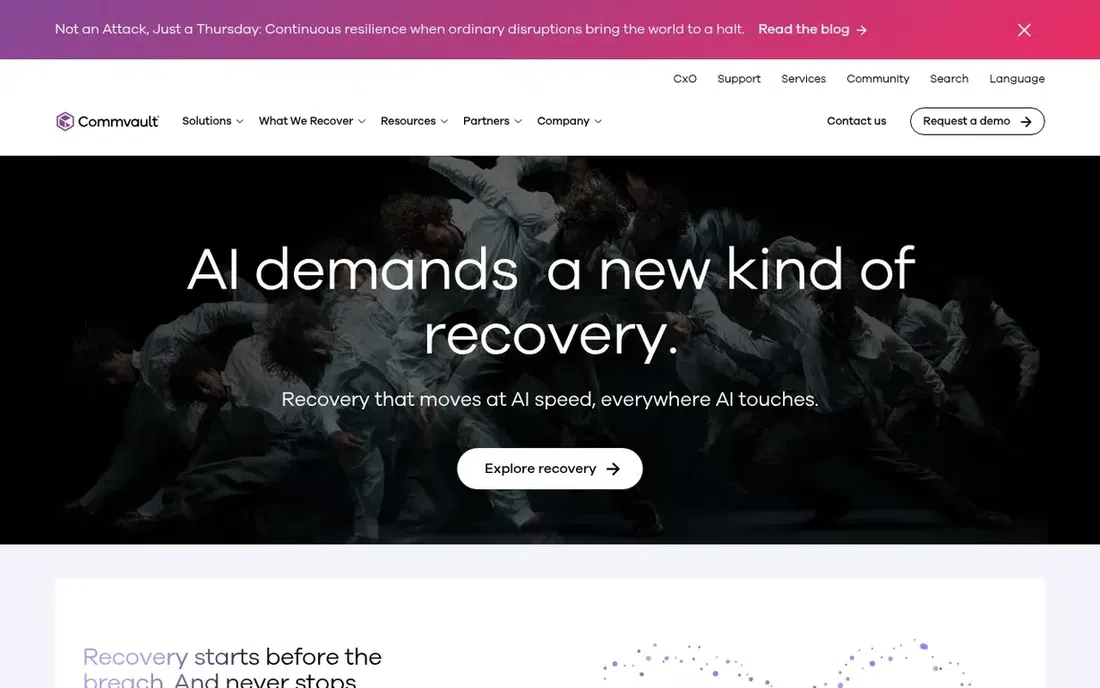
Commvault Backup & Recovery is designed for hybrid environments and clean recovery. Commvault Backup & Recovery is presented as an AI-era recovery system that spots compromise as it happens and restores clean data, applications and identity across your stack.
For everyday use, since it spans numerous workloads and identity, the system rewards careful configuration and continuing governance. Commvault Backup & Recovery shows no starting price here, so confirm the cost on the vendor site. Free plan details: Not stated.
Limits to weigh: Wide scope needs governance.
- Handles diverse stacks
- Restores apps and identity
- Configuration can be involved
Veeam Backup & Replication
Best for: Wide server and database protection
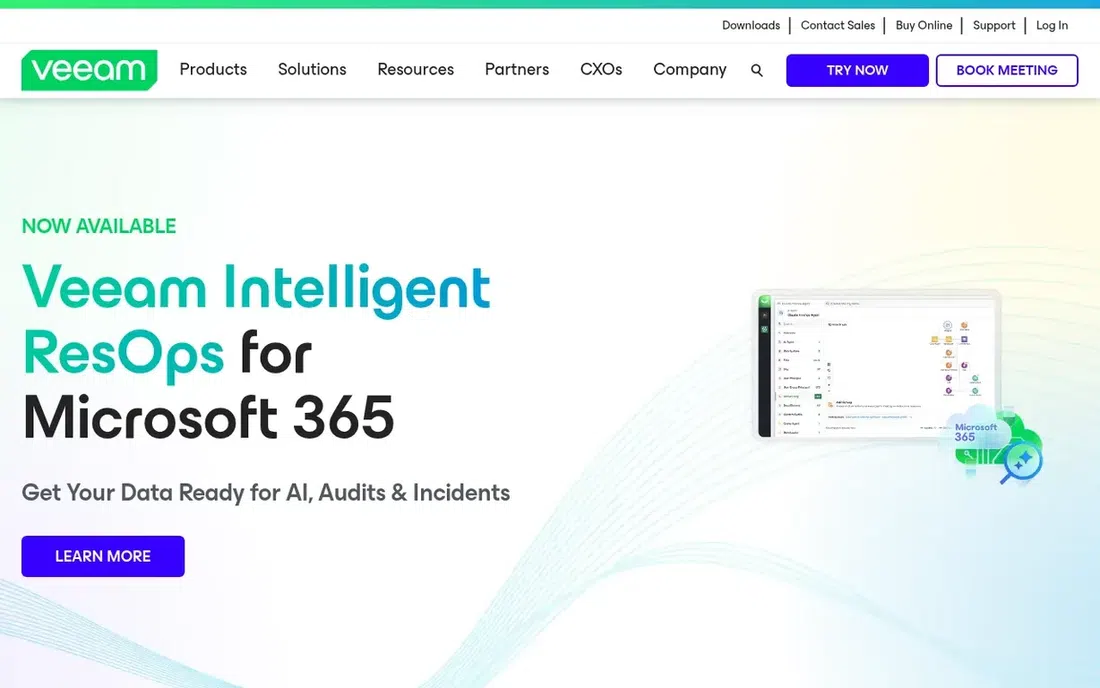
Pick Veeam Backup & Replication if this describes you: wide server and database protection. Its vendor messaging flags solving hard AI and data challenges whereas keeping recovery safe.
More specifically, if your environment is straightforward and single-purpose, a lighter tool may be easier to run. This comparison lists no price for Veeam Backup & Replication; ask the vendor. Free access: Not stated.
Limits to weigh: Licensing can be complicated.
- Cyber resilience focus
- Broad workload coverage
- Feature depth needs planning
For established enterprise backup, Veritas NetBackup is a natural candidate. Veritas NetBackup is a long-established enterprise backup product known for protecting large, mixed server estates.
Honest limits: Administration can be demanding.
It is usually chosen by organizations that require centralized policy control across plenty of systems and want a familiar enterprise-grade tool. Check the vendor site for Veritas NetBackup pricing; none is listed in this comparison. Free options: Not stated.
- Suited to large estates
- Long-standing enterprise tool
- Overkill for small setups

Pick Rubrik if this describes you: ransomware recovery at machine speed. Its stated strength is restoring after ransomware and cyberattacks at machine speed using immutable backups.
It suits security-conscious enterprises that treat backup as part of a broader resilience strategy spanning data and identity. Pricing for Rubrik is not stated here, so ask the vendor for current figures. Free access: Not stated.
The main drawbacks: May exceed small-team needs.
- Immutable backups
- Quick cyberattack recovery
- Enterprise-oriented scope
What went into this list
What to check before you buy
- Ask each vendor, from Acronis Cyber Protect to Rubrik, for a written quote; none of them publishes a starting price.
- Read the limits listed for Acronis Cyber Protect first: breadth can dilute focus.
- The entry price of Veritas NetBackup is only the starting point; model the full cost with seats and extras.
- Ask Veeam Backup & Replication how an export works before you move any records in; an easy exit lowers the risk.
- Test how quickly Rubrik answers a pre-sales question; it hints at how support will feel later.
FAQ
Is Acronis Cyber Protect the right pick for everyone comparing backup software for server database?
No single tool suits every team. Acronis Cyber Protect comes first because it fits integrated backup and cybersecurity, while Commvault Backup & Recovery suits hybrid environments and clean recovery and Veeam Backup & Replication suits broad server and database protection. Match the tool to your own size, budget and workflow before deciding.
What should I look for in server database backup software?
Focus on supported database engines, restore granularity and recovery speed, plus immutability and ransomware resilience. Also confirm how the tool suits your existing servers and storage, and whether your team can operate it comfortably.
Can I try these tools before paying?
Not by default. None of the tools, from Acronis Cyber Protect to Rubrik, lists a free plan or a free trial here, so ask each vendor for a demo before committing.
Does any tool for backup software for server database here have a free plan?
No tool in this list, Acronis Cyber Protect and Rubrik included, has a permanent free plan. Trials and quotes are the usual route, so plan a short evaluation period.
How are the tools for backup software for server database ordered?
Acronis Cyber Protect sits first and Rubrik last because the order follows typical fit for backup software for server database, then price clarity and free access. It is a judgement call, so read each profile for fit and limits.
Sources
- https://www.acronis.com
- https://www.commvault.com
- https://www.veeam.com
- https://www.veritas.com
- https://www.rubrik.com