Best In-Class Database Software for Data Security in 2026: 8 Tools Compared
We compared the best-in-class database software for data security on encryption, access controls, auditing and compliance to help you pick a safe system.
- Editor's choice
 Oracle Database
Regulated enterprises
Starts atSee websiteVisit oracle.comFull review - Great alternative
 Microsoft SQL Server
Windows and Azure shops
Starts atSee websiteVisit microsoft.comFull review - Also consider
 IBM Db2
High volume transactional work
Starts atSee websiteVisit ibm.comFull review
TL;DR:
- Encryption at rest and in transit is now standard on serious database platforms, so the real differences are in key management, access controls and auditing.
- Role based access, row level security and detailed audit logs matter more than a long feature list when you need to prove who saw what.
- Cloud managed options reduce patching work, while self managed options give you more control over where data lives.
- Our pick for most teams is PostgreSQL for its open controls and wide support, with Oracle Database and Microsoft SQL Server close behind for regulated work.
Quick comparison
| Tool | Best for | Starts at | Free plan? | |
|---|---|---|---|---|
| Oracle Database | Regulated enterprises | See website | Free trial | Visit |
| Microsoft SQL Server | Windows and Azure shops | See website | Free trial | Visit |
| IBM Db2 | High volume transactional work | See website | Free trial | Visit |
 PostgreSQL | Open, flexible security controls | Free | Yes | Visit |
 MongoDB Atlas | Cloud document data | See website | Yes | Visit |
 Snowflake | Cloud analytics with governance | See website | Free trial | Visit |
 MySQL Enterprise Edition | Web apps needing commercial support | See website | Free trial | Visit |
 MariaDB Enterprise Server | Open source with enterprise support | See website | Free trial | Visit |
The best database software for data security
These eight platforms all store and protect data, but they differ in how they handle encryption, user access, auditing and compliance. We compared official feature pages, pricing pages, security documentation and public reviews to rank them for security first, not speed alone.
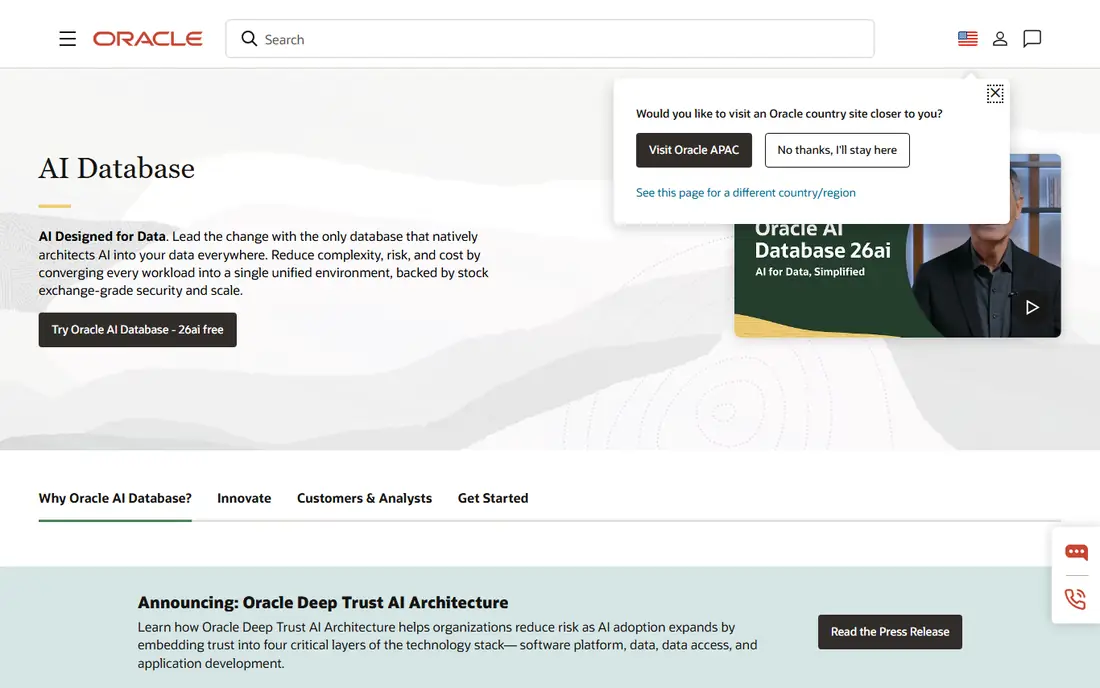
Oracle Database has long been the default choice for banks, health systems and government work, and security is a large part of why. Transparent Data Encryption protects stored data without forcing app rewrites, while Database Vault can block even privileged users from sensitive tables. That separation of duties is valuable when auditors ask how you stop an administrator from reading customer records.
The trade off is cost and complexity. Oracle pricing is quote based and licensing rules take care to understand, so small teams can find it hard to budget. You also need staff who understand its security features, since powerful controls only help if they are configured correctly. For a large regulated organisation, though, that depth is the point.
- Advanced encryption and key management
- Fine grained access controls
- Strong auditing and compliance tooling
- Pricing is complex and quote based
- Setup needs skilled database staff
SQL Server fits naturally where Microsoft tools already run the business. Always Encrypted keeps sensitive column values hidden from database administrators, which is a strong control for payroll, health and payment data. Integration with Active Directory and Azure Active Directory makes it easier to give each person only the access their job needs, and to remove that access when they leave.
The catch is edition choice. Some security features sit in higher editions, so the cheapest licence may not give you the controls you expect. Check the edition comparison before you buy, and test backup encryption and restore steps early. If your team already uses Azure, the managed Azure SQL options also cut patching work.
- Always Encrypted for sensitive columns
- Tight Active Directory integration
- Solid auditing and row level security
- Full feature set is tied to higher editions
- Windows history can complicate Linux plans
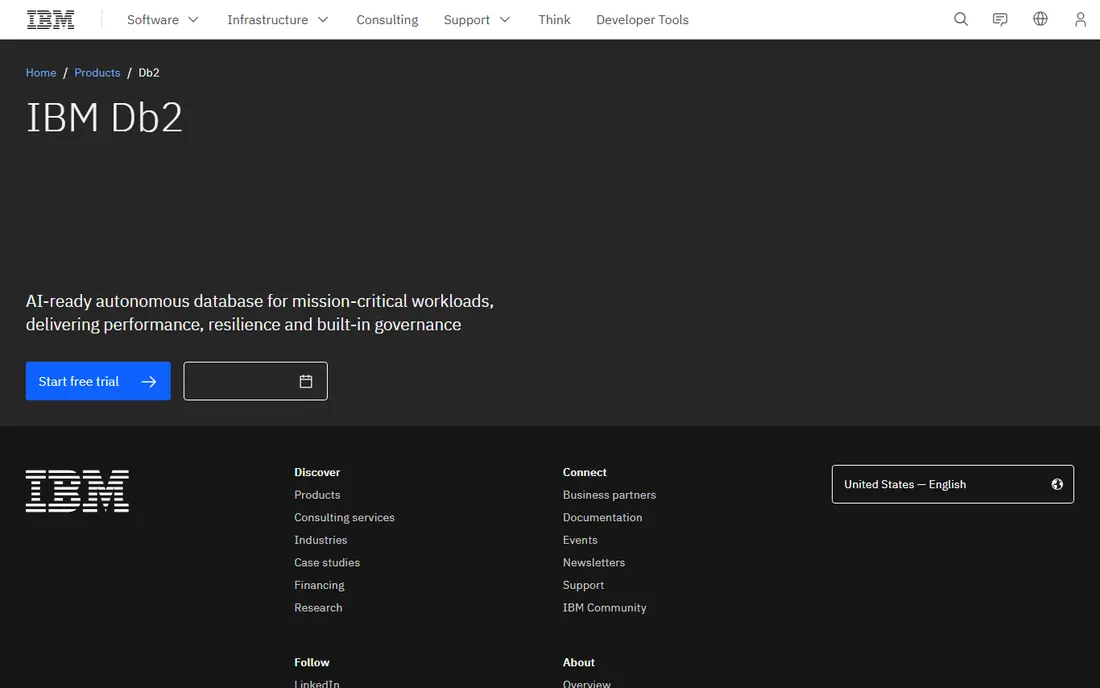
Db2 is easy to overlook, but it remains a serious platform for large transaction systems. It offers encryption, label based access control and auditing that suit industries with strict rules. Organisations that already run IBM systems often find integration smoother than starting fresh with a new vendor.
The main drawback is ecosystem size. You will find fewer tutorials, third party tools and freelance experts than you will for PostgreSQL or SQL Server. That matters when hiring or troubleshooting. If you already have IBM skills in house, Db2 is a strong secure choice. If not, budget for training or specialist help.
- Strong encryption and access controls
- Built for large transactional loads
- Good audit and compliance support
- Smaller community than PostgreSQL or MySQL
- Pricing is quote based
PostgreSQL is our pick for most teams because it combines strong security controls with no licence cost and a huge community. Row level security lets you limit which rows a user can see, roles and grants handle access in detail, and extensions add encryption, auditing and masking. You can run it yourself, use a managed cloud service, or pick a vendor supported build.
Self management is the honest catch. PostgreSQL does not patch itself on your own server, and backups, encryption keys and upgrades are your job unless you pay a managed provider. That is a fair trade for many teams, since the money saved on licences can fund proper operations. Test row level policies with real user accounts, not only with an admin account.
- Free and open source
- Row level security and strong roles
- Wide extension and hosting choice
- Some enterprise features need extensions or managed hosting
- You own patching on self managed installs
MongoDB Atlas is the managed cloud version of MongoDB, and for security the managed part matters. Atlas handles patching, backups and cluster maintenance, and it offers encryption at rest, TLS in transit, IP allow lists, private networking and role based access. Queryable Encryption can keep selected fields encrypted while still allowing queries, which helps with personal data.
Costs need watching. Atlas starts with a free tier, but production clusters, backups and advanced security features add up as data and traffic grow. Document databases also reward careful design, since a loose schema can let sensitive fields spread across collections. Set field level rules early and review who can export data.
- Managed patching and backups
- Encryption and network controls
- Queryable encryption for sensitive fields
- Costs rise with scale and features
- Document model needs careful schema design
Snowflake is an analytics platform, not a replacement for a transactional database, and it earns its place here through governance. You can mask columns by role, control sharing with other accounts, and review access history in one place. That central control helps analytics teams give business users useful data without handing them raw personal records.
The risk is cost control and fit. Usage based pricing means a badly written query or an always on warehouse can surprise you, so set resource monitors and auto suspend rules. Also keep transactional data in a proper operational database and move only what analytics needs into Snowflake. Used that way, it is one of the cleanest ways to share data safely.
- Strong governance and access controls
- Data masking and sharing controls
- Central audit history
- Not a transactional database
- Usage based pricing needs monitoring
MySQL is familiar to countless web teams, and the Enterprise Edition adds the security tooling that the free community edition lacks. Enterprise encryption, audit logging, firewall rules and password management bring it closer to what regulated web apps need, with Oracle support behind it. Migration from community MySQL is usually straightforward.
The catch is that you must pay to get those controls. Teams that stay on the free edition for cost reasons miss audit and encryption features that auditors may ask for. Compare the edition feature list line by line, and confirm backup encryption as well as live data encryption. For a busy web app with commercial support needs, the paid edition is the honest version to evaluate.
- Enterprise encryption and auditing
- Commercial support from Oracle
- Familiar for web teams
- Advanced security features need the paid edition
- Community edition lacks some controls
MariaDB grew from MySQL and keeps a similar feel, which makes it an easy move for teams that want open source with a commercial support option. Enterprise Server adds encryption, auditing, backup tooling and support, while the community edition remains free for smaller projects. That path lets a team start small and add paid controls as compliance needs grow.
Tooling is the main watch point. Some third party tools still target MySQL first, so test your backup, monitoring and migration tools with MariaDB before committing. Pricing is also quote based for enterprise use, so get a written quote that covers the security features you need. For teams that value open source and want a support contract, it is a credible secure option.
- Open source roots with enterprise hardening
- Encryption and auditing
- Support and managed options
- Smaller ecosystem than MySQL in some tooling
- Enterprise features are paid
How we picked these
We compared official security documentation, pricing pages and feature lists for database platforms that are still sold and supported in 2026. We gave weight to encryption at rest and in transit, key management, role based and row level access, auditing, masking, backup security and compliance support. We also checked whether a free tier or trial lets a team test controls before buying, and we excluded platforms that are discontinued or that only offer security as an unclear add on.
What to check before you choose a secure database
Start with your data, not the vendor brochure. List the most sensitive fields you store, who should see them, and which rules apply to your industry. Then test each platform against that list. A database that looks strong on paper can still fail if its encryption keys are hard to rotate or its audit logs are hard to export.
Encryption and keys
Confirm encryption at rest and in transit, and ask who holds the keys. Customer managed keys give you more control and a clearer way to revoke access, but they also add operational work. Test key rotation and a restore from an encrypted backup, since a backup you cannot restore is not a safety net.
Access and auditing
Use least privilege from day one. Create roles for each job, avoid shared admin accounts, and turn on row level or column level controls where the platform supports them. Turn on audit logging before launch, and decide where logs go and who reviews them. Logs stored in the same database as the data are less useful if that database is compromised.
Operations and cost
Decide who patches, backs up and monitors the system. Managed services reduce that load but change where your data lives and what the vendor can see. Self managed systems give control but need staff time. Get a total cost that includes licences, hosting, backups, monitoring and support, not only the headline price.
FAQ
What is the most secure database software?
There is no single winner for every team. Oracle Database and SQL Server suit regulated enterprises, PostgreSQL suits teams that want strong controls without licence fees, and managed options like MongoDB Atlas suit teams that want patching handled for them. Match the platform to your data rules, staff skills and budget, then test its controls with real accounts.
Is PostgreSQL secure enough for sensitive data?
Yes, when it is configured well. PostgreSQL offers roles, row level security, TLS, encryption extensions and auditing tools. The risk is not the software itself but a self managed install that is left unpatched, badly backed up or open to the internet. Use a managed service or a strict patching routine if you run it yourself.
Do I need encryption at rest and in transit?
Yes for most personal, financial or health data. Encryption in transit protects data moving between apps and the database, while encryption at rest protects stored files and backups if a disk is stolen or copied. Both are now standard, so treat a platform that lacks either as a reason to look elsewhere.
What is row level security?
Row level security limits which rows a database user can read or change, based on a policy. For example, a regional manager might see only customers in their region, even when querying the same table as other managers. It is a powerful control, but it must be tested with non admin accounts to confirm it works as intended.
Should I choose a cloud managed database or run my own?
A managed database usually wins on patching, backups and availability, and it suits small teams without database specialists. Running your own database wins on control over location, keys and custom settings. If you self manage, budget staff time for patching, monitoring and restore tests, since those tasks do not pause.
How do I prove database security to an auditor?
Keep audit logs, access reviews, encryption settings, key rotation records and backup restore test results in one place. Show who has access, when access changed, and which sensitive tables were touched. A platform with built in auditing and exportable logs makes this work far easier than manual spreadsheets.
Sources
- https://www.oracle.com/database/
- https://www.microsoft.com/en-us/sql-server
- https://www.ibm.com/products/db2
- https://www.postgresql.org
- https://www.mongodb.com/products/platform/atlas-database
- https://www.snowflake.com
- https://www.mysql.com/products/enterprise/
- https://mariadb.com/products/enterprise-server/